
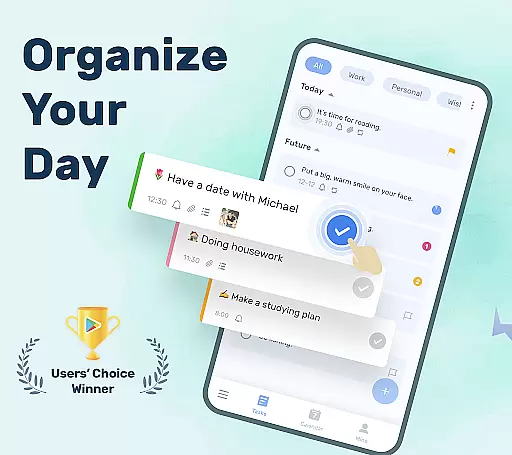
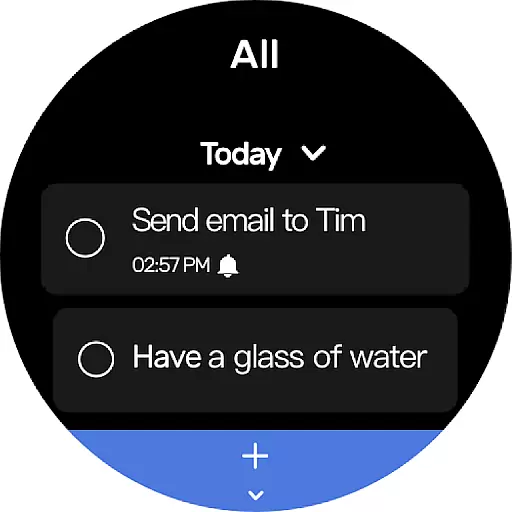
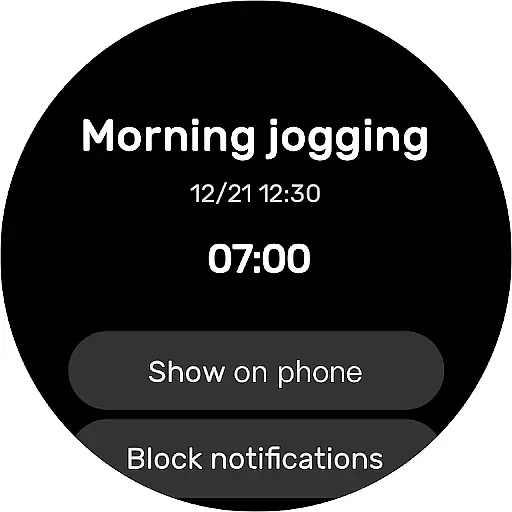
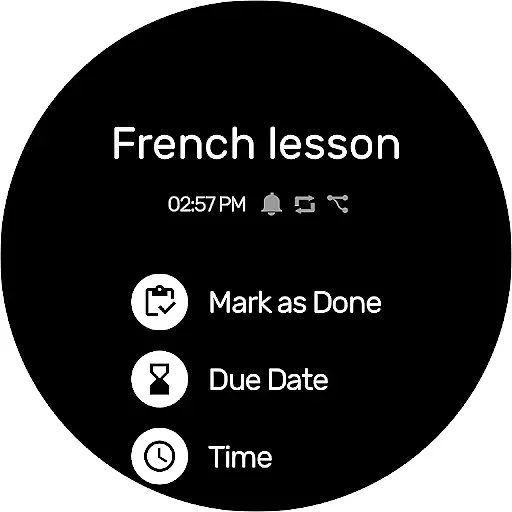
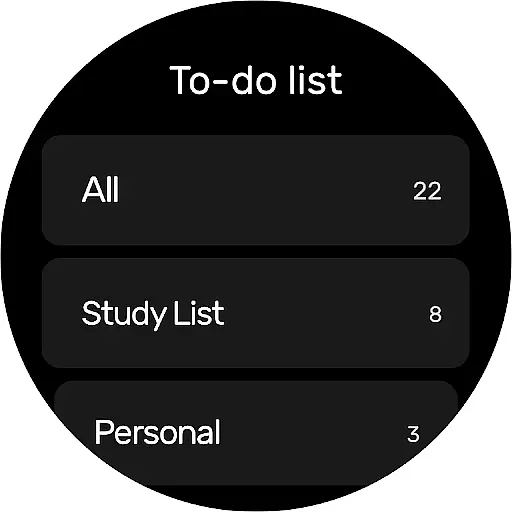
To-Do List is a comprehensive task management app designed specifically for Android Wear users. This free and intuitive to-do list manager allows you to efficiently organize your personal and professional life directly from your smartwatch. The app features multiple task categories, priority settings, and recurring reminders to ensure you never miss important deadlines or events.
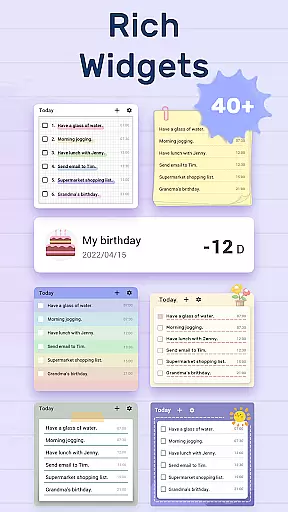
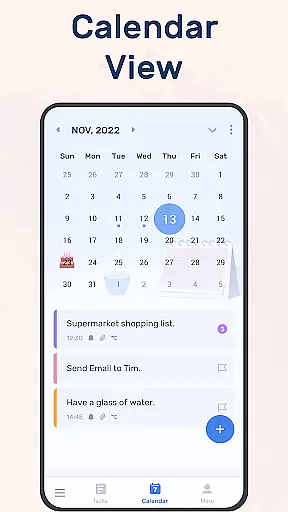
With its sleek interface and customizable themes, To-Do List makes task tracking both visually appealing and highly functional. The app's calendar view provides a clear overview of your schedule, while the widget functionality enables quick access to your daily tasks. Whether you're managing work projects, fitness goals, or personal errands, this app helps you stay organized and productive throughout your day.
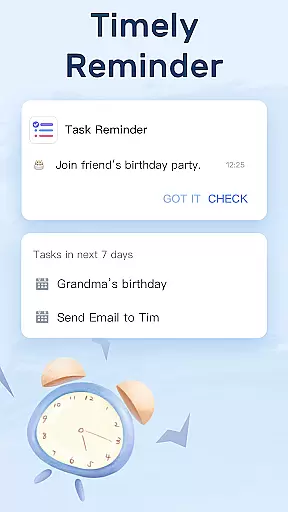
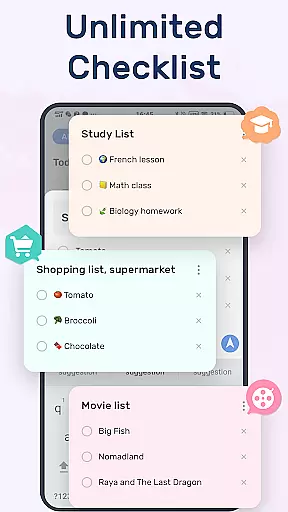
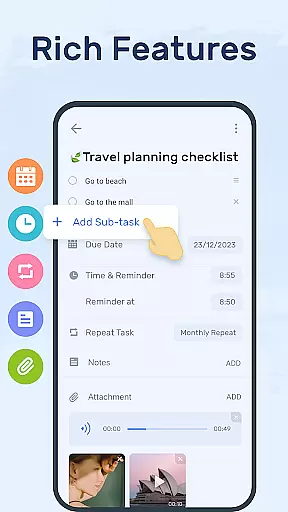
To-Do List stands out with its robust set of features tailored for productivity enthusiasts. The app offers advanced reminder options including alarm notifications and repeat reminders for recurring tasks. Its category management system lets you organize todos with priorities, stars, and sub-tasks, making complex project management more manageable.
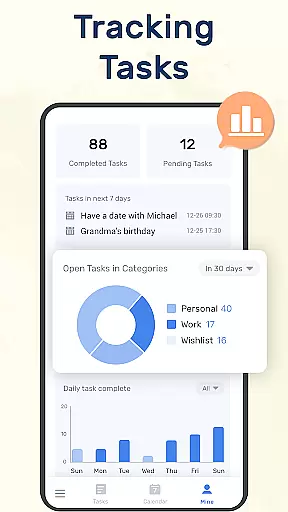
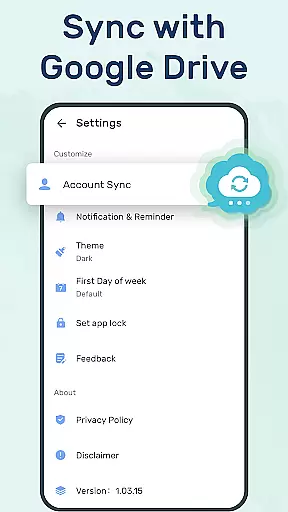
One of the key innovations is its seamless cloud synchronization through Google Drive, allowing you to access your tasks across multiple devices. The Wear OS integration ensures you can track your daily planners on the go. Additionally, the app's completion tracking feature helps you monitor your productivity progress, motivating you to maintain good task management habits.
Companion app integration is essential for wearable devices to ensure seamless functionality between the smartphone and the wearable. To-Do List - Schedule Planner & To Do List Task Manager offers a robust companion app that syncs with its Wear OS application, providing users with an uninterrupted task management experience.
This to-do list app allows you to synchronize your daily schedule planners and reminders across multiple devices via Google Drive. This means whether you're on your phone, tablet, or Wear OS watch, your tasks and reminders are always up-to-date and accessible, ensuring you never miss an important deadline or event.
The synchronization feature not only enhances convenience but also adds a layer of reliability. By backing up your data in the cloud, you can rest assured that your carefully planned schedules and reminders are safe from device malfunctions or losses. This peace of mind is invaluable for users who rely on their task managers for both personal and professional organization.
For apps designed to work with wearable technology, Wear OS/device compatibility is crucial. The To-Do List - Schedule Planner & To Do List Task Manager app excels in this area by offering full compatibility with Wear OS devices, ensuring that users can manage their tasks directly from their smartwatches.
This compatibility extends the app's utility beyond just smartphones, allowing users to receive task reminders and check off completed items right from their wrists. It streamlines the process of managing oneu2019s day, making it quicker and more efficient, especially when multitasking or when your phone isn't readily accessible.
Moreover, the Wear OS support includes features like quick access to your to-do list through widgets and the ability to mark tasks as complete directly from the watch interface. This level of integration ensures that whether you're in a meeting or working out, your task manager is always within reach, helping you stay productive and organized throughout your day.
User-friendly interface
Customizable themes
Cloud sync via Google Drive
Wear OS compatibility
Advanced reminder system
Limited third-party integrations
No built-in analytics
Basic free version
Occasional sync delays
Heavy on battery

Christmas watch face. For Wear OS devices.
 4.30
4.30
Animated Watch Face and Customizable with 24 Backgrounds. Perfect for Christmas!
3.90
Elegant animated Christmas tree with multiple customization options
4.20
Watch face for Wear OS.
4.20
Digital watch face with big numbers and many customization for Wear OS devices
4.40
The Chevron App allows you to pay for fuel from the comfort of your car!
4.80
Bold weather Digital watchface with forecast & optional animated background
4.40
Retro digital watch face with customizable colors and a unique lighting effect
4.60
A digital watch face that celebrates Christmas.
4.00
Diet tracker for weight loss - track calories, food and macros. Simple and easy!
4.70
The most customizable hybrid watch face. For Wear OS 5.0, API 34+ and later
4.70
Kia Access makes getting your vehicle information easier than ever
4.60
Monitor health with the stress test and pulse checker in the heart rate app.
4.60
Embrace the holiday spirit with this magical animated watch face!
4.40
Find EV charging stations
4.30
A full-featured Amazon Alexa voice assistant that can show you things.
3.70
Wear Os Watch Face - Animated Snow Effect & Christmas Lights
4.2
A heartwarming Christmas scene featuring a cute image of Santa and Rudolf
4.0
A watch face that fuses motorsport precision with contemporary smartwatch design
4.3


User Reviews