
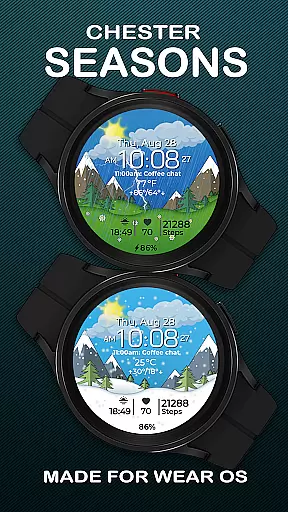
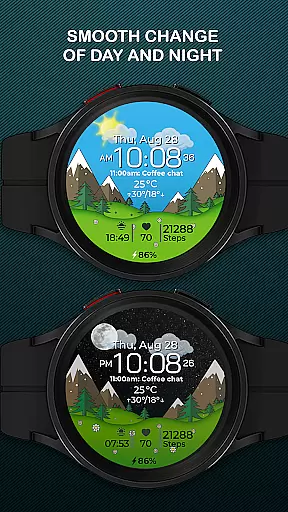
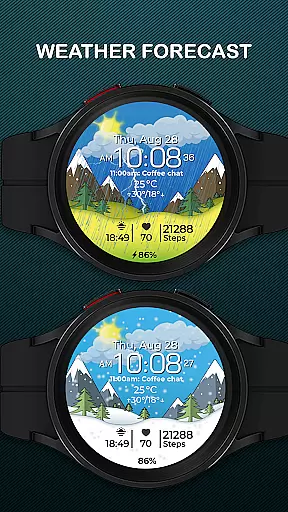
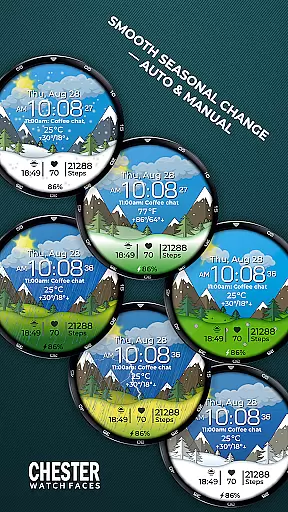
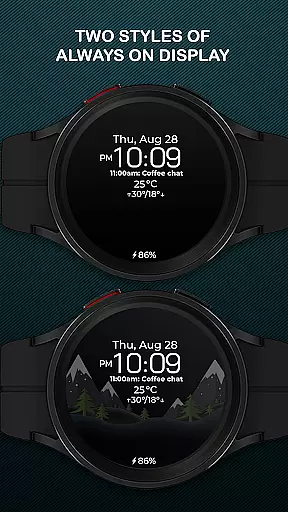
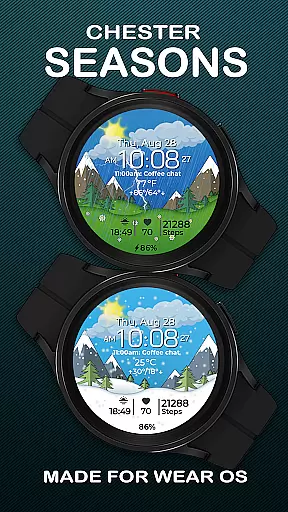
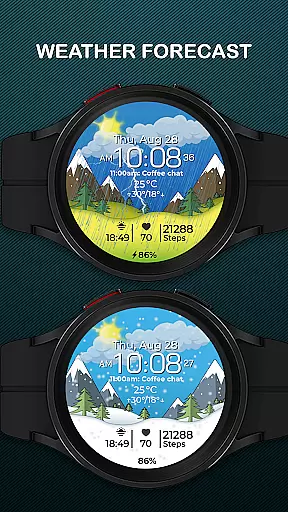
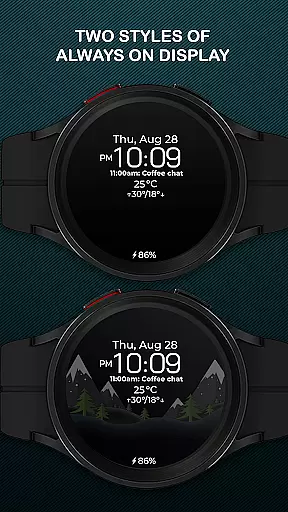
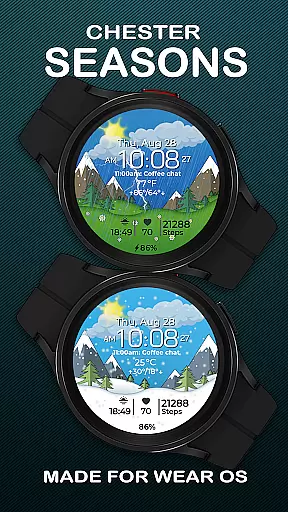
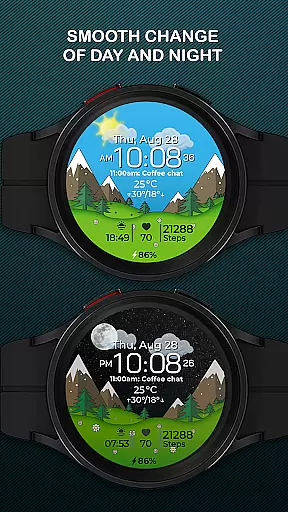
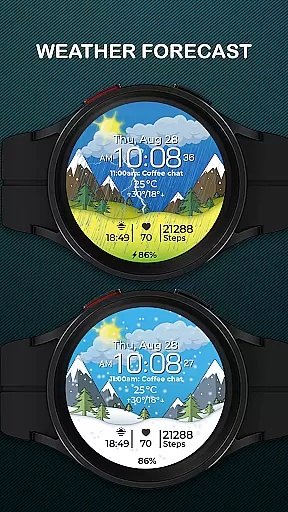
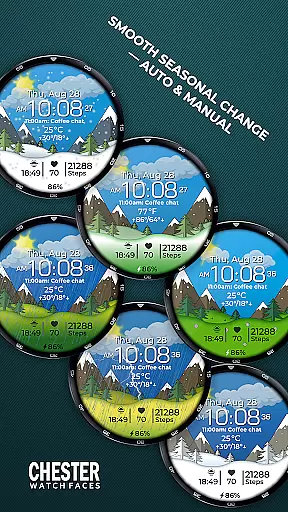
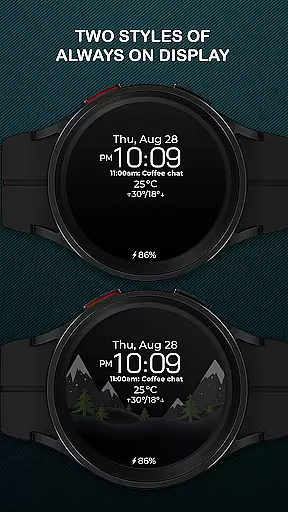
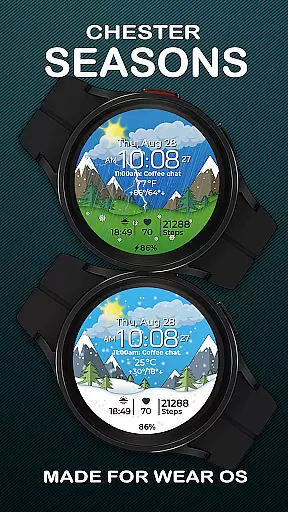
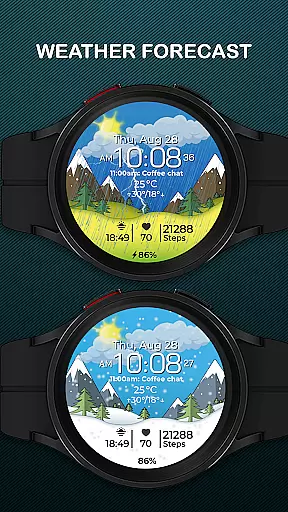
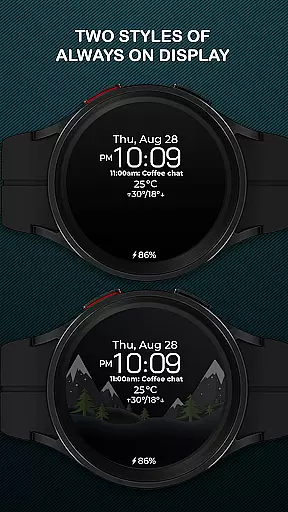
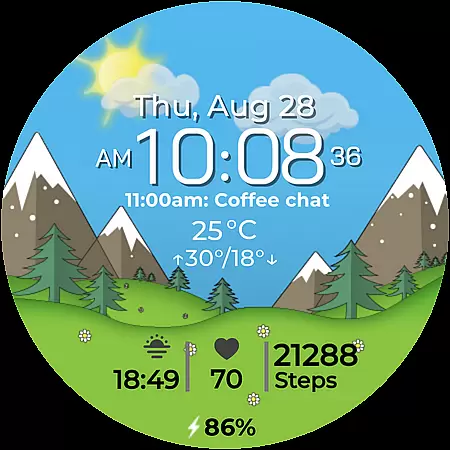
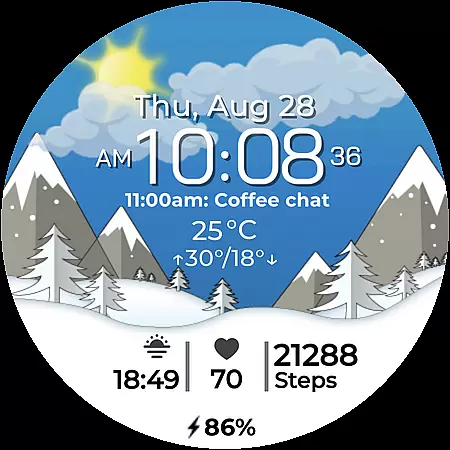
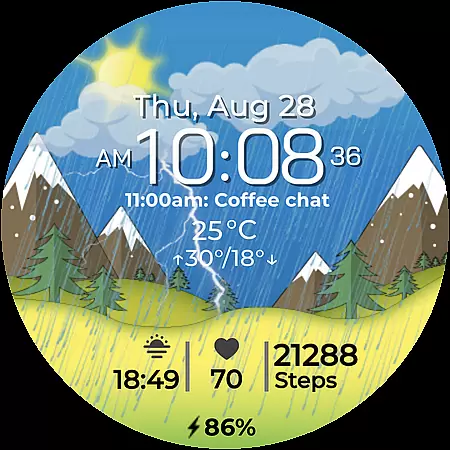
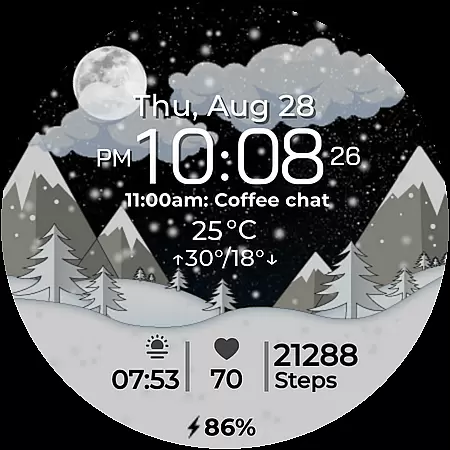
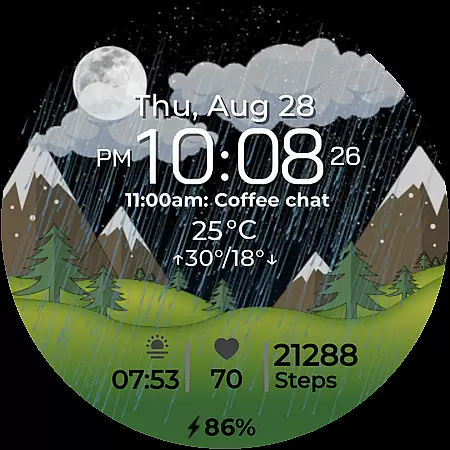
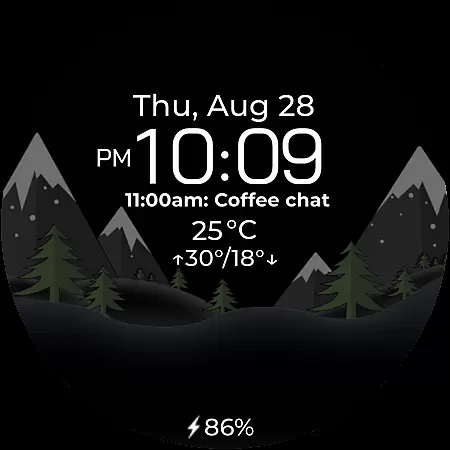
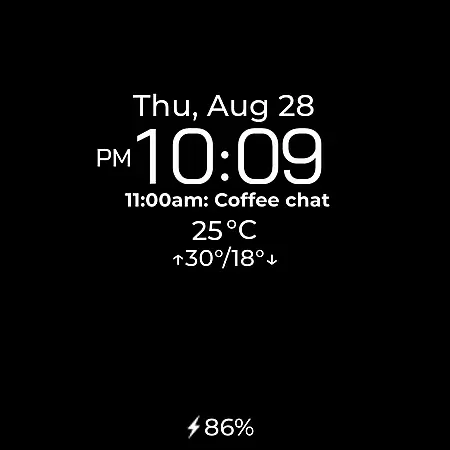
Chester Seasons is a dynamic and stylish watch face designed for Wear OS, offering both aesthetic appeal and practical functionality. This application transforms your smartwatch into a versatile accessory that adapts to seasonal changes and provides essential information at a glance.
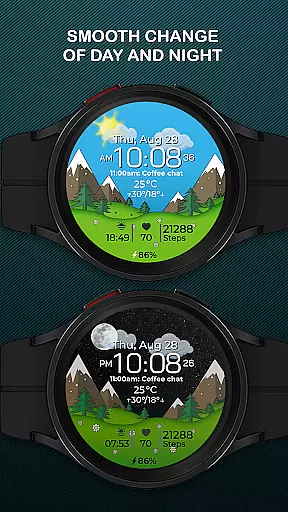
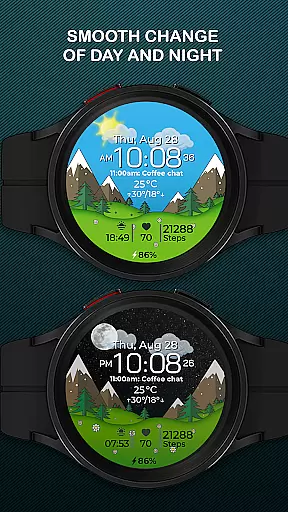
The watch face features rich customization options, including complications, interactive tap zones, and smooth transitions between day and night as well as seasons. It displays time, date, weather conditions, and battery level while supporting both Celsius and Fahrenheit temperature formats. With compatibility across Wear OS API 30+ devices, Chester Seasons enhances your smartwatch experience.
Designed for users seeking more than basic timekeeping, this app brings convenience and personalization to your wrist. Whether you want quick access to apps or need daily weather updates, Chester Seasons ensures your smartwatch aligns with your lifestyle needs.
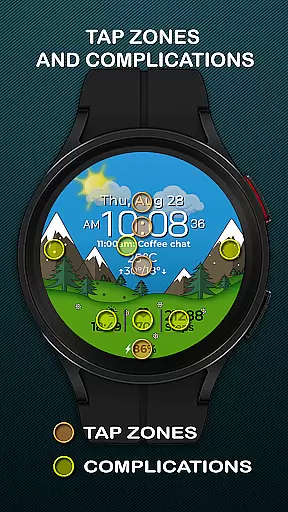
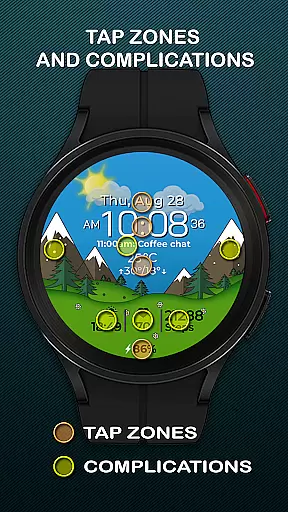
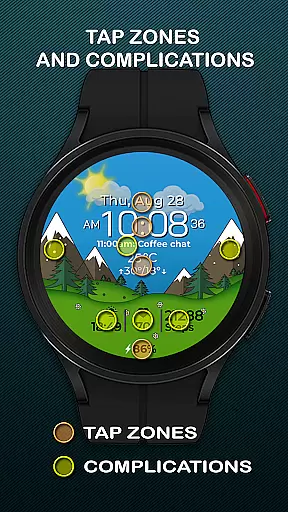
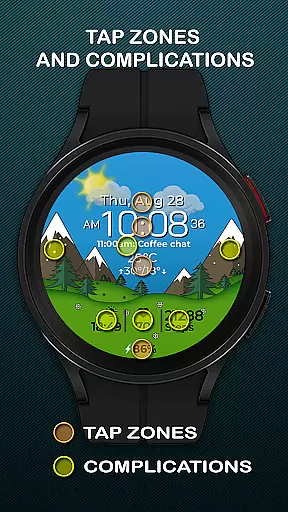
Chester Seasons stands out with its comprehensive feature set tailored for Wear OS users. The app offers a highly customizable interface where users can choose from four complications to display desired information such as weather, fitness stats, or calendar events.
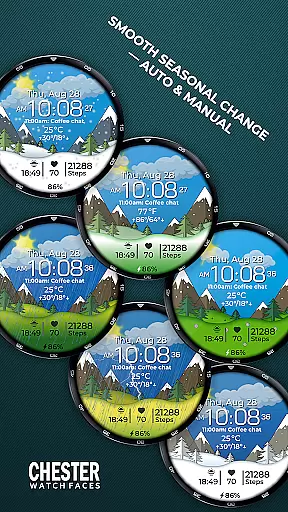
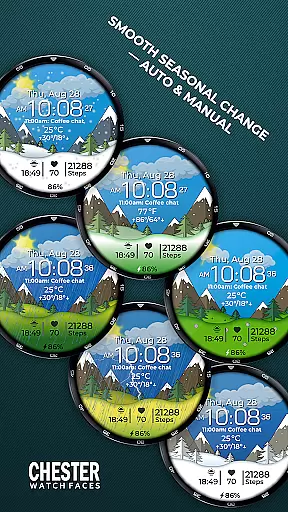
One of the key highlights is the smooth seasonal and day-night transitions, creating an engaging visual experience. Users also benefit from three quick-access zones that allow instant interaction with favorite apps or workout modes. Additionally, the weather display provides current conditions along with maximum and minimum temperatures of the day.
For those using devices on Wear OS API 34+, advanced functionalities like manual background season changes are available. These features collectively ensure that Chester Seasons not only enhances usability but also adds a touch of personal style to every user's smartwatch.
Companion app integration is essential for a seamless wearable experience. Chester Seasons watch face offers robust connectivity with its companion app, ensuring that all your preferences and settings are synchronized effortlessly between your smartphone and Wear OS device.
The integration allows users to customize their watch face in detail through the companion app. From choosing complications to setting up interactive tap zones, every feature can be personalized to match individual needs. This ensures that your smartwatch not only displays time but also serves as a functional accessory tailored to your lifestyle.
Moreover, the companion app provides real-time updates and notifications, keeping you informed about battery levels, weather conditions, and more. This constant communication enhances the overall utility of the watch face, making it a reliable tool for everyday use.
By leveraging the power of companion app integration, Chester Seasons ensures that users enjoy a cohesive and enhanced wearable experience, bringing both style and functionality to their wrists.
Ensuring broad device compatibility is crucial for any Wear OS application. Chester Seasons watch face is designed to work seamlessly with all Wear OS API 30+ devices, including popular models like Google Pixel Watch and Samsung Galaxy Watch series.
This compatibility extends the stylish and dynamic features of Chester Seasons to a wide range of smartwatches, allowing more users to enjoy its beautiful animations and useful functionalities. Whether you want to display time, date, or weather conditions, this watch face adapts perfectly to different devices.
However, it's important to note that certain advanced features such as weather display and manual seasonal background changes are only available on devices running Wear OS API 34 and above. This ensures optimal performance and user experience across various hardware specifications.
With its commitment to compatibility, Chester Seasons transforms your Wear OS smartwatch into a versatile accessory that evolves with your lifestyle and the changing seasons.
Highly customizable
Interactive tap zones
Smooth animations
Weather integration
Wide device support
No rectangular support
Limited old OS features
Premium feel costs
Complex first setup
Battery intensive

A watch face that fuses motorsport precision with contemporary smartwatch design
 4.2
4.2
Easy Voice Recorder is your everyday companion to record important moments.
4.70
Let's celebrate Thanksgiving - Wear Os watch face
4.20
sleep, alarm, snoring, stress, healing, focus, sound therapy, circadian rhythm
4.10
Funny animated watch face for Thanksgiving
4.5
Hyper-Realistic Airplane Dashboard Watch Face With 10 Skins and Custom AOD
4.00
A digital watch face that celebrates Christmas.
4.00
Connect, create, and collaborate with Gmail, part of Google Workspace.
4.10
Your local weather forecast, storm tracker, radar maps & live weather news
3.40
Beautiful, colorful and practical watch face. For Wear OS devices.
5.00
The Chevron App allows you to pay for fuel from the comfort of your car!
4.80
Walking app for weight loss: walk & step tracker, pedometer, indoor treadmill
4.60
Real-time results, stats, schedules and player profiles for all leagues
4.60
Retro digital watch face with customizable colors and a unique lighting effect
4.60
Christmas watch face. For Wear OS devices.
4.30
"PER27 Galaxy Digital" is a digital Wear OS watch face designed by PERSONA
4.10
Wear Os Watch Face - Animated Snow Effect & Magic Spark - 6 Scenes
4.10
Structured watch face with seven complications and modular UI elements
3.90
A full-featured Amazon Alexa voice assistant that can show you things.
3.70


User Reviews