
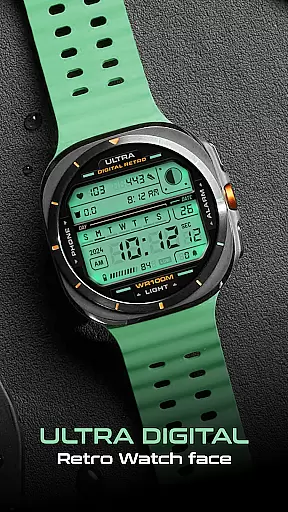
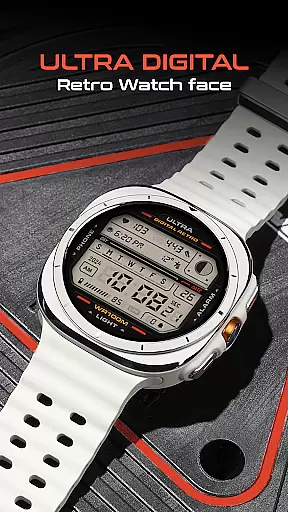
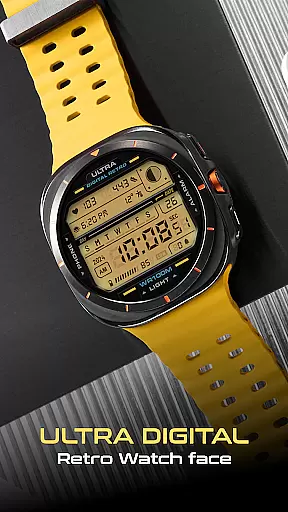
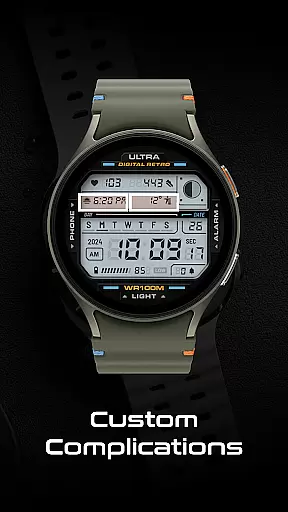
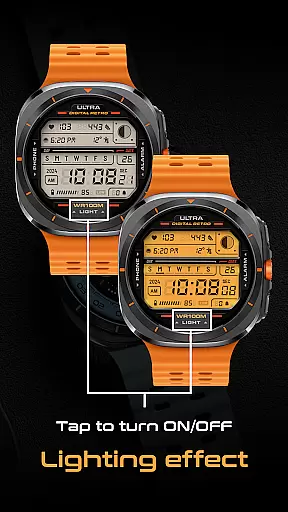
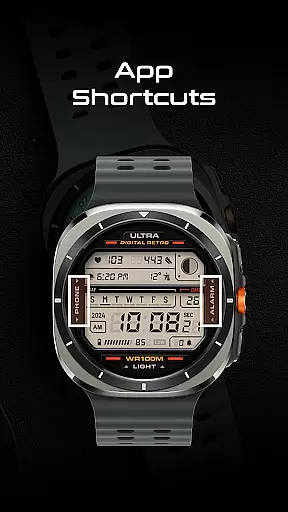
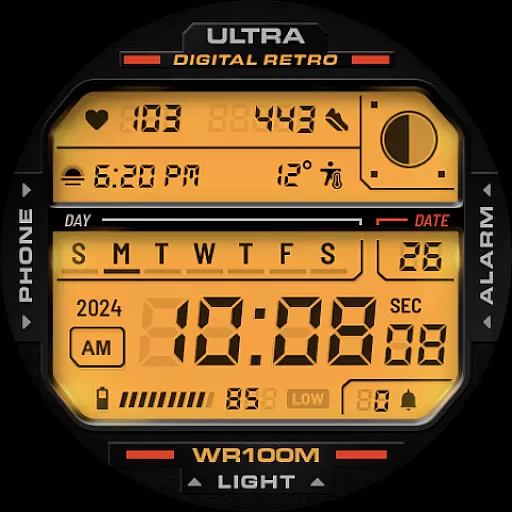
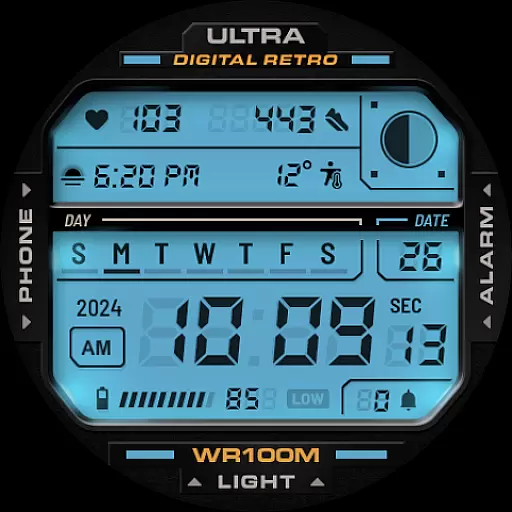
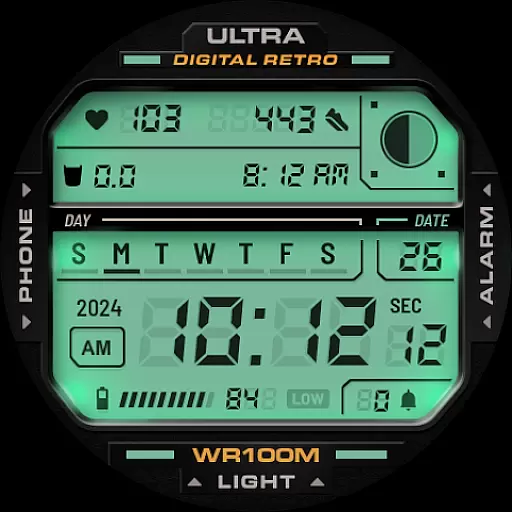
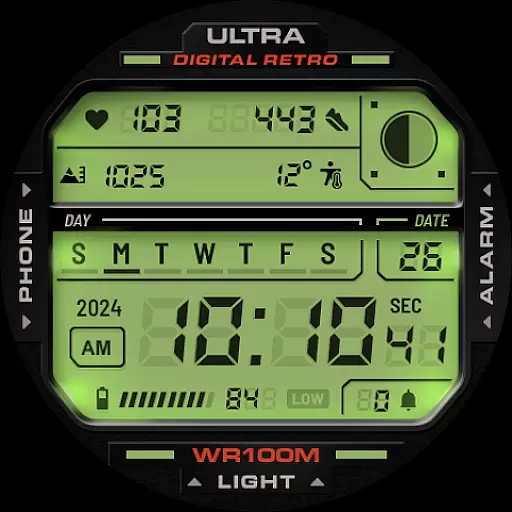
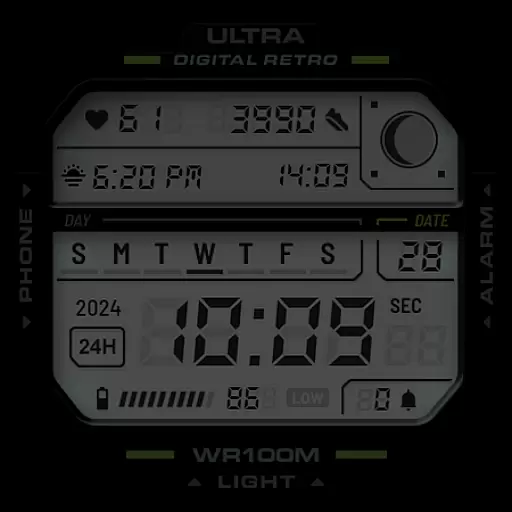
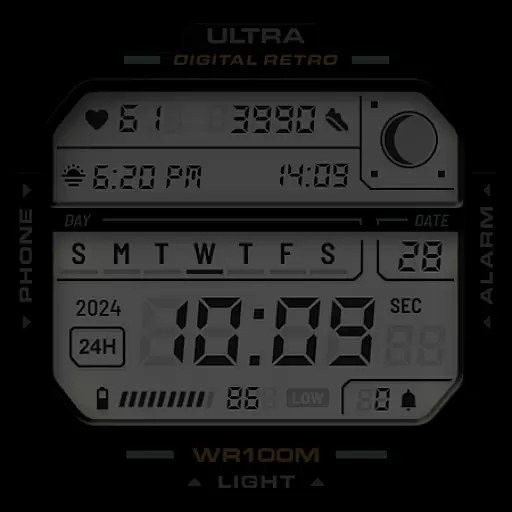
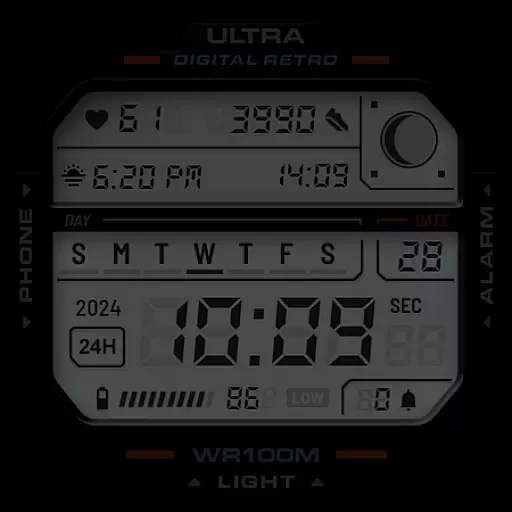
ULTRA Digital Retro watch face offers a stylish and functional digital interface for Wear OS smartwatches. This retro-inspired design combines aesthetics with practicality, featuring multiple color options, a unique lighting mode, and two customizable complications.
The watch face supports various shortcuts and essential information displays such as time, date, battery level, step counter, heart rate monitor, and more. Compatible with Samsung Galaxy Watch7, Ultra, Pixel Watch 3, and other WearOS devices, it provides users with both fashion and utility on their wrists.
This Wear OS watch face stands out with its versatile feature set. The lighting effect can be toggled on and off by tapping the bottom of the screen, while multiple LCD lighting colors and detail customization options allow for personalization through the CUSTOMIZE menu.
Key functionalities include a 12h/24h digital clock, day and date display, year indicator, battery level, step counter, heart rate monitor, moon phases, and notification counter. Additionally, two customizable complications and app shortcuts to Phone and Alarm enhance user convenience.
These features collectively deliver an engaging user experience that balances retro style with modern smartwatch capabilities.
Companion app integration is essential for a seamless smartwatch experience. ULTRA Digital Retro watch face offers robust companion app support through the Facer platform. This ensures that all your customizations and settings are perfectly synchronized between your smartphone and Wear OS smartwatch.
The app provides a comprehensive customization suite, allowing users to modify LCD lighting colors, detail colors, and other personalization options directly from their phone. These changes are instantly reflected on the paired smartwatch, providing a hassle-free setup process.
Users benefit from real-time synchronization of complications and shortcuts. Whether you're adjusting the step counter or setting up tap shortcuts for phone and alarm functions, the companion app ensures these preferences are accurately applied. This level of integration significantly enhances user convenience.
The reliable companion app connection also enables automatic updates and feature enhancements. When new functionalities are released, users can easily access them through the companion app, keeping their smartwatch experience fresh and up-to-date without any complicated procedures.
Device compatibility is crucial when selecting a smartwatch face. ULTRA Digital Retro boasts extensive compatibility with various Wear OS devices, including Samsung Galaxy Watch7, Ultra, and Pixel Watch 3. This broad support ensures that most Wear OS users can enjoy this stylish digital watch face.
The watch face adheres to Google's Watch Face Format, guaranteeing optimal performance across supported devices. Its standardized implementation means users won't experience display issues or functionality problems regardless of their specific Wear OS device model.
Advanced features like customizable complications and multiple app shortcuts work consistently across compatible devices. Users can expect uniform behavior whether they're using the lighting effect feature or checking their heart rate monitor on different Wear OS watches.
This wide-ranging compatibility extends to various screen sizes and resolutions, maintaining visual quality and touch responsiveness. The thoughtful design ensures that all interactive elements remain easily accessible, regardless of the specific device's physical dimensions or pixel density.
Stylish retro design
Highly customizable
Feature-rich display
Easy shortcut access
Wide device compatibility
Limited to Wear OS
Complex customization
Battery consumption
Few color options
No advanced widgets

Calming & relaxing sounds for sleeping and stress relief. Stay focused all day!
 4.20
4.20
Snowflake Rose Gold Watch Face - Digital, modern, & sleek with GYRO effect.
4.10
Stunning modern digital watch face with 7 complications and strong contrast
4.4
Structured watch face with seven complications and modular UI elements
3.90
sleep, alarm, snoring, stress, healing, focus, sound therapy, circadian rhythm
4.10
Locate your family members by GPS phone location tracker everywhere and anytime
4.30
Real-time results, stats, schedules and player profiles for all leagues
4.60
Bold weather Digital watchface with forecast & optional animated background
4.40
Fitbit is dedicated to helping people lead healthier, more active lives.
4.10
Real-time weather radar with temperatures, warnings, hurricanes, and widgets
4.80
The most customizable minimal watch face. For Wear OS 5.0, API 34+ and later
4.70
Rose gold watch face with festive lights & customizable features.
4.60
Fast and smart typing with Emojis, GIFs, and more
4.50
Current temperature, weather hourly, weather radar by the weather forecast app
4.40
Your music, your playlists, and more—offline and unlimited.
4.20
Daily Weather forecast with 15 weather images for Day & Night plus Big Bold time
4.10
Stay in touch with your friends and family using LINE!
3.40
Artistic Digital Watchface
4.5
Sleek, highly customizable watch face inspired by Galaxy Watch Circle Dashboard.
4.3


User Reviews