
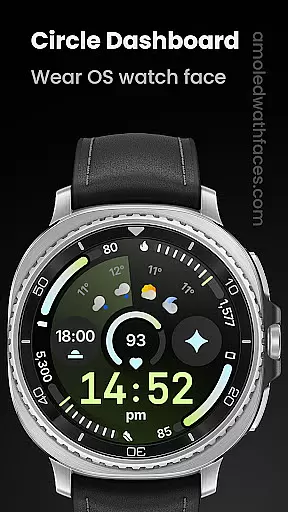
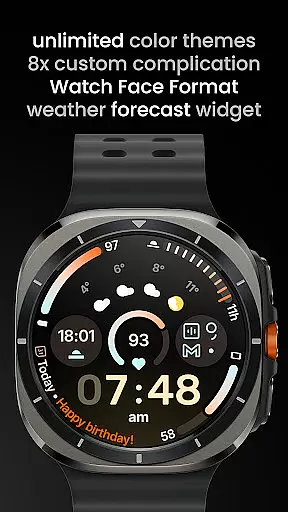
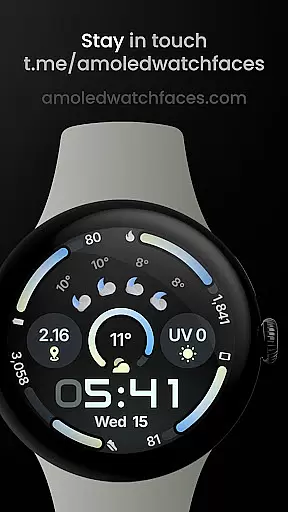
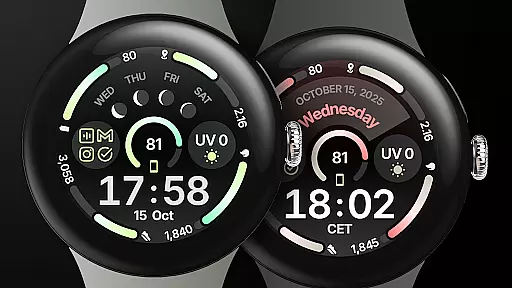
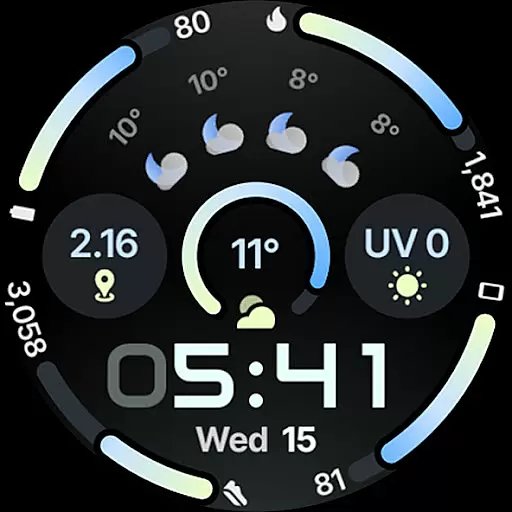
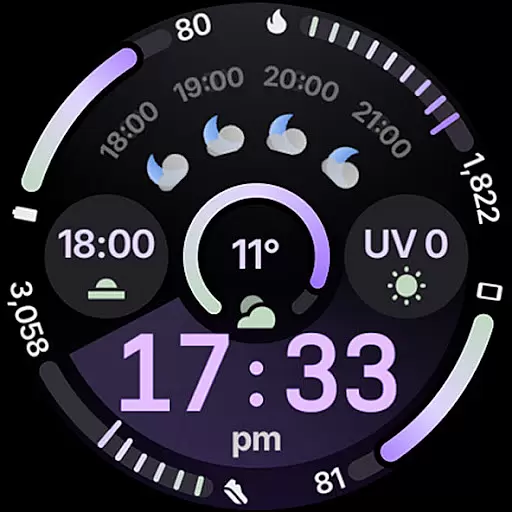
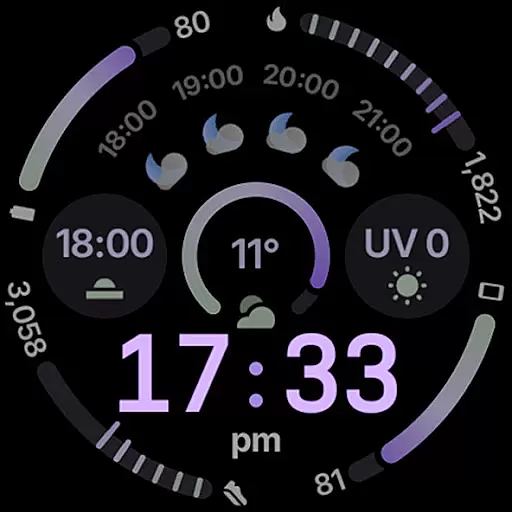
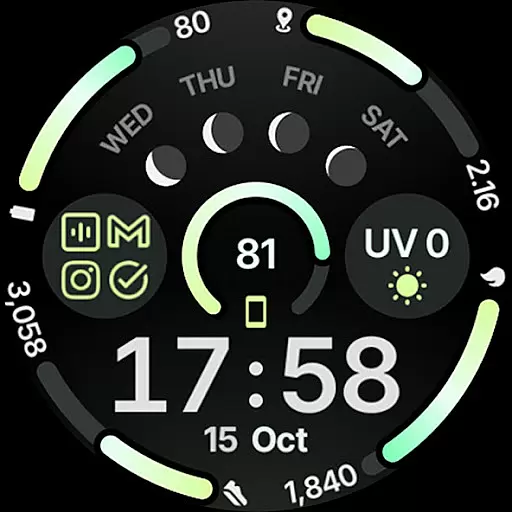
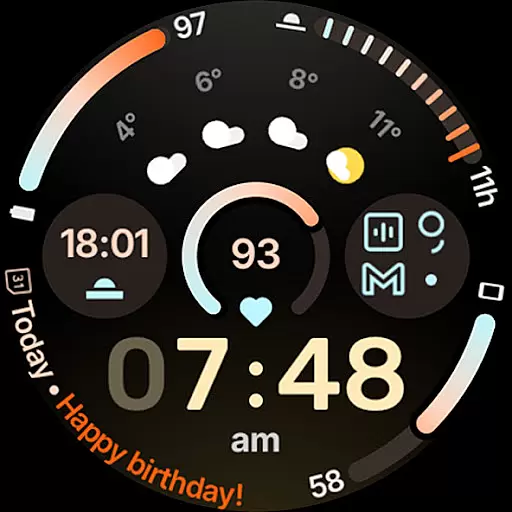
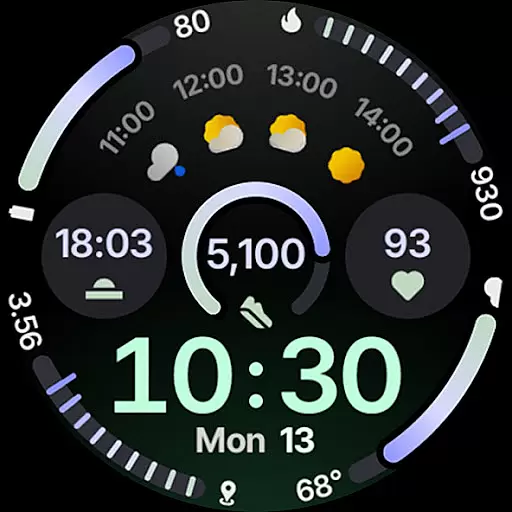
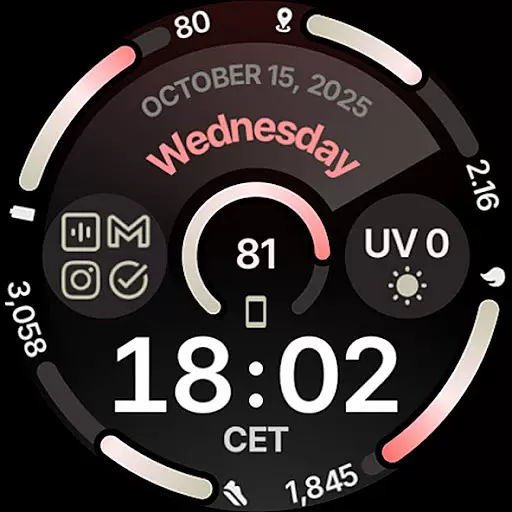
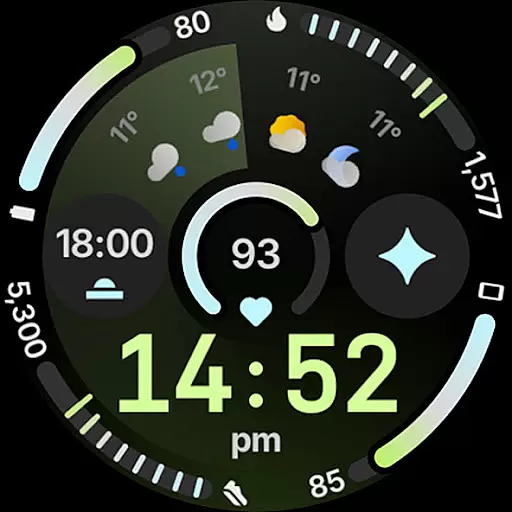
Circle Dashboard Watch Face is a feature-rich watch face designed exclusively for Wear OS 4+ devices. Inspired by the Galaxy Watch 8 series, it offers advanced customization options and supports multiple complications. The watch face provides users with an intuitive dashboard experience while maintaining battery efficiency.
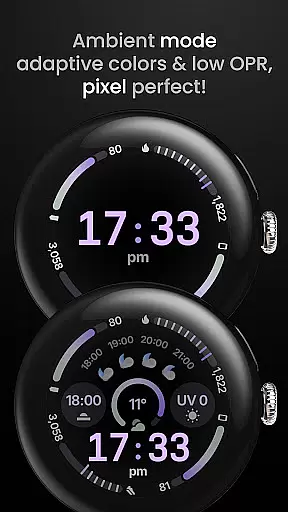
Key features include support for 8 custom complication slots, adaptive complication text size, and three always-on display styles. With true black background and unlimited color theme combinations, this watch face delivers both aesthetic appeal and functional utility. It also includes innovative elements like animated AOD entering and material 3 expressive progress bars.
This watch face stands out with its comprehensive feature set tailored for power users. Built using Watch Face Format 4, it supports advanced functionalities such as watch face presets (flavors) for Wear OS 5+, making personalization effortless.
The implementation of custom complication slots allows integration with various data sources including weather forecasts and moon phases. Notably, the inclusion of phone notifications complication support enhances connectivity between devices. Additionally, features like digital clock blinking colon effect and multilanguage support demonstrate attention to detail in user experience design.
What sets Circle Dashboard apart is its commitment to future-proofing through features like animated AOD entering for Wear OS 6+ and adaptive complication text size, ensuring optimal visibility across different screen sizes and conditions.
Companion app integration is essential for wearable devices to synchronize data and settings with a smartphone. Circle Dashboard Watch Face ensures seamless connectivity between your Wear OS device and Android phone.
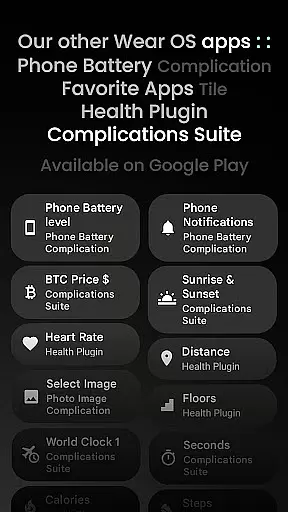
This watch face supports advanced features like custom complications that work in tandem with dedicated mobile applications. For instance, the Phone Battery Complication app allows users to display their phone's battery status directly on the watch face.
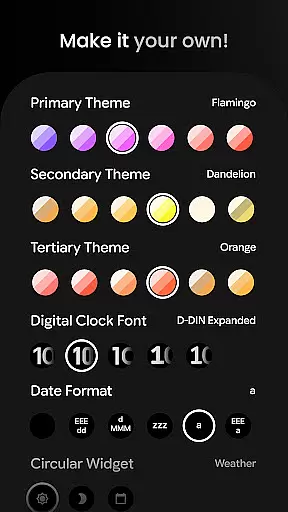
Users benefit from real-time updates and configurations through the companion app. They can customize themes, adjust digital clock fonts, and manage weather widgets effortlessly from their phone.
The integration extends to user support as well. Through the provided website and Telegram group links, users can access live assistance and community discussions, enhancing their overall experience with Circle Dashboard.
Device compatibility is crucial when selecting a smartwatch face. Circle Dashboard Watch Face is specifically designed for Wear OS 4+ devices, ensuring optimal performance on supported hardware.
This application leverages Watch Face Format 4 and upcoming features exclusive to Wear OS 5 and 6. These include animated AOD entering, adaptive complication text size, and new material 3 expressive progress bars.
Users can be confident in the watch face's functionality across different Wear OS devices. The developer has implemented comprehensive testing protocols and provides detailed installation guides on their official website.
Furthermore, the application offers extensive customization options that maintain consistent performance regardless of the specific Wear OS device model, making it a versatile choice for Android smartwatch users.
Highly customizable
Battery efficient
Modern design
Advanced complications
Future-proof features
Wear OS 4+ only
Some features Wear OS 5+
Weather requires app
Complex for beginners
Premium price point

Diet tracker for weight loss - track calories, food and macros. Simple and easy!
 4.70
4.70
Embrace the holiday spirit with this magical animated watch face!
4.40
Contemporary digital watch face with five complications
4.5
Simple Analog-Digital Watchface For Wear OS 3.0 and Up Smartwatches
4.5
Digital watch face. For Wear OS devices.
4.40
Gym & home workout plans with strength training, exercise tracking, HIIT & more.
4.60
Fast and smart typing with Emojis, GIFs, and more
4.50
Track your active life in one place and share the journey with friends.
4.40
Spam call blocker and caller ID for automatic call protection!
4.40
The Chevron App allows you to pay for fuel from the comfort of your car!
4.80
Hyperlocal rain alerts by MyRadar using patent-pending technology, radar & more
4.80
Monitor health with the stress test and pulse checker in the heart rate app.
4.60
A realistic hybrid watch face with many customization options.
4.60
Stylish, Energizing and Modern Watch Face crafted by Dominus Mathias.
4.50
Reliable phone calls with spam protection, caller ID and more helpful features
4.40
Christmas watch face. For Wear OS devices.
4.30
Structured watch face with seven complications and modular UI elements
3.90
Your local weather forecast, storm tracker, radar maps & live weather news
3.40
an Analog Watch Face for winter season with freeze winter background for Wear OS
4.4


User Reviews