
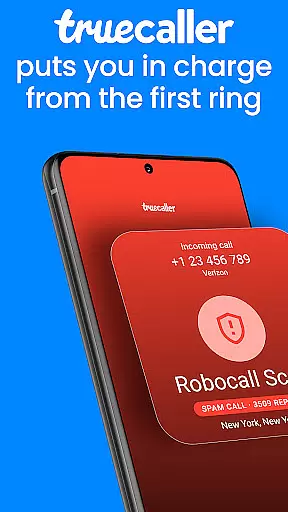


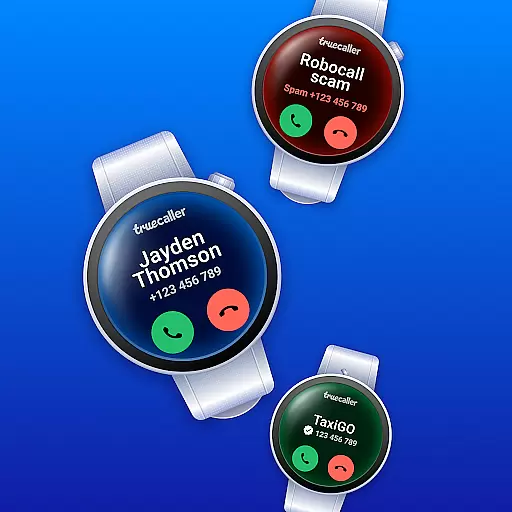
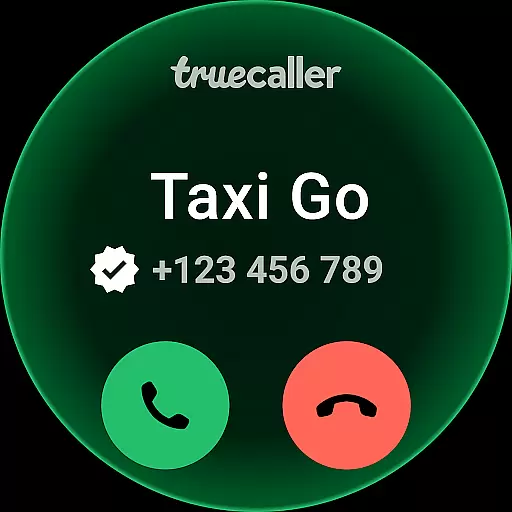
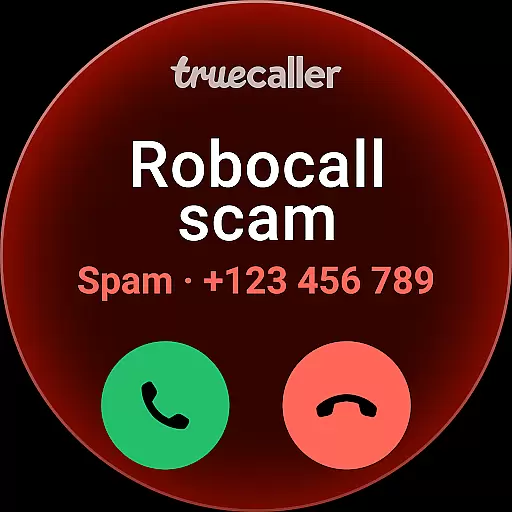
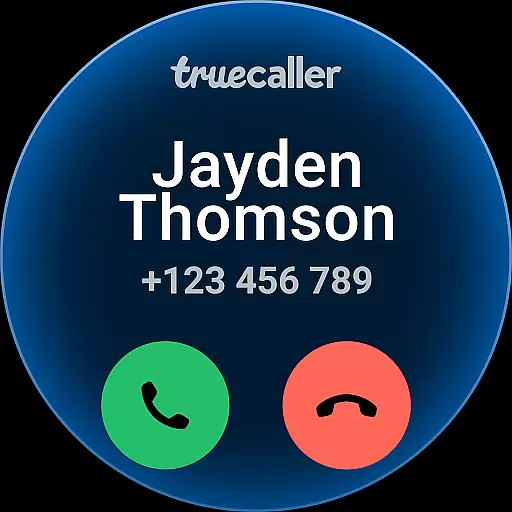
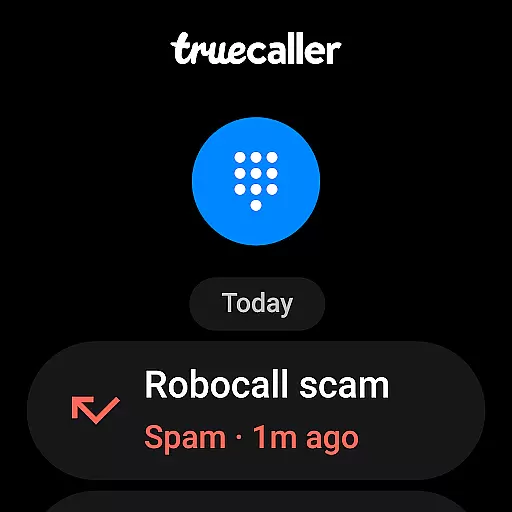
Truecaller is an advanced caller ID and call-blocking app designed specifically for Android Wear devices. It empowers users to take control of their incoming calls by instantly identifying unknown numbers and blocking spam, scam, and unwanted calls. The app employs an advanced spam filter that effectively detects and halts telemarketers, robocallers, and suspicious numbers, ensuring that users only receive calls that matter.
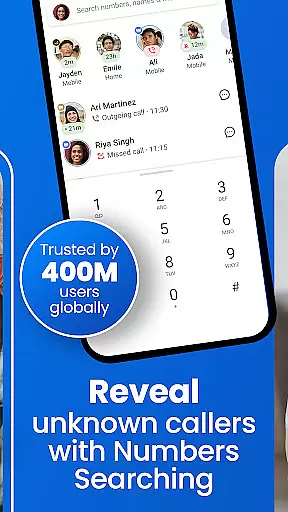
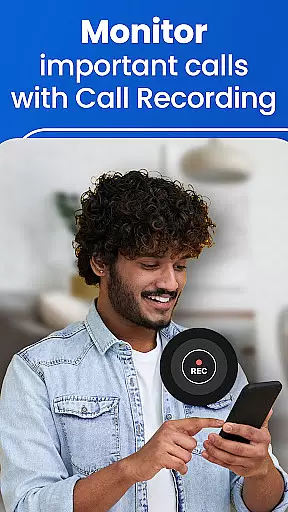
In addition to its core functionality, Truecaller offers valuable features such as reverse number lookup and call recording. These tools provide users with the ability to look up unfamiliar numbers and maintain records of important conversations. Whether you're receiving a call from a potential scammer or simply want to know who's trying to reach you, Truecaller provides the necessary information to make informed decisions about your communication.
The app is particularly useful for professionals and individuals who receive a high volume of calls and wish to streamline their communication process. By filtering out irrelevant and potentially harmful calls, Truecaller ensures that users can focus on what truly matters without being disturbed by nuisance callers. This makes it an essential tool for anyone looking to enhance their calling experience on Android Wear devices.
Truecaller stands out with its comprehensive suite of features tailored for Android Wear users. One of its most notable capabilities is the AI Call Scanner, which integrates seamlessly into the dialer. This innovative feature uses artificial intelligence to differentiate between human and AI-synthesized voices, providing an additional layer of security against potential scams and fraudulent activities. Users can activate the AI Call Scanner via a dedicated button within the Truecaller dialer, allowing them to merge calls with a secure phone line and analyze voice samples for authenticity.
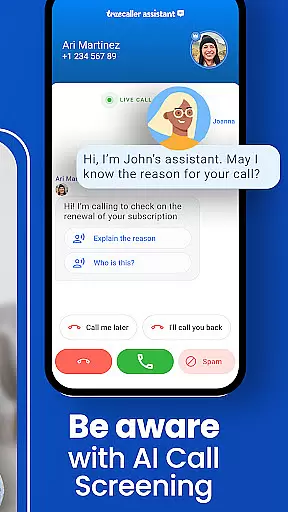
Another standout feature is the Truecaller Assistant, a smart call screening and voice-based virtual assistant powered by AI. This tool answers calls on behalf of the user, utilizing machine learning and speech-to-text technology to interact with callers. The Assistant can determine with over 90% accuracy whether a call is spam, a scam, or a robocaller, helping users decide whether to answer or reject the call. Additionally, users can personalize the screening process by using their own voice, adding a personal touch to call management.
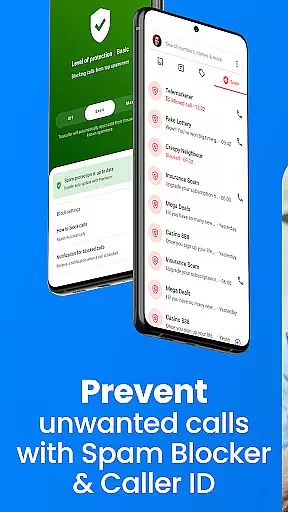
Truecaller also excels as a world-class spam call blocker and detector. It automatically blocks spam calls and SMS from telemarketers, robocallers, scammers, and more. The app's spam list is updated in real-time by millions of users, ensuring that the blocking mechanism remains effective and up-to-date. With advanced blocking options, backup and restore features, and powerful caller ID functionalities, Truecaller offers a complete solution for managing and securing your communication on Android Wear devices.
Truecaller offers seamless companion app integration, ensuring that your wearable device works in harmony with your smartphone. The application extends its advanced call-blocking and spam-filtering capabilities to your Android Wear device, allowing you to manage calls and messages directly from your wrist.
The synchronization between the Truecaller mobile app and its wearable counterpart is designed for real-time updates. This means any adjustments made on one platform are immediately reflected on the other, providing a cohesive user experience across devices. Whether it's updating your block list or receiving caller ID notifications, everything is synced effortlessly.
Users benefit from having control at their fingertips without needing to reach for their phones constantly. With important features like AI Call Scanner and Truecaller Assistant accessible on your smartwatch, you can verify caller authenticity and screen calls even when your phone isn't within arm's reach.
Truecaller ensures broad compatibility with Wear OS and various devices, making it an ideal choice for users seeking comprehensive communication management on their smartwatches. By supporting a wide range of Wear OS-powered gadgets, Truecaller guarantees that you can utilize its full suite of features regardless of your device model.
The app is optimized to deliver smooth performance on all compatible wearables, maintaining high standards of usability and responsiveness. Its intuitive interface adapts well to smaller screens, offering easy navigation through essential functions such as blocking unwanted calls, viewing caller information, and managing text messages.
With this level of device compatibility, Truecaller empowers users to stay connected and protected against spam calls and messages no matter where they are or what Wear OS device they use. This flexibility enhances convenience while ensuring consistent protection and productivity across different platforms.
Accurate caller ID
Spam blocking
Call recording
Reverse lookup
User-friendly
Privacy concerns
Occasional ads
Premium cost
Heavy on battery
Permissions needed

Diet tracker for weight loss - track calories, food and macros. Simple and easy!
 4.70
4.70
Wear Os Watch Face - Animated Snow Effect & Christmas Lights
4.2
Christmas - Festive - Christmas Village - Winter - Christmas lights
5.00
Christmas and New Year - Themed Watchface
4.2
Beautiful artistic animated digital watch face, with a customizable layout!
4.40
Let's celebrate Thanksgiving - Wear Os watch face
4.20
Real-time results, stats, schedules and player profiles for all leagues
4.60
Daily Weather forecast with 15 weather images for Day & Night plus Big Bold time
4.10
Simple, helpful messaging by Google
4.60
Kia Access makes getting your vehicle information easier than ever
4.60
Gym & home workout plans with strength training, exercise tracking, HIIT & more.
4.60
A realistic hybrid watch face with many customization options.
4.60
MyNISSAN® lets you remotely control your car from your phone.*
4.50
Fast and smart typing with Emojis, GIFs, and more
4.50
Digital watch face with big numbers and many customization for Wear OS devices
4.40
The ultimate destination for kids ages 3-8 to explore the Marvel Universe!
4.30
Your music, your playlists, and more—offline and unlimited.
4.20
A digital watch face that celebrates Christmas.
4.00
Stylish digital watch face for Wear OS devices with customizable features
4.5


User Reviews