

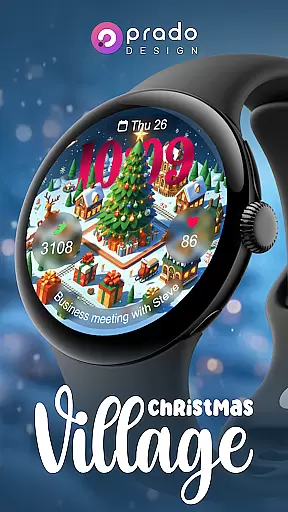
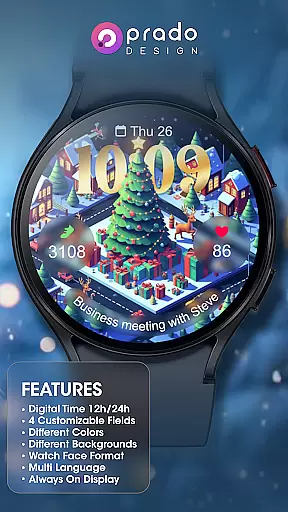
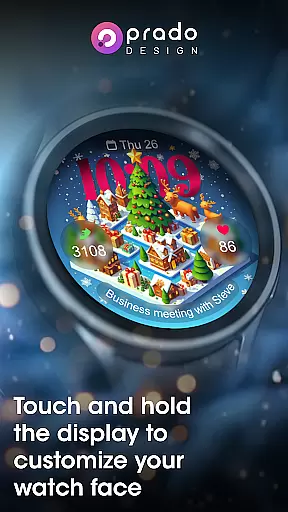
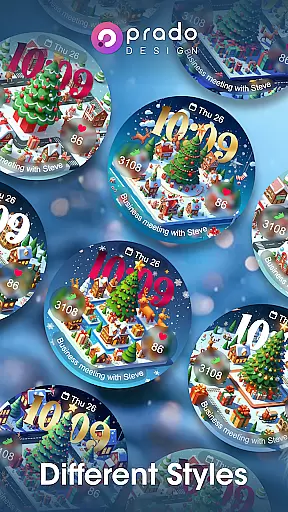

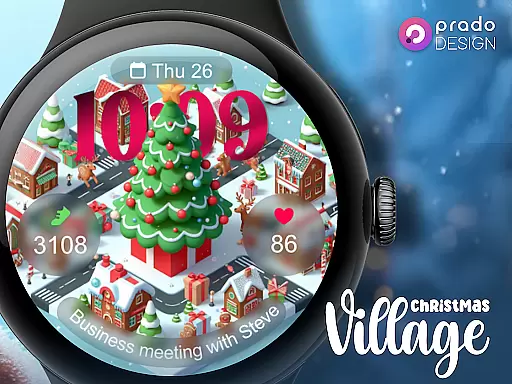
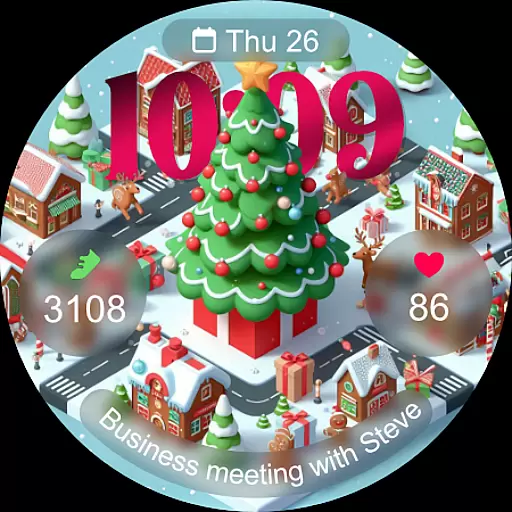
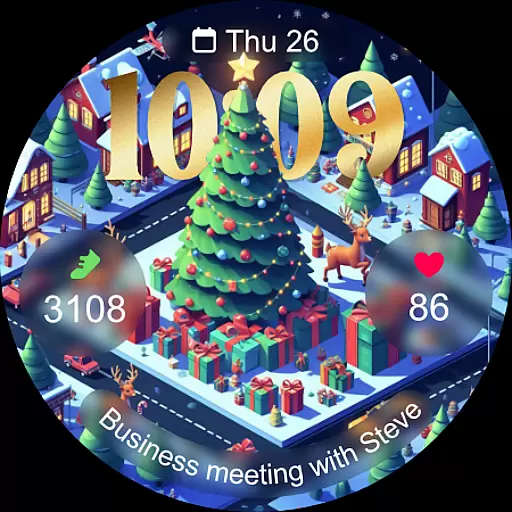
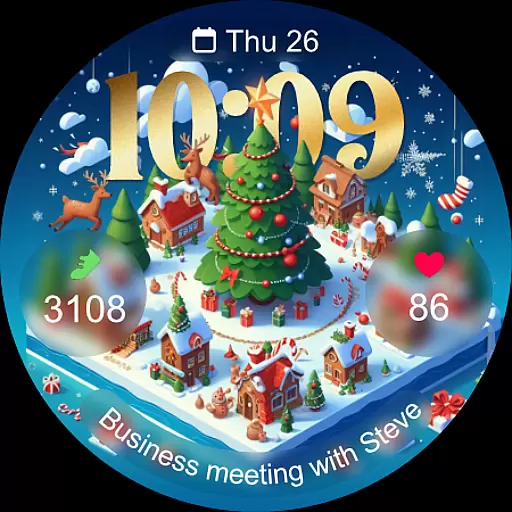
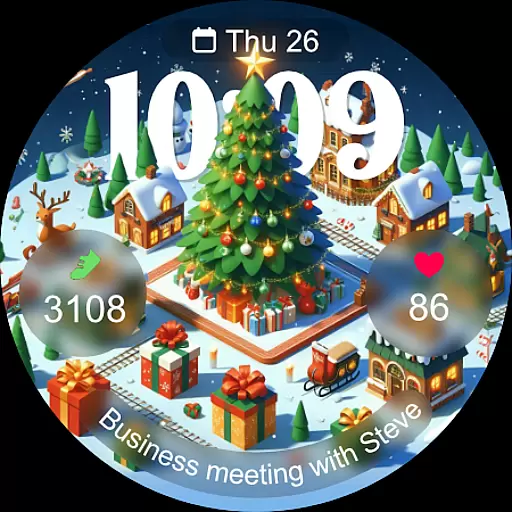
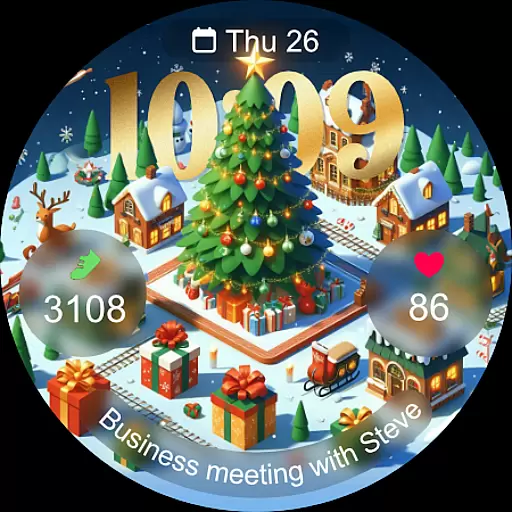
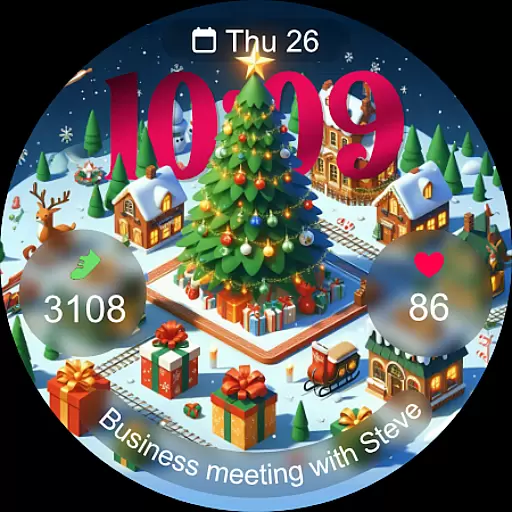
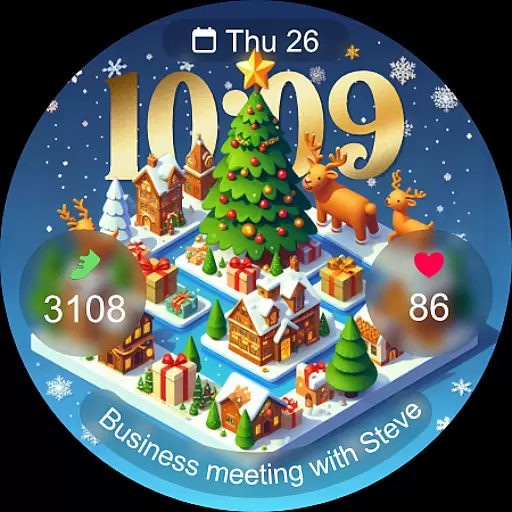
Christmas Village is a festive watch face app designed specifically for Wear OS devices, offering users the perfect holiday companion for their smartwatches. With its vibrant Christmas theme and customizable features, it brings seasonal cheer while maintaining practical functionality.
The app supports both 12-hour and 24-hour formats based on your phone settings, includes four customizable fields, and offers various color options and characters to suit individual preferences. Compatible with multiple languages and featuring an Always-On Display, Christmas Village ensures both style and usability during the holiday season.
Whether you're attending holiday parties or simply enjoying a cozy evening at home, this watch face adds a touch of festivity to your device while providing essential timekeeping features.
Christmas Village stands out with its rich feature set tailored for Wear OS users. The app provides a highly customizable experience through its support for 12h/24h time formats, four customizable fields, and multiple color options. Users can personalize their watch faces with different characters and enjoy multi-language support, making it versatile for diverse audiences.
One of the key highlights is the Always-On Display functionality, ensuring that users can view the time and complications without needing to wake the screen. To enhance utility, the app integrates weather complications, though users must configure their location settings in a compatible weather app beforehand.
For optimal performance, users are encouraged to manually enable sensor permissions and allow data complication access. This ensures full access to all features, including fitness tracking and notifications, delivering a comprehensive wearable experience.
For Christmas Village, companion app integration is essential for maximizing the watch face's capabilities. This feature ensures that your Wear OS device can seamlessly synchronize with your smartphone, providing real-time updates and settings adjustments.
The watch face relies on your phone's settings for features like time format (12h/24h), weather complications, and language preferences. By connecting through the companion app, users can customize their experience without hassle, ensuring that all personalized settings are accurately reflected on their watch face.
Users benefit from this integration by enjoying a hassle-free setup process. With options to enable sensors and receive complication data permissions, the companion app allows for an enriched functionality that goes beyond mere aesthetics, delivering both utility and personalization.
Compatibility with Wear OS devices is a cornerstone of Christmas Village's design. Ensuring that the application operates smoothly across various devices underpins user satisfaction and widens accessibility during the festive season.
This watch face is meticulously optimized for Wear OS, supporting functionalities such as Always On Display, customizable fields, and multi-language support. These features collectively enhance user interaction, making it not only a festive accessory but also a practical tool for everyday use.
By focusing on broad device compatibility, Christmas Village guarantees that users won't face issues related to device synchronization or functionality gaps. If any compatibility concerns arise, they can be addressed directly via the Play Store in a browser, ensuring uninterrupted enjoyment of this charming Christmas-themed watch face.
Festive Christmas theme
Customizable fields
Always-On Display
Multi-language support
Vibrant color options
Wear OS only
Weather setup required
Limited free features
Compatibility issues
Premium upgrades

MyNISSAN® lets you remotely control your car from your phone.*
 4.50
4.50
Easy Voice Recorder is your everyday companion to record important moments.
4.70
Structured watch face with seven complications and modular UI elements
3.90
Nutrition, Macro tracker: Food, fitness & healthy diet tracking for weight loss
4.60
Connect to your Bluelink equipped Hyundai vehicle from your smartphone.
4.50
Get helpful reminders, take progress photos and find answers to your questions.
3.90
Viewer for Wyze/Yi/Eufy/Arlo/ONVIF/RTSP/P2P IP cams w/ adv. features & DIY DVR
4.00
Your local weather forecast, storm tracker, radar maps & live weather news
3.40
From periods to pregnancy & perimenopause, Flo helps you track it all. Try now.
4.70
Period, ovulation & pregnancy tracker. Fertility insights & menstrual calendar.
4.90
Your second brain for organizing your life: to-do, calendar, reminder.
4.70
Hybrid watch face for Wear OS with customizable complications by Matteo Dini MD
4.70
To-Do List: daily schedule planner, task organizer, to do reminder app, calendar
4.60
Real-time results, stats, schedules and player profiles for all leagues
4.60
Bold weather Digital watchface with forecast & optional animated background
4.40
Calming & relaxing sounds for sleeping and stress relief. Stay focused all day!
4.20
Your music, your playlists, and more—offline and unlimited.
4.20
The #1 source of faces for your smartwatch!
4.00
A digital watch face that celebrates Christmas.
4.00


User Reviews