
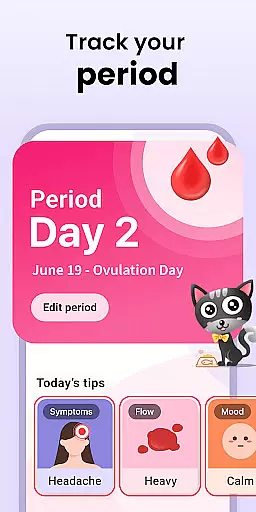
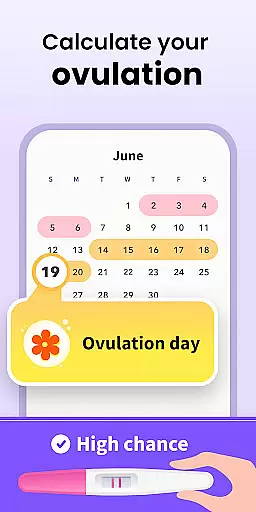

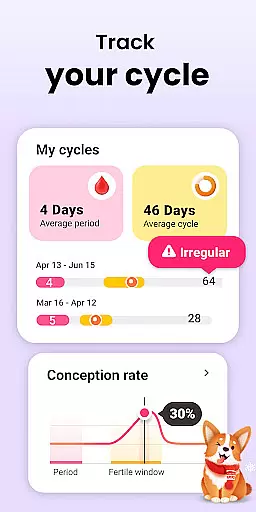
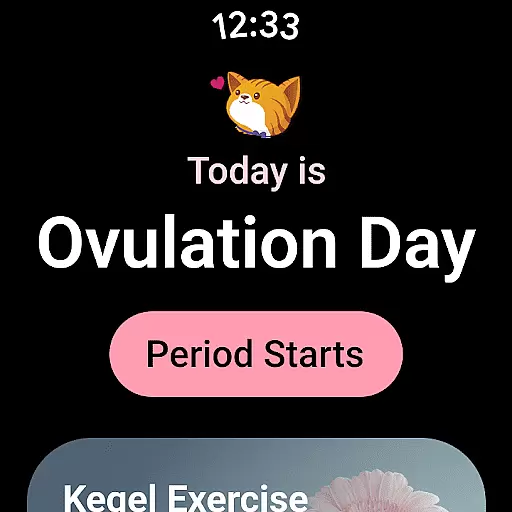
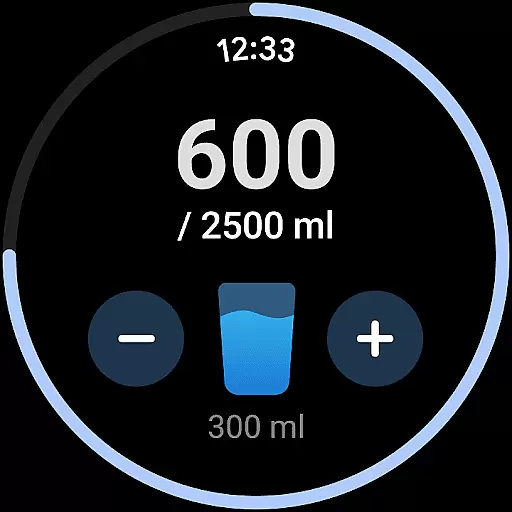
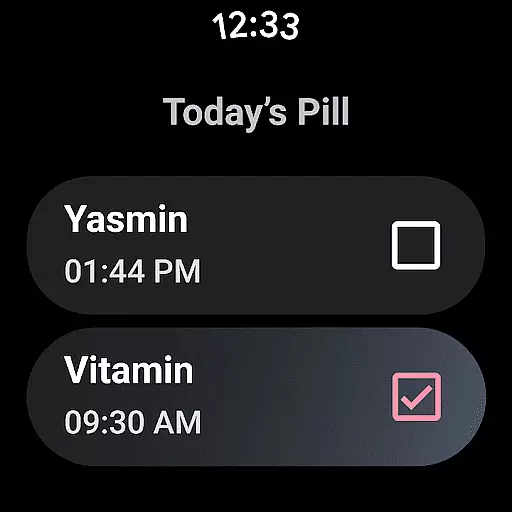
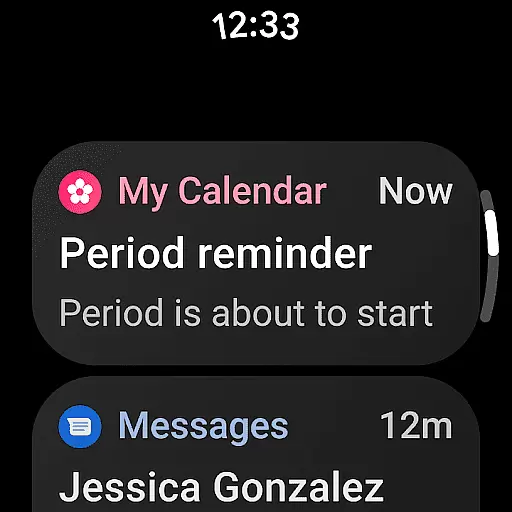
Period Calendar Period Tracker is a comprehensive menstrual cycle management app designed specifically for Android Wear devices. This application allows users to accurately track their periods, blood flow, cycles, ovulation, and fertility windows with remarkable precision. Trusted by over 300 million users globally and popular in 63 countries, it serves as an essential tool for women who are either trying to conceive or practicing birth control.
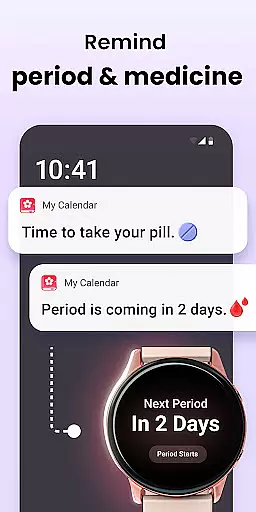
The app offers discreet pill and period reminders that can be customized to maintain privacy in public settings. It also includes features like symptom tracking, mood logging, and body temperature charting, which help determine the ovulation date. With support for Wear OS complications and tiles, users can conveniently access period and ovulation predictions directly from their smartwatches.
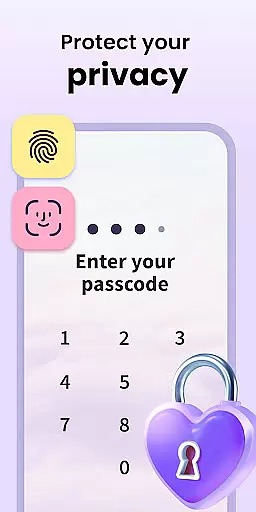
One of the standout features of Period Calendar is its robust data security framework. Users can sync, back up, and restore their data anonymously through Google account integration. The app respects user privacy by not collecting or storing any personal information, allowing users full control over their data, including the ability to delete all records with a single click.
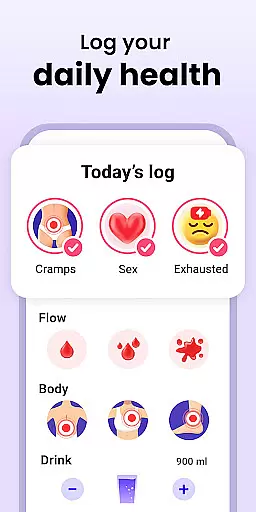
Period Calendar stands out due to its rich feature set tailored for effective menstrual health management. The app provides detailed tracking options such as recording menstrual flow, cervical mucus, BMI, sexual activity, weight, temperature, symptoms, and moods. These features collectively offer a holistic view of the user's menstrual health, making it akin to maintaining a personal period diary.
A key highlight is the app's capability to predict menstruation, cycles, and ovulation using advanced algorithms. The ovulation calculator and tracker assist users in family planning by providing daily updates on the chances of conception. For those using contraceptive methods, the app includes reminders for pills, rings, patches, and injections, ensuring users never miss a dose.
Furthermore, the app supports multi-account functionality and stringent security protections, enabling users to track their data securely. The timeline feature allows easy viewing and searching of all recorded notes. Additionally, the app's compatibility with Wear OS ensures that essential information is readily accessible on smartwatches, enhancing convenience and accessibility for users managing their menstrual health on the go.
Period Calendar Period Tracker offers seamless companion app integration, ensuring that your data is always synchronized across devices. This feature allows users to effortlessly maintain consistency between their smartphone and wearable devices.
The application utilizes Google account data backup and restoration, providing a secure way to sync information. With this integration, you can access your menstrual cycle data on multiple devices without missing a beat.
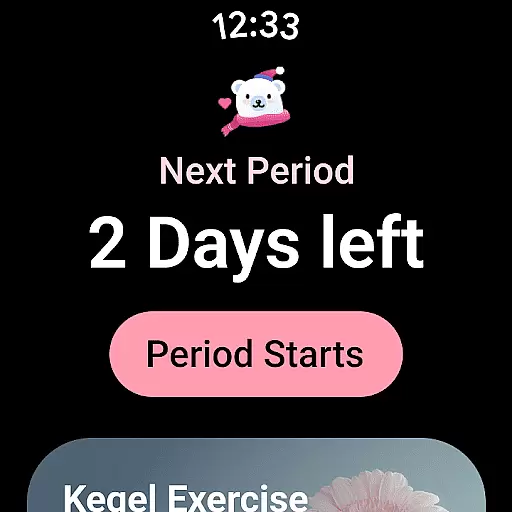
Support for Wear OS complications and tiles further enhances the user experience. By setting up these features on your Wear OS device, you receive timely updates about period and ovulation predictions directly on your wrist.
This synchronization ensures that whether you're using your phone or smartwatch, the data remains up-to-date and accessible, making health tracking more convenient than ever.
Designed with broad Wear OS and device compatibility in mind, Period Calendar Period Tracker ensures that it works seamlessly across various devices. This compatibility provides flexibility for users who rely on different gadgets for their daily needs.
The app supports pill reminders, period predictions, and other essential features through Wear OS complications and tiles. These integrations allow users to receive notifications and updates directly on their smartwatches, enhancing convenience and accessibility.
Whether you need discreet notifications or quick access to your fertility tracker, the app's compatibility with Wear OS devices ensures you stay informed at all times. The ability to customize notification texts adds an extra layer of privacy and personalization.
By prioritizing cross-device functionality, Period Calendar Period Tracker guarantees a smooth and reliable user experience, regardless of the device you choose to use.
User-friendly interface
Comprehensive tracking options
Advanced prediction algorithms
Robust data security
Wear OS compatibility
Limited iOS support
Occasional syncing issues
Premium features require subscription
Notifications may be intrusive
Initial setup can be complex

Christmas Theme Watch Face for Wear Os
 5.00
5.00
Beautiful artistic animated digital watch face, with a customizable layout!
4.40
The most customizable minimal watch face. For Wear OS 5.0, API 34+ and later
4.70
Digital watch face with big numbers and many customization for Wear OS devices
4.40
Your second brain for organizing your life: to-do, calendar, reminder.
4.70
Your local weather forecast, storm tracker, radar maps & live weather news
3.40
Track your active life in one place and share the journey with friends.
4.40
Fitbit is dedicated to helping people lead healthier, more active lives.
4.10
From periods to pregnancy & perimenopause, Flo helps you track it all. Try now.
4.70
Real-time weather radar with temperatures, warnings, hurricanes, and widgets
4.80
Hybrid watch face for Wear OS with customizable complications by Matteo Dini MD
4.70
Walking app for weight loss: walk & step tracker, pedometer, indoor treadmill
4.60
Highly customizable hybrid watch face for Wear OS, perfect for everyday use.
4.60
Embrace the holiday spirit with this magical animated watch face!
4.40
Daily Weather forecast with 15 weather images for Day & Night plus Big Bold time
4.10
A Wintery Snow Globe on Your Wrist; now celebrating Christmas!
4.2
3 Complications. All shadow on/off. 30 Themes color palette...
4.2
Funny animated watch face for Thanksgiving
4.0
Minimalistic design modern digital watch face.
4.1


User Reviews