
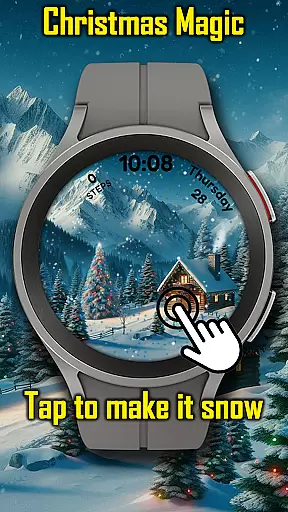
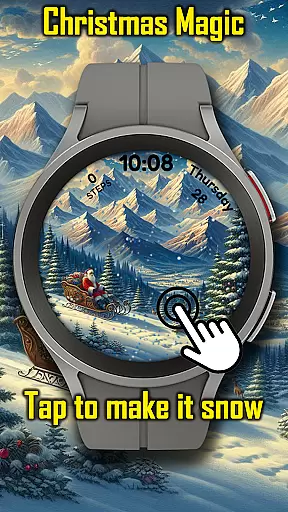
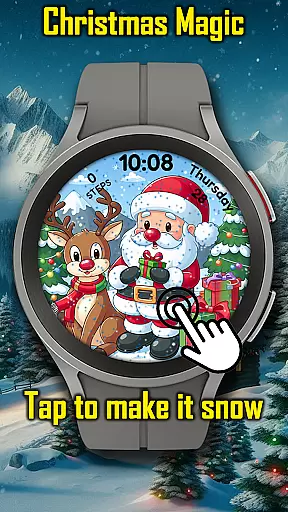
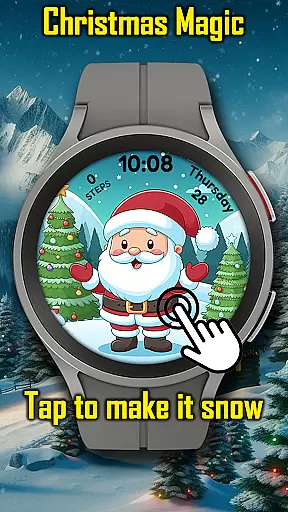
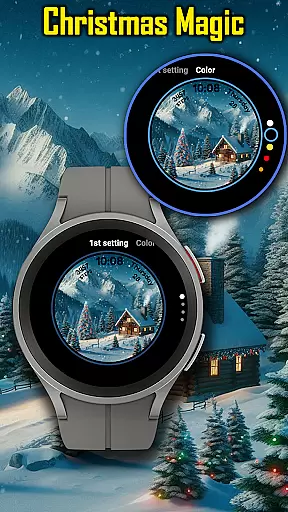
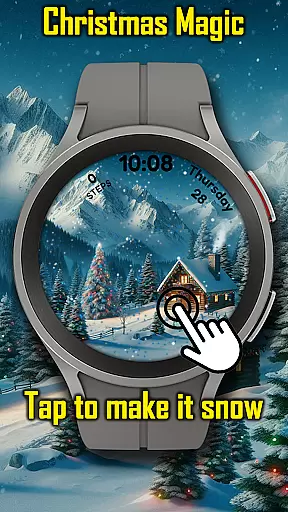
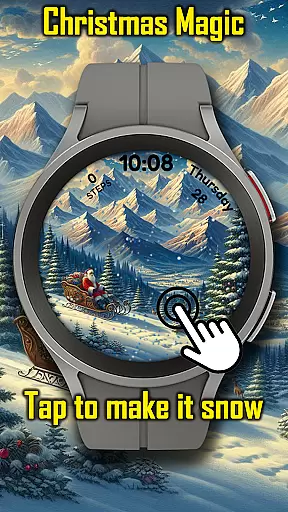
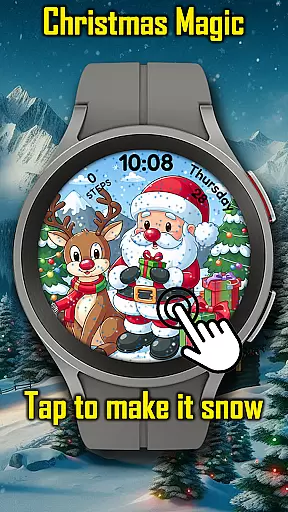
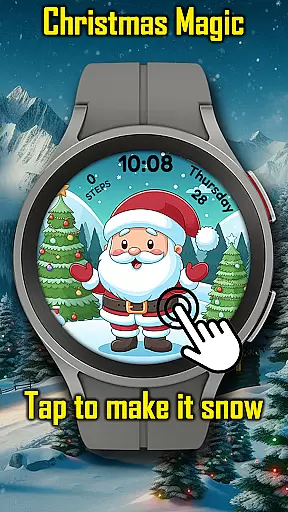
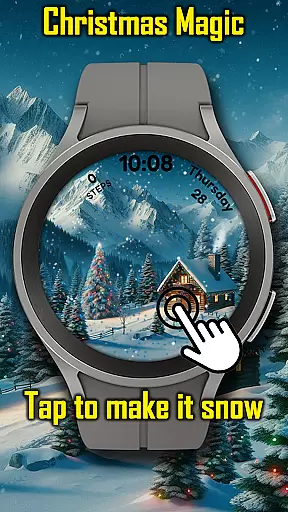
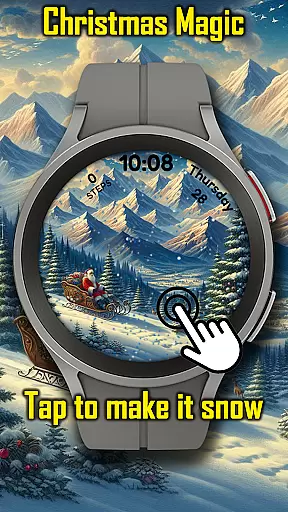
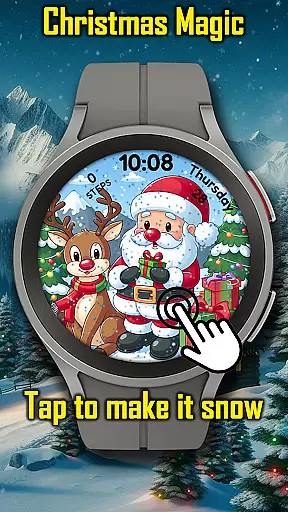
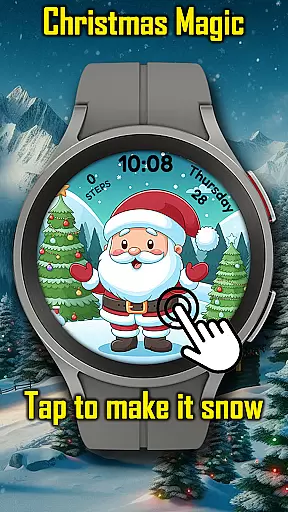
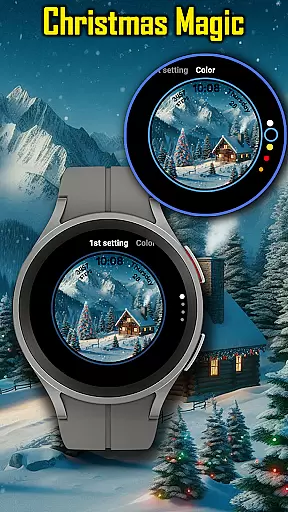

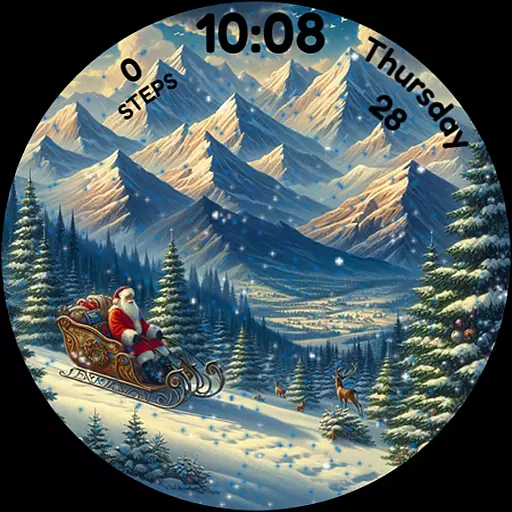
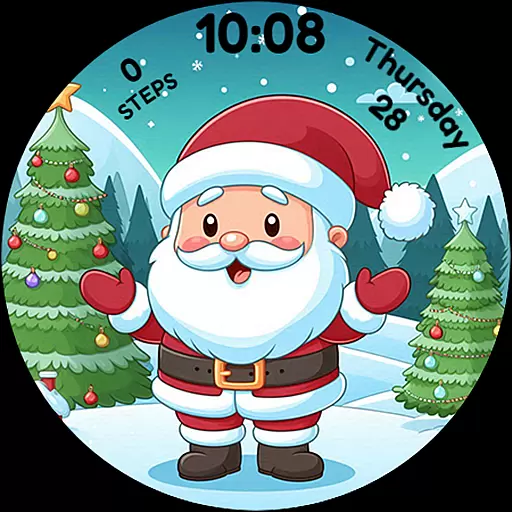
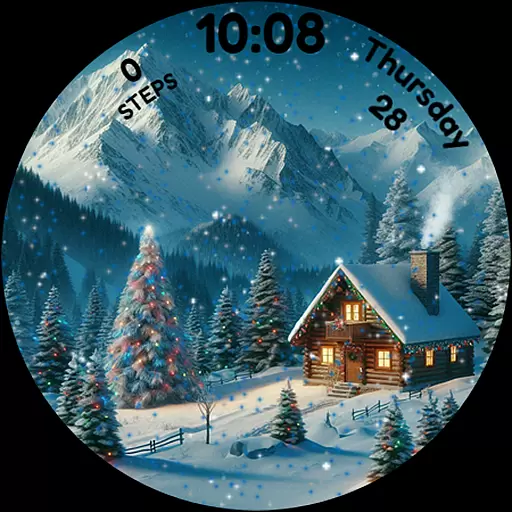
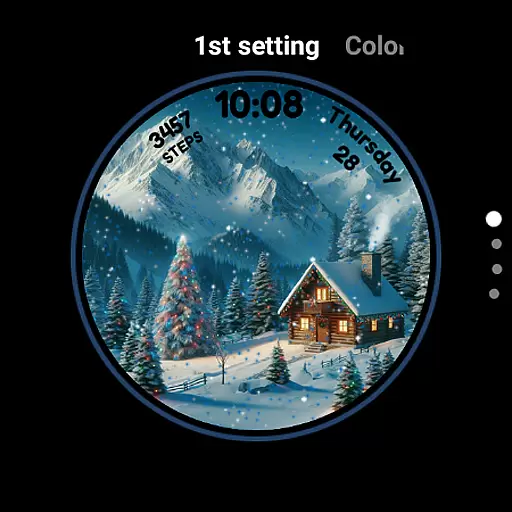
Christmas Magic is a festive watch face designed specifically for Wear OS devices. This holiday-themed application transforms your smartwatch into a joyful celebration, featuring delightful animations of Santa Claus, Christmas trees, and a snowy mountain backdrop.
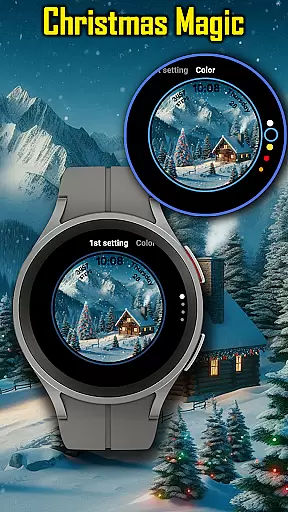
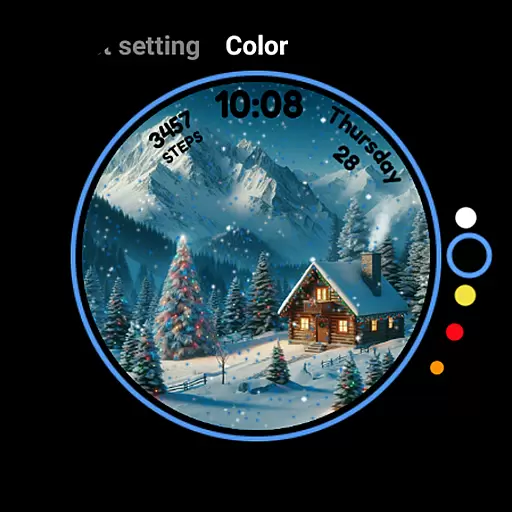
The watch face offers an immersive Christmas experience with interactive elements like animated snowfall that responds to touch. Users can customize the colors to match their personal holiday style, making it a perfect accessory for Christmas enthusiasts who want to keep the festive spirit alive on their wrist throughout the season.
Christmas Magic stands out with its charming holiday features tailored for Wear OS users. The app presents animated Christmas scenes complete with customizable colors, allowing users to personalize their watch face to reflect their unique holiday style.
A notable feature is the interactive snowfall animation, which users can activate by tapping on the screen. Additionally, the watch face supports Always-On Display (AOD) mode, ensuring that the Christmas magic remains visible even when the watch is in low-power mode. These thoughtful additions make every interaction with your smartwatch a delightful and magical experience during the festive season.
For Christmas Magic Watch Face, seamless companion app integration is essential for an enhanced user experience. This feature ensures that users can easily customize and control their watch face directly from their smartphone.
The companion app provides a user-friendly interface where wearers can adjust settings such as animation toggles, color schemes, and holiday themes to match their personal style. By tapping into the Wear OS ecosystem, it allows for real-time updates and synchronization between devices.
Users benefit from this integration by having centralized control over their smartwatch features without needing to interact with the watch interface directly. This makes customization more accessible and convenient, especially when adjusting preferences on the go.
Ultimately, robust companion app integration adds significant value by streamlining the user's interaction with their wearable technology, ensuring that their festive spirit remains undisturbed while offering flexibility and ease of use.
Ensuring broad Wear OS and device compatibility is crucial for the Christmas Magic Watch Face. This compatibility allows the application to function smoothly across various smartwatch models and brands running on Wear OS.
By optimizing for different screen sizes, resolutions, and hardware capabilities, the watch face maintains its visual appeal and functionality regardless of the device. Users can enjoy consistent performance whether they have a newer model or an older version of Wear OS devices.
This wide-reaching compatibility means that more users can partake in the holiday cheer without worrying about technical limitations or device restrictions. It opens up the magical experience to a larger audience, enhancing customer satisfaction and engagement.
In summary, prioritizing Wear OS and device compatibility not only expands the reach of the Christmas Magic Watch Face but also reinforces its position as a must-have festive application for all compatible smartwatch owners.
Festive design
Interactive animations
Customizable colors
AOD support
Holiday spirit
Seasonal only
Limited utility
Battery usage
Simple design
No year-round appeal

Highly customizable hybrid watch face for Wear OS, perfect for everyday use.
 4.60
4.60
Christmas is near, let's count together the days left until Santa comes
4.2
A modern premium sporty hybrid watch face for Wear OS by Ballozi
4.70
Bold, Modern Hybrid Watch Face for Wear OS. 10 Colors, Rich Info Display.
4.30
Stylish digital watch face for Wear OS devices with customizable features
4.5
Ideal for surviving in the wasteland left after nuclear fallout
4.50
Hyperlocal rain alerts by MyRadar using patent-pending technology, radar & more
4.80
Real-time weather radar with temperatures, warnings, hurricanes, and widgets
4.80
Download full tracks, listen to music offline, make unlimited playlists.
4.80
Digital, flexibly customizable watch face. For Wear OS 5.0, API 34+ and later.
5.00
WTW M17 is a premium and luxurious hybrid watch face
4.70
Your second brain for organizing your life: to-do, calendar, reminder.
4.70
Premium hybrid watch face with many customizations for Wear OS devices.
4.40
A white realistic classic analog watch face with many customization options.
4.40
Watch face for Wear OS.
4.20
Connect, create, and collaborate with Gmail, part of Google Workspace.
4.10
Precision analog watch face with 7 complications and style options
4.3
Minimalistic design modern digital watch face.
4.0
Hybrid Vibrant Health Watch Face for Wear OS
4.2


User Reviews