
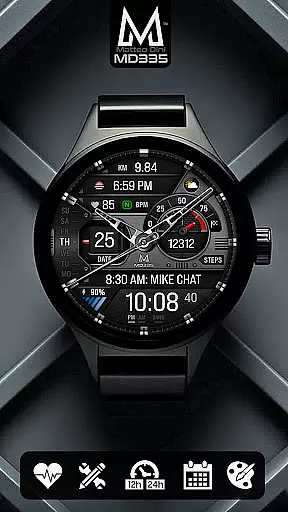
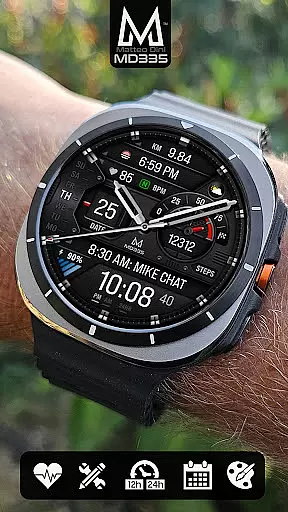
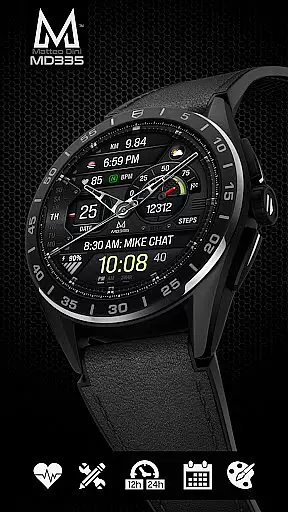
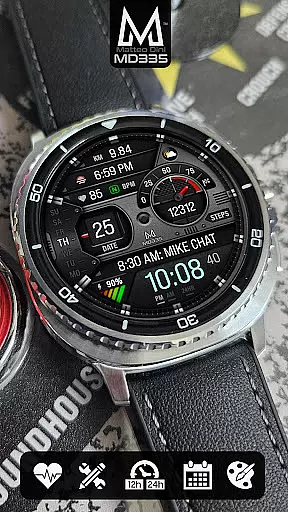
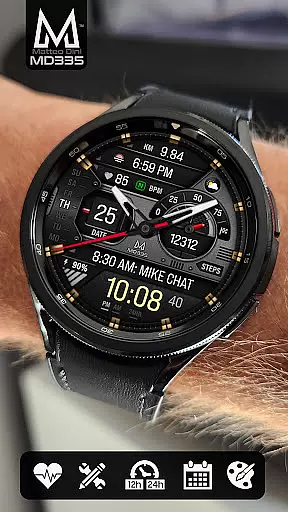
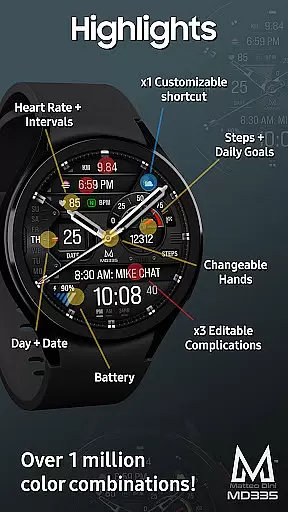
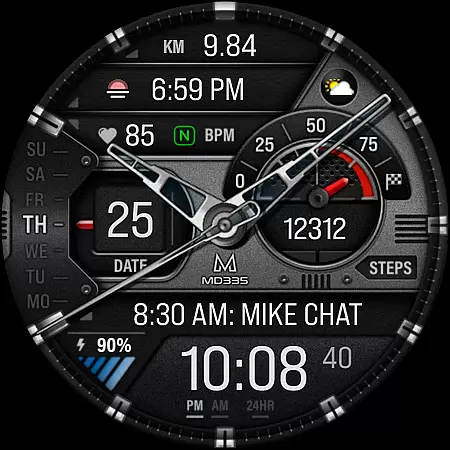
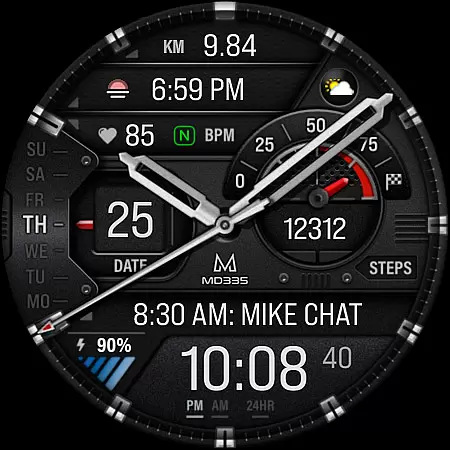
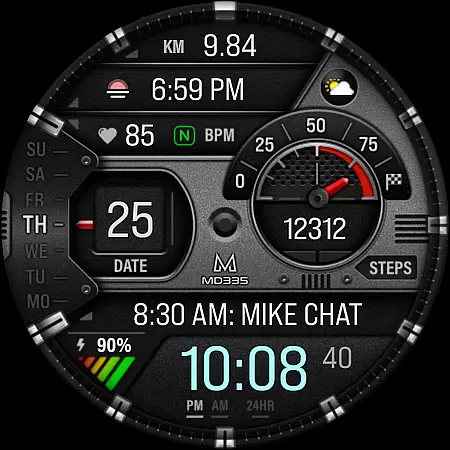
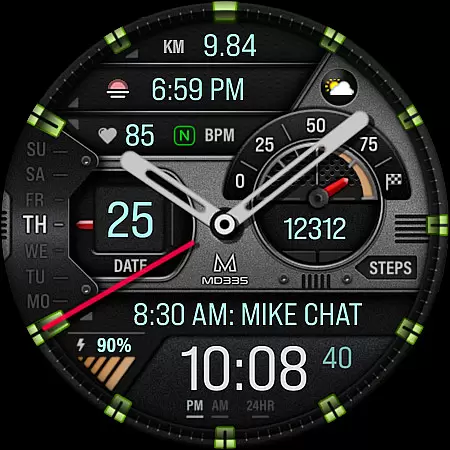
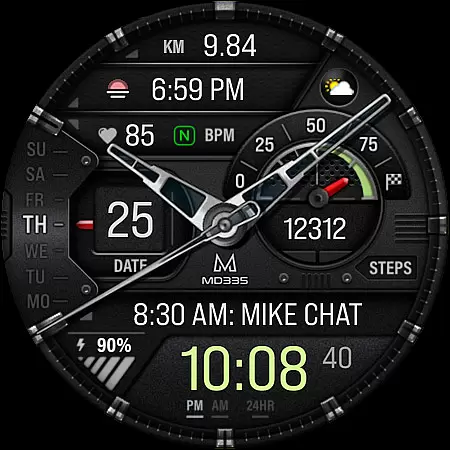
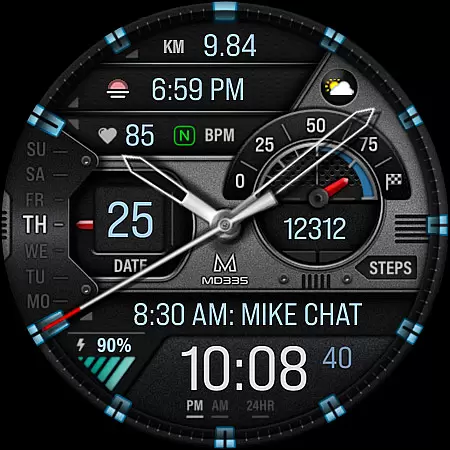
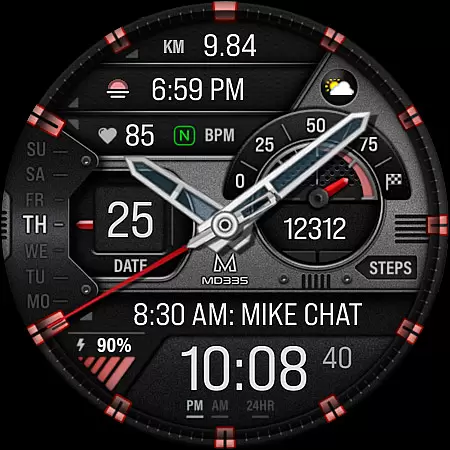
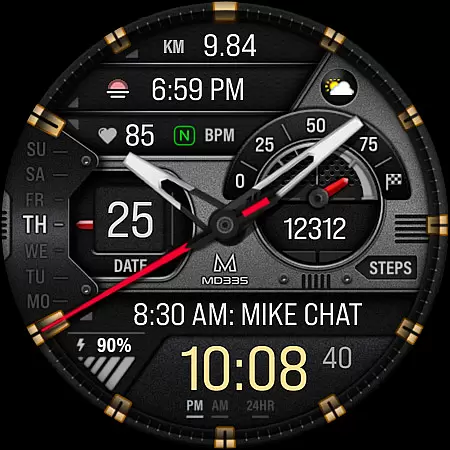
MD335 Hybrid watch face offers a versatile and customizable experience for Wear OS users. This sophisticated watch face features a hybrid design with hideable hands, supporting both 12 and 24-hour formats based on phone settings. It includes essential data points such as date, day, battery status, heart rate monitoring, and step tracking.
The watch face stands out with its four preset app shortcuts including Calendar and Battery, one customizable shortcut, and three complications that can display various data like weather, barometer readings, and more. Users can personalize the appearance by changing hand styles, themes between dark and light modes, and colors of time, markers, and other elements. The minimal and full Always-On Display (AOD) ensures visibility even when the watch is not active.
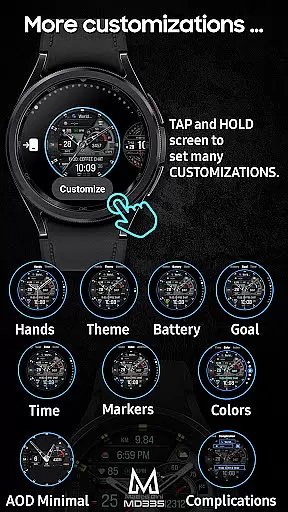
One of the key highlights of MD335 Hybrid watch face is its extensive customization options. Users can modify the watch face directly on their device by touching and holding the display, then tapping on the customize option. This allows for adjustments to hands, theme, and color schemes, ensuring the watch face matches personal preferences and styles.
In addition to aesthetic customizations, the watch face provides practical functionalities through its preset app shortcuts and complications. These include shortcuts to frequently used apps like Calendar and Battery, as well as complications that can show health data such as calories burned, distance walked, and heart rate intervals. Although some complications require additional installations, they significantly enhance the utility of the watch face by integrating external data sources.
Supporting all Wear OS devices with API Level 33+ (Wear OS 4 and later versions), this watch face is compatible with popular models like Samsung Galaxy Watch 4-8, Ultra, and Pixel Watch. Its comprehensive feature set and adaptability make it an excellent choice for users seeking both functionality and personalization in their smartwatch experience.
Companion app integration is essential for hybrid watch faces like MD335, ensuring seamless functionality between the watch and connected smartphone. This particular watch face supports all Wear OS devices with API Level 33+, including Samsung Galaxy Watch 4-8, Ultra, and Pixel Watch models.
The MD335 Hybrid watch face offers extensive customization options directly on the device, allowing users to personalize shortcuts, complications, and aesthetic elements such as colors and themes. With features like 12/24hr time display based on phone settings, heart rate monitoring, and various customizable data points, it delivers a tailored user experience.
Users benefit from the ability to customize their watch face with up to four preset app shortcuts and three additional customizable complications. These can display a wide range of information, from weather updates to health metrics like calories burned or distance walked, enhancing both utility and personalization.
By integrating directly with the phone's settings and other Wear OS functionalities, this watch face ensures that users have access to real-time data and controls, making daily interactions more efficient and engaging. The emphasis on direct customization on the watch addresses current limitations in Samsung's Wearable app editor, providing a reliable workaround for users.
Wear OS and device compatibility are crucial factors for the optimal performance of the MD335 Hybrid watch face. Designed to support all Wear OS devices with API Level 33+ such as Samsung Galaxy Watches and Pixel Watches, this watch face leverages advanced operating system features to deliver a versatile user experience.
This compatibility ensures that users can take full advantage of the watch's capabilities, including sophisticated health tracking, customizable complications, and app shortcuts. By supporting both dark and light themes, changeable colors, and minimal ambient display modes, the MD335 caters to diverse user preferences and device specifications.
One significant benefit of this broad compatibility is the assurance that most Wear OS users can enjoy the extensive customization options without worrying about device restrictions. Whether it's adjusting heart rate intervals or setting alarms, the integrated functionalities work harmoniously across supported devices.
Moreover, by addressing potential issues through recommended direct customization on the watch itself, the MD335 provides a practical solution to common problems encountered with complex watch faces. This approach not only enhances usability but also extends the lifecycle of the product by adapting to future Wear OS updates and improvements.
Highly customizable
Wide compatibility
Comprehensive data display
User-friendly interface
Active developer support
Complex setup process
Limited default complications
Potential performance issues
Dependent on external apps
Not all features universally supported

Watch the sharpness of the sky on your wrist..
 3.70
3.70
MyNISSAN® lets you remotely control your car from your phone.*
4.50
A watch face that fuses motorsport precision with contemporary smartwatch design
4.2
Contemporary digital watch face with five complications
4.0
The most customizable minimal watch face. For Wear OS 5.0, API 34+ and later
4.70
Fitness interactive virtual pet super fighter boy watch face
4.1
Locate your family members by GPS phone location tracker everywhere and anytime
4.30
Real-time weather radar with temperatures, warnings, hurricanes, and widgets
4.80
Retro digital watch face with customizable colors and a unique lighting effect
4.60
The Chevron App allows you to pay for fuel from the comfort of your car!
4.80
Monitor health with the stress test and pulse checker in the heart rate app.
4.60
Simple, helpful messaging by Google
4.60
Embrace the holiday spirit with this magical animated watch face!
4.40
Beautiful artistic animated digital watch face, with a customizable layout!
4.40
A customizable Christmas watch face for Wear OS with a countdown.
4.20
sleep, alarm, snoring, stress, healing, focus, sound therapy, circadian rhythm
4.10
Stay in touch with your friends and family using LINE!
3.40
Christmas is near, let's count together the days left until Santa comes
4.2
A Wintery Snow Globe on Your Wrist; now celebrating Christmas!
4.0


User Reviews