
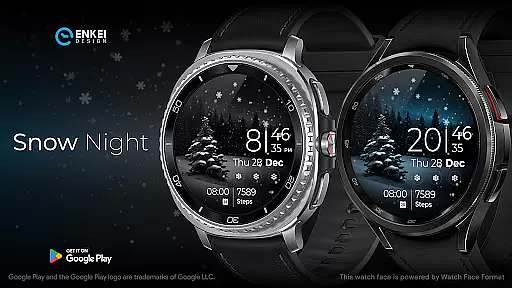
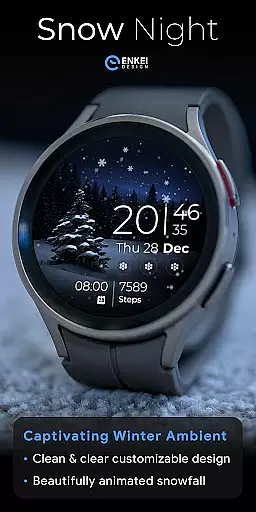
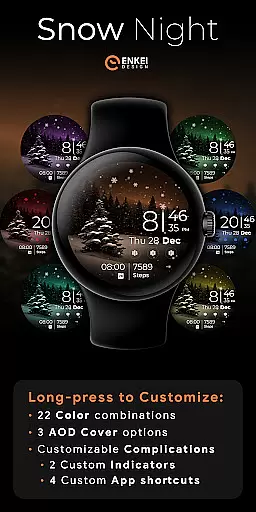
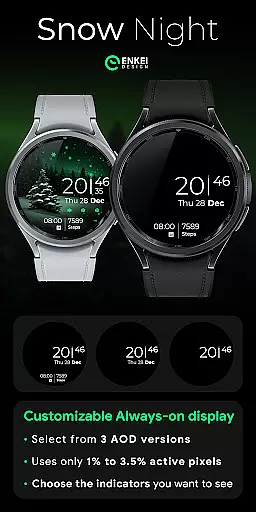
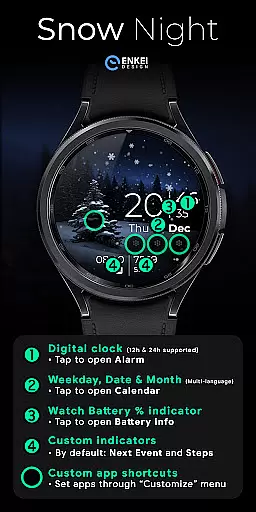
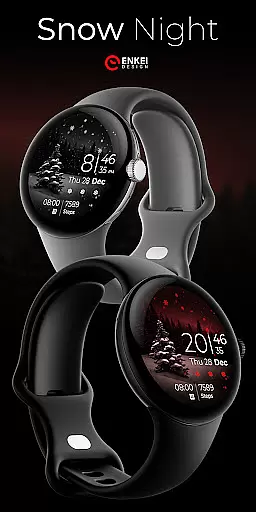
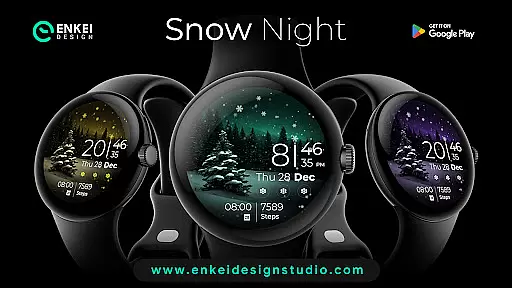
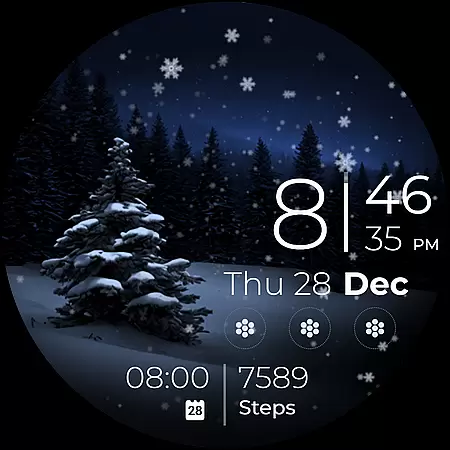
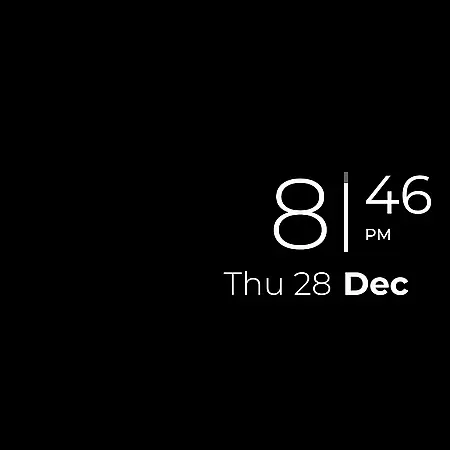
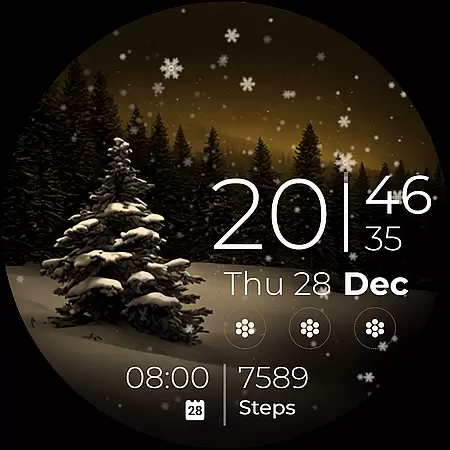
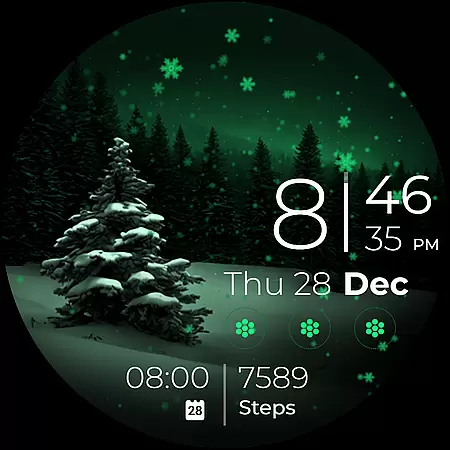
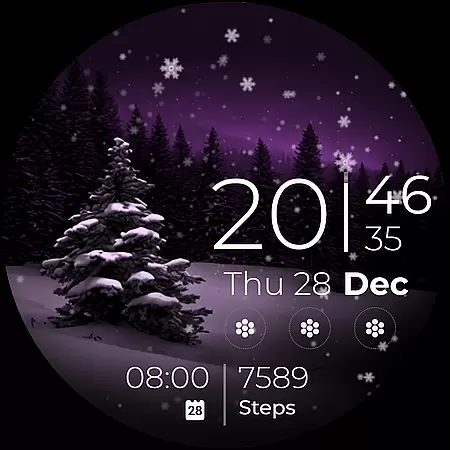
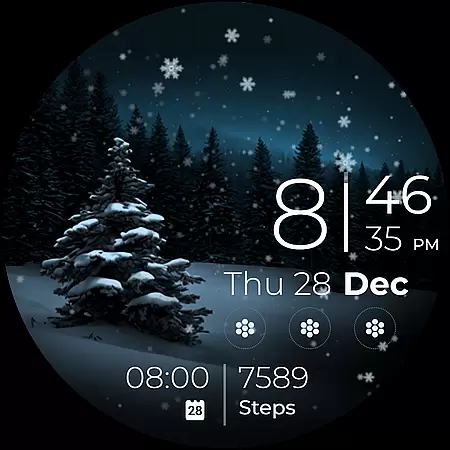
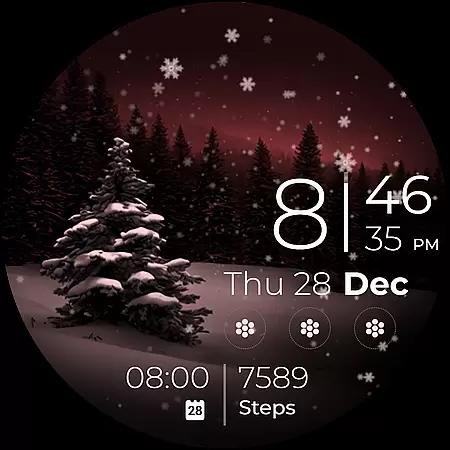
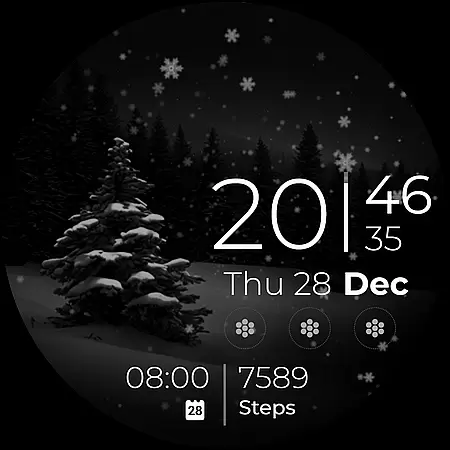
Snow Night is an artistic watch face designed for Wear OS devices, offering a captivating winter-themed experience. The app features ambient snowfall animation and customizable elements such as colors, AOD styles, and complications. With clear indicators for time, date, battery, and more, it ensures excellent visibility and usability.
This watch face supports various practical functions including next event tracking, step counting, and app shortcuts. Compatible with Wear OS 5.0 and newer, it provides users with both aesthetic appeal and functional utility on their smartwatches.
Snow Night stands out with its rich feature set tailored for customization enthusiasts. Users can choose from multiple color combinations, AOD cover options, and complication settings to create a personalized layout. The digital clock supports both 12h and 24h formats and includes interactive elements like tap-to-open functionalities for alarms, calendars, and battery info.
The app also offers four customizable app shortcuts and two short-text indicators, allowing quick access to frequently used apps and information. These features are efficiently designed to use minimal active pixels, ensuring optimal performance without compromising battery life.
Companion app integration is essential for Android Wear applications like Snow Night. This feature ensures seamless synchronization between the watch face and its companion mobile application.
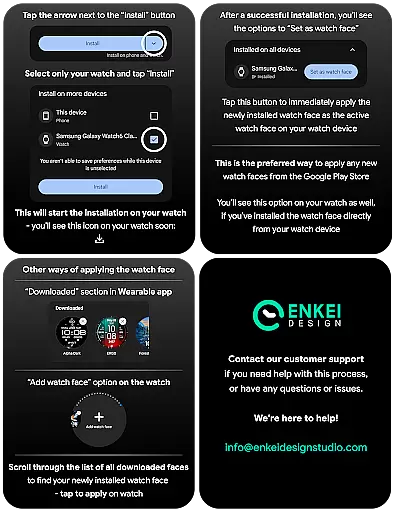
Snow Night's companion app serves as a bridge, allowing users to easily install and manage the watch face directly from their mobile device. The installation process is streamlined through helpful tips provided on the developer's website, ensuring users can set up the watch face without complications.
Through the companion app, users gain access to additional features such as customizable shortcuts and indicators. These customization options are accessible via long-press actions on the watch face, providing a user-friendly interface for personalization.
The integration also supports essential functions like battery monitoring and event tracking. Users can tap specific areas of the watch face to open related apps or information, enhancing the overall utility and convenience of the Snow Night watch face.
Ensuring proper Wear OS and device compatibility is crucial for any Android Wear application. Snow Night is specifically designed for devices running Wear OS 5.0 and newer versions, guaranteeing optimal performance on supported devices.
This compatibility ensures that users experience the full range of features, including ambient snowfall animations and customizable AOD styles. By targeting API level 34 and above, Snow Night leverages the latest advancements in Wear OS technology to deliver a smooth and visually appealing experience.
The watch face utilizes minimal active pixels, maintaining efficient power consumption while offering extensive customization options. This balance between functionality and battery efficiency is made possible by adhering to strict compatibility standards.
Users can enjoy peace of mind knowing that Snow Night is optimized for their Wear OS devices, providing reliable performance and access to all advertised features without compatibility concerns.
Visually appealing design
Highly customizable interface
Interactive tap-to-open features
Efficient power usage
Excellent visibility in various lighting conditions
Limited to Wear OS 5.0+
Requires companion app for installation
No built-in weather updates
Premium features need purchase
Some options may overwhelm new users

Diet tracker for weight loss - track calories, food and macros. Simple and easy!
 4.70
4.70
Wear Os Watch Face - Animated Snow Effect & Christmas Lights
4.0
The ultimate destination for kids ages 3-8 to explore the Marvel Universe!
4.30
Funny animated watch face for Thanksgiving
4.2
Real-time weather radar with temperatures, warnings, hurricanes, and widgets
4.80
A digital watch face that celebrates Christmas.
4.00
A white realistic classic analog watch face with many customization options.
4.40
Fast and smart typing with Emojis, GIFs, and more
4.50
Your local weather forecast, storm tracker, radar maps & live weather news
3.40
Christmas Theme Watch Face for Wear Os
5.00
Your second brain for organizing your life: to-do, calendar, reminder.
4.70
Kia Access makes getting your vehicle information easier than ever
4.60
Retro digital watch face with customizable colors and a unique lighting effect
4.60
Stylish, Energizing and Modern Watch Face crafted by Dominus Mathias.
4.50
Bold weather Digital watchface with forecast & optional animated background
4.40
Let's celebrate Thanksgiving - Wear Os watch face
4.20
Daily Weather forecast with 15 weather images for Day & Night plus Big Bold time
4.10
Authentic military-tactical design with ZULU time! Realistic and functional!
3.80
Stunning modern digital watch face with 7 complications and strong contrast
4.2


User Reviews