
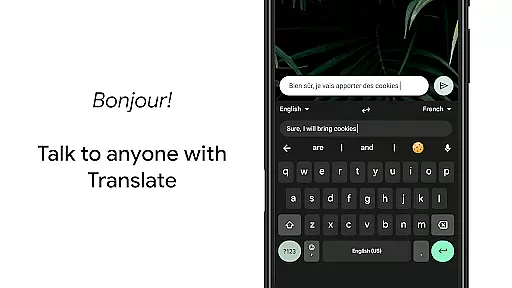
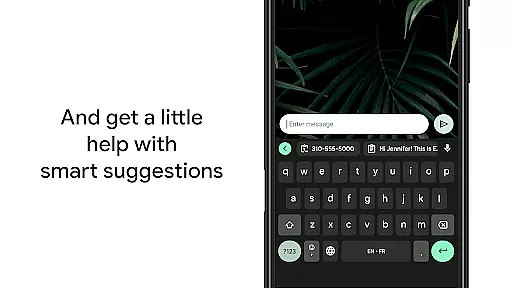
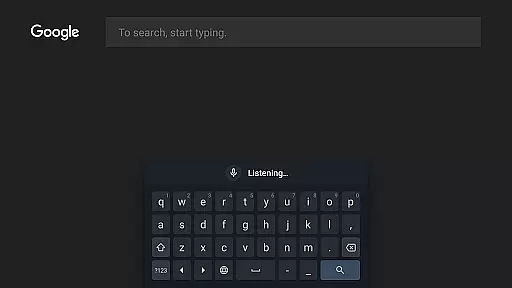
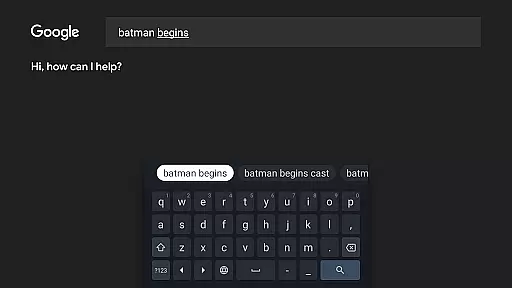
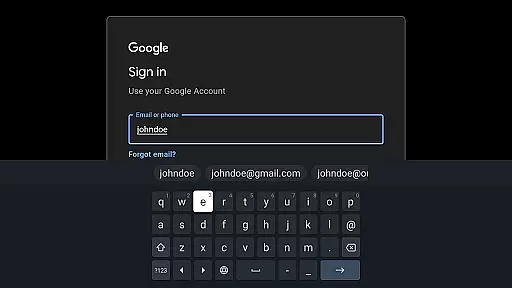
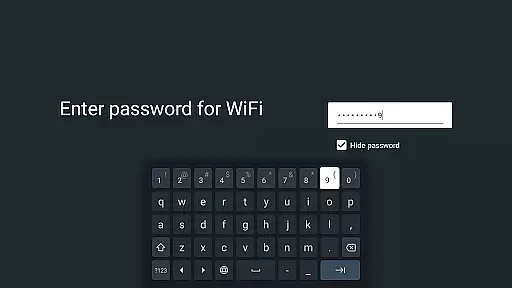
Gboard is a versatile keyboard app designed specifically for Android devices, offering an array of powerful typing features. The app combines speed and reliability with innovative input methods such as Glide Typing, voice typing, and handwriting recognition. Its multilingual typing support allows users to seamlessly switch between languages without manual adjustments, while the integrated Google Translate feature enables real-time translation directly within the keyboard interface.
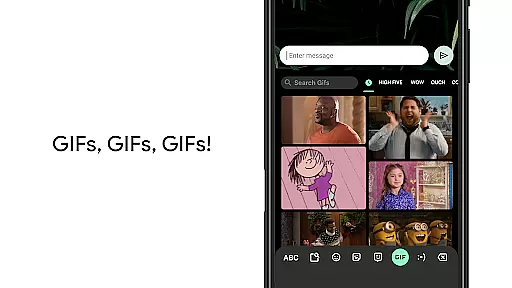
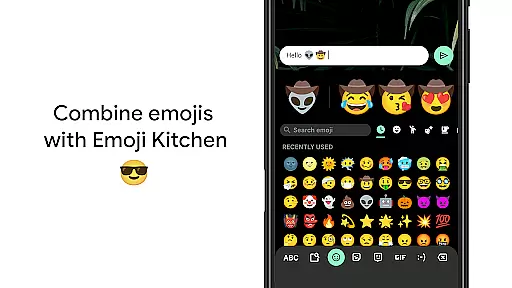
One of Gboard's standout capabilities is its extensive language support, covering hundreds of language varieties including major global languages like English, Spanish, Chinese, Arabic, and many others. This makes it an ideal tool for both personal and professional communication across diverse linguistic contexts. Additionally, the app provides unique functionalities such as emoji search, GIF integration, and advanced gesture controls, enhancing user productivity and convenience.
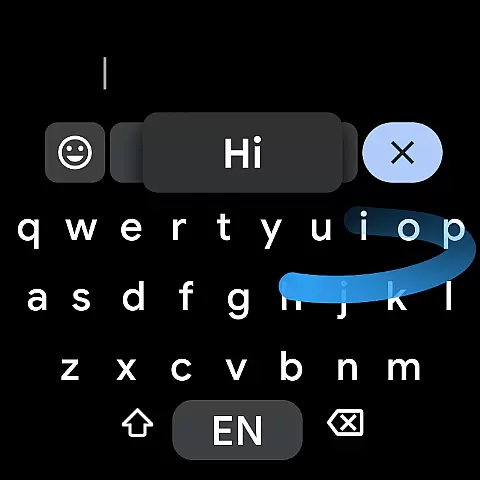
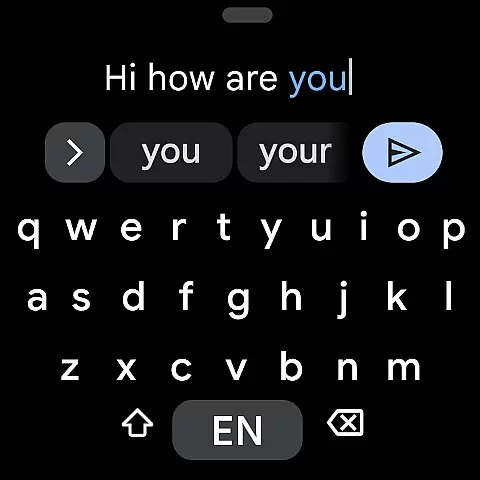
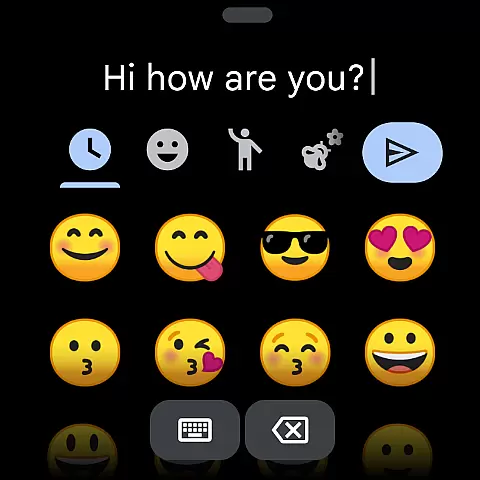
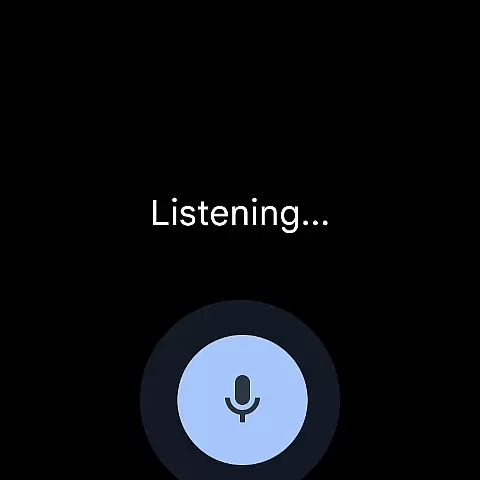
For Android Wear users, Gboard extends its functionality to smartwatches, enabling efficient text input through Glide Typing, voice commands, and emoji selection right from the wrist. Whether you're typing on a smartphone or wearable device, Gboard ensures a smooth, intuitive experience that adapts to various typing preferences and environments.
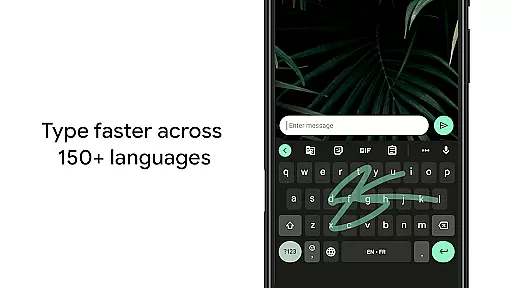
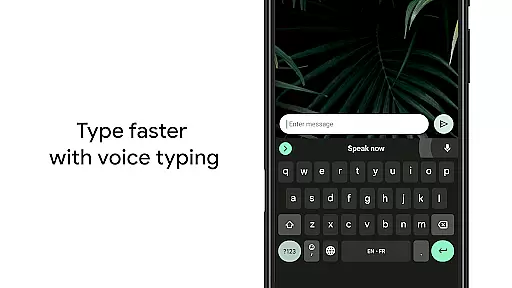
Gboard stands out with its comprehensive set of features designed to enhance typing efficiency and accuracy. One of its key innovations is Glide Typing, which allows users to type faster by sliding their finger across the keyboard from letter to letter. This feature significantly reduces typing time while maintaining precision. Additionally, the app offers robust voice typing capabilities, enabling users to dictate text effortlessly, making it particularly useful when hands-free operation is required.
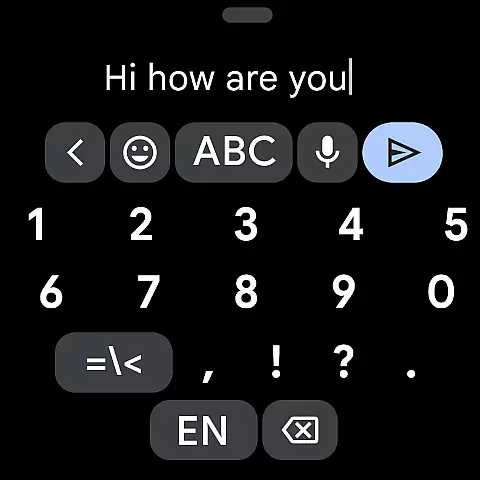
The app also includes advanced customization options such as gesture-based cursor control and quick deletion. Users can slide their finger across the space bar to move the cursor precisely or use a leftward swipe from the delete key to remove multiple words at once. For those who frequently use numbers and symbols, Gboard provides settings to enable a permanent number row and long-press symbol hints. These features demonstrate the app's commitment to improving user workflow through thoughtful design.
Another notable aspect of Gboard is its multilingual support and Google Translate integration. The keyboard automatically corrects and suggests words from multiple enabled languages, eliminating the need for manual switching. Moreover, users can translate text in real-time as they type, breaking down language barriers in communication. With support for hundreds of languages and specialized features for Android Wear devices, Gboard delivers a truly universal typing solution.
Gboard offers seamless companion app integration, ensuring that your typing experience is consistent across all devices. By connecting with the main Google Keyboard application, Gboard provides users with a familiar interface and functionality on their Wear OS devices.
The synchronization between the mobile and Wear OS versions allows for effortless transition. Whether you're typing on your phone or your watch, features such as Glide Typing and Voice Typing are readily available, maintaining the speed and reliability that users expect from Google's input solutions.
Moreover, Gboard extends its multilingual typing support to Wear OS, autocorrecting and suggesting words from any of the enabled languages without the need for manual switching. This ensures an uninterrupted workflow, no matter the language you choose to communicate in.
With additional functionalities like emoji search and GIF sharing integrated into the Wear OS experience, users can enjoy a rich and versatile communication method directly from their wrists, making interactions quicker and more expressive.
Gboard boasts extensive compatibility with Wear OS and a wide array of devices, ensuring that users can enjoy its features regardless of their hardware choice. The keyboard supports all Wear OS languages, including Mandarin, Cantonese, Czech, Dutch, English, French, German, Hindi, and many others, thus catering to a global audience.
In addition to linguistic diversity, Gboard is designed to accommodate various device specifications. It delivers an optimized typing experience whether you're using a small or large-screen smartwatch, providing options like one-handed mode for ease of use on different screen sizes.
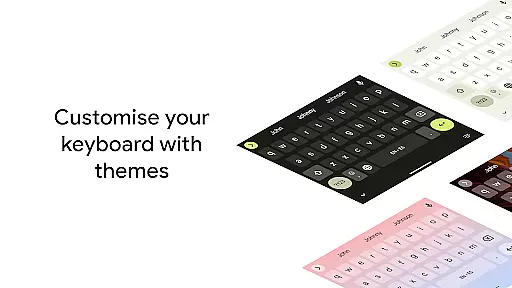
Furthermore, customization does not come at the expense of functionality. Users can personalize their typing experience with themes and enable features such as gesture cursor control and gesture delete, which remain operational across compatible devices. These enhancements ensure that usability is not compromised for personal preference.
By prioritizing cross-device functionality and offering support for a multitude of language varieties, Gboard demonstrates its commitment to delivering a versatile and inclusive typing solution for every Wear OS user.
Fast typing
Voice input
Multilingual
Emoji search
Gesture control
No offline maps
Limited themes
Heavy storage
Ads present
Complex UI

Watch the sharpness of the sky on your wrist..
 3.70
3.70
Digital, flexibly customizable watch face. For Wear OS 5.0, API 34+ and later.
5.00
Gym & home workout plans with strength training, exercise tracking, HIIT & more.
4.60
Real-time results, stats, schedules and player profiles for all leagues
4.60
Minimalistic design modern digital watch face.
4.2
Hybrid Vibrant Health Watch Face for Wear OS
4.3
Animated video-game inspired “secret agent” simulation, right on your wrist!
4.20
A realistic hybrid watch face with many customization options.
4.60
Start and succeed with PAP
4.10
Be an elegant and classy secret agent, with this carefully detailed watch face
4.70
Digital watch face. For Wear OS devices.
4.40
Reliable phone calls with spam protection, caller ID and more helpful features
4.40
Calming & relaxing sounds for sleeping and stress relief. Stay focused all day!
4.20
Embrace the festive spirit with our Christmas Countdown watchface for Wear OS
4.10
Wear Os Watch Face - Animated Snow Effect & Magic Spark - 6 Scenes
4.10
The #1 source of faces for your smartwatch!
4.00
A full-featured Amazon Alexa voice assistant that can show you things.
3.70
Christmas and New Year - Themed Watchface
4.4
Precision analog watch face with 7 complications and style options
4.4


User Reviews