
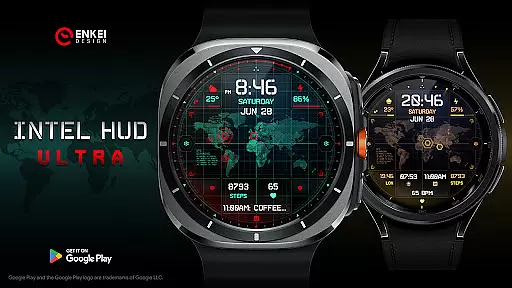
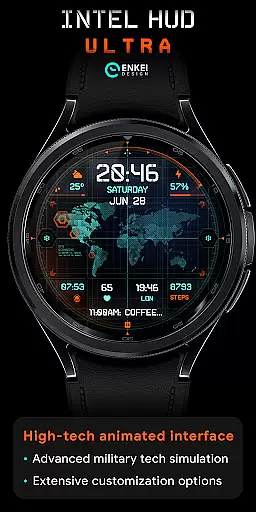
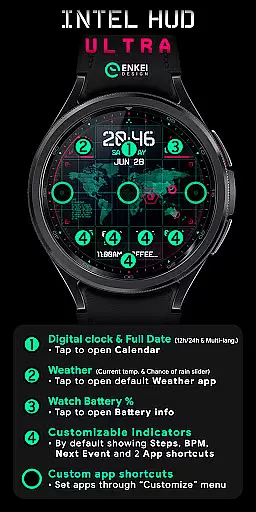
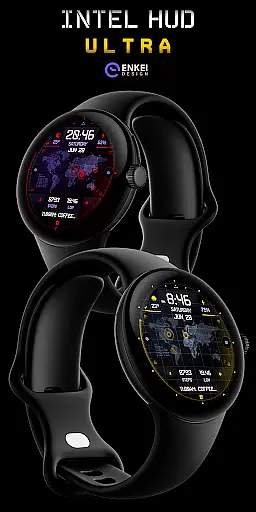
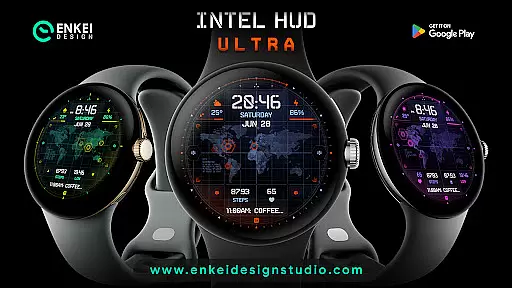
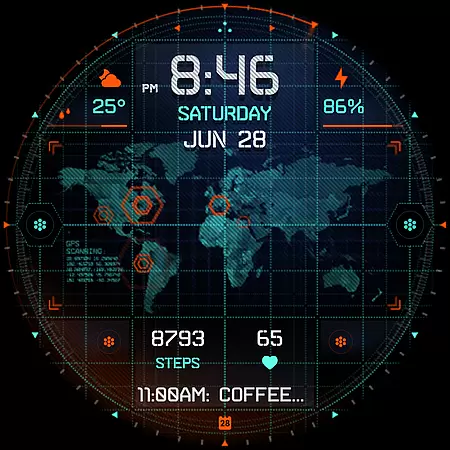
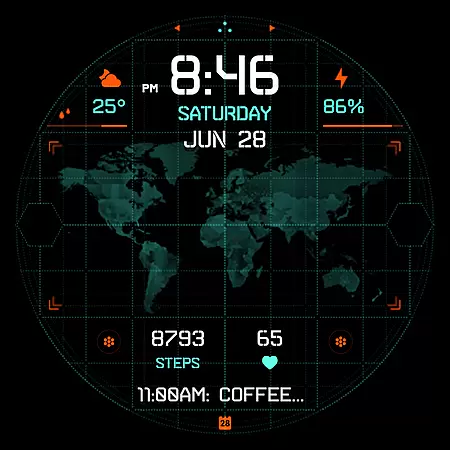
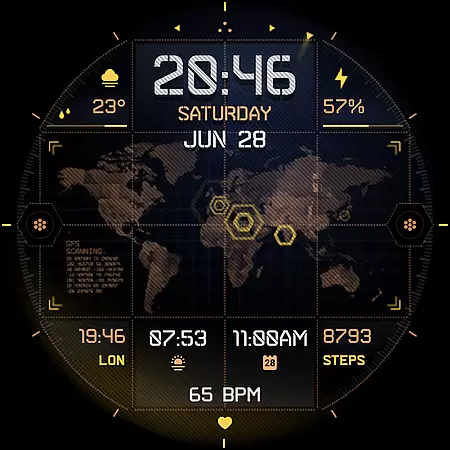
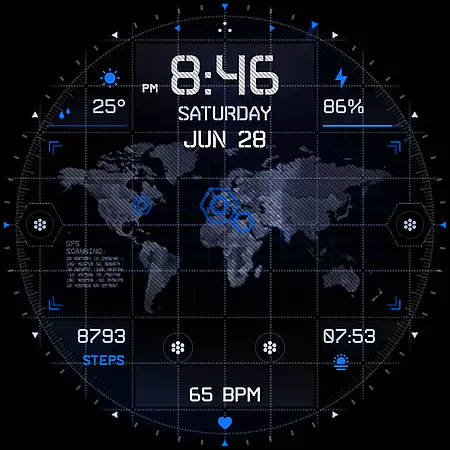
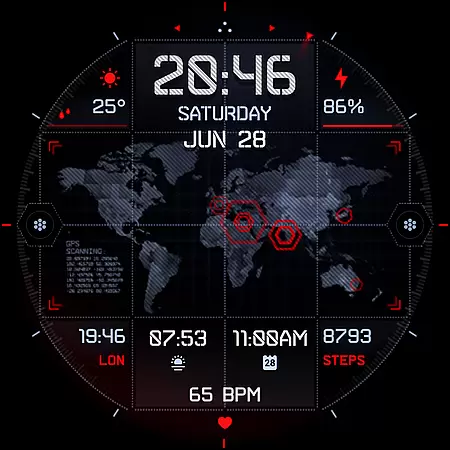
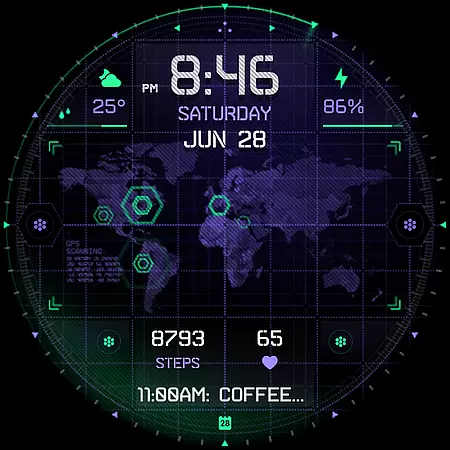
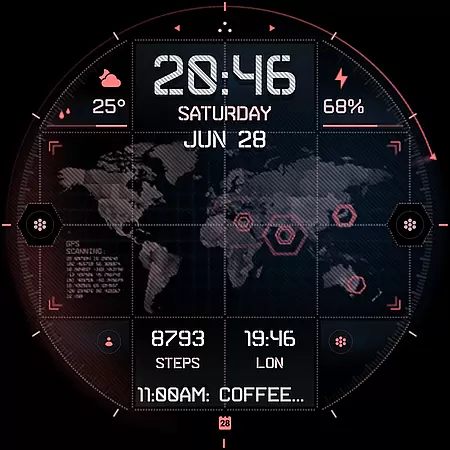
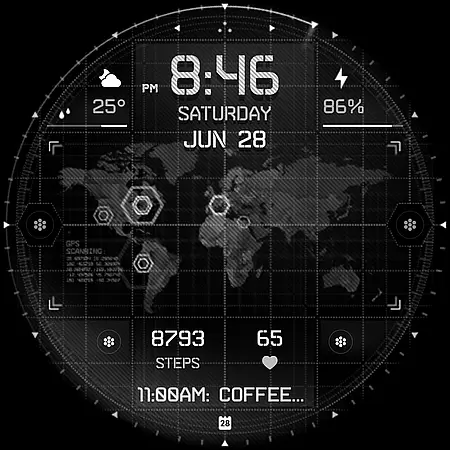
INTEL HUD Ultra is a high-tech digital watch face designed for smartwatches running Wear OS 5.0 and newer versions. This latest addition to the INTEL HUD series features an animated interface optimized for maximum performance with minimal battery drain, offering users extensive customization options.
Inspired by advanced military technology seen in video games and movies, this watch face allows users to create their ideal layout by customizing indicators, shortcuts, colors, and other visual elements. With its unique combination of functionality and style, INTEL HUD Ultra provides a personalized experience tailored to individual preferences while maintaining optimal device performance.
INTEL HUD Ultra offers a wide array of features that cater to various user needs. The digital clock supports both 12-hour and 24-hour formats and includes multi-language support for weekday, month, and date displays. Users can also access weather information, including current temperature and chance of rain percentage.
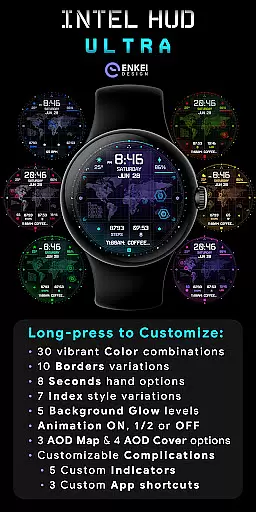
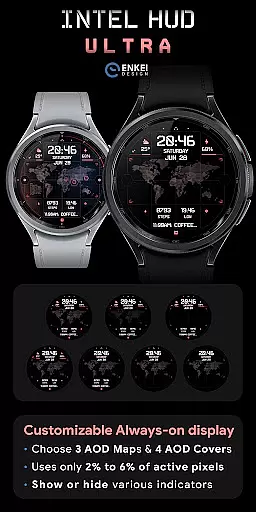
The watch face provides four customizable short-text indicators, such as steps and heart rate, along with three app shortcuts. A long-press on the screen brings up a Customize menu where users can adjust colors, borders, seconds display options, background glow levels, animation settings, and more. Additionally, it boasts battery-efficient Always-On Display (AOD) modes with customizable maps and covers.
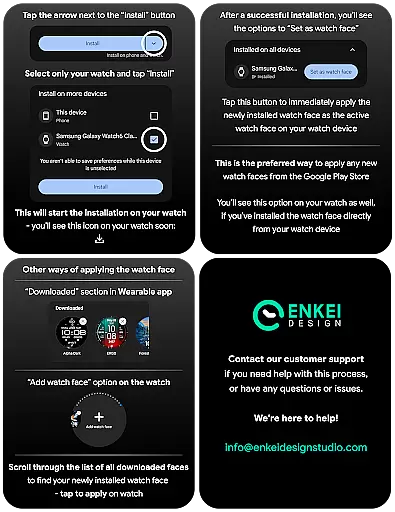
Companion app integration is essential for smartwatch applications as it ensures seamless synchronization between the wearable and its paired mobile device. INTEL HUD Ultra achieves this by providing a dedicated phone companion app that simplifies the installation process directly to the watch device.
The companion app serves as a bridge, ensuring that users can easily access and manage the installation of the high-tech digital watch face without complications. This direct installation approach eliminates potential confusion and reduces setup time, making it user-friendly even for non-technical users.
By focusing solely on directing the installation process, the companion app maintains a lightweight presence on the phone, avoiding unnecessary resource consumption while still delivering crucial support. This thoughtful design enhances the overall user experience, allowing wearers to enjoy the full benefits of their smartwatch application effortlessly.
Device compatibility is a critical factor in ensuring optimal performance and functionality of any Wear OS application. INTEL HUD Ultra is meticulously designed to work exclusively with devices running Wear OS 5.0 and newer versions (API 34+), guaranteeing an advanced feature set and reliable operation.
This strict compatibility requirement ensures that users benefit from the latest technological advancements and expanded customization options available only on updated operating systems. By leveraging the capabilities of Wear OS 5.0+, the application delivers a refined layout with extensive customization possibilities, including vibrant color combinations, varied borders, and multiple animation settings.
Furthermore, this compatibility ensures efficient battery usage and access to useful features like customizable Always-On Display (AOD) modes. Users can trust that their sophisticated animated interface will perform optimally while maintaining minimal battery drain, thanks to the powerful foundation provided by modern Wear OS technology.
Highly customizable
Battery efficient
Optimized performance
Unique design
Multi-language support
Wear OS 5.0 required
Complex setup
Limited compatibility
Premium cost
Not for all devices

"PER27 Galaxy Digital" is a digital Wear OS watch face designed by PERSONA
 4.10
4.10
Christmas watch face. For Wear OS devices.
4.30
Precision analog watch face with 7 complications and style options
4.2
Analog watch face with 8 complications and expedition styling
4.3
Let's celebrate Thanksgiving - Wear Os watch face
4.20
Monitor health with the stress test and pulse checker in the heart rate app.
4.60
Viewer for Wyze/Yi/Eufy/Arlo/ONVIF/RTSP/P2P IP cams w/ adv. features & DIY DVR
4.00
Track your active life in one place and share the journey with friends.
4.40
From periods to pregnancy & perimenopause, Flo helps you track it all. Try now.
4.70
A modern hybrid informative watch face for Wear OS designed by BALLOZI
4.80
Gym & home workout plans with strength training, exercise tracking, HIIT & more.
4.60
A realistic hybrid watch face with many customization options.
4.60
Beautiful artistic animated digital watch face, with a customizable layout!
4.40
Digital watch face. For Wear OS devices.
4.40
The ultimate destination for kids ages 3-8 to explore the Marvel Universe!
4.30
A full-featured Amazon Alexa voice assistant that can show you things.
3.70
Your local weather forecast, storm tracker, radar maps & live weather news
3.40
Christmas and New Year - Themed Watchface
4.3
Artistic Digital Watchface
4.2


User Reviews