
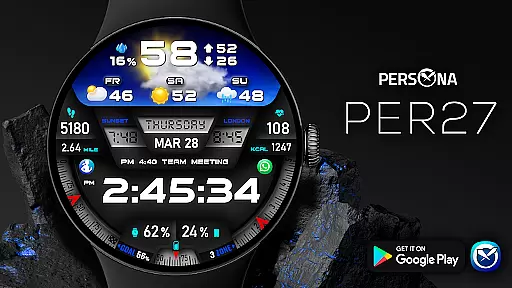
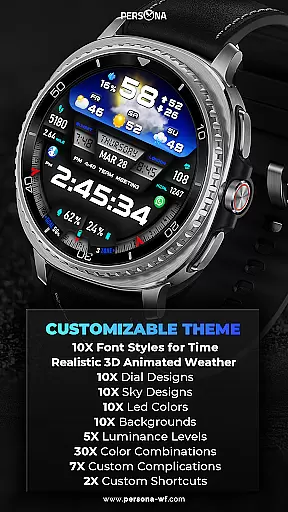
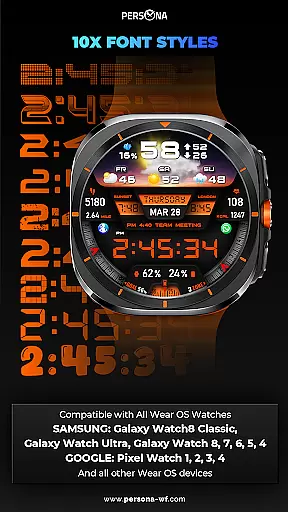
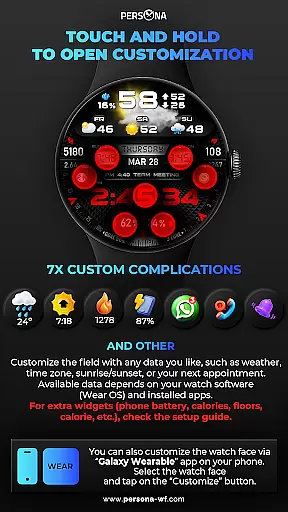
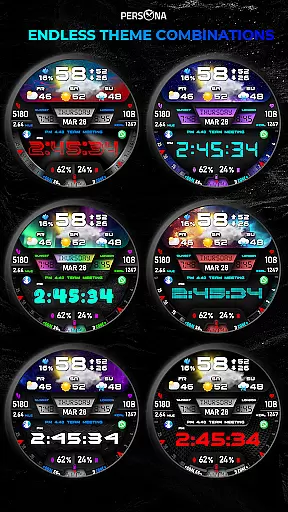
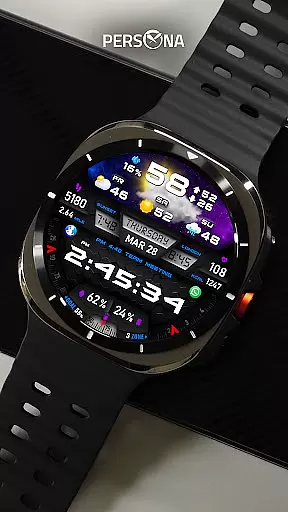
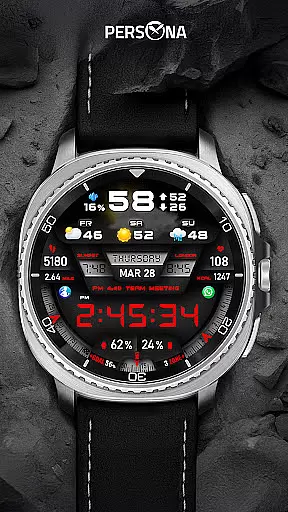
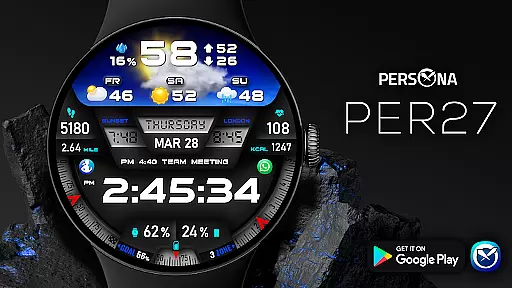
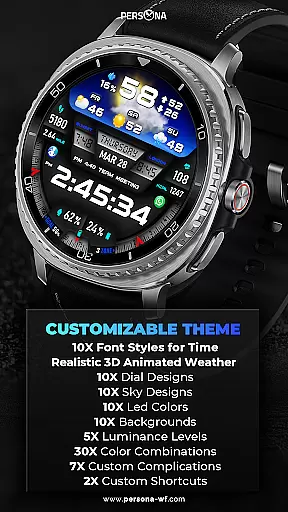
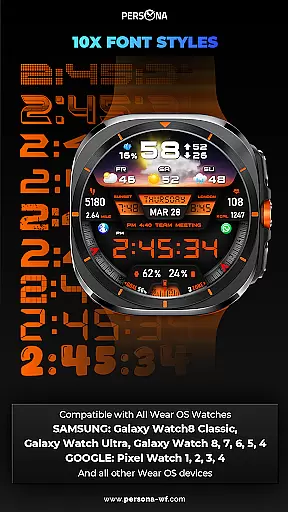
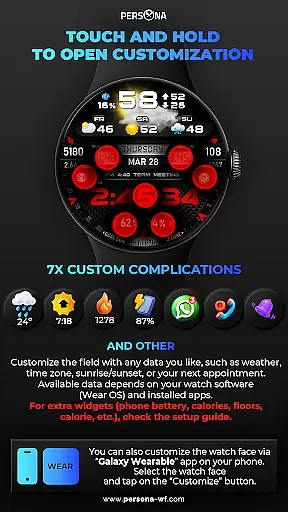
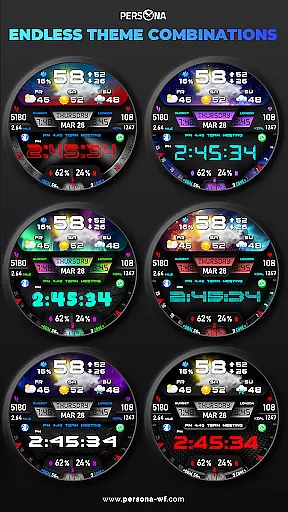
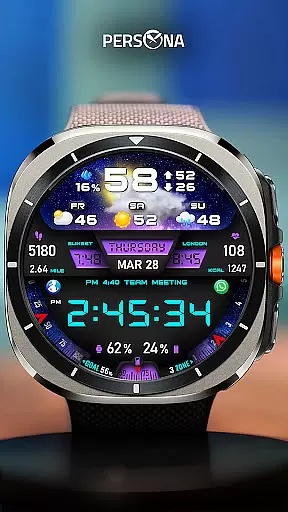
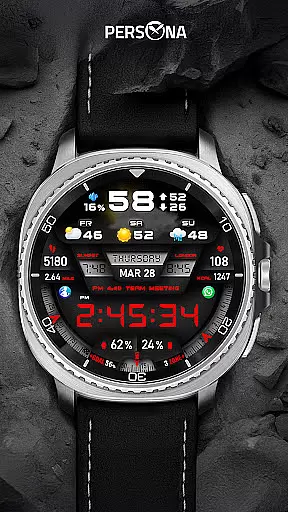
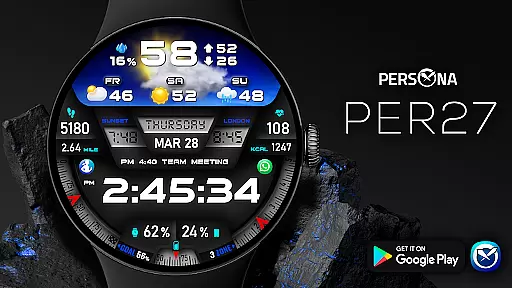
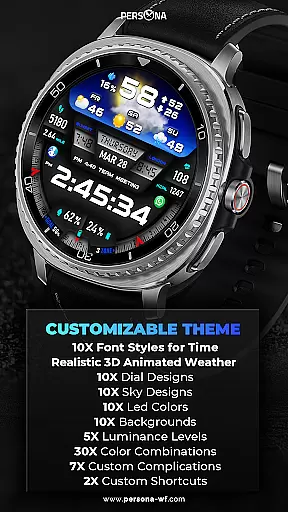
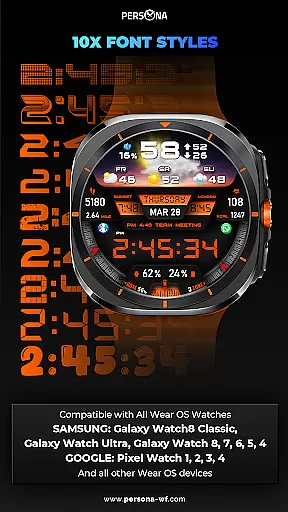
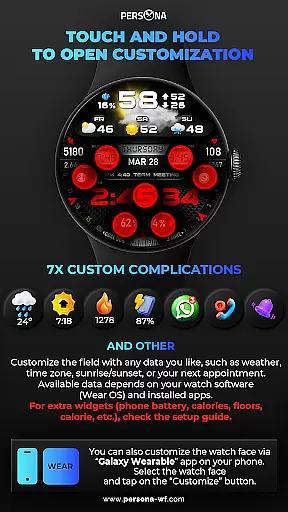
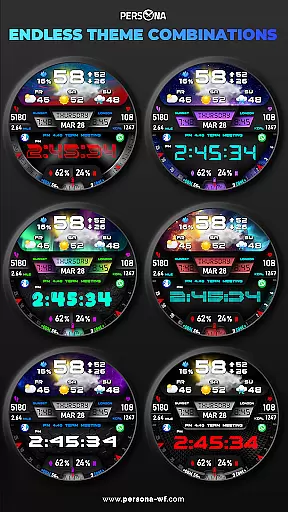
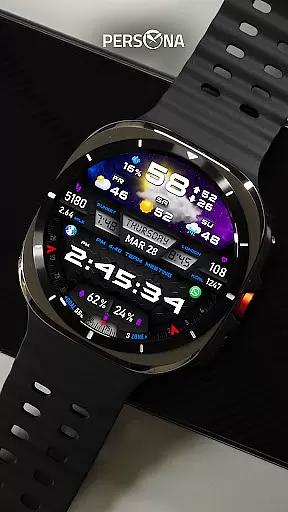
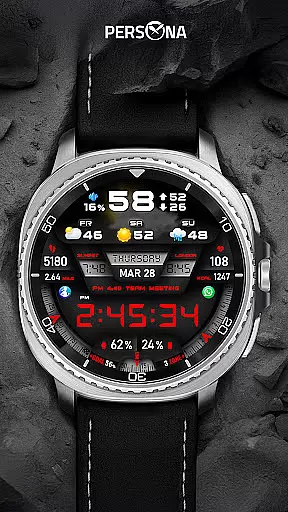
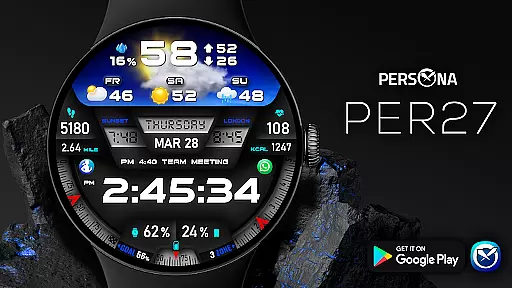
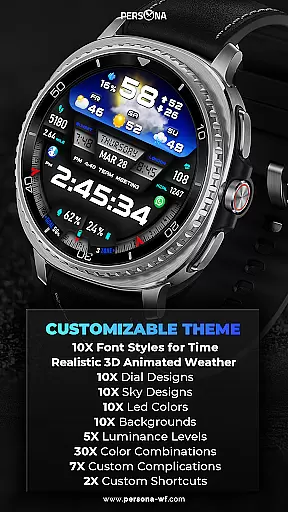
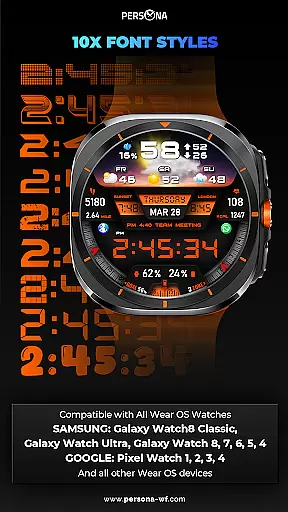
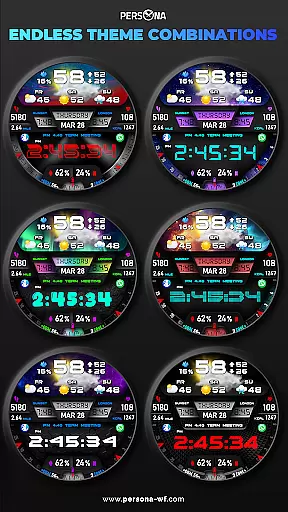
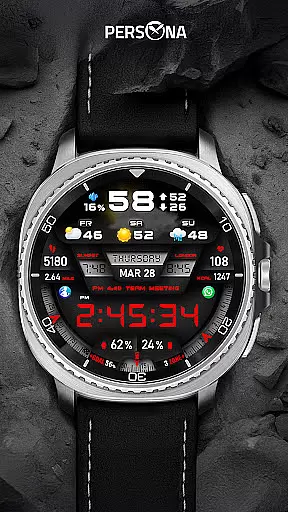
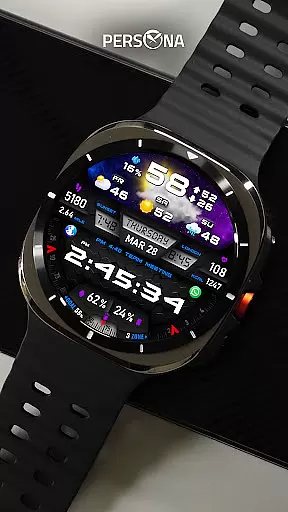
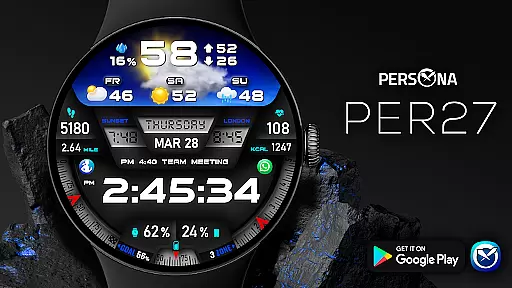
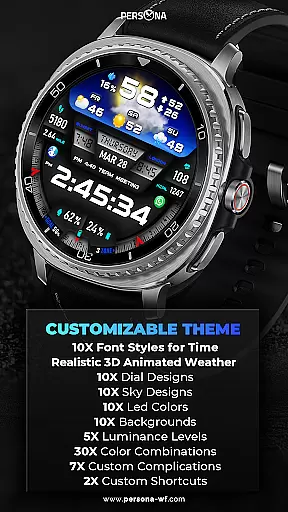
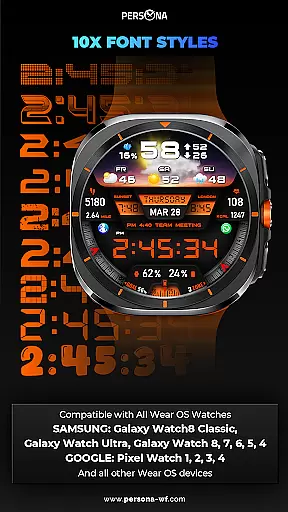
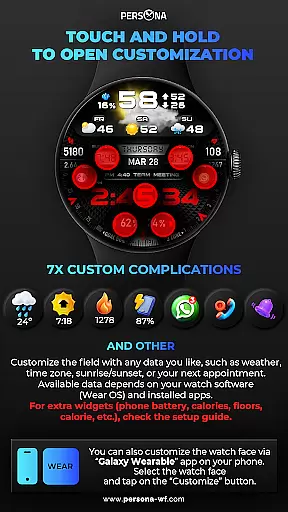
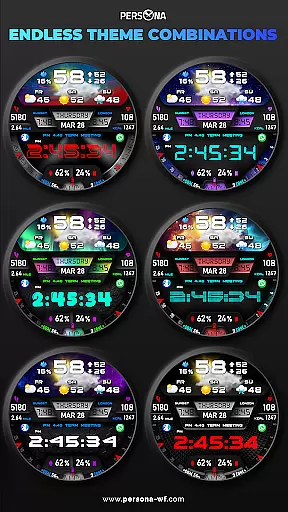
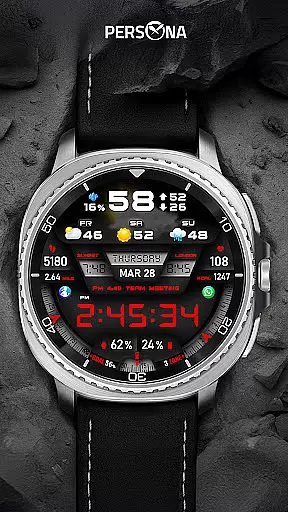
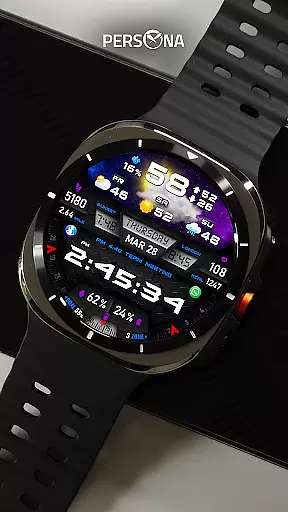
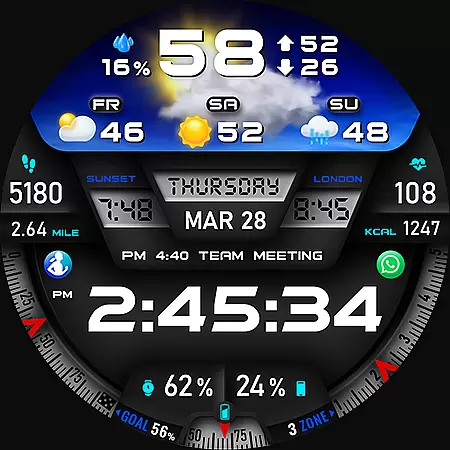
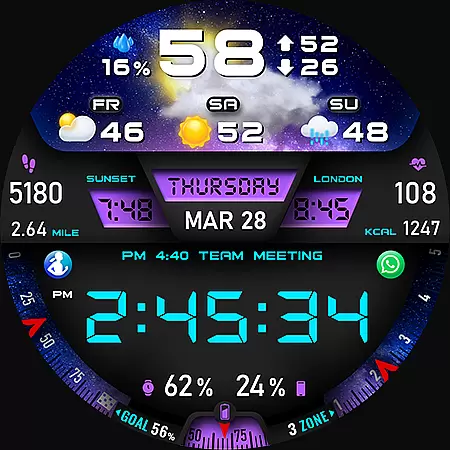
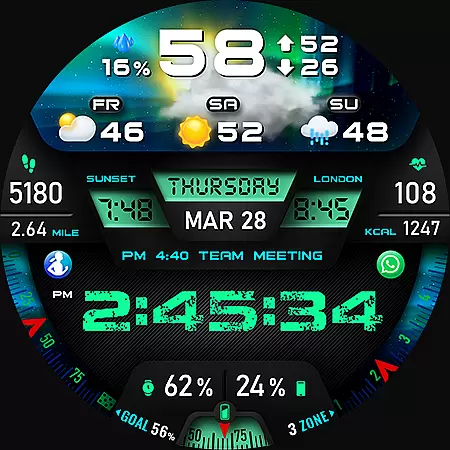
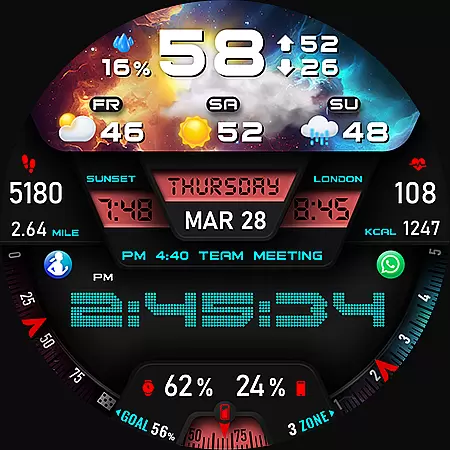
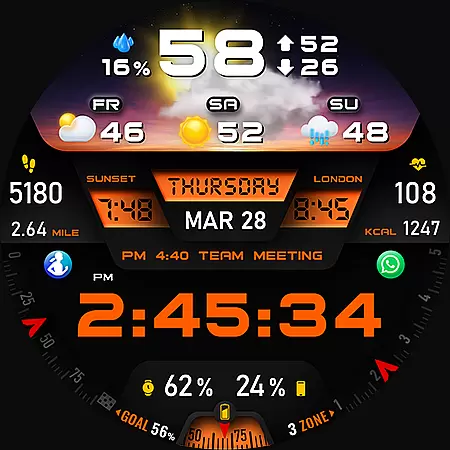
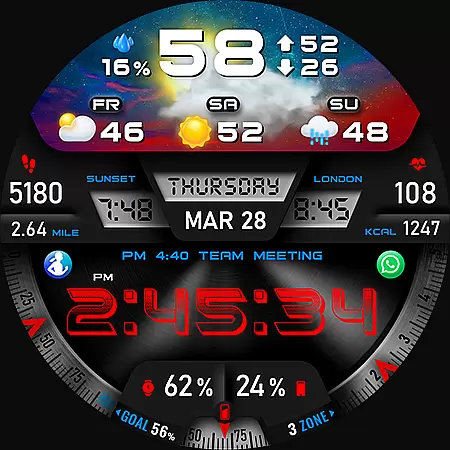
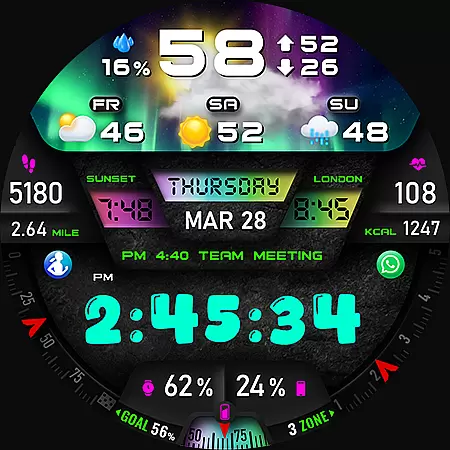
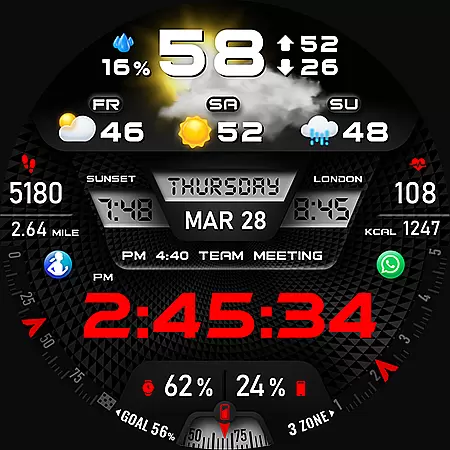
PER27 Galaxy Digital WatchFace is a sophisticated digital watch face designed specifically for Wear OS smartwatches. It combines cutting-edge technology with user-centric design to deliver a unique and customizable experience. Users can choose from multiple font styles, backgrounds, and dial designs, ensuring that their watch face reflects their personal style.
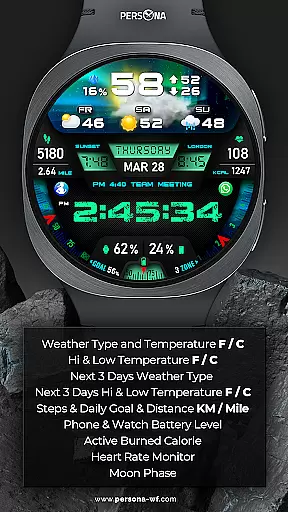
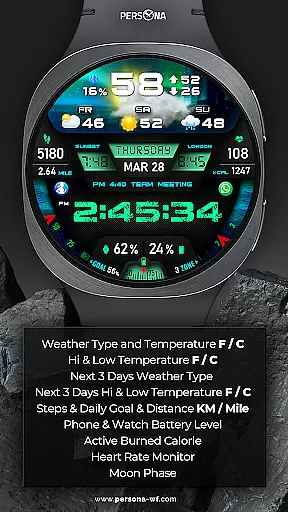
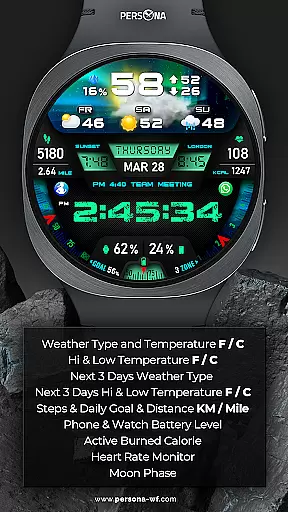
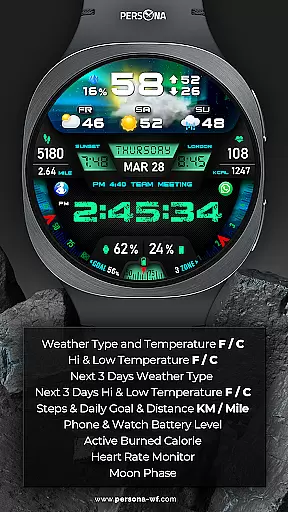
This application goes beyond mere aesthetics by integrating practical features such as animated weather displays, fitness tracking, and health monitoring. With real-time weather updates, step counters, heart rate monitors, and more, PER27 Galaxy Digital WatchFace serves as a comprehensive tool for managing daily activities and staying informed. Its compatibility with a wide range of Wear OS devices, including popular models from Samsung, Google, Fossil, and Mobvoi, makes it accessible to a broad audience.
Whether you're looking to enhance your smartwatch's appearance or seeking a functional accessory that supports an active lifestyle, PER27 Galaxy Digital WatchFace offers a compelling solution. By providing detailed weather forecasts, fitness metrics, and customizable display options, this application adds significant value to any Wear OS device, making it an essential download for smartwatch enthusiasts.
PER27 Galaxy Digital WatchFace stands out with its extensive customization options tailored for Wear OS users. The application provides over 10 font styles, 10 background choices, and 10 dial designs, allowing users to create a personalized look that suits their preferences.
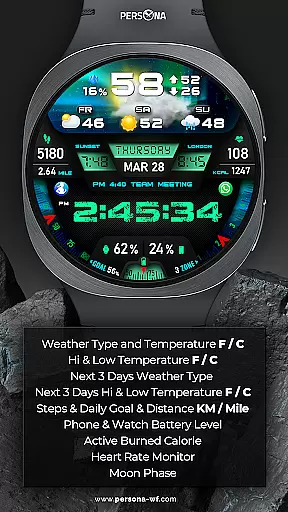
One of the key highlights is the advanced weather feature, which includes 3D animated weather displays, temperature readings in both Fahrenheit and Celsius, and forecasts for the next three days. This makes it not only visually appealing but also highly functional for everyday use. Additionally, the inclusion of fitness tracking metrics such as steps, distance, calories burned, and heart rate monitoring ensures that users can maintain an active lifestyle while staying connected.
The Always-On Display (AOD) feature is another significant advantage, offering adjustable brightness levels and color synchronization with the main display. Users can easily modify these settings to conserve battery life without sacrificing visibility or aesthetics. With support for various Wear OS devices and compatibility with API Level 34+, PER27 Galaxy Digital WatchFace delivers a versatile and modern solution for tech-savvy individuals seeking both style and substance in their smartwatch experience.
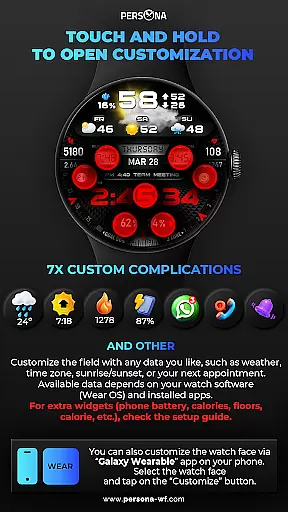
Companion app integration is essential for a seamless smartwatch experience. The PER27 Galaxy Digital Watch Face offers robust companion app support, ensuring that users can easily synchronize and manage their watch face settings directly from their smartphone.
This application allows for effortless customization of various features such as weather updates, health metrics, and aesthetic preferences like font styles and background images. By connecting the watch to the companion app, users gain access to real-time data synchronization, which enhances both functionality and personalization.
The benefits of this integration include simplified management of complications, widgets, and display settings without needing to interact directly with the watch interface. This ensures that users can swiftly adjust their preferences, making daily use more convenient and efficient.
Ultimately, the companion app integration provided by PER27 Galaxy Digital Watch Face empowers users to maximize their smartwatch's potential while enjoying a highly tailored and responsive wearable experience.
Ensuring broad device compatibility is crucial for any Wear OS application. The PER27 Galaxy Digital Watch Face is meticulously designed to be compatible with a wide range of Wear OS devices, including popular models from Samsung, Google, Fossil, and Mobvoi.
This compatibility spans across multiple API levels, guaranteeing that whether you own a Galaxy Watch8 Classic or a Pixel Watch 4, you will enjoy a smooth and optimized experience. The application supports advanced features present in newer models while maintaining performance on older devices, thanks to its adaptive design and coding standards.
Users benefit from consistent performance, reliable functionality, and access to all features regardless of their specific Wear OS device. This universality not only expands the potential user base but also assures existing users of continued support and updates.
In summary, the PER27 Galaxy Digital Watch Face stands out by offering extensive Wear OS and device compatibility, ensuring every user enjoys a premier digital watch experience tailored to their unique device specifications.
Highly customizable
Advanced weather
Fitness tracking
Always-On display
Wide compatibility
Limited to Wear OS
Complex setup
Weather sync issues
Battery drain
Premium cost

Wear Os Watch Face - Animated Snow Effect & Christmas Lights
 4.2
4.2
Embrace the holiday spirit with this magical animated watch face!
4.40
Snowflake Rose Gold Watch Face - Digital, modern, & sleek with GYRO effect.
4.10
A watch face that fuses motorsport precision with contemporary smartwatch design
4.0
Simple Analog-Digital Watchface For Wear OS 3.0 and Up Smartwatches
4.2
Be an elegant and classy secret agent, with this carefully detailed watch face
4.70
Kia Access makes getting your vehicle information easier than ever
4.60
Period, ovulation & pregnancy tracker. Fertility insights & menstrual calendar.
4.90
Spam call blocker and caller ID for automatic call protection!
4.40
Gym Log & Workout Tracker | Fitness Journal, Training & Weight Lifting Planner
4.90
Real-time weather radar with temperatures, warnings, hurricanes, and widgets
4.80
Your second brain for organizing your life: to-do, calendar, reminder.
4.70
Ideal for surviving in the wasteland left after nuclear fallout
4.50
Connect to your Bluelink equipped Hyundai vehicle from your smartphone.
4.50
Premium hybrid watch face with many customizations for Wear OS devices.
4.40
Structured watch face with seven complications and modular UI elements
3.90
Professional weather radar and more
3.90
an Analog Watch Face for winter season with freeze winter background for Wear OS
4.5
Christmas is near, let's count together the days left until Santa comes
4.5


User Reviews