
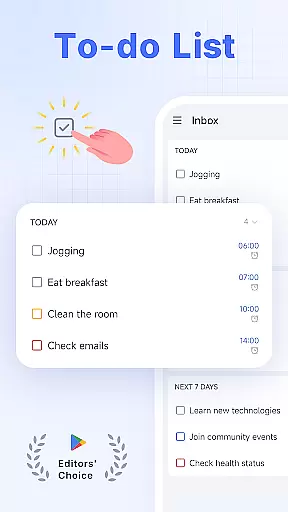
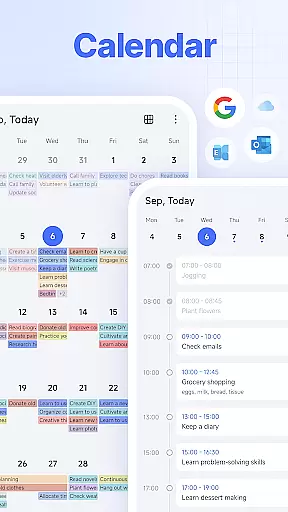
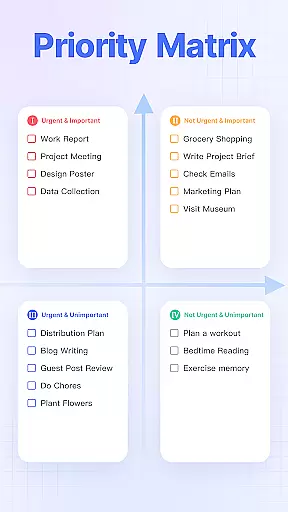
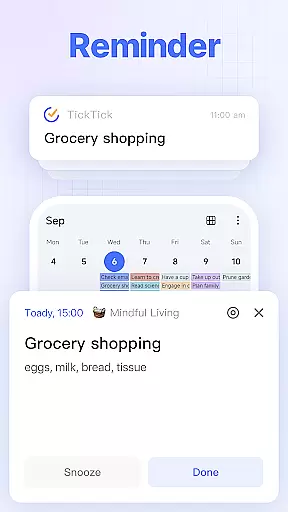
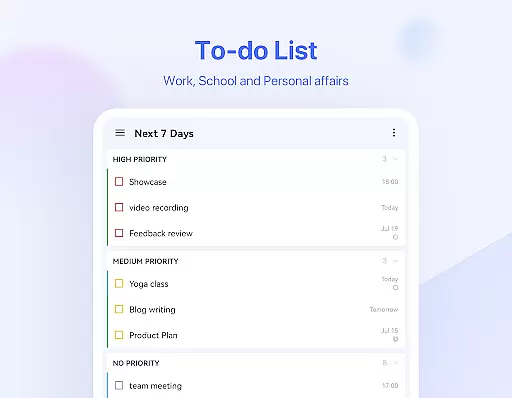
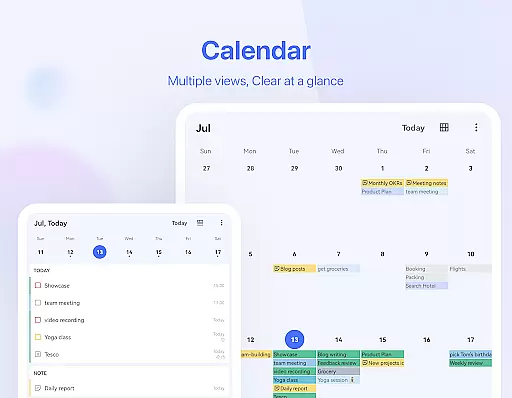
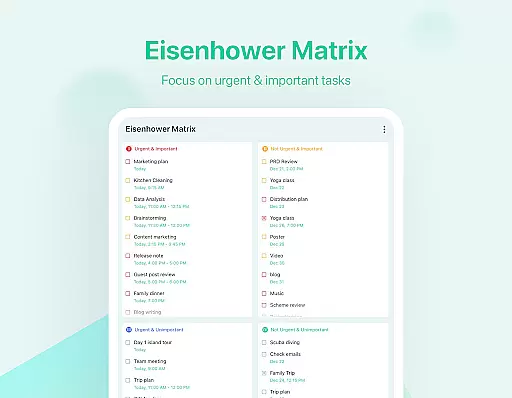
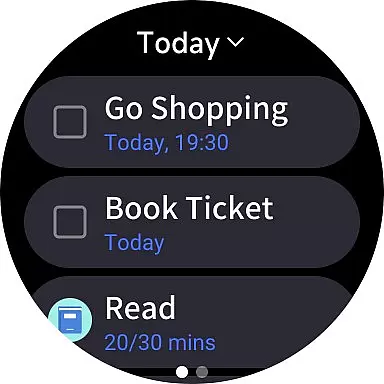
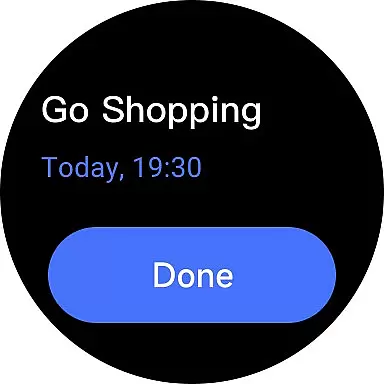
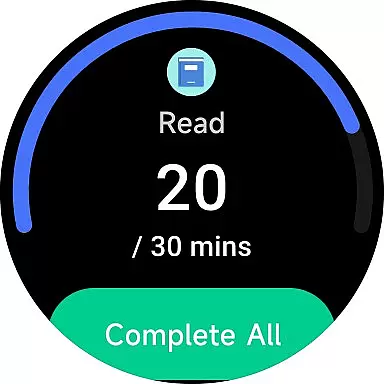
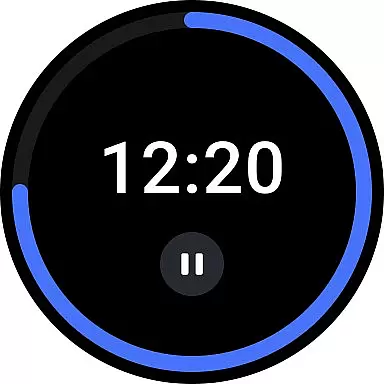
TickTick is a comprehensive productivity app designed specifically for Android Wear users, helping you organize your life and maximize efficiency. As a multi-dimensional task manager, it consolidates all your to-dos, schedules, and reminders into one intuitive platform. Whether you're managing personal goals, work tasks, or collaborative projects, TickTick ensures you stay on top of your commitments.
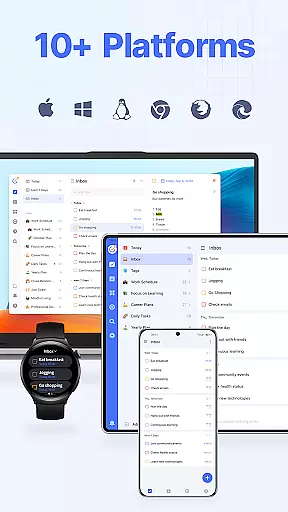
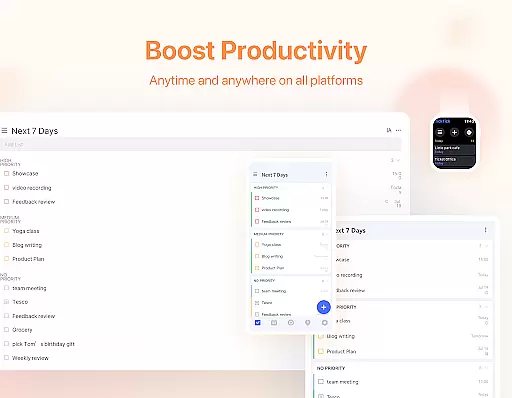
The app's standout features include seamless cross-device synchronization, allowing you to access your tasks across Android, Wear OS, iOS, Mac, and PC. With functions like Pomodoro Timer, Habit Tracker, and sleek calendar integration, TickTick offers a complete solution for time management and productivity enhancement. Its user-friendly interface makes capturing ideas and setting reminders quick and effortless.
For professionals and busy individuals, TickTick transforms the way you manage daily responsibilities. From creating shopping lists to tracking long-term habits, this app helps you make every moment count while staying focused on what truly matters.
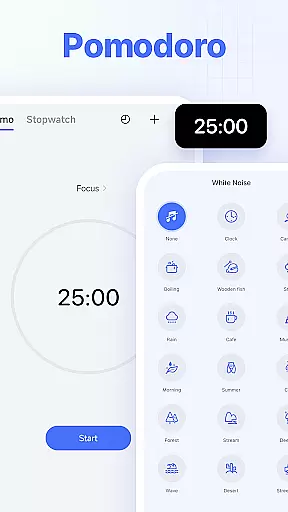
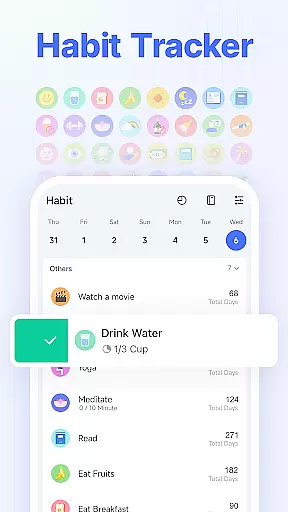
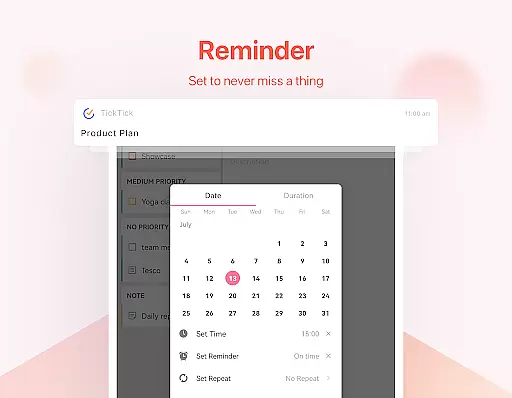
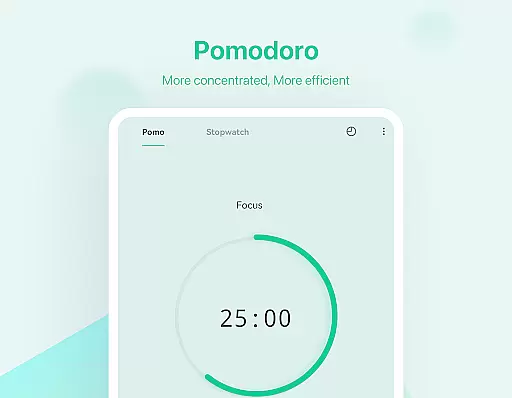
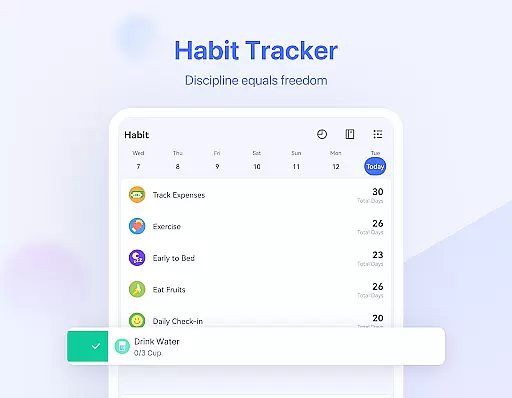
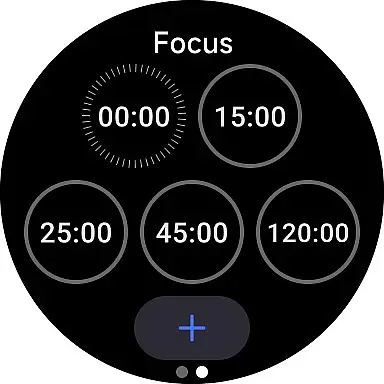
TickTick stands out with its robust feature set tailored for productivity enthusiasts. The app's Pomodoro Timer and white noise functionality help maintain focus during work sessions, while the Habit Tracker allows users to build and monitor positive routines over time. These tools are complemented by Smart Date Parsing, which intelligently sets due dates and alarms based on your input.
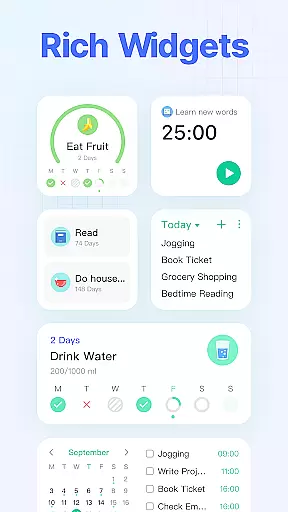
Another key highlight is the seamless synchronization across multiple platforms, including web, mobile, and wearables. This ensures that whether you're at home or in the office, your tasks and notes remain accessible. The app also provides handy widgets for quick access and supports recurring task scheduling with customizable repetition patterns.
Collaboration is made easy through shared task lists and assignments, making TickTick ideal for both personal use and team projects. Premium users can enjoy additional benefits such as beautiful themes, enhanced list controls, and advanced calendar views, elevating the overall productivity experience.
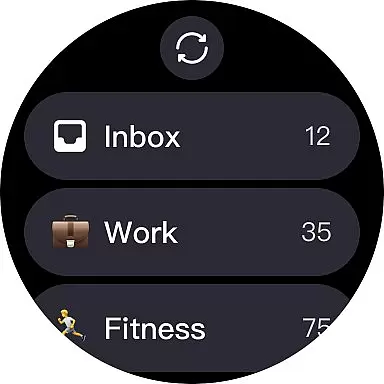
For users of Android Wear devices, TickTick offers seamless companion app integration that ensures your productivity is not confined to your phone or computer. The app syncs across multiple platforms including Wear OS watches, allowing you to access and manage tasks directly from your wrist.
This integration means that whether you're commuting, in a meeting, or exercising, you can easily view, add, or complete tasks without needing to reach for your phone. This feature enhances the multitasking capability of your smartwatch, making it an indispensable tool for managing your day-to-day activities.
TickTick's Wear OS app is designed with simplicity and efficiency in mind. It provides quick access to your most important tasks and features like voice input for adding new tasks, ensuring that you can stay productive even when you're on the move.
TickTick stands out with its extensive compatibility with various devices, including those running on Wear OS. This compatibility ensures that no matter what device you own, you can enjoy a consistent and reliable task management experience.
The app is optimized for Wear OS, providing a user-friendly interface that takes full advantage of the smartwatch form factor. With features tailored for quick glances and easy interaction, such as instant task reminders and handy widgets, TickTick makes sure you never miss an important deadline.
Moreover, TickTick's dedication to cross-device functionality means that all updates and changes are synced in real-time across your smartphone, tablet, computer, and smartwatch. This synchronization allows for a fluid workflow, empowering you to focus on your tasks rather than the tool itself.
User-friendly interface
Cross-platform sync
Powerful task management
Customizable features
Effective Pomodoro timer
Limited free version
Premium subscription cost
Occasional sync delays
Complex settings for beginners
Third-party calendar limitations

Christmas - Festive - Christmas Village - Winter - Christmas lights
 5.00
5.00
Elegant animated Christmas tree with multiple customization options
4.20
Let's celebrate Thanksgiving - Wear Os watch face
4.20
Structured watch face with seven complications and modular UI elements
3.90
Monitor health with the stress test and pulse checker in the heart rate app.
4.60
Real-time results, stats, schedules and player profiles for all leagues
4.60
Hyper-Realistic Airplane Dashboard Watch Face With 10 Skins and Custom AOD
4.00
Toyota app currently supports 2010 or newer vehicles (2018 or newer for Hawaii).
4.50
Download full tracks, listen to music offline, make unlimited playlists.
4.80
Digital, flexibly customizable watch face. For Wear OS 5.0, API 34+ and later.
5.00
Easy Voice Recorder is your everyday companion to record important moments.
4.70
To-Do List: daily schedule planner, task organizer, to do reminder app, calendar
4.60
Retro digital watch face with customizable colors and a unique lighting effect
4.60
Ideal for surviving in the wasteland left after nuclear fallout
4.50
The ultimate destination for kids ages 3-8 to explore the Marvel Universe!
4.30
Wear Os Watch Face - Animated Snow - Sesonal for Christmas & Winter
4.2
A watch face that fuses motorsport precision with contemporary smartwatch design
4.1
Stylish digital watch face for Wear OS devices with customizable features
4.0
Fitness interactive virtual pet super fighter boy watch face
4.2


User Reviews