
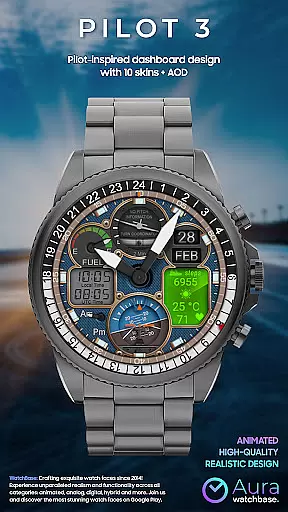
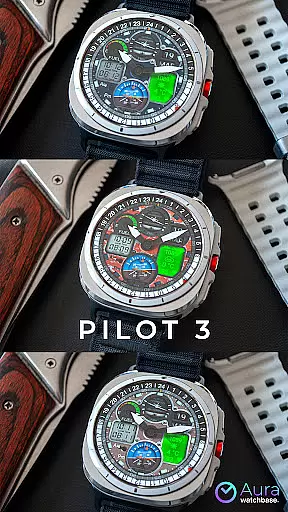
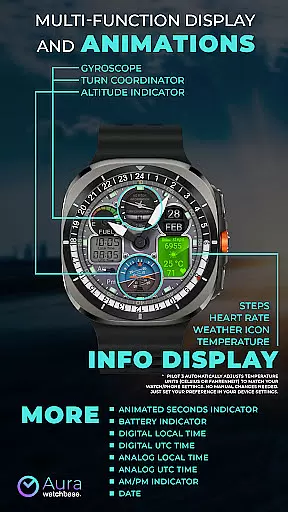
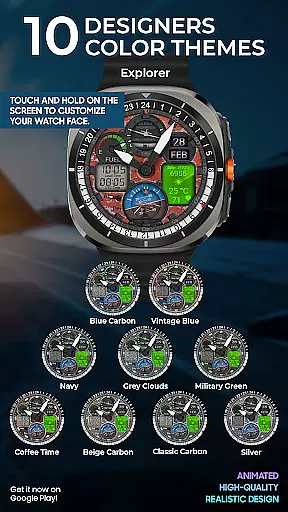
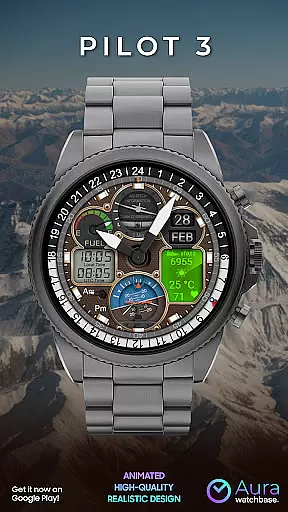
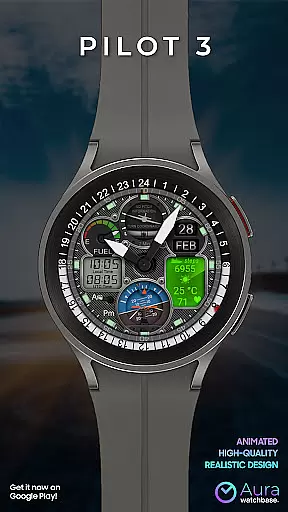
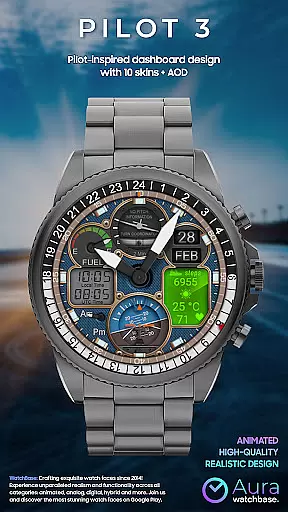
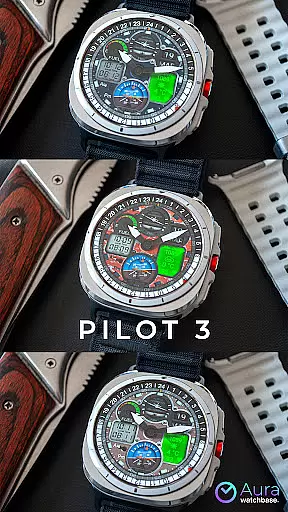
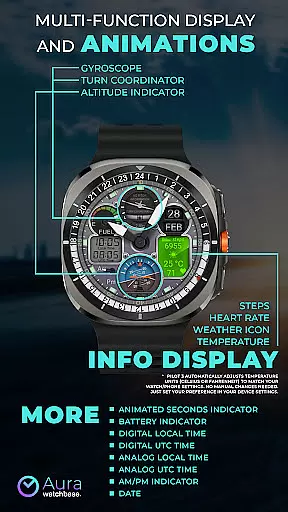
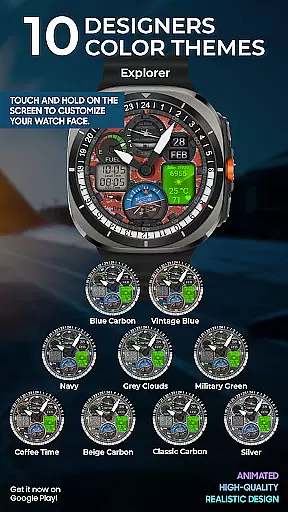
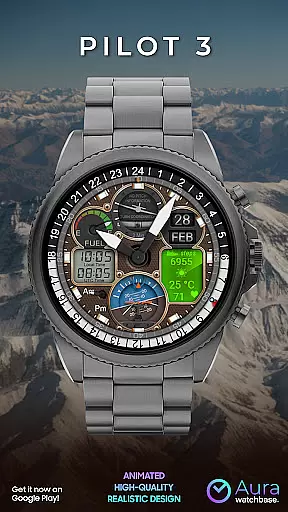
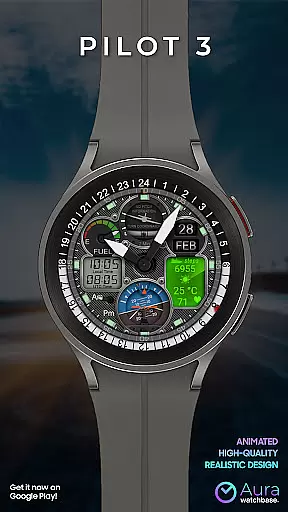
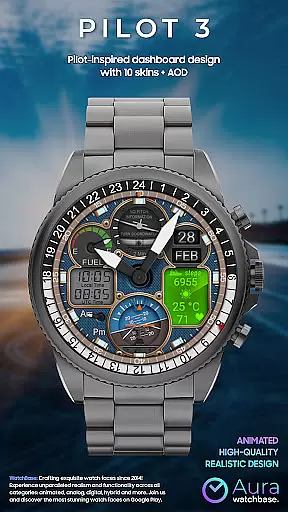
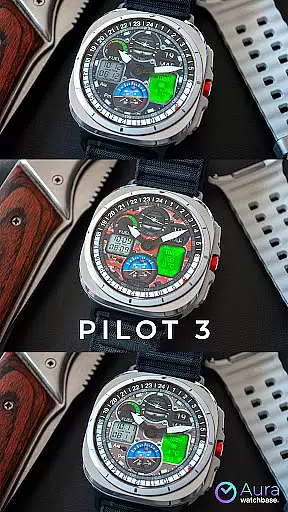
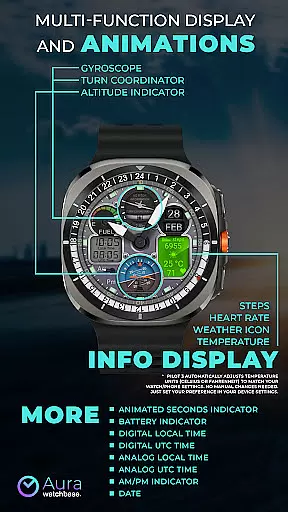
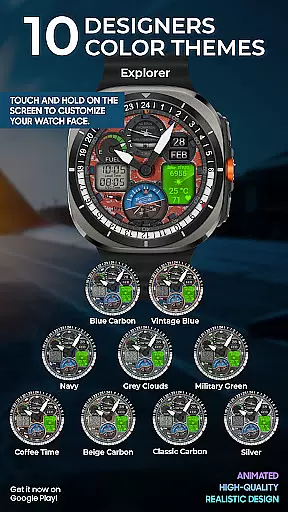
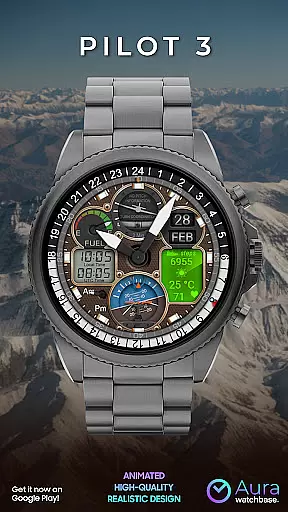
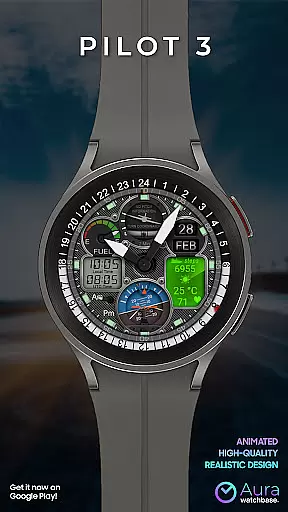
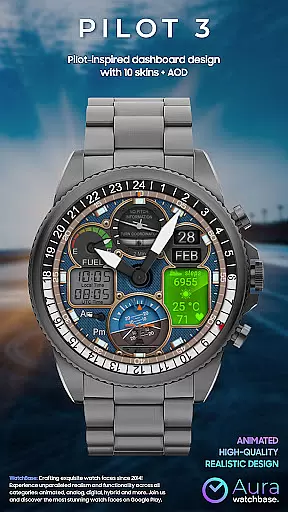
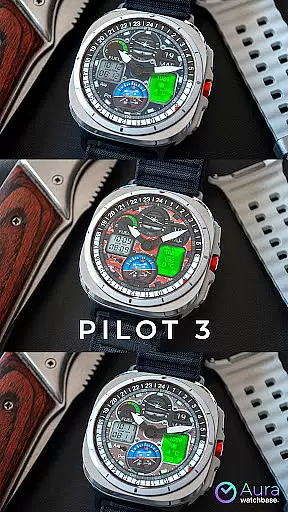
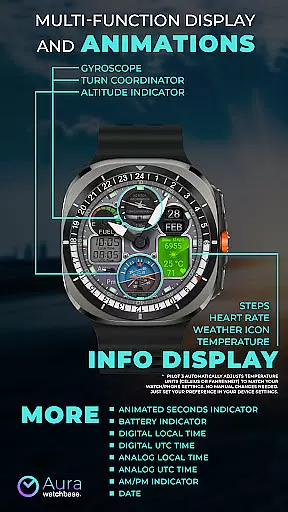
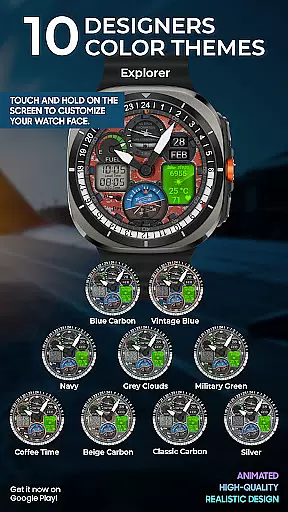
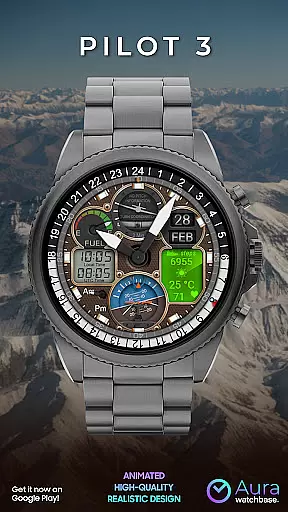
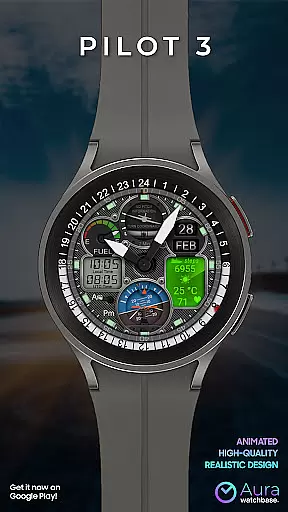
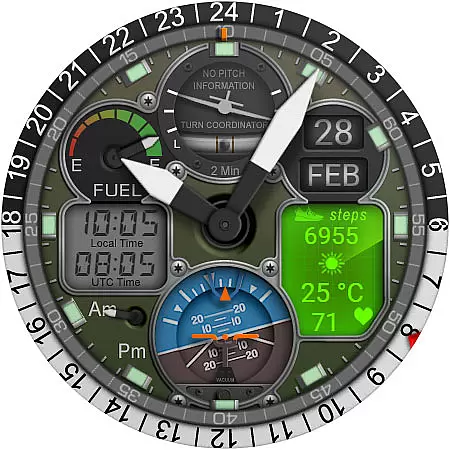
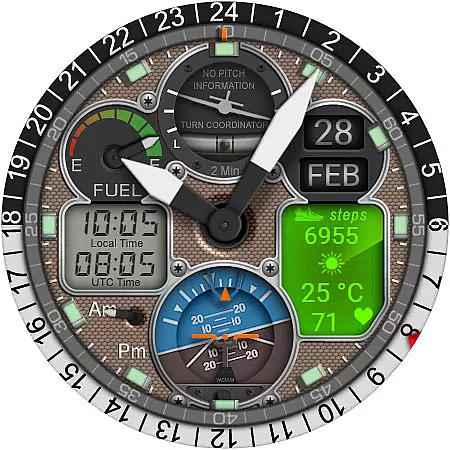
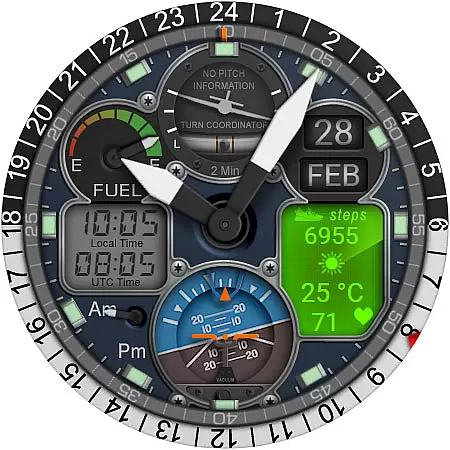
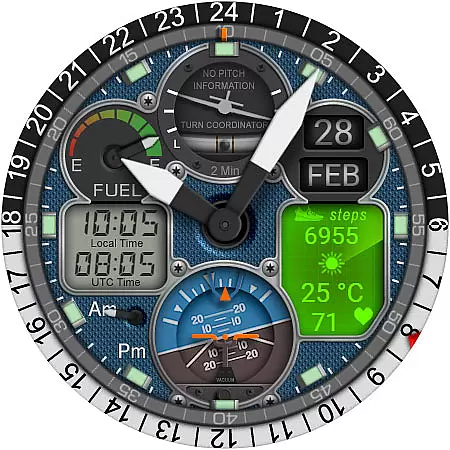
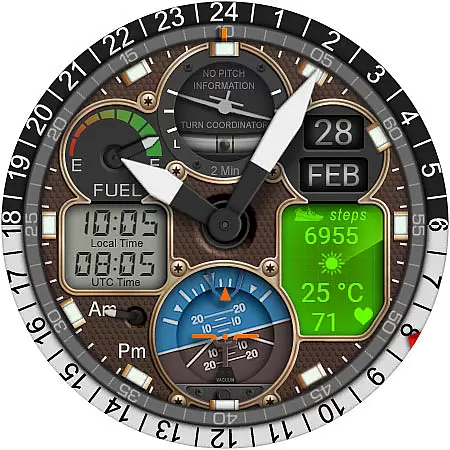
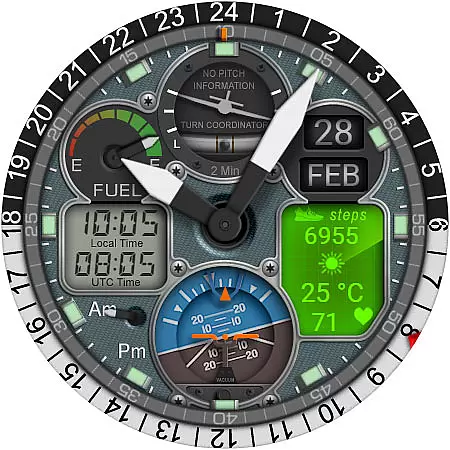
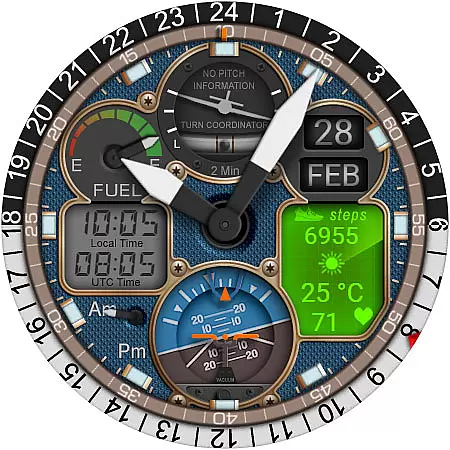
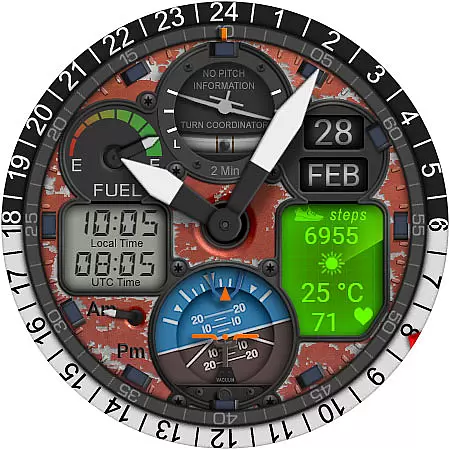
WB PILOT 3 Animated Watch Face brings the thrill of aviation to your Wear OS smartwatch. Designed for devices running Wear OS 5 and higher, this hybrid watch face combines stunning graphics with functional features. The animated elements like Turn Coordinator, Altitude Indicator, and Gyroscope create an immersive cockpit experience while providing essential timekeeping functions.
This watch face offers both digital and analog time displays, along with useful indicators such as battery level, date, and AM/PM markers. Users can view their local time, UTC time, and access health metrics including steps and heart rate. The automatic temperature unit adjustment ensures seamless integration with your device settings, making it a perfect companion for aviation enthusiasts and smartwatch users seeking a sophisticated timepiece.
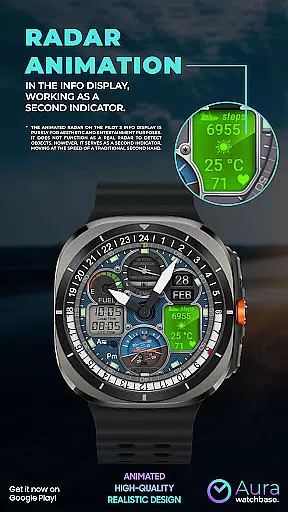
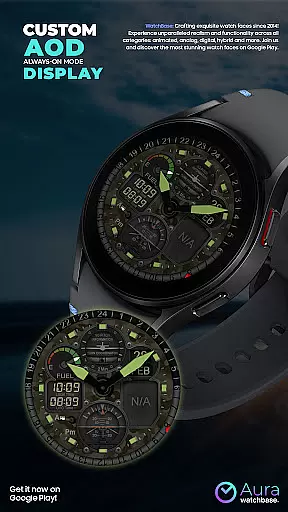
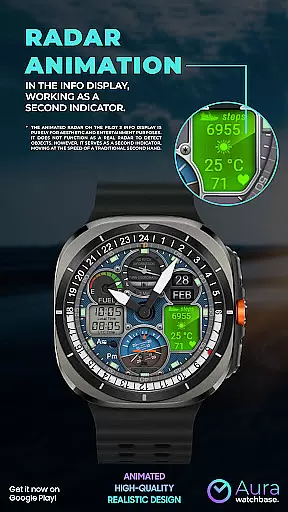
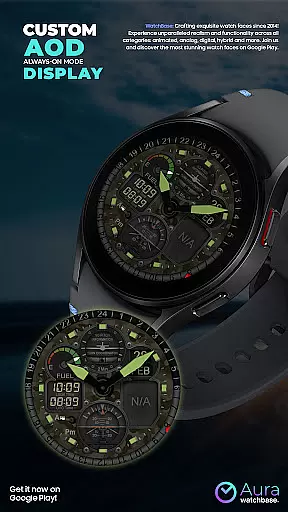
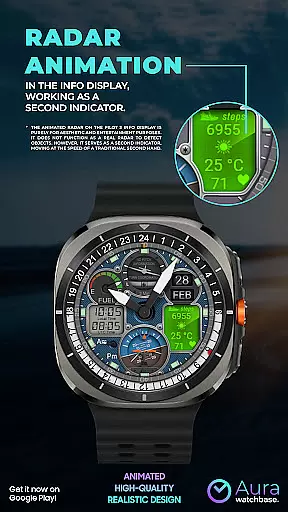
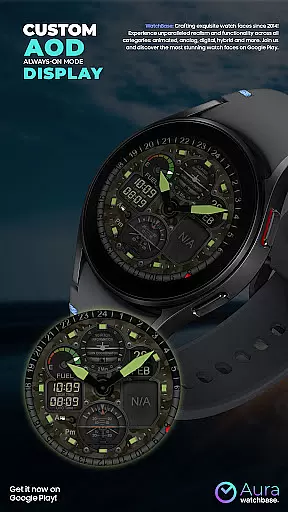
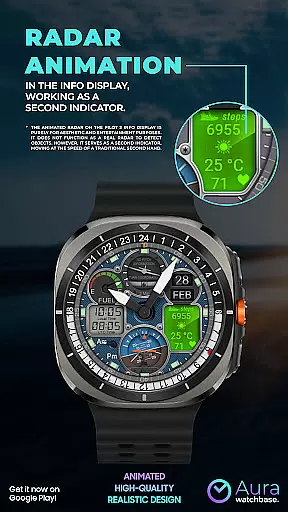
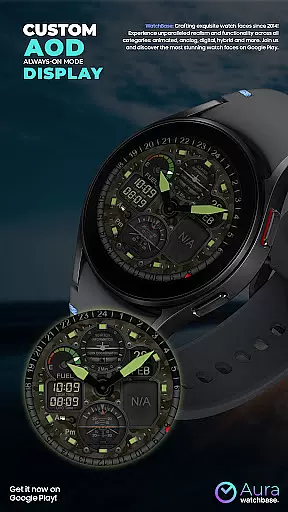
The WB PILOT 3 stands out with its comprehensive feature set tailored for both functionality and aesthetics. The watch face includes 10 customizable skins and an Always-On Display (AOD) mode, ensuring both personalization and visibility. Its animated elements aren't just visually appealing but also serve practical purposes - the animated radar doubles as a second hand, moving at traditional second-hand speed.
Users benefit from dual time zone support through separate digital and analog displays for local and UTC times. The info display integrates essential health and environmental data including step count, heart rate, weather icon, and temperature. Notably, the watch face automatically adapts to your preferred temperature units based on device settings, eliminating manual adjustments. These features create a seamless user experience that combines style with practical utility.
Companion app integration is a crucial feature for smartwatch applications, especially for watch faces like WB PILOT 3. This functionality ensures seamless synchronization between the wearable device and the user's smartphone.
The WB PILOT 3 Animated Watch Face utilizes a dedicated companion app to simplify the installation process. After purchasing the watch face, users can tap the install button within the phone app, which triggers the installation on the connected smartwatch. This process eliminates the complexities often associated with manual installations.
This integration provides significant benefits to users. It allows for automatic updates, ensuring that users always have access to the latest version of the watch face. Additionally, it enables easy customization options that can be controlled directly from the smartphone interface.
When technical issues arise, such as synchronization problems where users are prompted to repurchase the watch face, the companion app serves as a central point for troubleshooting. Most importantly, this integration maintains purchase records, preventing users from being charged multiple times for the same product.
Device compatibility is a fundamental aspect of any Wear OS application, determining which devices can successfully run the software. For WB PILOT 3 Animated Watch Face, compatibility is specifically optimized for modern smartwatches.
This animated watch face is designed to work exclusively with devices running Wear OS 5 and higher versions. This targeted compatibility ensures optimal performance and takes full advantage of the latest operating system features and security protocols available in newer smartwatches.
The developers have implemented several compatibility checks to enhance user experience. For instance, the watch face automatically adjusts temperature units to match the user's device settings, eliminating the need for manual configuration. This intelligent adaptation demonstrates how the application seamlessly integrates with the device's native settings.
By focusing on specific Wear OS versions, the developers can incorporate advanced features such as animated elements and AOD display without worrying about backward compatibility issues. This strategic decision ensures that users with compatible devices receive the best possible visual experience while maintaining system stability and performance.
Stunning aviation-themed graphics
Wide range of customization options
Automatic temperature unit adjustment
Comprehensive health and time metrics
Seamless Wear OS integration
Limited to Wear OS 5+
Potential synchronization issues
Complex installation process
High power consumption
Non-functional radar animation

Wear Os Watch Face - Animated Snow - Sesonal for Christmas & Winter
 4.5
4.5
Be an elegant and classy secret agent, with this carefully detailed watch face
4.70
Bold, Modern Hybrid Watch Face for Wear OS. 10 Colors, Rich Info Display.
4.30
Stay in touch with your friends and family using LINE!
3.40
Real-time weather radar with temperatures, warnings, hurricanes, and widgets
4.80
Connect, create, and collaborate with Gmail, part of Google Workspace.
4.10
Track airplanes and follow flights with our real-time flight tracker
4.50
Spam call blocker and caller ID for automatic call protection!
4.40
Toyota app currently supports 2010 or newer vehicles (2018 or newer for Hawaii).
4.50
Hyperlocal rain alerts by MyRadar using patent-pending technology, radar & more
4.80
The Chevron App allows you to pay for fuel from the comfort of your car!
4.80
The most customizable minimal watch face. For Wear OS 5.0, API 34+ and later
4.70
Easy Voice Recorder is your everyday companion to record important moments.
4.70
Walking app for weight loss: walk & step tracker, pedometer, indoor treadmill
4.60
Deck out your Wear OS Watch face with a beautifully decorated pine wreath!
4.50
Ideal for surviving in the wasteland left after nuclear fallout
4.50
Let's celebrate Thanksgiving - Wear Os watch face
4.20
A Wintery Snow Globe on Your Wrist; now celebrating Christmas!
4.1
3 Complications. All shadow on/off. 30 Themes color palette...
4.1


User Reviews