
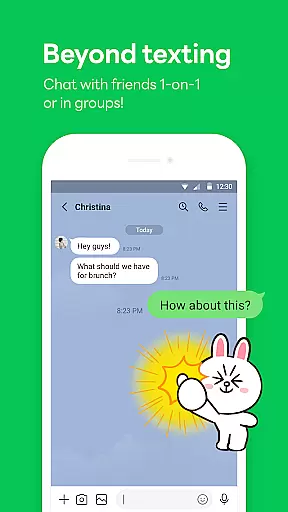
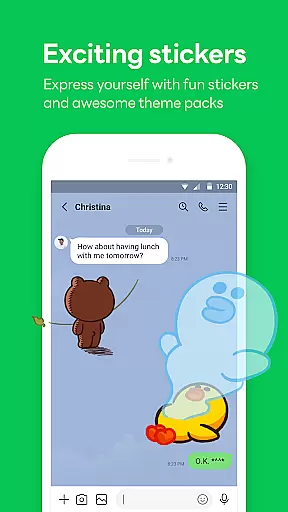
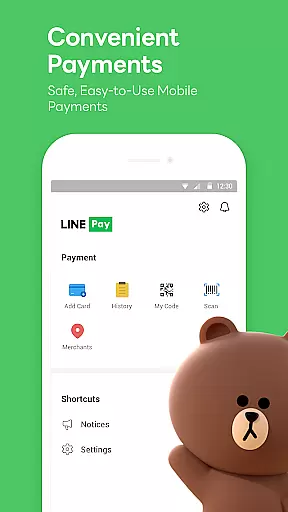

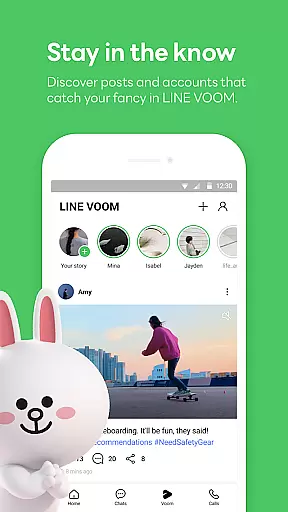
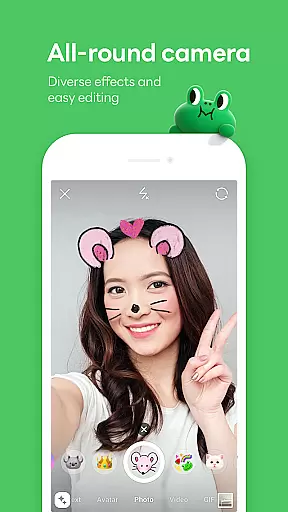
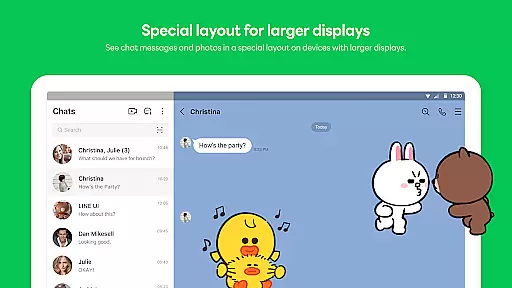
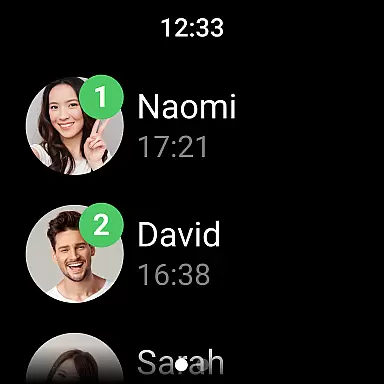
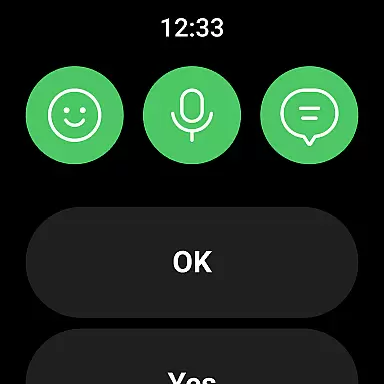
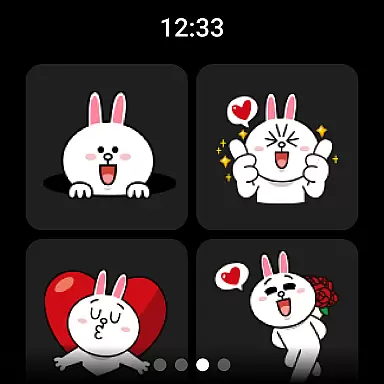

LINE is a comprehensive communication app that bridges the gap between family, friends, and loved ones through free voice and video calls, messages, and an extensive range of exciting stickers. Available globally on mobile, desktop, and Wear OS, LINE continues to expand its platform with new services and features that enhance users' lives by making them more enjoyable and convenient.
With capabilities such as seamless connectivity across multiple devices, personal information storage with Keep Memo, and enhanced privacy protection through Letter Sealing encryption, LINE ensures users can chat anytime, anywhere while maintaining their privacy. Additionally, users can customize their experience with unique themes and express themselves using a variety of stickers and emojis.
LINE offers a robust set of features including free voice and video calls, messaging, and an impressive selection of stickers, emojis, and themes for personalized expression. The Home tab provides quick access to friends lists, birthdays, sticker shops, and various services and content offered within the app.
One standout feature is its cross-platform compatibility, allowing users to stay connected via smartphones, Wear OS, or desktops. Privacy is prioritized with Letter Sealing encryption for messages, call history, and location data. Moreover, the Keep Memo function serves as a personal chatroom for temporarily storing messages, photos, and videos, ensuring important information is always at hand.
Companion app integration is essential for users who want a seamless experience across multiple devices. LINE ensures that its mobile, desktop, and Wear OS versions are perfectly synchronized, allowing users to transition effortlessly between platforms.
The application provides consistent features such as messaging, voice and video calls, and sticker usage on all supported devices. This means you can start a conversation on your smartphone during your commute and continue it on your desktop when you arrive at the office.
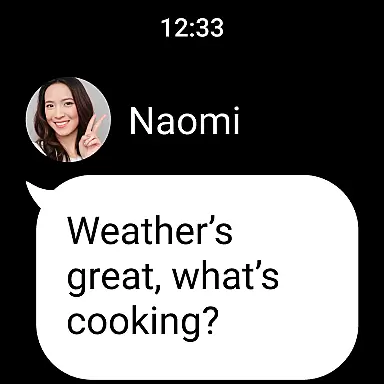
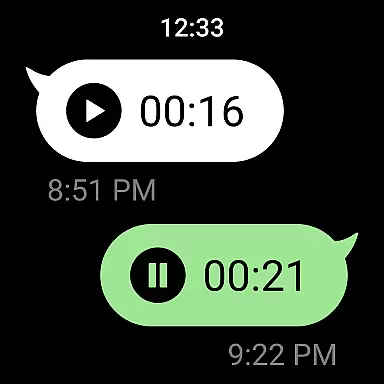
For smartwatch users, LINE offers Wear OS compatibility, enabling them to receive notifications and even respond to messages directly from their wrist. This level of integration enhances convenience and ensures you're always connected, no matter which device you're using.
By maintaining feature parity and data synchronization across all platforms, LINE delivers a unified communication experience that adapts to the modern user's dynamic lifestyle.
LINE's compatibility with Wear OS devices showcases its dedication to accessibility and user convenience. By integrating with smartwatches, LINE allows users to stay connected without needing their smartphones nearby.
This compatibility includes receiving notifications for messages and calls, viewing emojis and stickers, and even responding to chats via voice commands or pre-set responses. Such functionality is invaluable for users who are on the move and need quick access to their communications.
In addition to basic messaging, LINE also supports complications on Wear OS. Users can add the LINE app to their watch face, providing instant access to their most important conversations and ensuring they never miss an important message.
With this robust Wear OS support, LINE demonstrates its commitment to creating a versatile ecosystem that caters to various user needs and device preferences, enhancing both productivity and personal connections.
User-friendly interface
Free calls and messages
Variety of stickers
Cross-platform support
Strong privacy protection
Requires Wi-Fi or data plan
Storage issues on older devices
High battery consumption
Limited functionality on low-speed networks
Occasional installation problems

A customizable Christmas watch face for Wear OS with a countdown.
 4.20
4.20
Christmas and New Year - Themed Watchface
4.4
Analog watch face with 8 complications and expedition styling
4.2
Nutrition, Macro tracker: Food, fitness & healthy diet tracking for weight loss
4.60
Get helpful reminders, take progress photos and find answers to your questions.
3.90
Real-time results, stats, schedules and player profiles for all leagues
4.60
The Chevron App allows you to pay for fuel from the comfort of your car!
4.80
Want to take charge of your health? Let Google Fit help you reach your goals.
3.50
Download full tracks, listen to music offline, make unlimited playlists.
4.80
Digital, flexibly customizable watch face. For Wear OS 5.0, API 34+ and later.
5.00
Real-time weather radar with temperatures, warnings, hurricanes, and widgets
4.80
Simple, helpful messaging by Google
4.60
A white realistic classic analog watch face with many customization options.
4.40
Locate your family members by GPS phone location tracker everywhere and anytime
4.30
"PER27 Galaxy Digital" is a digital Wear OS watch face designed by PERSONA
4.10
Embrace the festive spirit with our Christmas Countdown watchface for Wear OS
4.10
Structured watch face with seven complications and modular UI elements
3.90
Precision analog watch face with 7 complications and style options
4.2
A heartwarming Christmas scene featuring a cute image of Santa and Rudolf
4.2


User Reviews