
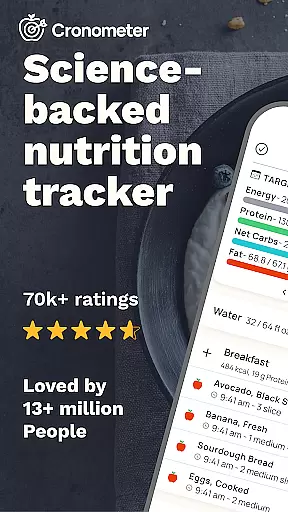
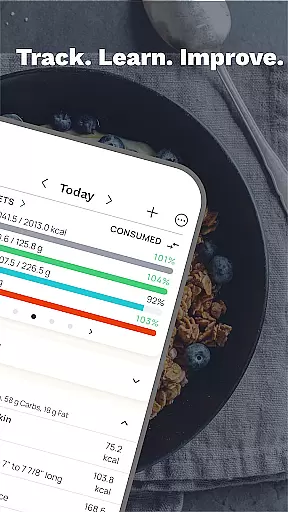
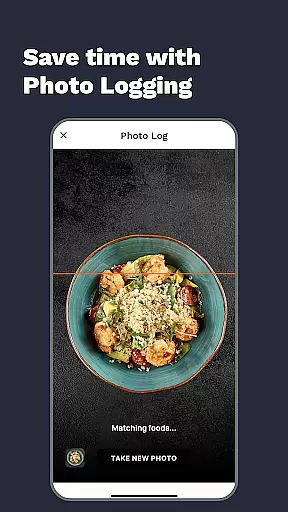
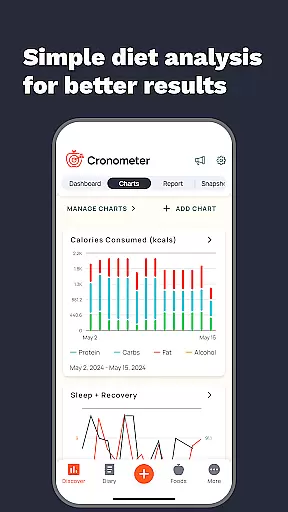
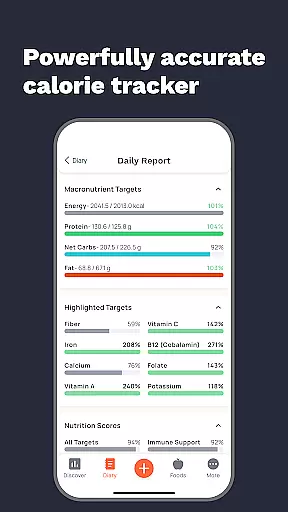
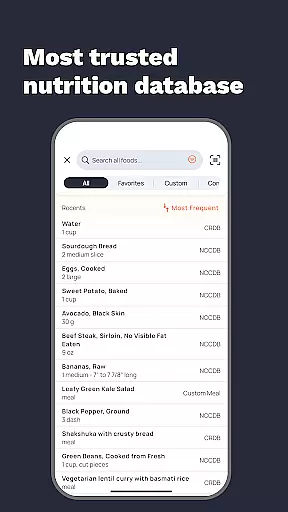
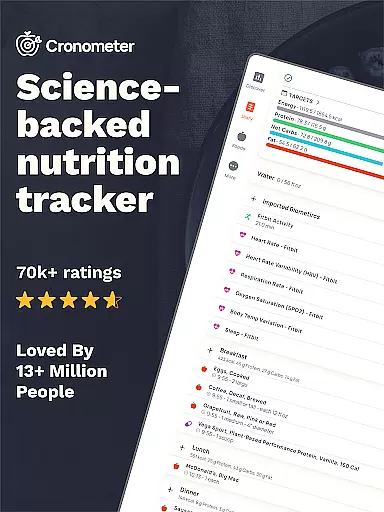
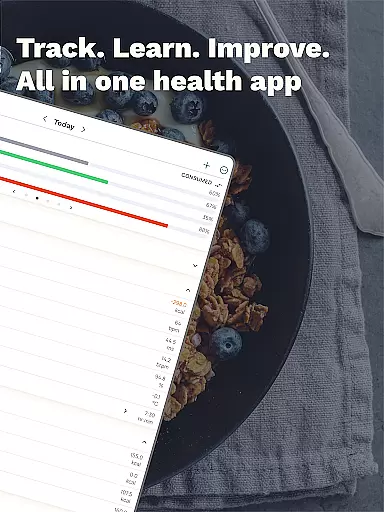
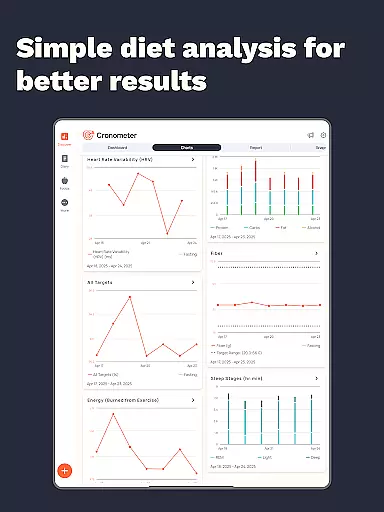
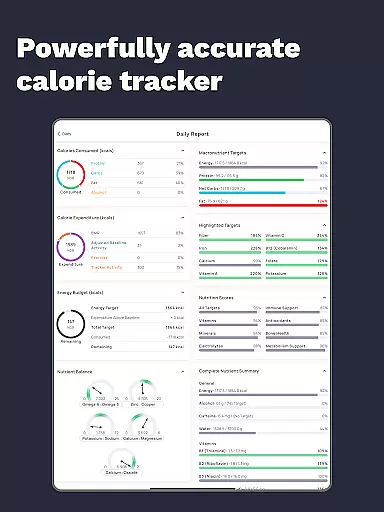
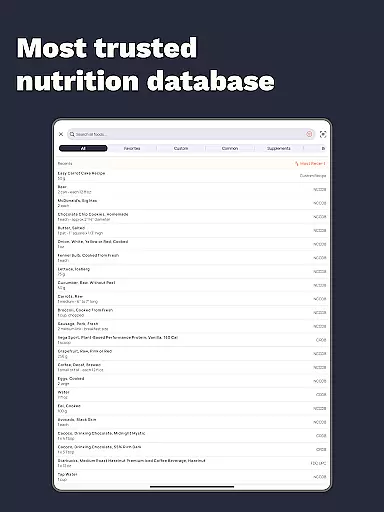
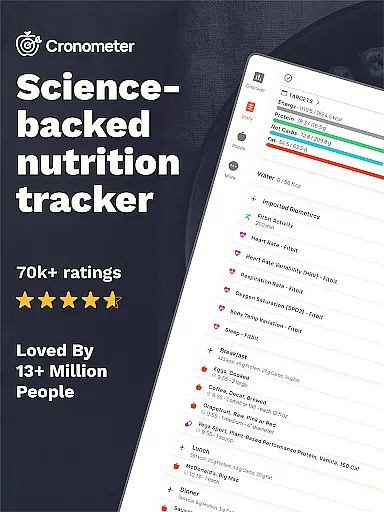
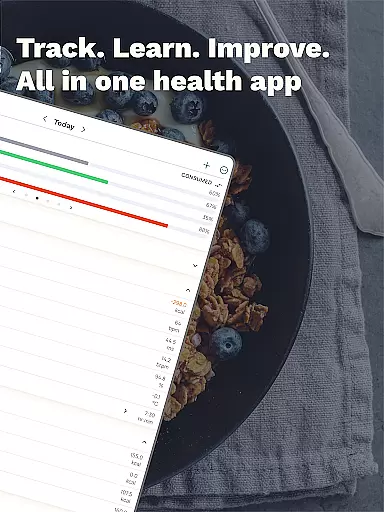
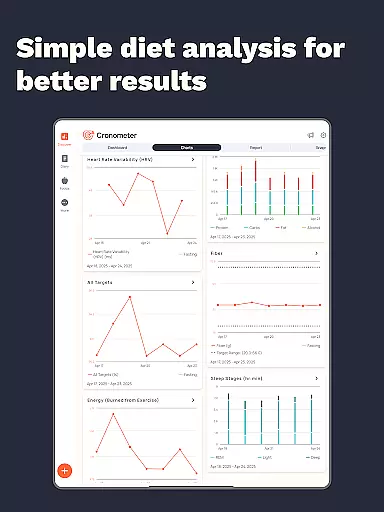
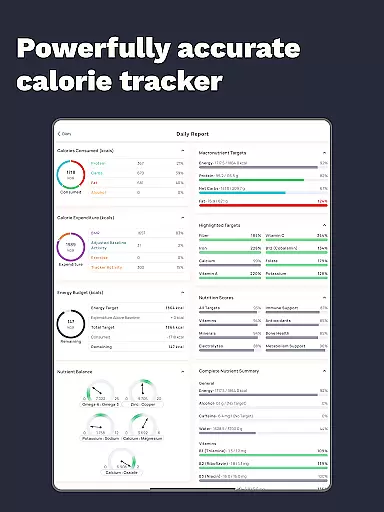
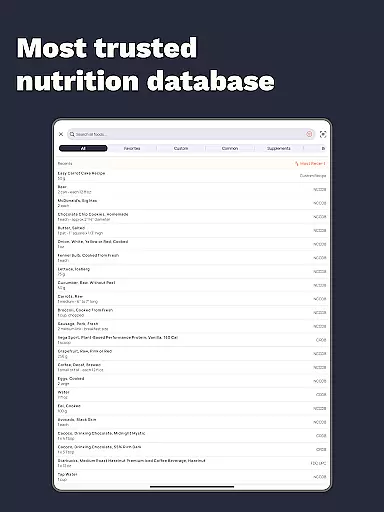
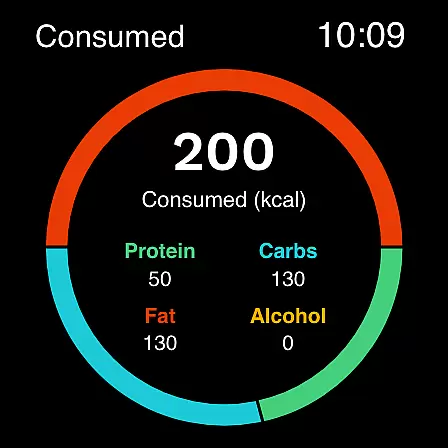
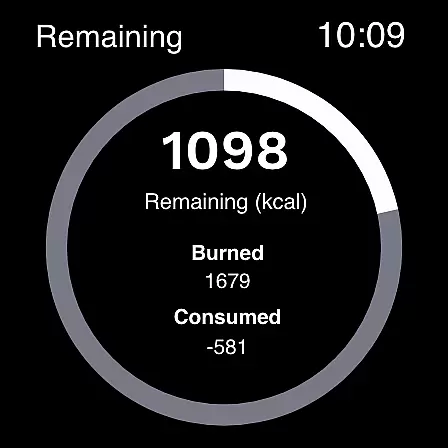
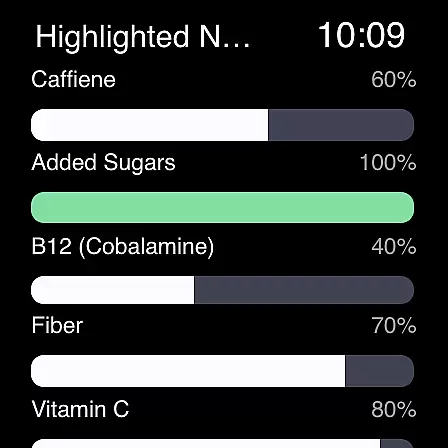
Cronometer is a comprehensive health and nutrition tracking app designed specifically for Android Wear users. This calorie counter and macro tracker goes beyond basic food logging by providing verified nutrient data, AI-powered photo logging, and integration with popular wearable devices. With over 1.1 million lab-analyzed food entries, it offers unmatched accuracy in tracking calories, macronutrients, and 84 micronutrients.
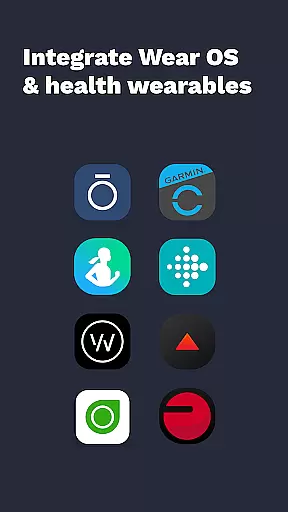
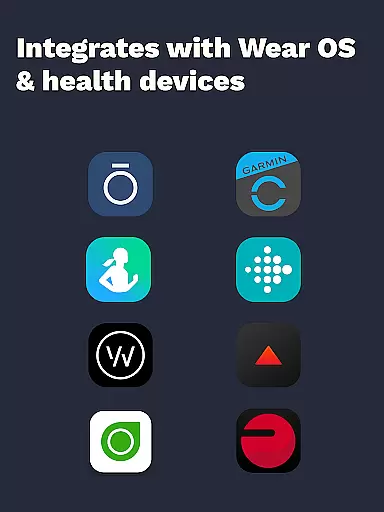
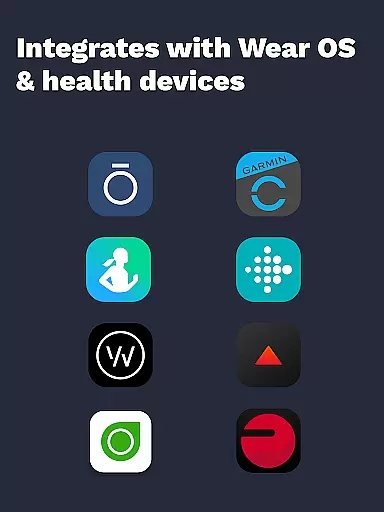
The app's standout feature is its holistic approach to health tracking. Users can monitor not just their food intake but also hydration, sleep patterns, and fitness activities. The newly added photo logging functionality allows users to snap meal photos that are automatically analyzed for ingredients and portion sizes. Cronometer's integration with wearables like Fitbit, Garmin, and Dexcom creates a unified health monitoring system right on your wrist.
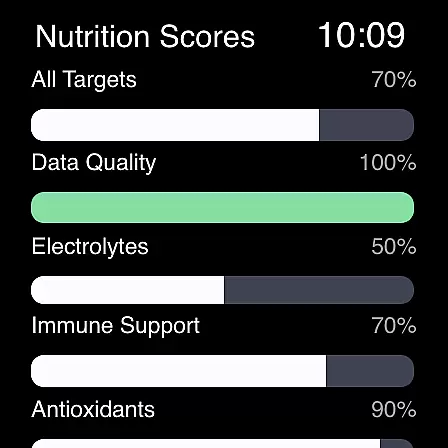
Cronometer distinguishes itself through its advanced tracking capabilities and professional-grade tools. The app's core feature set includes precise calorie counting, macro tracking, and micronutrient analysis. Its unique Nutrition Scores system evaluates up to eight key nutrient areas, while the Nutrient Oracle helps identify top contributors to specific nutrients.
For power users, Cronometer Gold offers enhanced functionality including AI Photo Logging with NCC-sourced accuracy, custom biometric tracking, and advanced reporting features. The app's ability to sync with multiple wearable devices creates a seamless health monitoring experience. Professional features like printable PDF reports and custom food sharing make it a trusted choice among healthcare providers and fitness professionals.
What sets Cronometer apart is its commitment to accuracy and depth of analysis. Unlike typical crowdsourced apps, it provides lab-verified food data and sophisticated tracking tools that support both weight loss goals and athletic performance optimization.
Companion app integration is essential for users who want a seamless experience between their mobile devices and wearables. Cronometer excels in this area by offering robust synchronization capabilities with its Wear OS application.
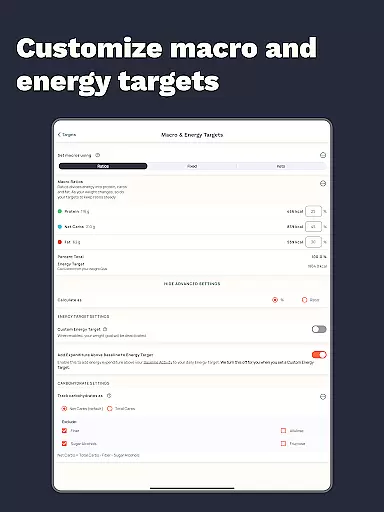
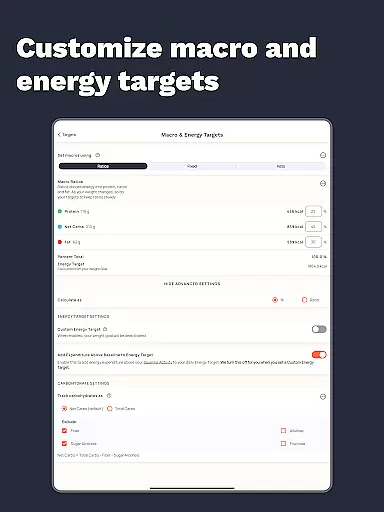
The app allows you to track calories and macros directly from your smartwatch, which means you can log your meals or check your nutrient intake without needing to pull out your phone. This feature is particularly useful when you're on the go or exercising.
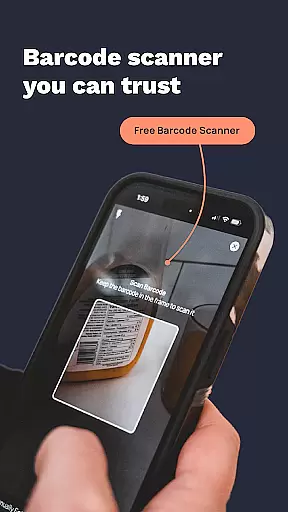
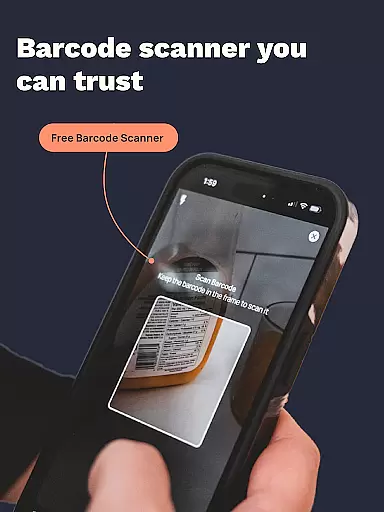
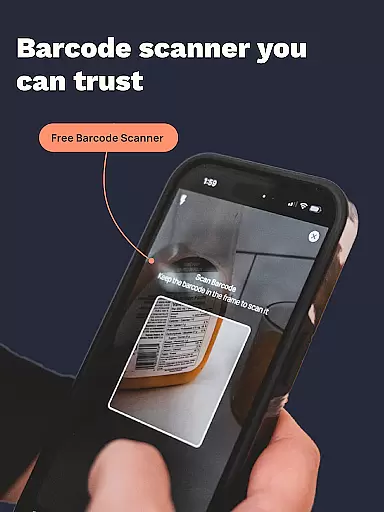
Cronometer's companion app ensures that all data logged on one device is instantly available on another. Whether you're using the barcode scanner on your phone or taking advantage of AI-powered photo logging, the information syncs across platforms, providing a unified view of your nutritional data.
This level of integration not only simplifies the user experience but also encourages consistent tracking, which is vital for achieving health goals. With real-time updates and comprehensive analytics accessible from both mobile and wearable devices, Cronometer makes managing your diet more convenient than ever.
Device compatibility is crucial for any app designed to work with wearable technology. Cronometer offers extensive support for Wear OS, ensuring that users can access their nutrition tracking tools on a wide range of smartwatches.
The app is optimized to function smoothly on Wear OS devices, allowing users to log food entries and monitor their calorie and macro intake effortlessly. This compatibility extends the utility of Cronometer beyond smartphones, making it an indispensable tool for fitness enthusiasts.
By supporting various devices within the Wear OS ecosystem, Cronometer provides flexibility and convenience. Users can choose their preferred hardware while still benefiting from the app's advanced nutrition tracking features.
Moreover, Cronometeru2019s commitment to compatibility ensures that as new Wear OS devices enter the market, users can expect ongoing updates and improvements, maintaining a high standard of performance and reliability across different platforms.
Highly accurate tracking
Comprehensive nutrient analysis
Professional-grade tools
Wearable integrations
AI-powered logging
Premium features costly
Complex for beginners
Limited free version
Requires frequent updates
Steep learning curve

Christmas Theme Watch Face for Wear Os
 5.00
5.00
Wear Os Watch Face - Animated Snow Effect & Magic Spark - 6 Scenes
4.10
Sleek, highly customizable watch face inspired by Galaxy Watch Circle Dashboard.
4.0
Find EV charging stations
4.30
Connect to your Bluelink equipped Hyundai vehicle from your smartphone.
4.50
Minimalistic design modern digital watch face.
4.0
Connect, create, and collaborate with Gmail, part of Google Workspace.
4.10
Fitbit is dedicated to helping people lead healthier, more active lives.
4.10
Toyota app currently supports 2010 or newer vehicles (2018 or newer for Hawaii).
4.50
Hyperlocal rain alerts by MyRadar using patent-pending technology, radar & more
4.80
Diet tracker for weight loss - track calories, food and macros. Simple and easy!
4.70
Hybrid watch face for Wear OS with customizable complications by Matteo Dini MD
4.70
Monitor health with the stress test and pulse checker in the heart rate app.
4.60
Simple, helpful messaging by Google
4.60
Deck out your Wear OS Watch face with a beautifully decorated pine wreath!
4.50
Digital watch face. For Wear OS devices.
4.40
A white realistic classic analog watch face with many customization options.
4.40
A full-featured Amazon Alexa voice assistant that can show you things.
3.70
Analog watch face with 8 complications and expedition styling
4.3


User Reviews