
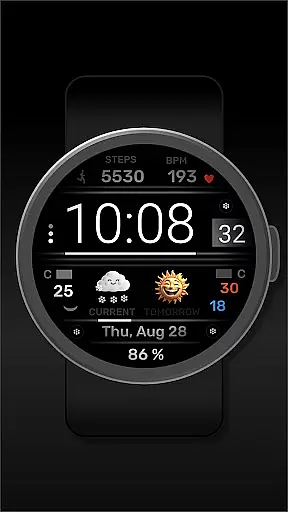
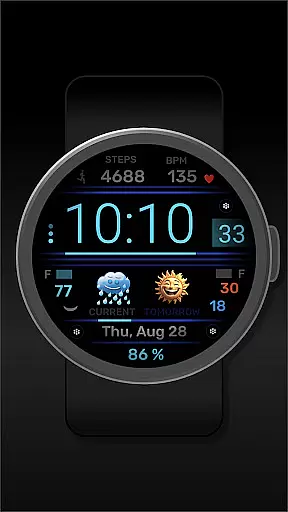
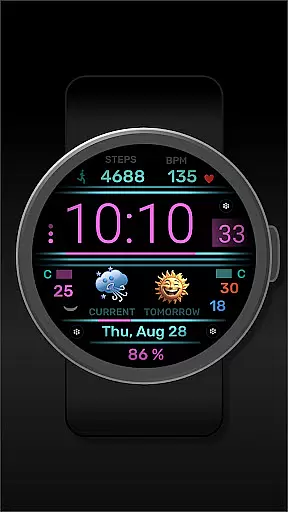
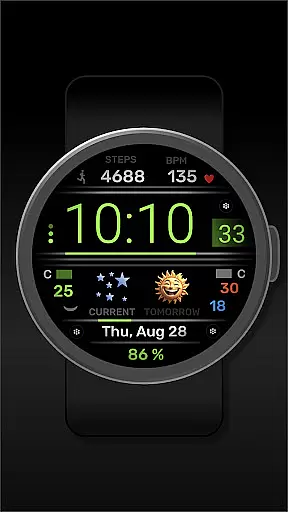
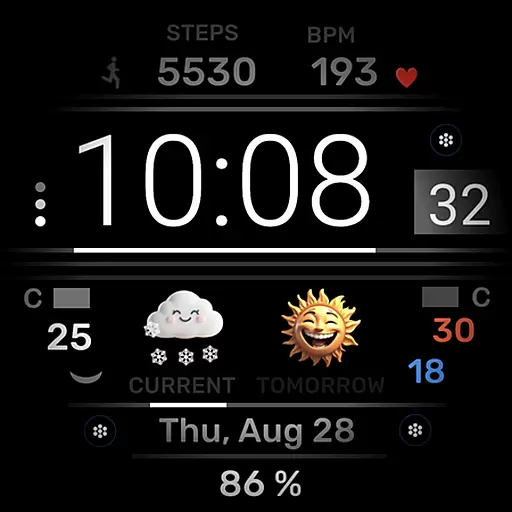
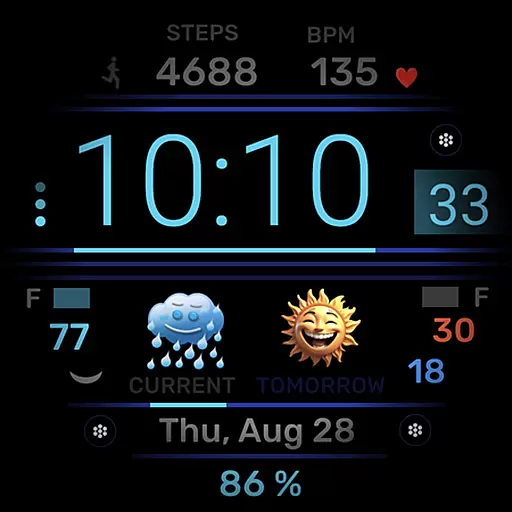
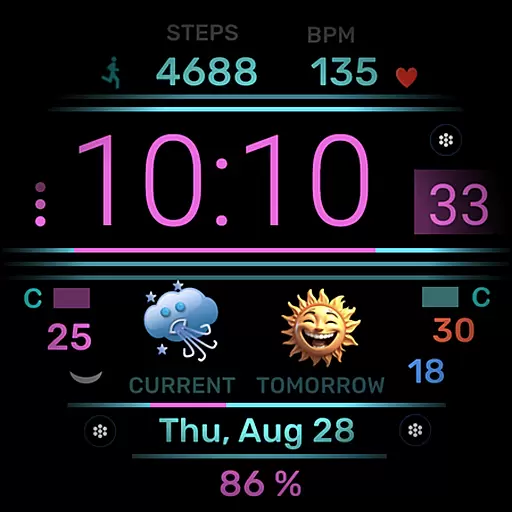
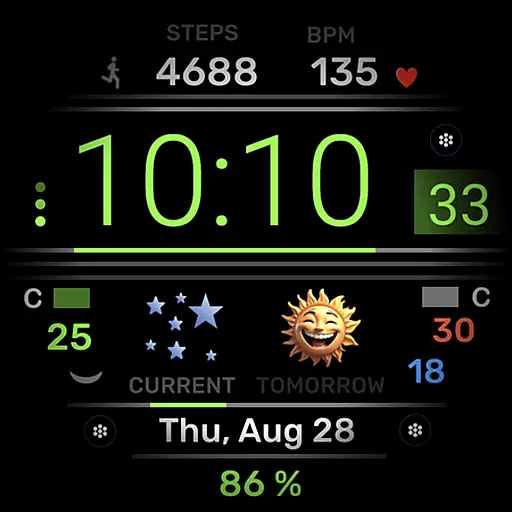
h702 Minicreator is a feature-rich watch face designed specifically for Wear OS devices. This application offers users essential information at a glance, including time, date, heart rate, step count, and weather forecast. Its customizable color schemes allow for personalization according to individual preferences. Additionally, the inclusion of three direct app launchers enhances user convenience by providing quick access to frequently used applications.
This watch face stands out with its comprehensive set of features that cater to both functionality and aesthetics. Whether you're tracking your fitness goals or staying updated with the latest weather conditions, h702 Minicreator ensures that all vital data is readily accessible on your wrist.
The h702 Minicreator watch face boasts an array of practical features tailored for Wear OS users. With real-time displays of time, date, heart rate, and step count, it serves as an all-in-one health and wellness tracker. The integrated weather forecast function keeps you informed about upcoming weather changes, ensuring you're always prepared.
Customization is key with h702 Minicreator, allowing users to modify the color scheme to match their style or mood. Furthermore, the presence of three direct app launchers means you can swiftly open your most-used apps without navigating through menus, streamlining your smartwatch experience significantly.
For Android Wear applications like h702 Minicreator, seamless companion app integration is crucial for a unified user experience. This smartwatch face not only displays essential information such as time, date, heart rate, steps, and weather forecast directly on your wrist but also ensures that all data is synchronized accurately with its companion smartphone application.
The integration allows users to customize their watch face effortlessly by changing the color scheme through the paired mobile app. Such synchronization enables a smooth transition between devices and provides a consistent look and feel across platforms.
Moreover, the inclusion of three direct app launchers within the watch interface enhances usability by providing quick access to frequently used applications. Users can manage their daily activities more efficiently without needing to reach for their phones constantly.
Ensuring broad compatibility with various Wear OS devices is vital for any wearable application. The h702 Minicreator watch face supports multiple Wear OS smartwatches, allowing users to enjoy its features regardless of their specific device model.
This compatibility extends beyond mere functionality; it guarantees an optimal display performance tailored to different screen sizes and resolutions. Whether you're checking the time or monitoring your heart rate, the information appears crisp and clear on every supported device.
In addition to visual optimization, the application maintains consistent performance levels across all compatible devices. This reliability means that whether you're viewing the weather forecast or tracking your steps, you'll experience the same high-quality interaction no matter which Wear OS device you use.
User-friendly interface
Comprehensive health tracking
Customizable design options
Integrated weather forecasting
Quick app launching capability
Limited to Wear OS
Requires compatible device
No advanced analytics
Basic customization limits
Potential battery drain

Calming & relaxing sounds for sleeping and stress relief. Stay focused all day!
 4.20
4.20
Wear Os Watch Face - Animated Snow Effect & Christmas Lights
4.1
Animated Watch Face and Customizable with 24 Backgrounds. Perfect for Christmas!
3.90
Watch face designed for Thanksgiving Day. 7 Background Styles included.
3.20
Stylish, Energizing and Modern Watch Face crafted by Dominus Mathias.
4.50
Animated video-game inspired “secret agent” simulation, right on your wrist!
4.20
Daily Weather forecast with 15 weather images for Day & Night plus Big Bold time
4.10
Connect, create, and collaborate with Gmail, part of Google Workspace.
4.10
Track your active life in one place and share the journey with friends.
4.40
Gym Log & Workout Tracker | Fitness Journal, Training & Weight Lifting Planner
4.90
Highly customizable hybrid watch face for Wear OS, perfect for everyday use.
4.60
Real-time results, stats, schedules and player profiles for all leagues
4.60
Retro digital watch face with customizable colors and a unique lighting effect
4.60
Digital watch face with big numbers and many customization for Wear OS devices
4.40
Bold, Modern Hybrid Watch Face for Wear OS. 10 Colors, Rich Info Display.
4.30
Elegant animated Christmas tree with multiple customization options
4.20
Embrace the festive spirit with our Christmas Countdown watchface for Wear OS
4.10
Stunning modern digital watch face with 7 complications and strong contrast
4.5
Stylish digital watch face for Wear OS devices with customizable features
4.4


User Reviews