
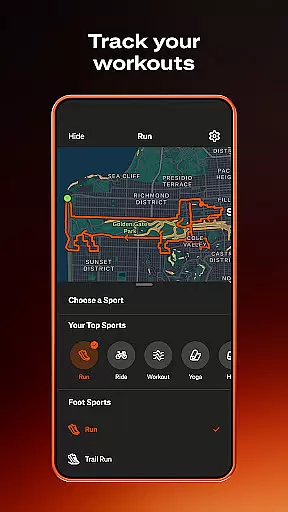
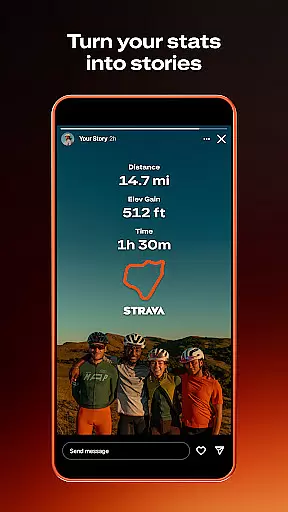
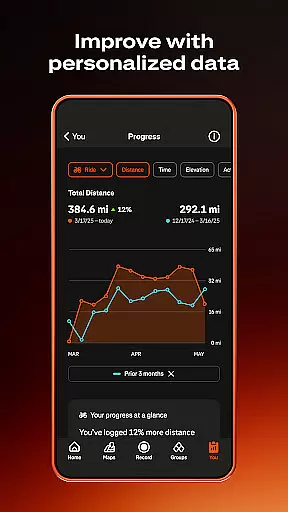
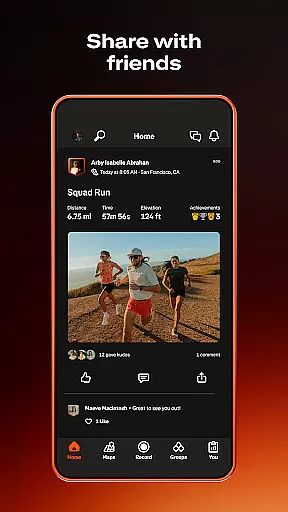
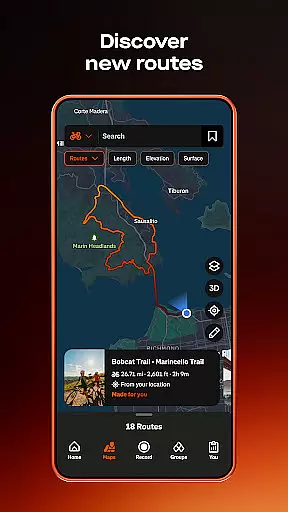
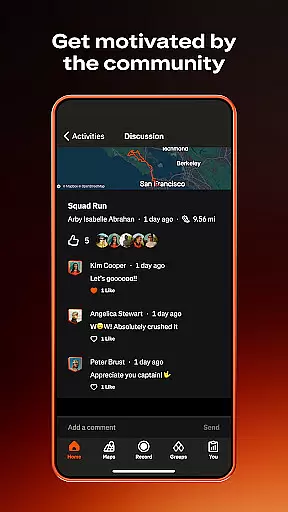
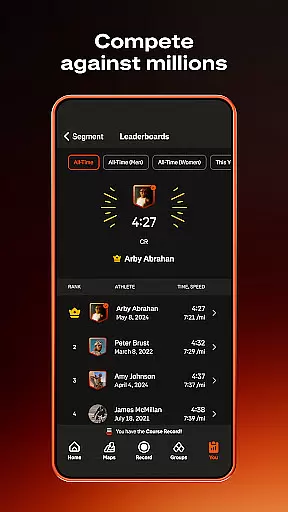
Strava is the ultimate fitness tracking app that combines community building with performance monitoring, designed specifically for athletes and fitness enthusiasts. With over 180 million active users, Strava supports a wide range of activities including running, cycling, walking, hiking, and yoga, along with over 40 other sport types. The app allows you to track your progress through detailed data insights, compete on popular segments, and connect with a global community of like-minded individuals. Whether you're a professional athlete or just starting your fitness journey, Strava offers tools to help you achieve your goals while staying safe and connected.
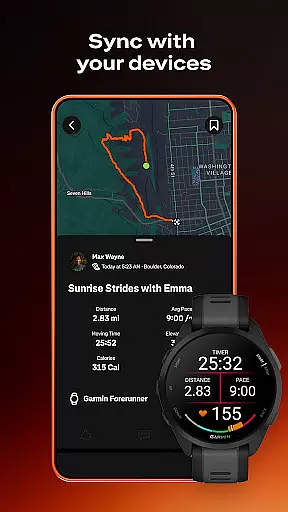
One standout feature of Strava is its ability to sync with thousands of devices such as Apple Watch, Garmin, Fitbit, and Peloton, ensuring all your fitness data is centralized. Additionally, the app provides advanced safety features like Beacon, which shares your real-time location with loved ones during activities. Strava also emphasizes privacy control, allowing users to manage who sees their activities and personal information. Available in both free and subscription versions, Strava caters to various needs, making it an essential tool for anyone looking to enhance their athletic performance while engaging with a supportive community.
Strava stands out with its comprehensive set of features tailored for athletes and fitness enthusiasts. The app allows you to record a variety of activities, from running and cycling to yoga and hiking, offering over 40 sport types to choose from. By syncing with popular devices like Apple Watch, Garmin, Fitbit, and Peloton, Strava ensures that all your fitness data is seamlessly integrated into one platform. This synchronization capability extends to providing intelligent route recommendations based on your preferences and location, helping you discover new paths and challenges.
Beyond activity tracking, Strava fosters a strong sense of community. You can join local clubs, participate in monthly challenges, and follow friends or favorite athletes to stay motivated. The app's social feed keeps you connected with real efforts from real people, where you can send kudos and celebrate achievements. For those seeking more advanced features, a Strava subscription unlocks live segment updates, AI-driven athlete intelligence, and personalized training logs. These tools provide deeper insights into your performance, helping you set new personal records while staying safe with enhanced privacy controls and real-time location sharing.
Companion app integration is essential for users who rely on multiple devices to track their fitness activities. Strava excels in this area by offering seamless connectivity with a wide range of devices, including the Apple Watch, Garmin, Fitbit, and Peloton. This ensures that no matter which device you use during your workout, your data can be effortlessly synced with Strava.
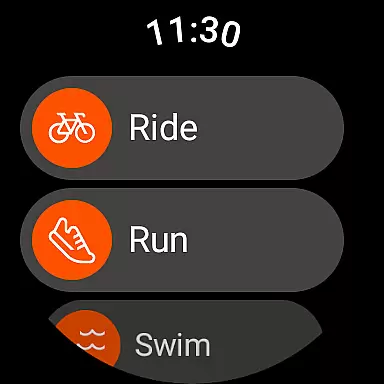
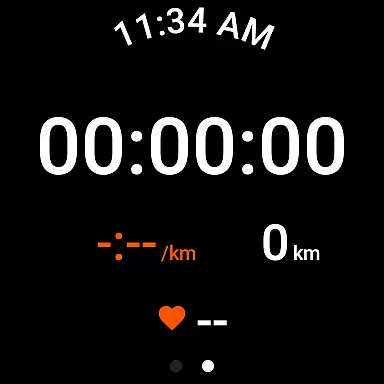
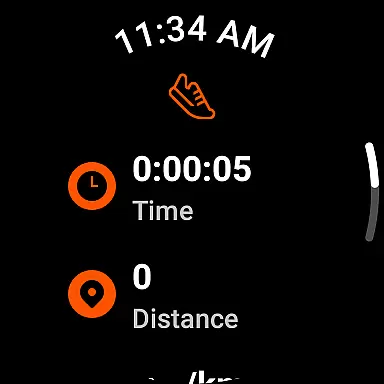
The Strava Wear OS app enhances this experience further by providing quick access to launch activities through a dedicated tile and complication. This means you can start tracking your run, cycle, or hike directly from your Wear OS device without needing to reach for your phone. Such integration not only simplifies the user experience but also encourages more consistent activity tracking.
By connecting all your favorite apps and devices, Strava becomes a centralized hub for your fitness journey. Whether you're using smartwatches, heart rate monitors, or even smart bikes, the ability to consolidate all your data into one platform allows for a comprehensive view of your progress. This interconnected ecosystem empowers users to make informed decisions about their training and overall health.
Device compatibility is crucial for ensuring that users can enjoy a smooth and uninterrupted fitness tracking experience. Strava supports a broad spectrum of devices, particularly those running on Wear OS, making it accessible to a vast audience. The app's compatibility extends beyond just basic functionality; it offers tailored features that enhance the user experience on wearable technology.
For instance, the Strava Wear OS app includes specific functionalities like a tile and complication that allow users to quickly initiate activities. These features are designed to work seamlessly within the Wear OS environment, providing an intuitive interface that complements the deviceu2019s native capabilities. This level of optimization ensures that users can focus on their workouts without being hindered by technical glitches or cumbersome navigation.
Moreover, Strava's commitment to maintaining compatibility across various devices underscores its dedication to inclusivity and accessibility. By regularly updating its app to support new models and operating systems, Strava guarantees that its community can continue to grow and thrive regardless of the hardware they choose. This adaptability not only enhances user satisfaction but also reinforces Strava's position as a leader in the fitness tracking space.
User-friendly interface
Extensive device compatibility
Robust community features
Detailed performance analytics
Advanced safety options
Limited free features
Premium subscription cost
Occasional GPS issues
High battery consumption
Complex settings for beginners

Rose gold watch face with festive lights & customizable features.
 4.60
4.60
Embrace the festive spirit with our Christmas Countdown watchface for Wear OS
4.10
Watch face designed for Thanksgiving Day. 7 Background Styles included.
3.20
The ultimate destination for kids ages 3-8 to explore the Marvel Universe!
4.30
Hybrid Vibrant Health Watch Face for Wear OS
4.0
Your music, your playlists, and more—offline and unlimited.
4.20
Want to take charge of your health? Let Google Fit help you reach your goals.
3.50
Track airplanes and follow flights with our real-time flight tracker
4.50
Spam call blocker and caller ID for automatic call protection!
4.40
Christmas - Festive - Christmas Village - Winter - Christmas lights
5.00
Digital, flexibly customizable watch face. For Wear OS 5.0, API 34+ and later.
5.00
Hyperlocal rain alerts by MyRadar using patent-pending technology, radar & more
4.80
WTW M17 is a premium and luxurious hybrid watch face
4.70
Gym & home workout plans with strength training, exercise tracking, HIIT & more.
4.60
Fast and smart typing with Emojis, GIFs, and more
4.50
Digital watch face with big numbers and many customization for Wear OS devices
4.40
Wear Os Watch Face - Animated Snow - Sesonal for Christmas & Winter
4.5
A Wintery Snow Globe on Your Wrist; now celebrating Christmas!
4.1
Minimalistic design modern digital watch face.
4.2


User Reviews