
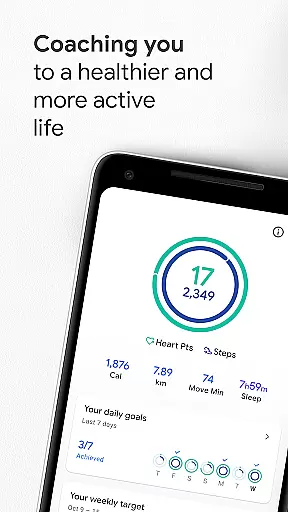
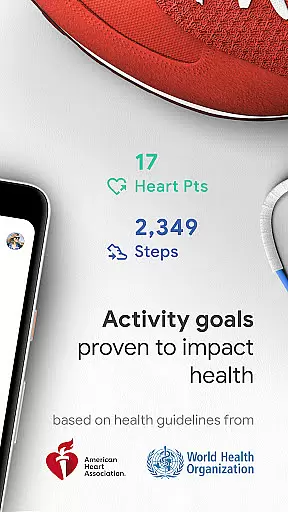
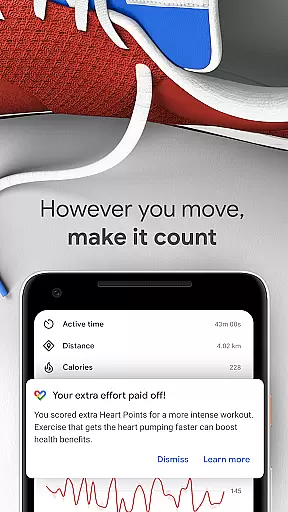
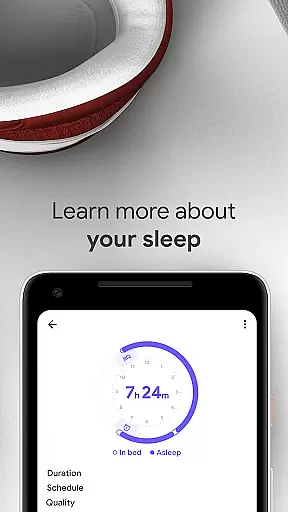
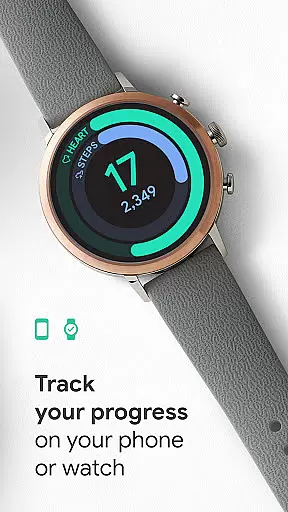
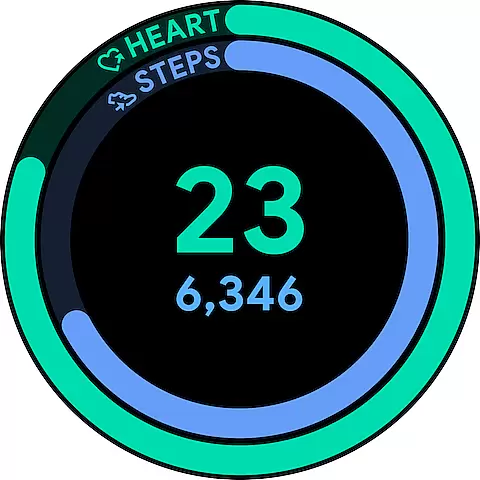
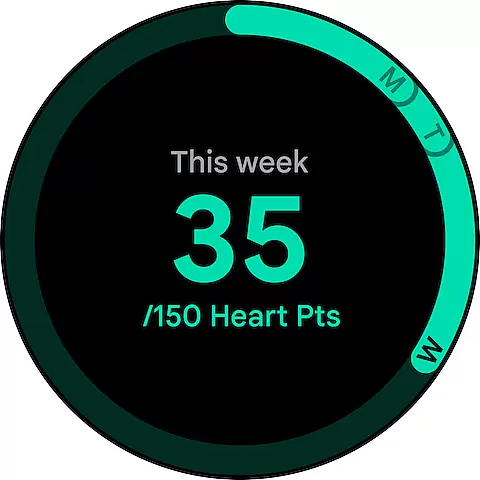
Google Fit is a comprehensive health and fitness application designed to help users lead a healthier, more active lifestyle. Developed in collaboration with the World Health Organization (WHO) and the American Heart Association (AHA), it introduces Heart Points - an innovative activity goal system that promotes heart and mental health through moderate to intense physical activities. Whether you're walking your dog or running, each minute of activity earns you points, encouraging you to reach recommended weekly physical activity levels.
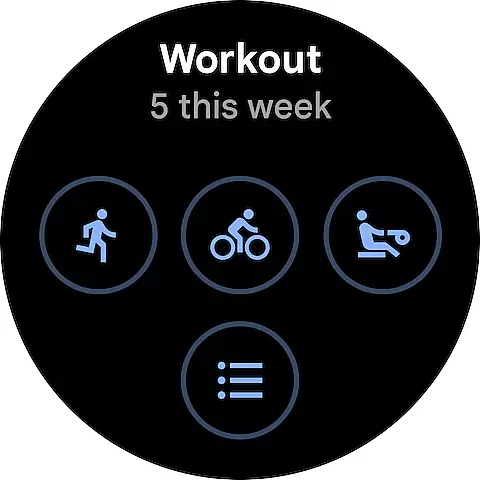
The app not only tracks workouts via phone or Wear OS smartwatch but also monitors daily progress towards personalized goals. It automatically detects activities like walking, running, or biking, ensuring every move counts. Additionally, Google Fit integrates with various third-party apps and devices, providing a holistic view of your health data. With features like respiratory rate tracking and instant workout insights, it's a versatile tool for anyone looking to improve their overall wellbeing.
Google Fit stands out with its unique features tailored to enhance user engagement and health monitoring. The Heart Points system, developed with WHO and AHA guidelines, incentivizes users to engage in heart-pumping activities by earning points. This gamification aspect encourages consistent physical activity, crucial for reducing heart disease risks and improving mental health.
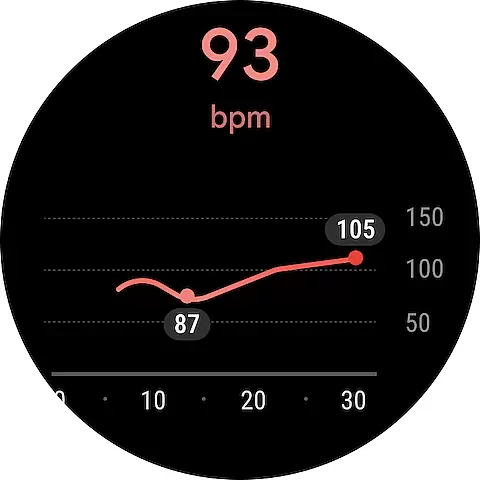
Beyond tracking basic metrics like steps and distance, Google Fit leverages Android phone sensors and Wear OS smartwatches to provide real-time stats during workouts. Users can monitor speed, pace, routes, and even heart rate during exercises. The app's ability to automatically detect and log various activities ensures no effort goes unnoticed. Furthermore, integration with popular health apps and devices creates a unified platform for managing all health-related data, making Google Fit an indispensable tool for fitness enthusiasts seeking a comprehensive health overview.
Google Fit excels in companion app integration by seamlessly connecting with a wide range of popular health and fitness apps. This creates a centralized hub for all your wellness data, making it easier to track your progress without switching between multiple platforms.
The app supports integrations with leading services like Lifesum, Nike+, Runkeeper, Strava, MyFitnessPal, and more. These connections allow users to view comprehensive health metrics, including nutrition, workouts, and sleep patterns, all within the Google Fit interface.
This integration capability ensures that no matter which devices or apps you prefer for tracking different aspects of your health, Google Fit can consolidate this information into a unified view. This feature not only saves time but also provides a more complete picture of your overall wellness journey.
By maintaining compatibility with various third-party apps and devices, Google Fit demonstrates its commitment to providing users with a flexible and personalized health tracking experience that adapts to their individual preferences and existing digital ecosystems.
Google Fit offers exceptional Wear OS and device compatibility, ensuring users can access their health data across multiple devices. Whether you're using an Android phone or a Wear OS smartwatch, the app provides consistent functionality and synchronization between devices.
The application utilizes your device's built-in sensors to automatically track activities throughout the day. For Wear OS users, this means heart rate monitoring, pace tracking, and route recording are all available directly from your wrist, providing real-time feedback during workouts.
This cross-device compatibility extends to various hardware brands that support Wear OS, allowing users to choose their preferred devices while maintaining continuous health tracking. The seamless transition between phone and watch ensures that users never miss a step or workout detail.
Furthermore, Google Fit's device compatibility includes features like home screen widgets for Android and customizable tiles for Wear OS, enabling quick access to daily stats and goals. This comprehensive device support makes Google Fit a versatile choice for health tracking across different platforms and devices.
User-friendly interface
Comprehensive health tracking
Integration with multiple devices
Real-time workout stats
Automated activity detection
Limited iOS functionality
Requires Google account
Some features need Wear OS
Data privacy concerns
Occasional syncing issues

Current temperature, weather hourly, weather radar by the weather forecast app
 4.40
4.40
Analog watch face with 8 complications and expedition styling
4.0
A watch face that fuses motorsport precision with contemporary smartwatch design
4.2
Wear Os Watch Face - Animated Snow Effect & Magic Spark - 6 Scenes
4.10
Kia Access makes getting your vehicle information easier than ever
4.60
Connect to your Bluelink equipped Hyundai vehicle from your smartphone.
4.50
Period, ovulation & pregnancy tracker. Fertility insights & menstrual calendar.
4.90
Hyper-Realistic Airplane Dashboard Watch Face With 10 Skins and Custom AOD
4.00
A modern hybrid informative watch face for Wear OS designed by BALLOZI
4.80
A modern premium sporty hybrid watch face for Wear OS by Ballozi
4.70
WTW M17 is a premium and luxurious hybrid watch face
4.70
Highly customizable hybrid watch face for Wear OS, perfect for everyday use.
4.60
Rose gold watch face with festive lights & customizable features.
4.60
Deck out your Wear OS Watch face with a beautifully decorated pine wreath!
4.50
Beautiful artistic animated digital watch face, with a customizable layout!
4.40
Locate your family members by GPS phone location tracker everywhere and anytime
4.30
Viewer for Wyze/Yi/Eufy/Arlo/ONVIF/RTSP/P2P IP cams w/ adv. features & DIY DVR
4.00
Precision analog watch face with 7 complications and style options
4.4
Funny animated watch face for Thanksgiving
4.3


User Reviews