
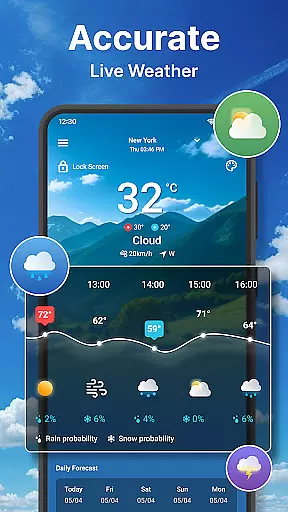
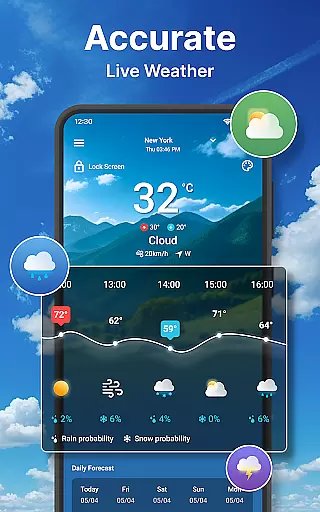
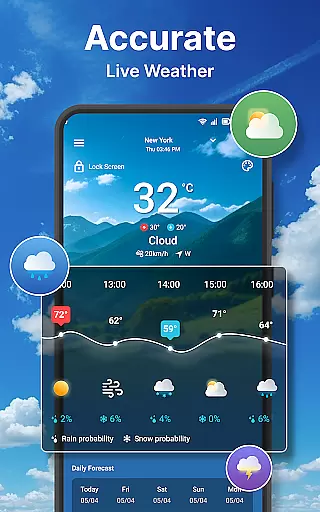
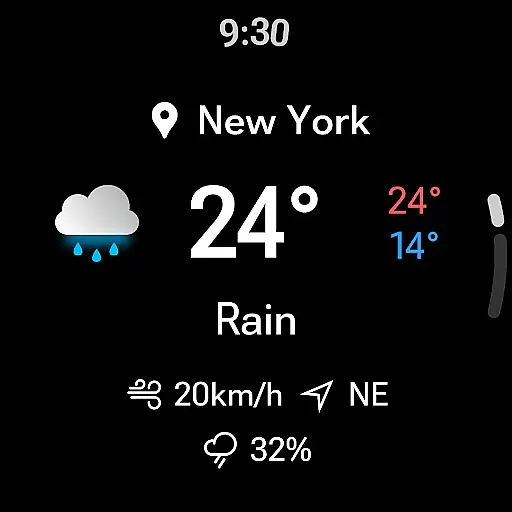
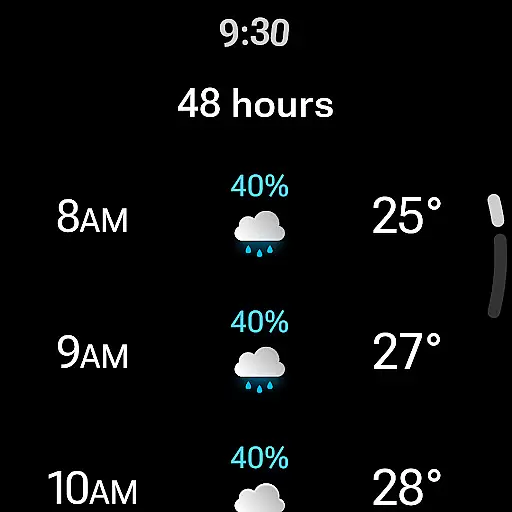
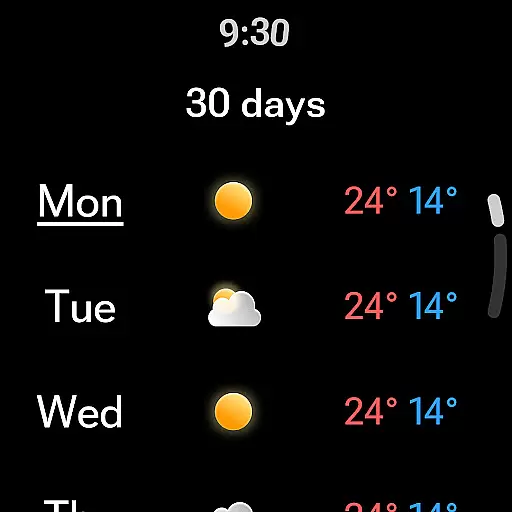
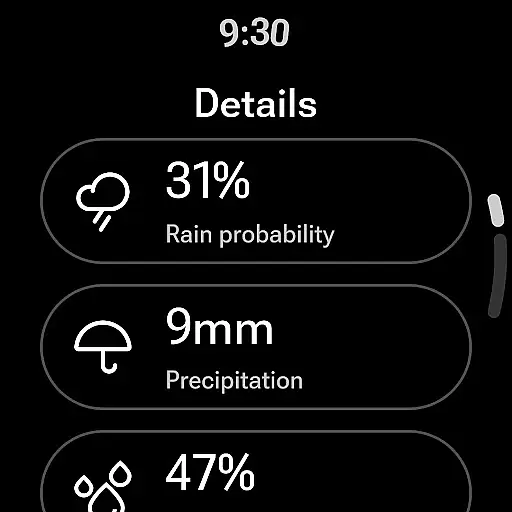
Weather forecast is a comprehensive weather application designed specifically for Android Wear devices, providing users with real-time, hourly, and daily weather updates. The app's core functionality revolves around delivering accurate weather information through an intuitive interface that includes detailed forecasts, interactive weather radar maps, and customizable widgets.
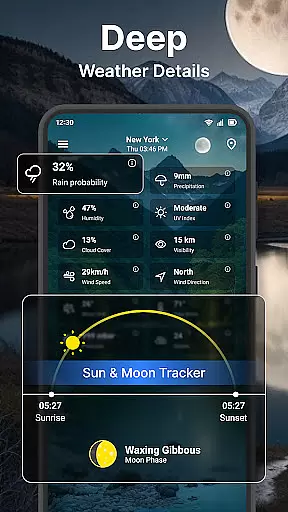
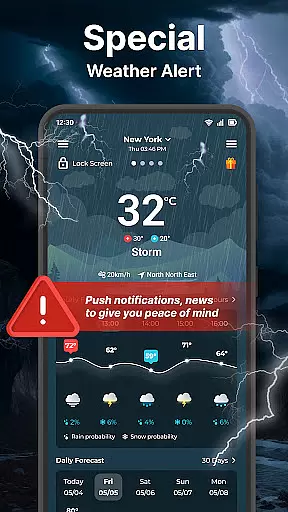
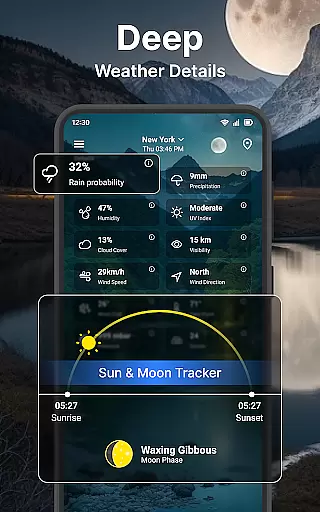
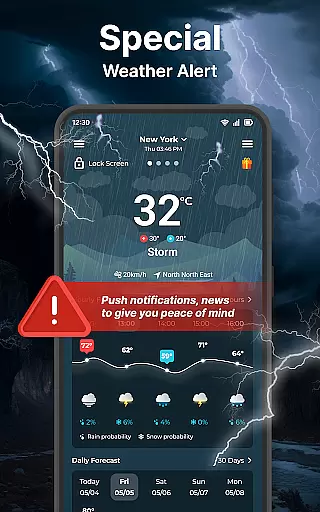
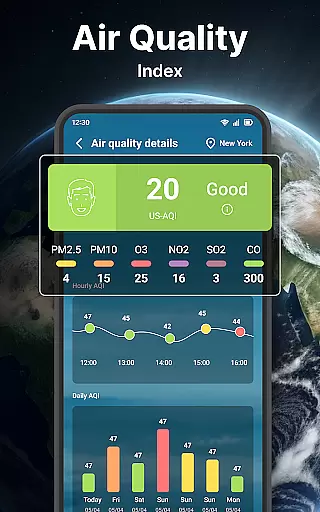
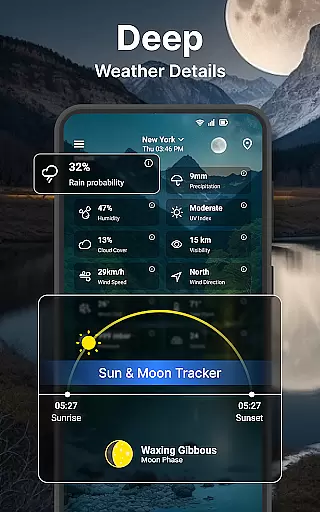
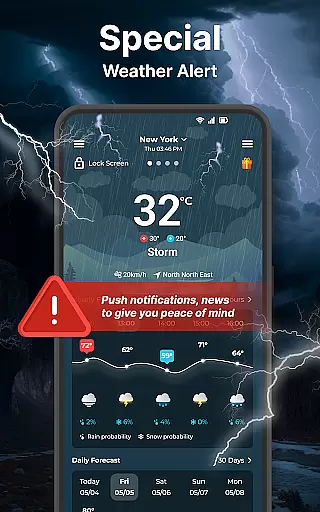
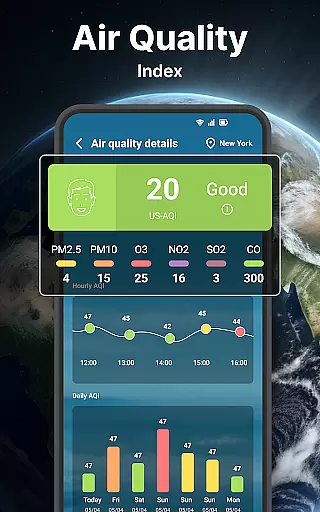
Beyond basic weather data like temperature, wind speed, and precipitation, the app offers advanced features such as UV index tracking, moon phases, and dew point analysis. Users can manage multiple locations, switch between different units of measurement, and receive timely notifications directly on their smartwatch or smartphone lock screen. This makes Weather forecast particularly valuable for outdoor enthusiasts and professionals who need to stay prepared for changing weather conditions.
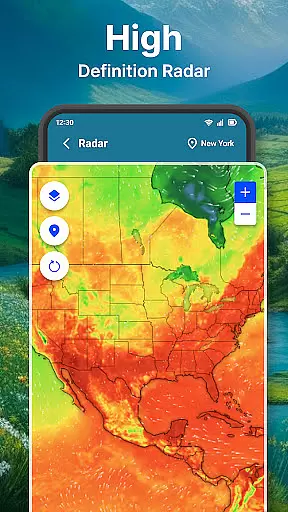
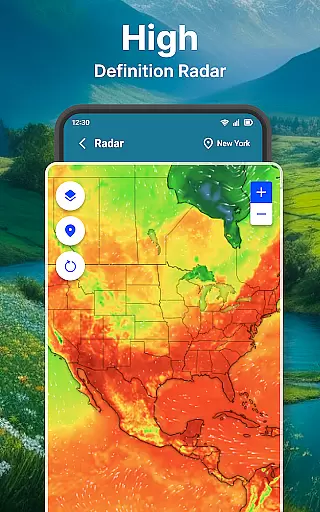
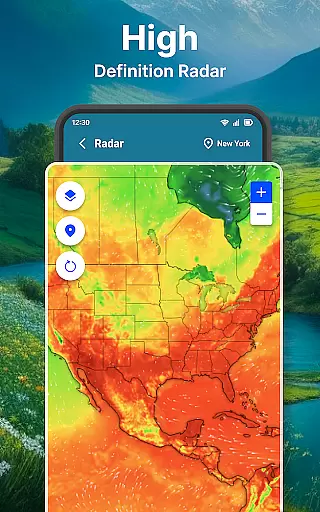
The app stands out with its diverse feature set tailored for both casual users and weather enthusiasts. A key highlight is the interactive weather radar that allows users to visualize temperature, wind patterns, humidity, and precipitation in real-time. With zoomable maps and animated overlays, users can track storms or monitor local weather changes effortlessly.
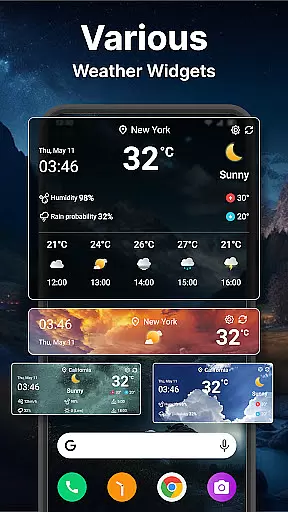
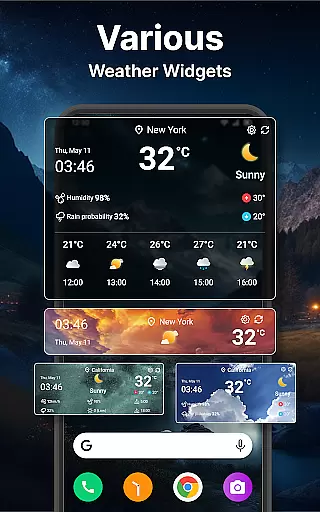
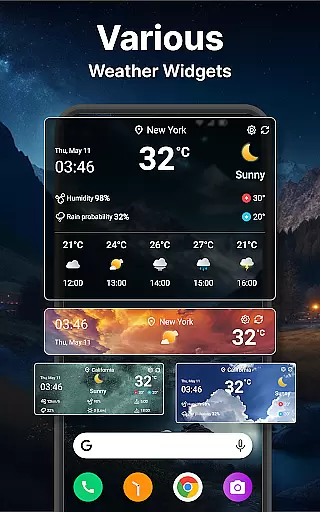
Customization is another strong suit of Weather forecast. It provides various widget options that display weather information directly on the home screen, with adjustable sizes, transparency settings, and toggleable details like location names. Additionally, the app supports extensive unit customization, including Celsius/Fahrenheit, multiple date formats, and several wind speed measurements, catering to global audiences. These features collectively enhance user experience by offering both flexibility and precision.
Companion app integration is essential for users who want seamless functionality between their mobile devices and wearable technology. The Weather forecast app ensures that all weather data from your phone is accurately synchronized with your Wear OS device.
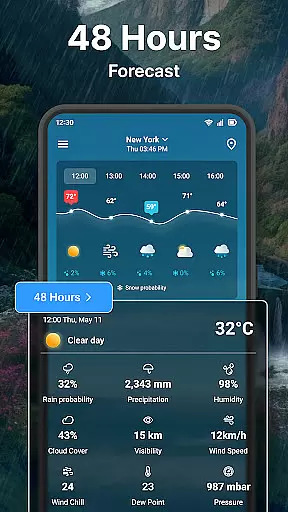
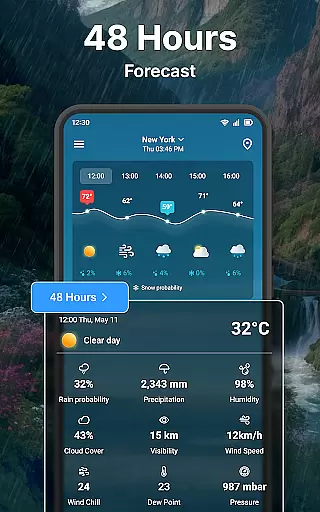
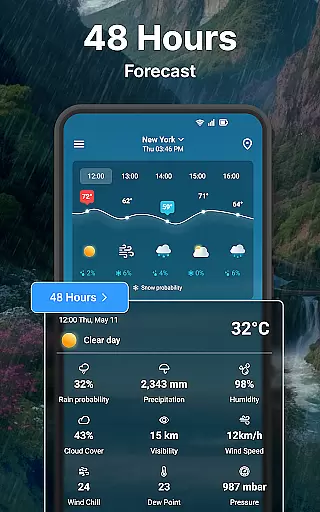
This synchronization includes real-time weather conditions, ensuring you are always aware of the current environment around you. Additionally, hourly forecasts provide a detailed outlook for the next 24 hours, allowing you to plan your day effectively without needing to check your phone constantly.
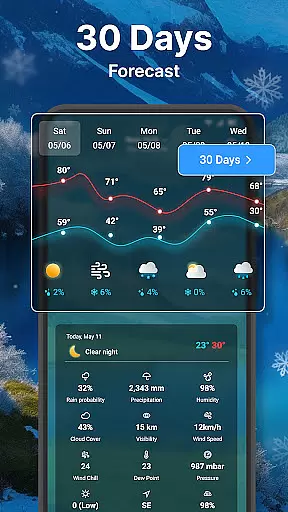
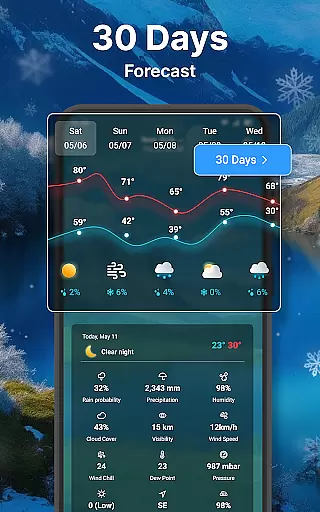
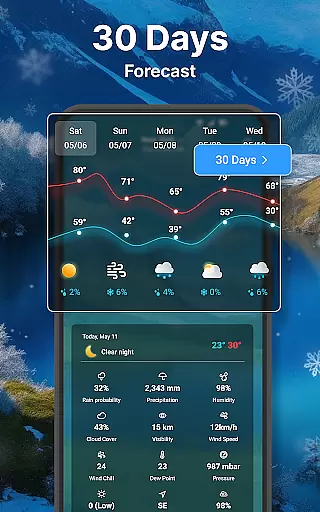
Daily forecasts extend this convenience by offering predictions up to seven days ahead. This feature empowers users to prepare for upcoming weather changes directly from their wrist, enhancing both convenience and preparedness.
By integrating comprehensive weather details such as temperature, wind speed, humidity, and more, the app ensures that all necessary information is readily accessible on your wearable device, maintaining the same level of detail and accuracy as the mobile version.
Ensuring compatibility with Wear OS and various devices is crucial for delivering a consistent user experience. The Weather forecast app supports a wide range of Wear OS devices, providing users with reliable access to vital weather information directly from their smartwatches.
The app's design takes into account different screen sizes and resolutions, optimizing the display of weather data to ensure clarity and readability on any device. Whether you have a small or large watch face, the app adjusts its layout to present information in an easily digestible format.
Moreover, the app offers customizable settings tailored specifically for Wear OS. Users can choose their preferred units for temperature, wind speed, and other metrics, ensuring the displayed data aligns with personal preferences and regional standards.
With dedicated support for Wear OS features like quick settings and notifications, the Weather forecast app enhances usability by allowing swift access to frequently used functions. This thoughtful integration makes it easier than ever to stay informed about the weather, no matter which Wear OS device you use.
User-friendly interface
Accurate forecasting
Interactive radar maps
Customizable widgets
Multi-language support
Limited free features
Occasional ads
Premium subscription cost
Heavy battery usage
Complex settings for beginners

Christmas - Festive - Christmas Village - Winter - Christmas lights
 5.00
5.00
Christmas and New Year - Themed Watchface
4.2
Stunning modern digital watch face with 7 complications and strong contrast
4.5
Be an elegant and classy secret agent, with this carefully detailed watch face
4.70
Bold, Modern Hybrid Watch Face for Wear OS. 10 Colors, Rich Info Display.
4.30
Ideal for surviving in the wasteland left after nuclear fallout
4.50
The Chevron App allows you to pay for fuel from the comfort of your car!
4.80
Funny animated watch face for Thanksgiving
4.5
Track your active life in one place and share the journey with friends.
4.40
The most customizable minimal watch face. For Wear OS 5.0, API 34+ and later
4.70
Retro digital watch face with customizable colors and a unique lighting effect
4.60
Stylish, Energizing and Modern Watch Face crafted by Dominus Mathias.
4.50
Find EV charging stations
4.30
Your music, your playlists, and more—offline and unlimited.
4.20
The #1 source of faces for your smartwatch!
4.00
Authentic military-tactical design with ZULU time! Realistic and functional!
3.80
Stay in touch with your friends and family using LINE!
3.40
Watch face designed for Thanksgiving Day. 7 Background Styles included.
3.20
Sleek, highly customizable watch face inspired by Galaxy Watch Circle Dashboard.
4.4


User Reviews