
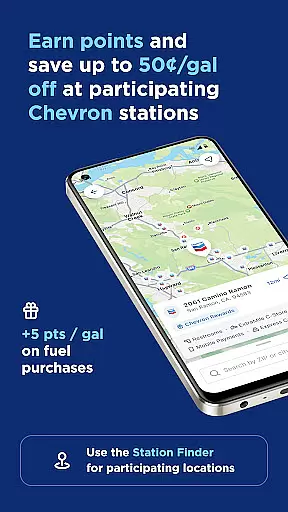
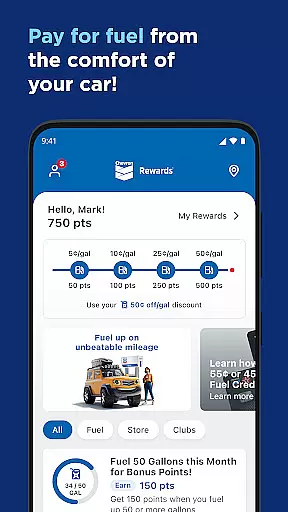
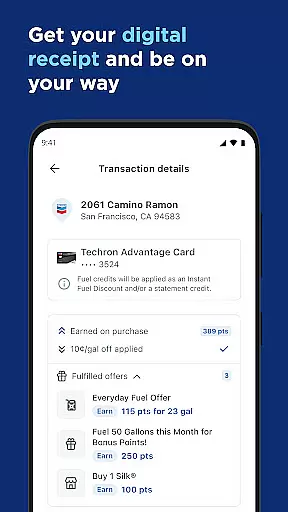
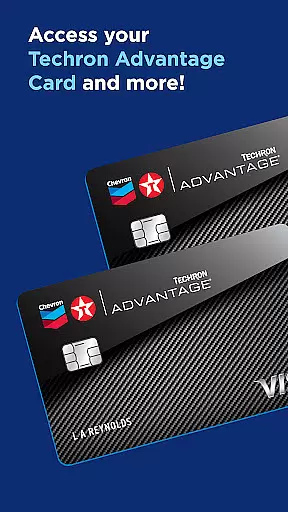
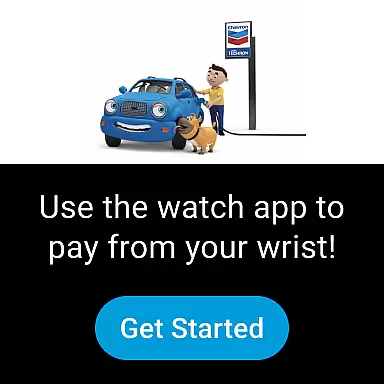
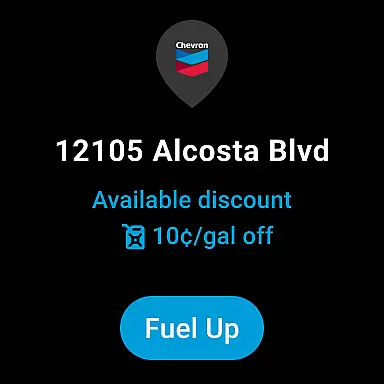
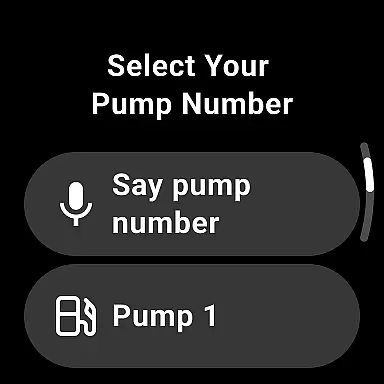
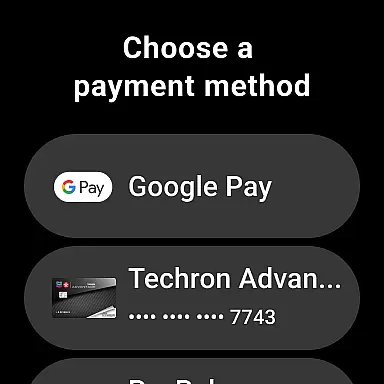
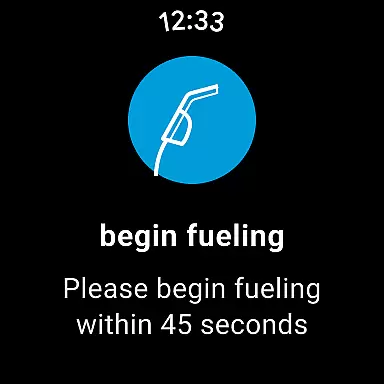
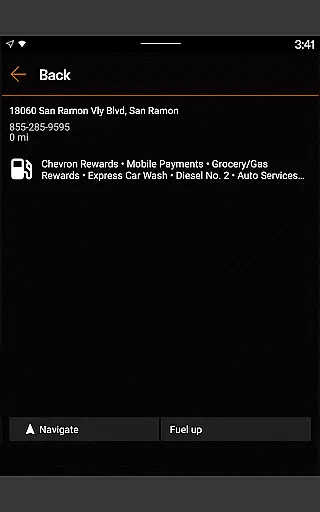
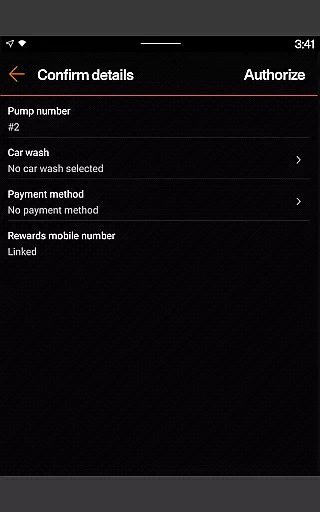
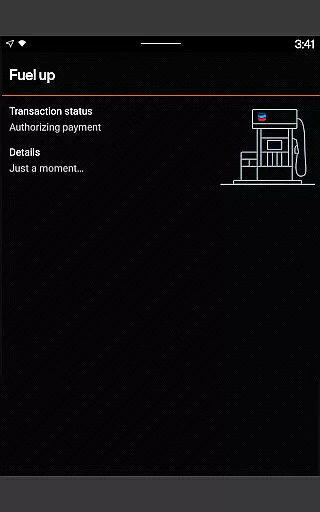
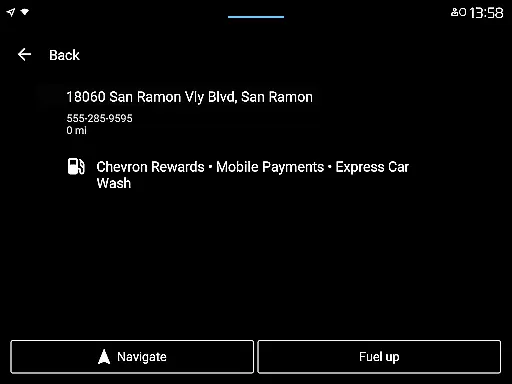
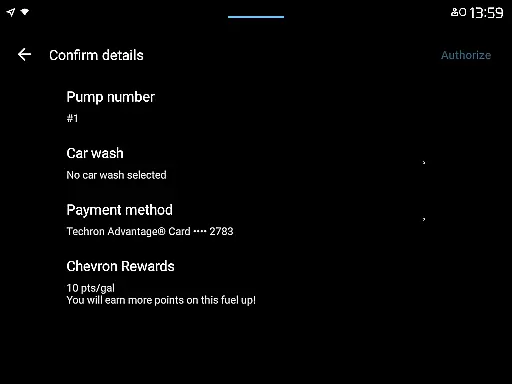
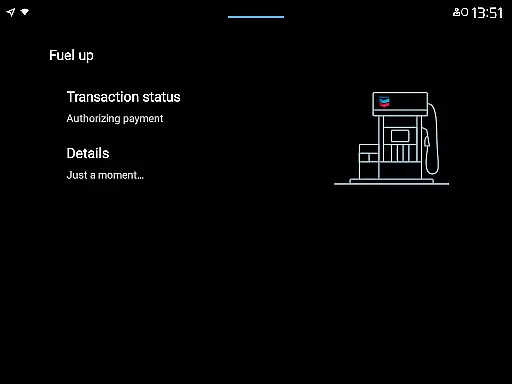
Chevron is a mobile payment and rewards application designed specifically for Android Wear users. The app allows you to pay for gas or diesel directly from your driver's seat, providing a seamless and convenient experience at the pump. Through the Chevron Texaco Rewards program, users can earn points on fuel and select in-store purchases, redeemable for fuel discounts at participating stations.
The app also features the ExtraMile Rewards® program where available, offering new benefits and greater convenience. With functionalities like station finder, rewards tracking, and mobile payment options, Chevron ensures an enhanced fueling experience while providing exclusive offers and special welcome bonuses to its users.
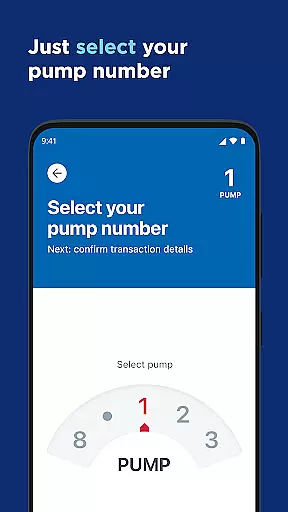
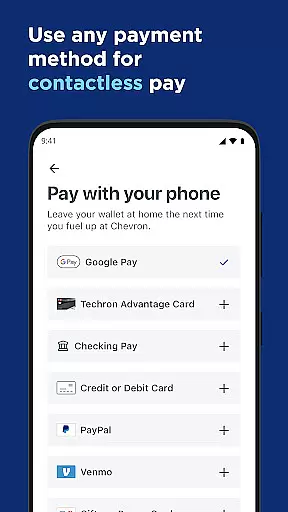
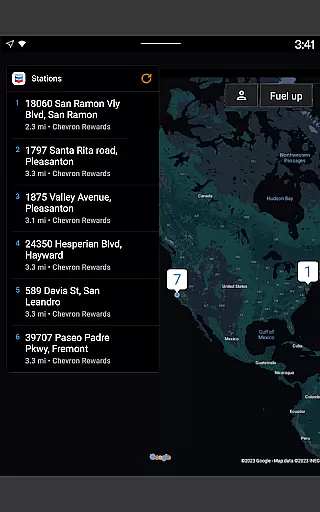
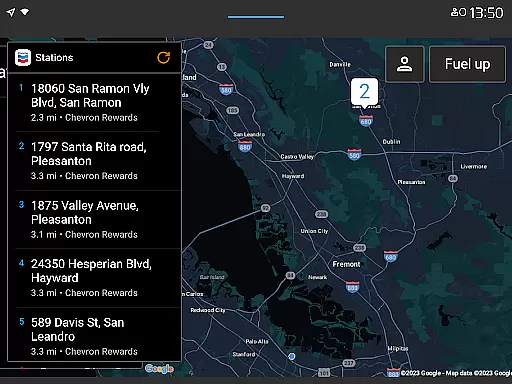
Chevron app stands out with its unique set of features tailored for Android Wear users. One of the key highlights is the ability to reserve a pump and select payment methods directly from your driver's seat, streamlining the entire fueling process. The integration with Android Auto allows users to connect their mobile phone to the car's dashboard, enabling them to find locations, redeem rewards, add car wash services, and pay for fuel effortlessly.
Additionally, the app supports Wear OS devices, allowing users to fuel up and redeem rewards at participating locations that accept mobile payments. Other notable features include viewing available rewards under My Rewards, finding lower-carbon-intensity products, filtering through various amenities like Convenience Store, Restrooms, Full-Service Car Wash, and more. The inclusion of Mobi digital chatbot further enhances user experience by providing answers to frequently asked questions anytime and anywhere within the app.
Companion app integration is essential for a seamless user experience across multiple devices. The Chevron app excels in this area by providing users with the ability to connect their mobile phone to their car's dashboard, enabling easy access to location finding, reward redemption, and fuel payment functionalities.
This integration is particularly beneficial for Android Auto users who can now operate the app directly from their vehicle's interface. Such connectivity not only enhances convenience but also promotes safer driving practices as users can interact with the app without needing to handle their phones.
By linking your Wear OS device, you can further simplify the process of fueling up and redeeming rewards at participating locations that accept mobile payments. This ensures that whether you're in your vehicle or on foot, your Chevron app is accessible and ready to serve your needs.
Ensuring compatibility with Wear OS devices, the Chevron app extends its functionality beyond smartphones. This compatibility allows users to utilize their wearable technology to fuel up and redeem rewards effortlessly, making transactions quicker and more convenient.
The app's support for Wear OS demonstrates Chevron's commitment to embracing modern technology and catering to users who prefer using smartwatches for their daily tasks. With this feature, customers have the flexibility to choose how they interact with the app, enhancing personalization and user satisfaction.
Moreover, the integration with Wear OS maintains the same points and rewards balances as the main app, ensuring a cohesive experience across all platforms. Users can enjoy uninterrupted access to their rewards program, regardless of the device they use, thus promoting loyalty and continued engagement with the Chevron brand.
User-friendly interface
Seamless payment process
Comprehensive rewards program
Integration with Android Auto
Support for Wear OS devices
Limited to specific brands
Geographical restrictions
Age requirement of 16+
Dependence on participating stations
Potential technical issues

WTW M17 is a premium and luxurious hybrid watch face
 4.70
4.70
Christmas - Festive - Christmas Village - Winter - Christmas lights
5.00
an Analog Watch Face for winter season with freeze winter background for Wear OS
4.1
MyNISSAN® lets you remotely control your car from your phone.*
4.50
A heartwarming Christmas scene featuring a cute image of Santa and Rudolf
4.4
Let's celebrate Thanksgiving - Wear Os watch face
4.20
Real-time results, stats, schedules and player profiles for all leagues
4.60
Animated video-game inspired “secret agent” simulation, right on your wrist!
4.20
Toyota app currently supports 2010 or newer vehicles (2018 or newer for Hawaii).
4.50
Easy Voice Recorder is your everyday companion to record important moments.
4.70
The most customizable minimal watch face. For Wear OS 5.0, API 34+ and later
4.70
Your second brain for organizing your life: to-do, calendar, reminder.
4.70
Rose gold watch face with festive lights & customizable features.
4.60
Connect to your Bluelink equipped Hyundai vehicle from your smartphone.
4.50
Fast and smart typing with Emojis, GIFs, and more
4.50
Embrace the holiday spirit with this magical animated watch face!
4.40
Reliable phone calls with spam protection, caller ID and more helpful features
4.40
Christmas is near, let's count together the days left until Santa comes
4.5
3 Complications. All shadow on/off. 30 Themes color palette...
4.5


User Reviews