
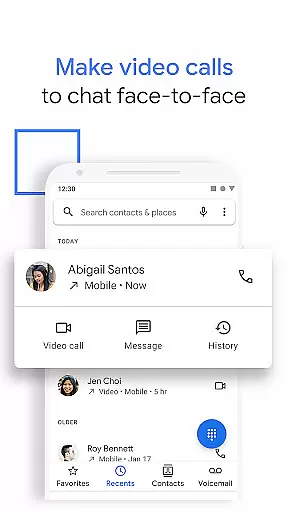
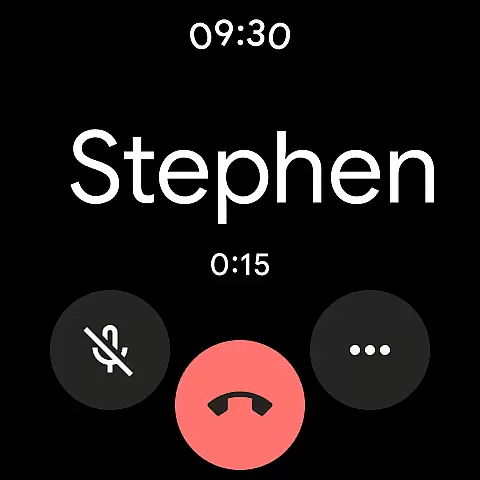
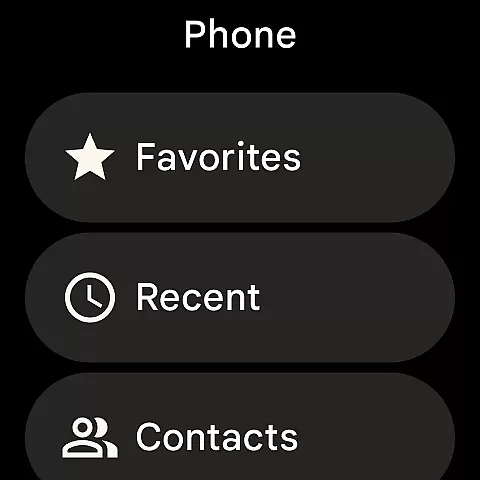
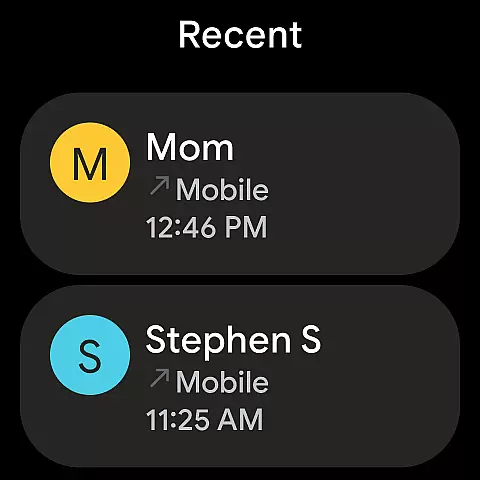
Phone by Google represents the tech giant's official calling solution, now available for download independently. This app is designed to simplify communication with its intuitive interface while offering advanced features like spam protection and caller identification. With this app, users can effortlessly manage calls, avoid unwanted communications, and even handle business calls more efficiently.
The application stands out through its integration with Google's ecosystem, providing extensive caller ID services and practical tools like Hold for Me and Call Screen. These innovations allow users to optimize their time and enhance privacy. Available on Android devices running version 9.0 and above, as well as Wear OS, Phone by Google ensures broad compatibility and seamless performance across platforms.
For professionals and casual users alike, the app offers valuable utilities such as visual voicemail, call recording, and emergency support features. These capabilities ensure that important information is never missed and critical situations are handled effectively. Its lightweight design and optional dark mode further enhance usability, making it an essential tool for modern smartphone users.
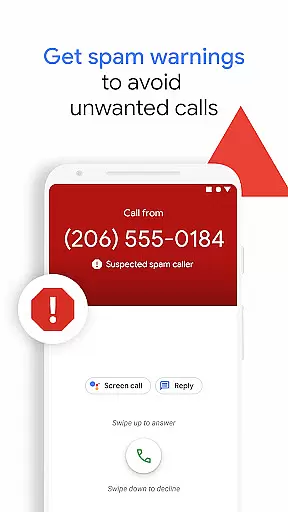
Phone by Google incorporates a variety of cutting-edge features tailored to improve call management and user experience. One of its core functionalities is the powerful spam protection system, which identifies and blocks potential spam callers, helping users avoid interruptions from telemarketers and fraudsters. The app also allows users to block specific numbers permanently, ensuring peace of mind during daily use.
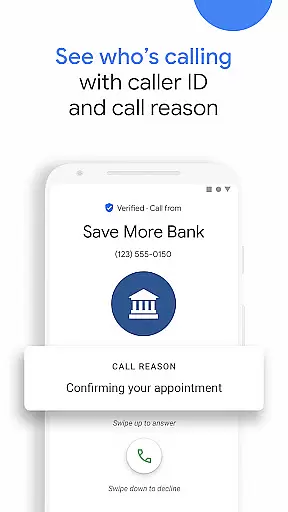
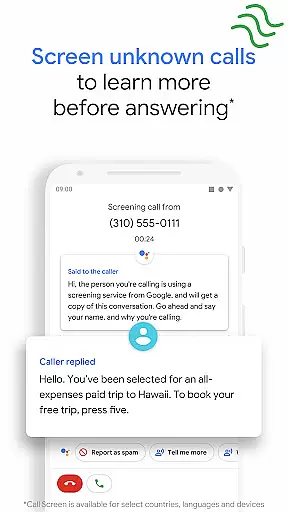
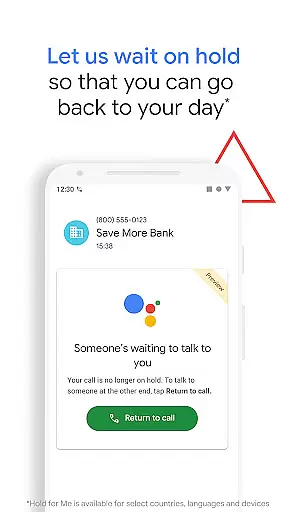
Another standout feature is the enhanced caller ID service, which leverages Google's vast database to provide accurate business caller information. This helps users decide whether to answer or ignore incoming calls confidently. Additionally, tools like Hold for Me and Call Screen revolutionize how users interact with unknown or automated callers, saving time and reducing unnecessary interactions.
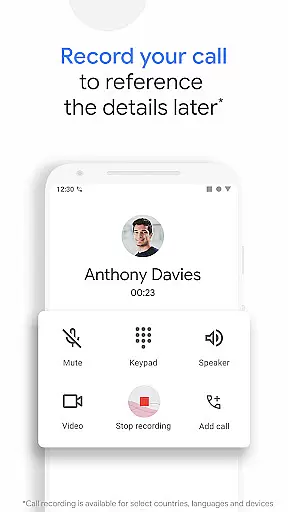
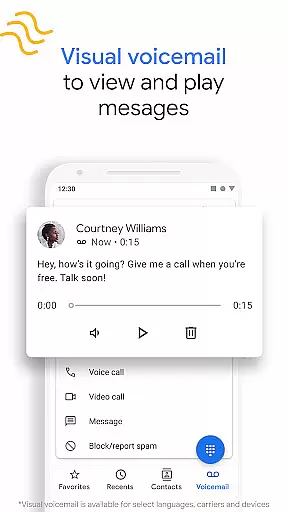
Visual voicemail and call recording further extend the app's utility, allowing users to review messages at their convenience and capture important call details for future reference. Emergency support features add another layer of safety, enabling users to share critical information silently during emergencies. Together, these features create a comprehensive calling solution adaptable to various user needs.
Google's Phone app offers seamless companion app integration, ensuring that your calling experience is consistent across devices. This means you can access the same powerful features on your Wear OS device as you would on your smartphone.
The synchronization between devices allows users to manage calls, view caller ID information, and even utilize spam protection directly from their wearable device. This interconnected ecosystem ensures that you never miss an important call, regardless of which device you're using at the moment.
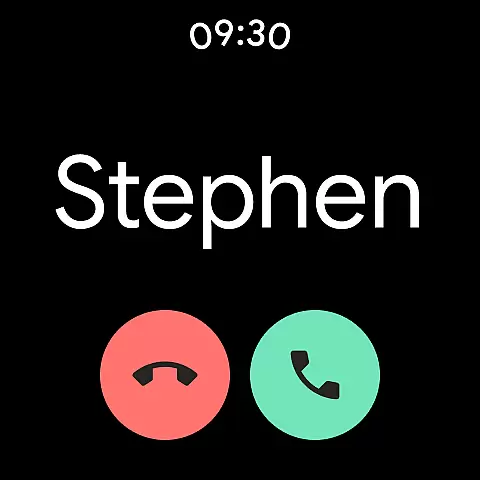
With real-time updates and notifications, the Phone app keeps you informed about incoming calls and messages. Whether you're in a meeting or unable to reach for your phone, your Wear OS device has got you covered with timely alerts and the ability to act upon them instantly.
This level of integration not only enhances convenience but also provides peace of mind knowing that your communication tools are always within reach, no matter where you are or what you're doing.
The Phone by Google app is designed with broad Wear OS and device compatibility in mind, making it accessible to a wide range of users with different Android devices. It supports most smartphones running Android 9.0 and above, ensuring that you can take advantage of its features without worrying about your device's operating system version.
In addition to mobile phones, this app extends its functionality to Wear OS devices, providing a versatile calling solution whether you're at home, in the office, or on the go. The compatibility with Wear OS enhances user accessibility, allowing for hands-free operation and quick access to essential call management features.
While some advanced features like Call Screen and Hold for Me may be limited to specific devices and regions, the core functionalities of the Phone app remain robust and reliable across all supported platforms. This commitment to compatibility ensures a smooth user experience for everyone.
By prioritizing cross-device functionality, the Phone app delivers a cohesive communication platform that adapts to various technological environments, empowering users to stay connected effortlessly.
Advanced spam protection
Accurate caller ID
Time-saving tools
Comprehensive voicemail
User-friendly design
Limited device support
Region restrictions
Language limitations
Feature availability
Privacy concerns

Stunning modern digital watch face with 7 complications and strong contrast
 4.3
4.3
Simple Analog-Digital Watchface For Wear OS 3.0 and Up Smartwatches
4.3
Digital watch face with big numbers and many customization for Wear OS devices
4.40
Ideal for surviving in the wasteland left after nuclear fallout
4.50
Kia Access makes getting your vehicle information easier than ever
4.60
The #1 source of faces for your smartwatch!
4.00
Real-time weather radar with temperatures, warnings, hurricanes, and widgets
4.80
Want to take charge of your health? Let Google Fit help you reach your goals.
3.50
Track your active life in one place and share the journey with friends.
4.40
Gym Log & Workout Tracker | Fitness Journal, Training & Weight Lifting Planner
4.90
Hybrid watch face for Wear OS with customizable complications by Matteo Dini MD
4.70
Gym & home workout plans with strength training, exercise tracking, HIIT & more.
4.60
Retro digital watch face with customizable colors and a unique lighting effect
4.60
A realistic hybrid watch face with many customization options.
4.60
Simple, helpful messaging by Google
4.60
Christmas watch face. For Wear OS devices.
4.30
The ultimate destination for kids ages 3-8 to explore the Marvel Universe!
4.30
Watch face designed for Thanksgiving Day. 7 Background Styles included.
3.20
Stylish digital watch face for Wear OS devices with customizable features
4.4


User Reviews