
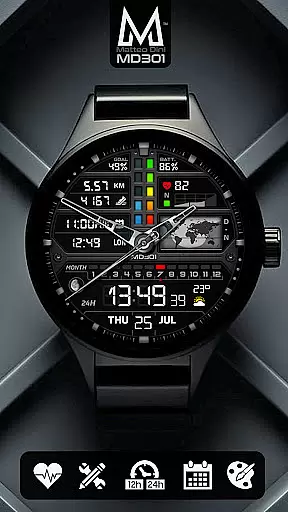
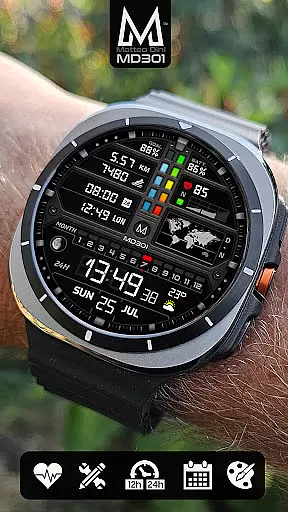
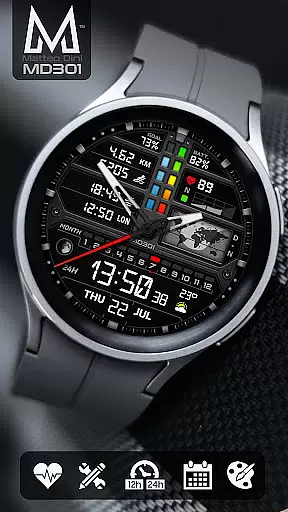
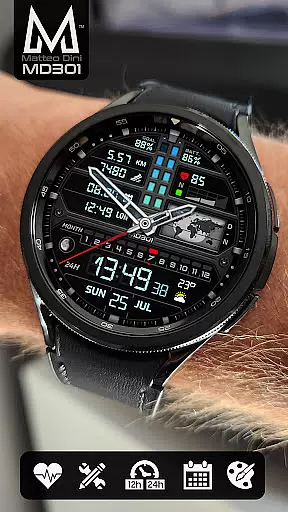
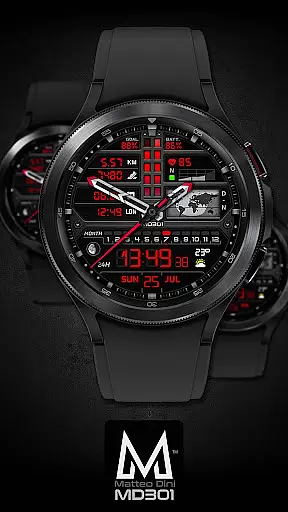
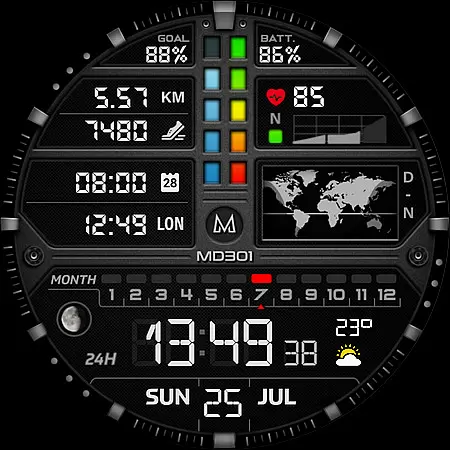
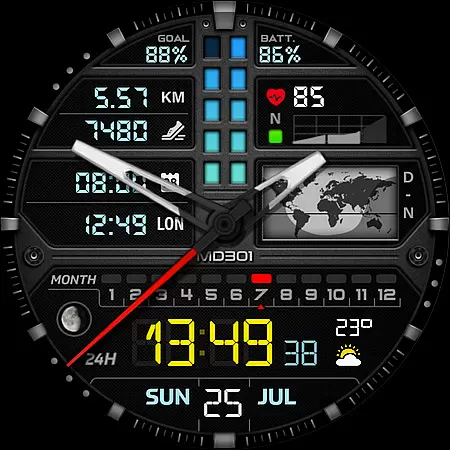
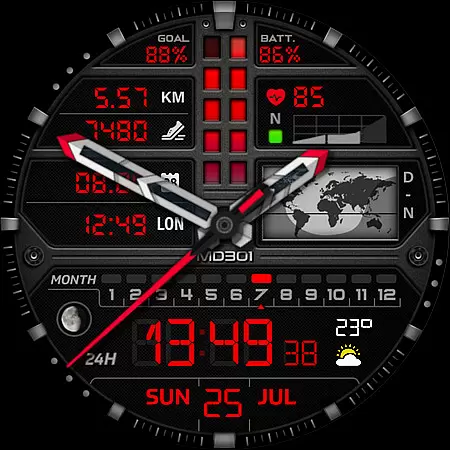
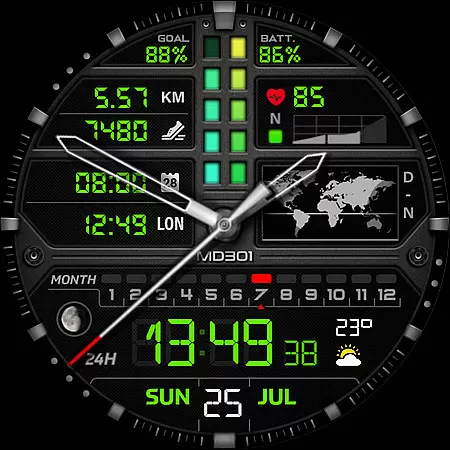
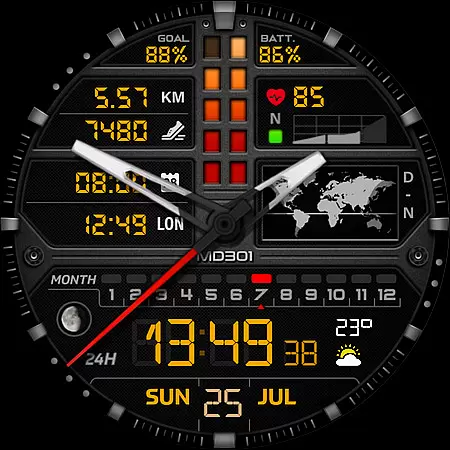
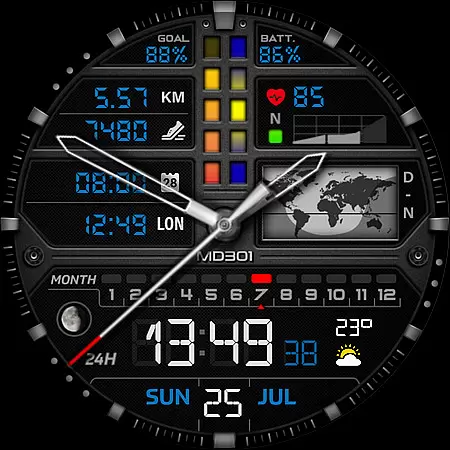
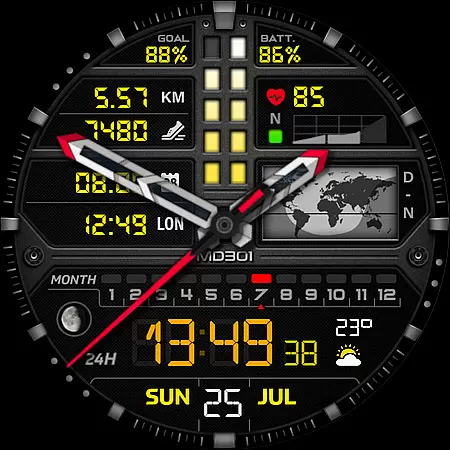
MD301 Hybrid watch face represents a new generation of watch faces for Wear OS devices, particularly optimized for Samsung Galaxy Watches. This advanced watch face offers an array of features including digital and analog time display, health metrics like heart rate and step count, and customizable elements such as app shortcuts and complications. With support for Always ON Display and compatibility with API Level 33+ devices, it ensures both functionality and aesthetics.
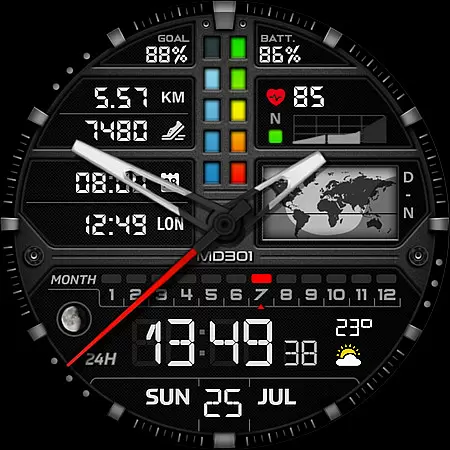
The watch face stands out with its unique day & night world map, moon phase tracking, and multiple data points that users can personalize to their preference. Whether you want quick access to your calendar or wish to monitor your daily fitness goals, MD301 provides the tools to do so while maintaining a sleek design. Its versatility makes it suitable for various users looking to enhance their smartwatch experience.
MD301 Hybrid watch face is packed with innovative features designed to elevate your smartwatch usage. The watch face supports both digital (12/24hr) and analog time displays, alongside essential metrics such as date, month, moon phase, and a day & night world map. It also tracks health-related data like heart rate and steps, offering users a comprehensive overview of their daily activities.
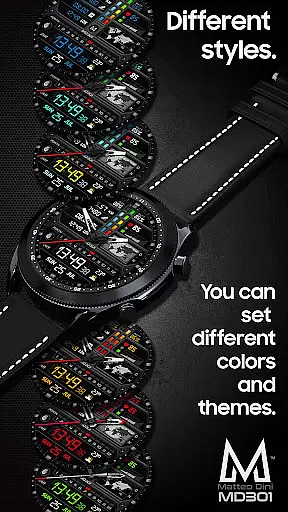
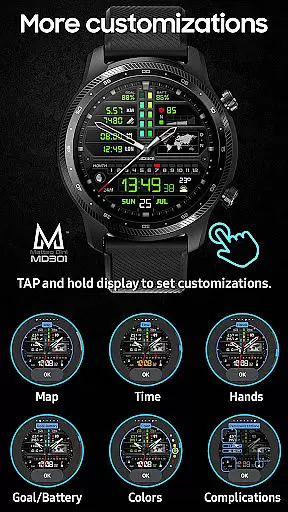
Customization is at the core of MD301, allowing users to tailor their watch face with 3 preset app shortcuts, 3 customizable shortcuts, and 4 complications that can display weather, distance, and more. The Always ON Display feature ensures that key information is accessible at a glance, even when the watch is not active. Additionally, changeable colors and design elements let users match the watch face to their personal style.
Companion app integration is essential for a seamless wearable experience. The MD301 Hybrid watch face offers robust connectivity with its companion app, ensuring that all your preferences and customizations sync effortlessly between your smartphone and the watch. This synchronization allows users to configure shortcuts, complications, and aesthetic elements directly from their phone, providing a user-friendly interface for setup.
The Samsung Wearable app, while occasionally struggling with complex designs, does not hinder the inherent functionality of the MD301 watch face. Users are encouraged to customize directly on their device when facing editor limitations. Once configured, these settings maintain perfect harmony between the watch face's sophisticated features and the companion app's control panel, enhancing usability.
This level of integration ensures that whether you're adjusting app shortcuts or fine-tuning display colors, the changes are instantly mirrored across devices. Such cohesion not only simplifies personalization but also enriches the overall utility of the smartwatch ecosystem, making daily interactions more efficient and enjoyable.
Ensuring broad compatibility is crucial for any Wear OS application. The MD301 Hybrid watch face supports all Wear OS devices with API Level 33+ (Wear OS 4 and later versions), including popular models like Samsung Galaxy Watch 4-8, Ultra, and Pixel Watch. This wide-ranging support guarantees that users across various devices can enjoy the advanced features without compatibility concerns.
By adhering to the latest Wear OS standards, this watch face leverages cutting-edge technology to deliver an optimized performance. Features such as digital time, heart rate monitoring, customizable complications, and always-on display are fully functional on supported devices, offering a consistent and reliable user experience regardless of the specific model.
Moreover, comprehensive guidelines provided by Matteo Dini MD u00ae ensure smooth installation and troubleshooting processes. Users can confidently install the MD301 watch face knowing they have access to detailed instructions and support resources, thereby maximizing their wearable's potential while minimizing technical hurdles.
Highly customizable
Feature-rich interface
Always ON Display
Health tracking capabilities
Sleek and modern design
Complex setup process
Limited compatibility
Preset shortcut limitations
Additional complications needed
Editor loading issues

Wear Os Watch Face - Animated Snow Effect & Christmas Lights
 4.5
4.5
Christmas watch face. For Wear OS devices.
4.30
Precision analog watch face with 7 complications and style options
4.0
A full-featured Amazon Alexa voice assistant that can show you things.
3.70
Simple Analog-Digital Watchface For Wear OS 3.0 and Up Smartwatches
4.4
Reliable phone calls with spam protection, caller ID and more helpful features
4.40
Stay in touch with your friends and family using LINE!
3.40
Simple, helpful messaging by Google
4.60
From periods to pregnancy & perimenopause, Flo helps you track it all. Try now.
4.70
Christmas - Festive - Christmas Village - Winter - Christmas lights
5.00
Monitor health with the stress test and pulse checker in the heart rate app.
4.60
MyNISSAN® lets you remotely control your car from your phone.*
4.50
Deck out your Wear OS Watch face with a beautifully decorated pine wreath!
4.50
Current temperature, weather hourly, weather radar by the weather forecast app
4.40
Find EV charging stations
4.30
Animated video-game inspired “secret agent” simulation, right on your wrist!
4.20
sleep, alarm, snoring, stress, healing, focus, sound therapy, circadian rhythm
4.10
Christmas and New Year - Themed Watchface
4.3
Sleek, highly customizable watch face inspired by Galaxy Watch Circle Dashboard.
4.5


User Reviews