
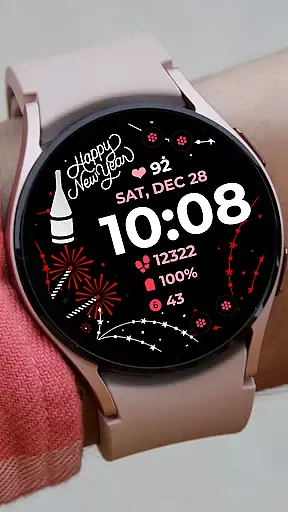
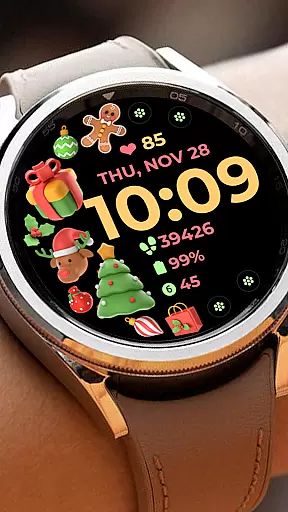
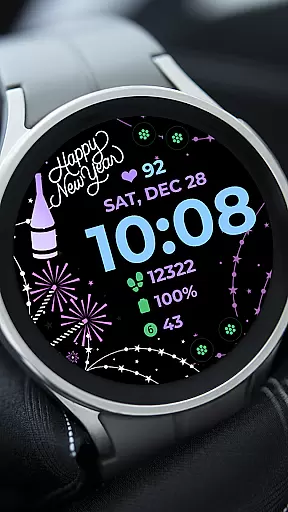
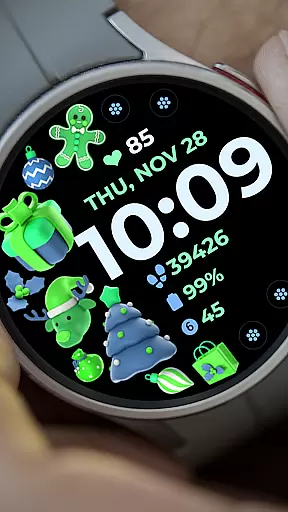
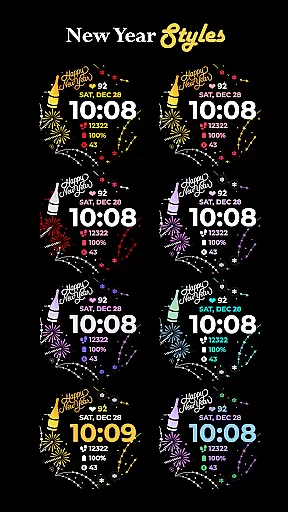
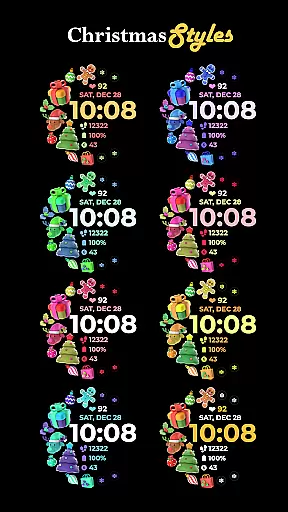
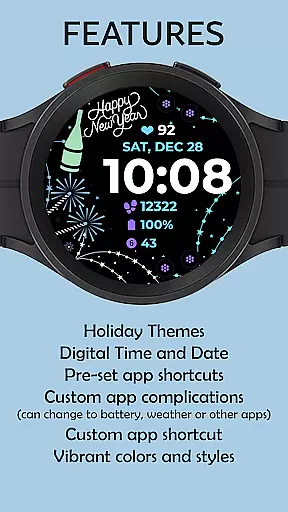
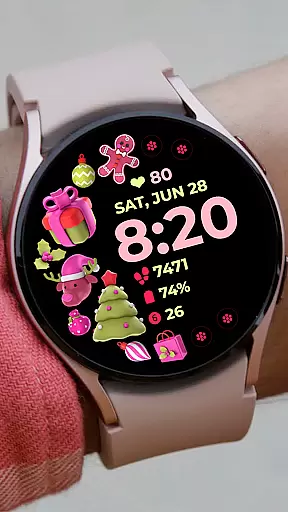
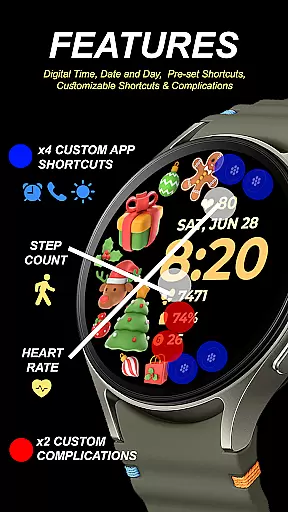
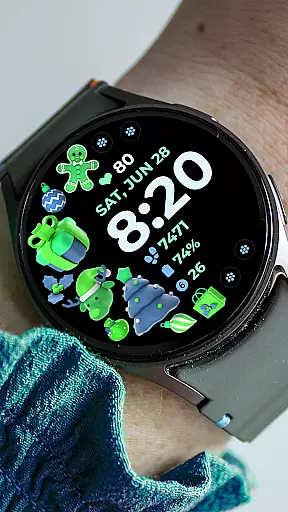
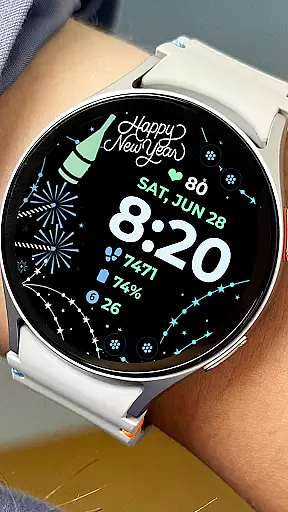
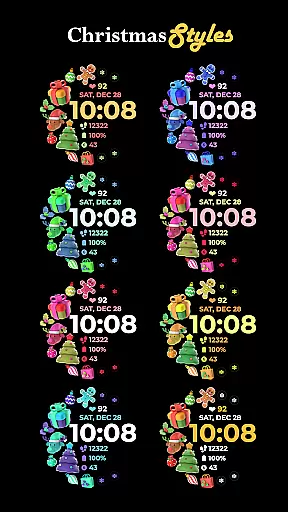
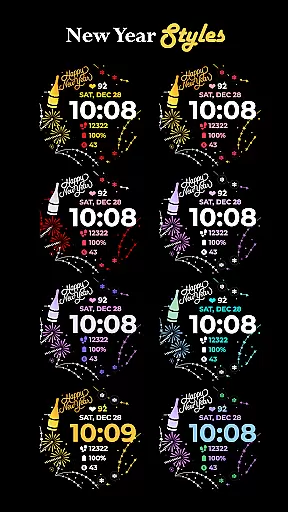
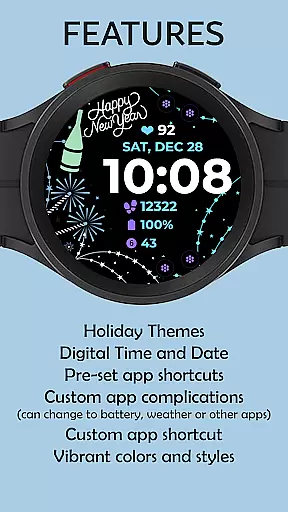
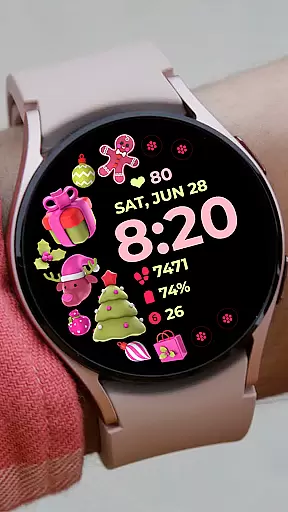
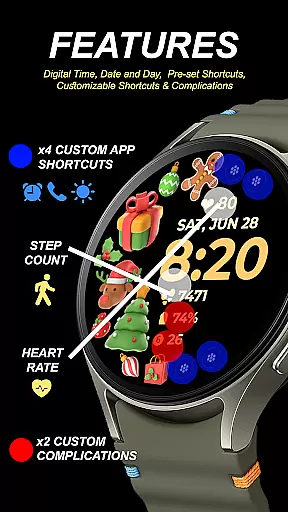
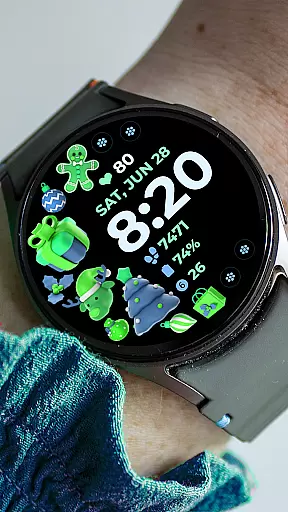
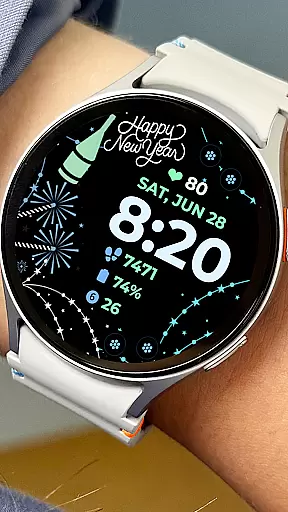
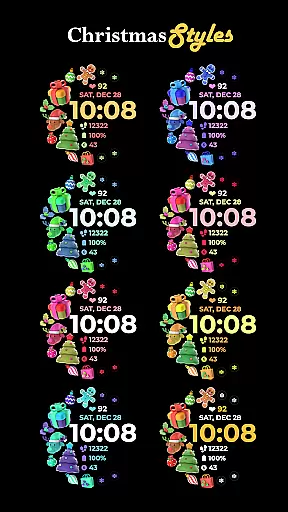
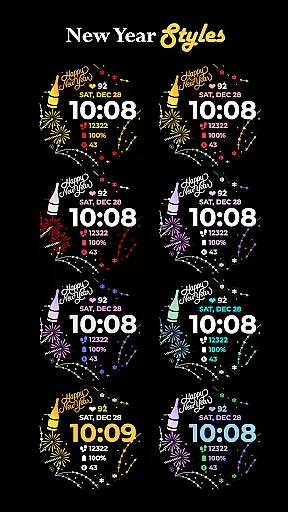
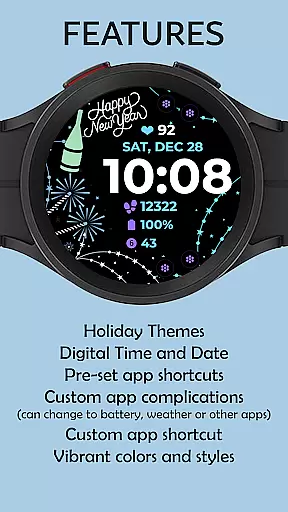
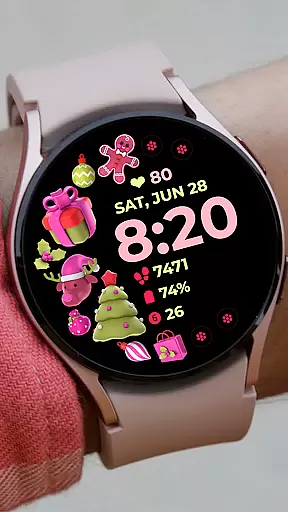
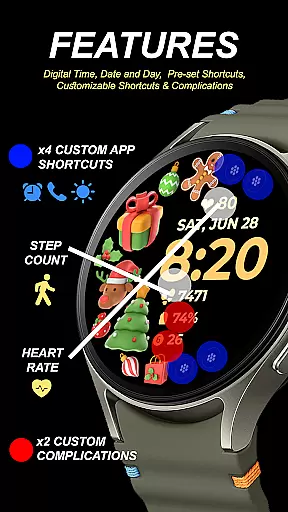
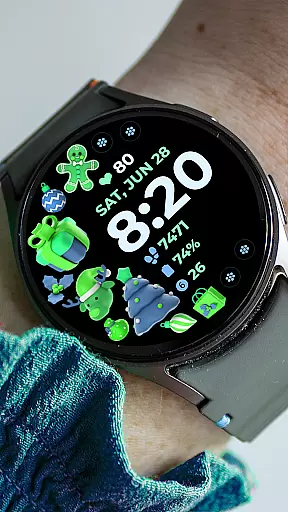
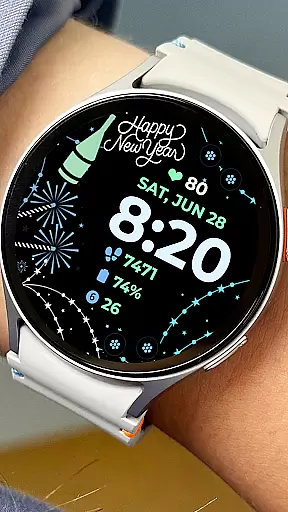
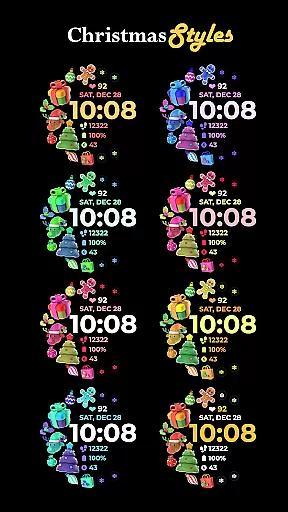
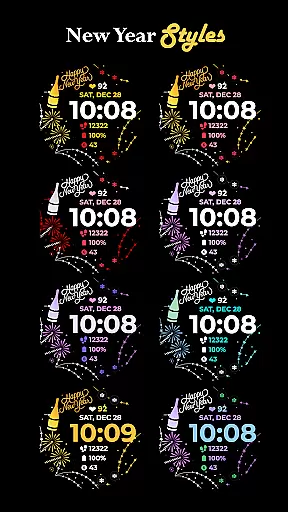
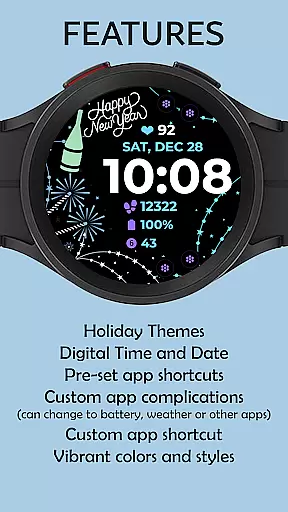
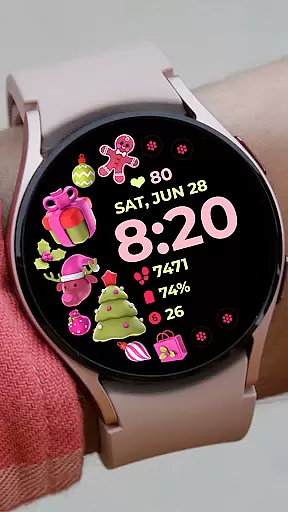
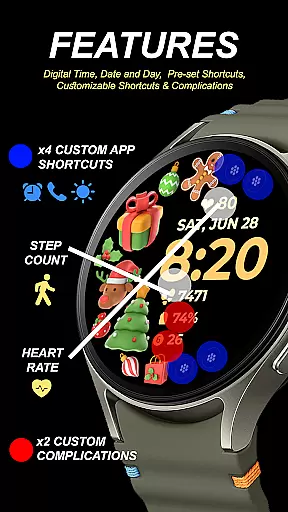
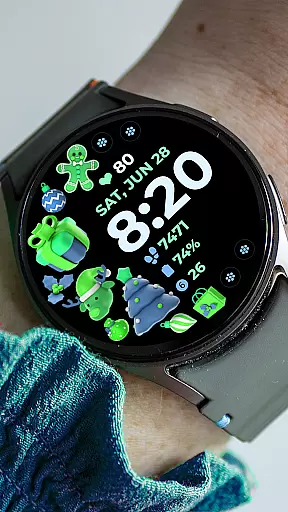
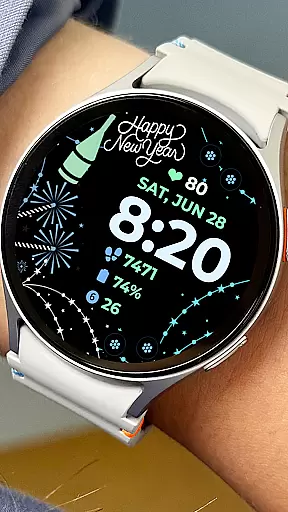
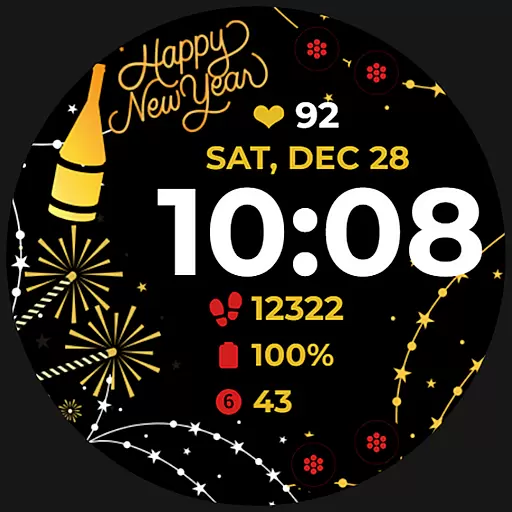
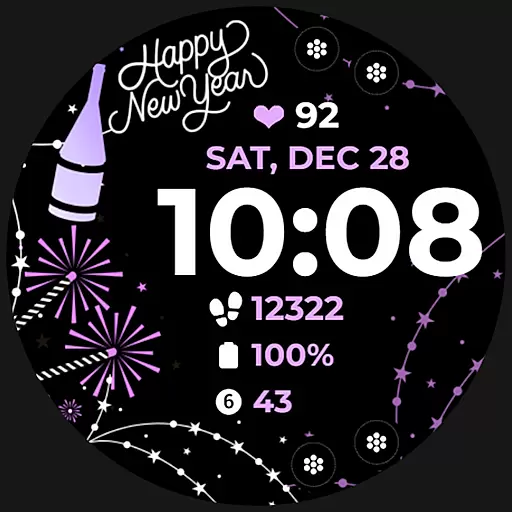
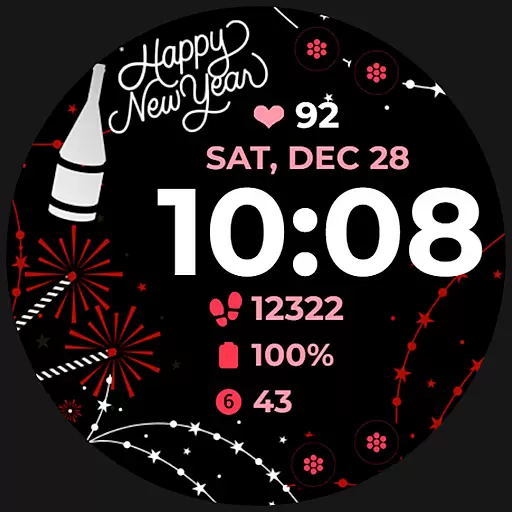
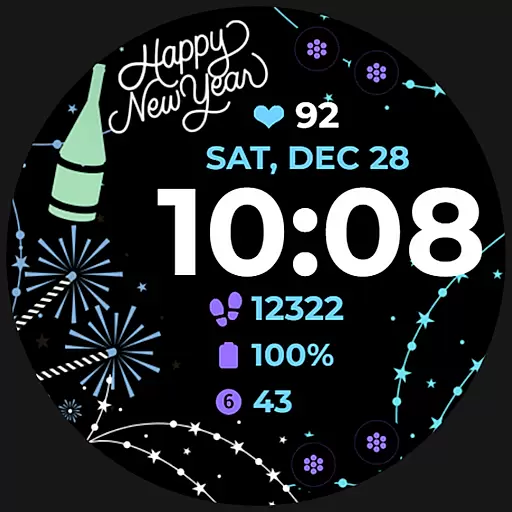
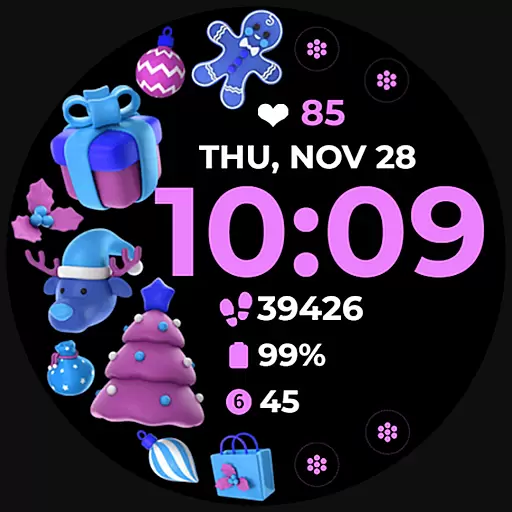
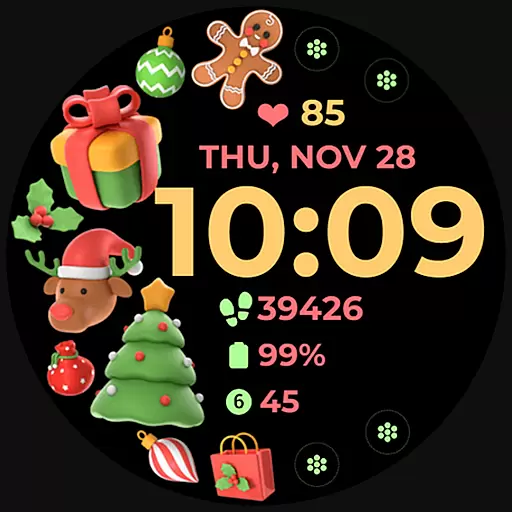
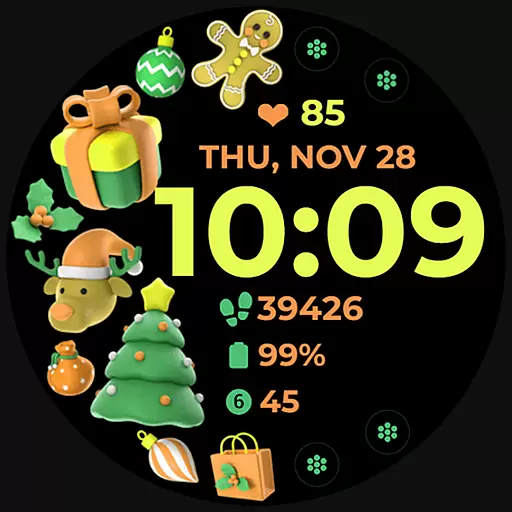
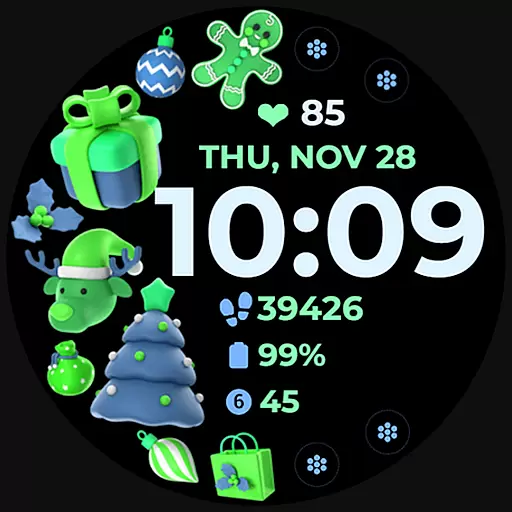
Holiday Art is a feature-rich watch face app designed specifically for Wear OS devices like Samsung Galaxy Watch 4. Developed using Samsung's "Watch Face Studio" tool, this application offers users a customizable and visually appealing watch face experience.
The app provides essential timekeeping features including digital clock, date and day display, along with advanced functionalities such as Always-On Display (AOD) and customizable app shortcuts. Users can personalize their watch faces with different styles and color palettes to suit their preferences.
This watch face is ideal for users who want both functionality and personalization on their smartwatch. The seamless installation process and comprehensive customer support make it a reliable choice for enhancing your wearable device experience.
Holiday Art stands out with its diverse feature set tailored for smartwatch users. The app includes a digital clock interface complemented by date and day displays, ensuring users always have essential information at a glance.
One of the key highlights is the Always-On Display (AOD) functionality, allowing users to view time and other important details without activating the screen. The app also supports preset app shortcuts and offers customizable app shortcuts and complications, giving users control over their watch face layout.
With changeable styles and color palettes, Holiday Art enables users to create a personalized look that matches their style. These customization options, combined with the developer's commitment to quality and support, make this watch face a versatile choice for Wear OS device owners.
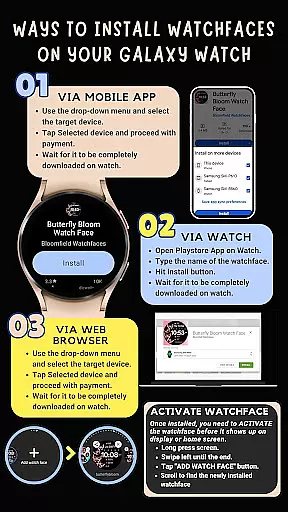
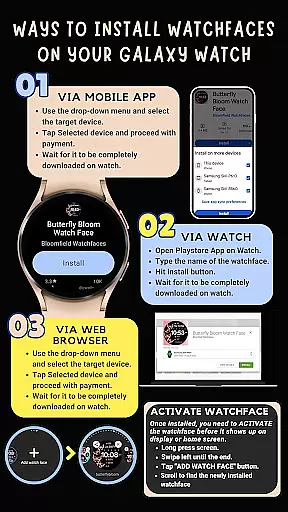
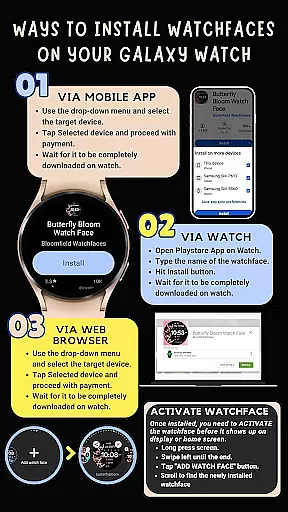
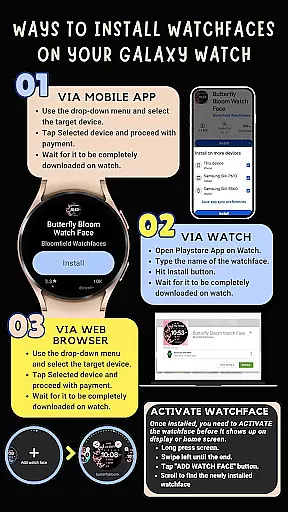
Companion app integration is crucial for Android Wear applications as it ensures seamless synchronization between the wearable and its paired smartphone. Holiday Art watch face excels in this aspect by providing clear installation instructions and ensuring smooth data transfer.
The application automatically installs on the watch with visual indicators during the process, guaranteeing users are informed about the installation status. To facilitate this, it's essential to maintain a strong connection between the phone and the watch using the same Wi-Fi network and logging into the Google account on the watch.
After downloading, users might need to wait a few minutes for the watch face to appear on the wearable device. If issues arise, the app can be manually located and installed via the Play Store directly on the watch, showcasing the app's commitment to accessibility and user support.
Ensuring compatibility across various Wear OS devices is vital for Android Wear apps like Holiday Art. This watch face has been meticulously tested on real devices such as the Galaxy Watch 4, promising reliable performance on supported devices.
Holiday Art leverages Samsung's 'Watch Face Studio' tool, which is tailored for devices running on the new Wear OS Google/One UI Samsung operating system. This guarantees that users experience optimized functionality and design tailored specifically for their smartwatches.
Despite its specialized development, some features may not be available on all watches. However, core functionalities such as digital clock, date & day display, always-on mode (AOD), preset app shortcuts, customizable app shortcuts & complications, and changeable styles & color palettes ensure broad appeal and usability across compatible devices.
User-friendly interface
Customizable design
Always-On Display
Comprehensive support
Easy installation
Limited device compatibility
Feature availability varies
Requires strong Wi-Fi connection
Manual watchface selection
Short refund window

Highly customizable hybrid watch face for Wear OS, perfect for everyday use.
 4.60
4.60
Wear Os Watch Face - Animated Snow - Sesonal for Christmas & Winter
4.4
MyNISSAN® lets you remotely control your car from your phone.*
4.50
Wear Os Watch Face - Animated Snow Effect & Magic Spark - 6 Scenes
4.10
Bold, Modern Hybrid Watch Face for Wear OS. 10 Colors, Rich Info Display.
4.30
Stylish digital watch face for Wear OS devices with customizable features
4.4
Viewer for Wyze/Yi/Eufy/Arlo/ONVIF/RTSP/P2P IP cams w/ adv. features & DIY DVR
4.00
Simple, helpful messaging by Google
4.60
Back up your contacts & access them anywhere
4.30
Christmas - Festive - Christmas Village - Winter - Christmas lights
5.00
Beautiful, colorful and practical watch face. For Wear OS devices.
5.00
Digital, flexibly customizable watch face. For Wear OS 5.0, API 34+ and later.
5.00
Hybrid watch face for Wear OS with customizable complications by Matteo Dini MD
4.70
Ideal for surviving in the wasteland left after nuclear fallout
4.50
Connect to your Bluelink equipped Hyundai vehicle from your smartphone.
4.50
Animated video-game inspired “secret agent” simulation, right on your wrist!
4.20
sleep, alarm, snoring, stress, healing, focus, sound therapy, circadian rhythm
4.10
Stunning modern digital watch face with 7 complications and strong contrast
4.1
Simple Analog-Digital Watchface For Wear OS 3.0 and Up Smartwatches
4.5


User Reviews