
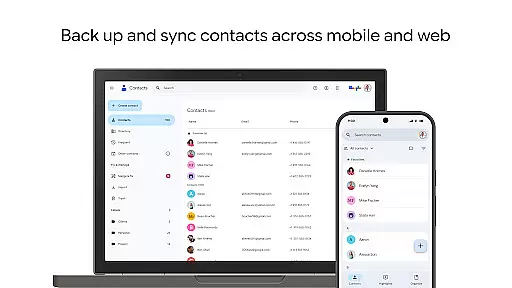
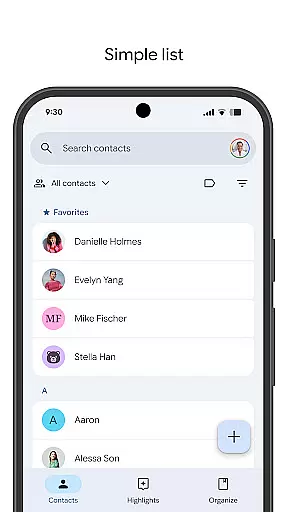
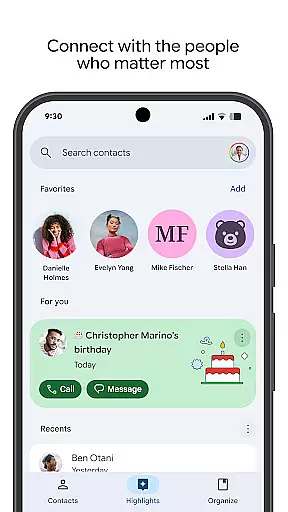
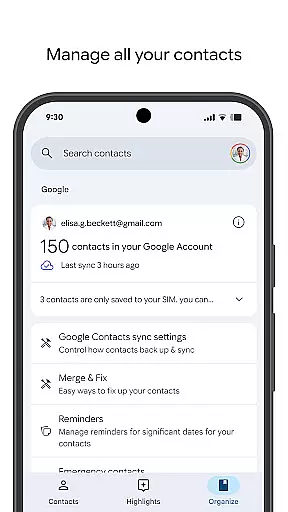
Contacts is a powerful Android Wear application that helps users manage their contact information across multiple devices. The app allows you to back up your contacts to your Google Account, ensuring they are always safe and accessible. Whether you're switching phones or simply need access to your contacts on the go, this app provides seamless synchronization.
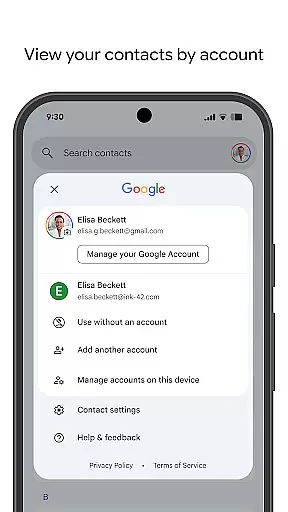
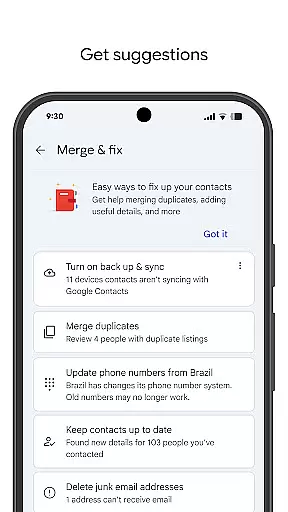
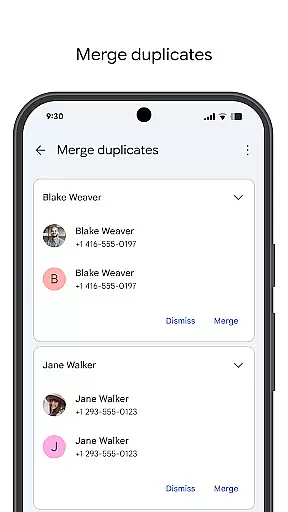
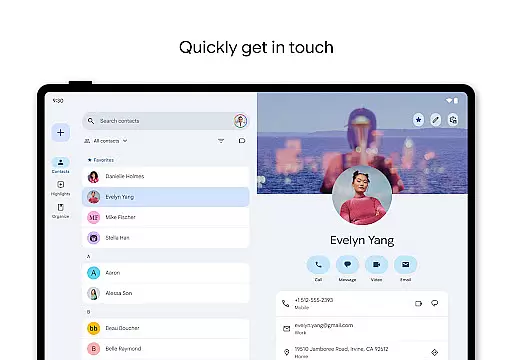
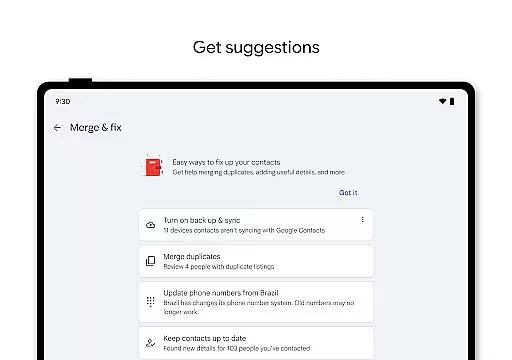
Beyond basic contact management, Contacts offers organizational tools that help keep your address book tidy. You can view contacts by specific accounts, merge duplicates, and add important details with ease. Additionally, the app helps you stay connected with the people who matter most by highlighting key dates such as birthdays and anniversaries, making sure you never miss an important event.
One of the standout features of Contacts is its robust backup and sync capabilities. By linking your Google Account, the app ensures all your contacts are securely stored in the cloud. This means you can access your contacts from any device where you're signed in, providing unparalleled convenience when switching between smartphones or tablets.
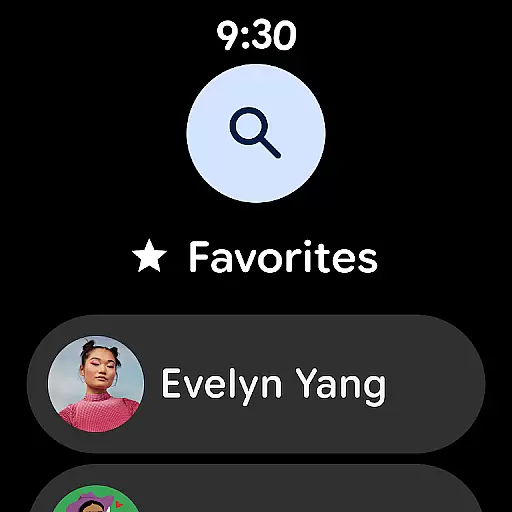
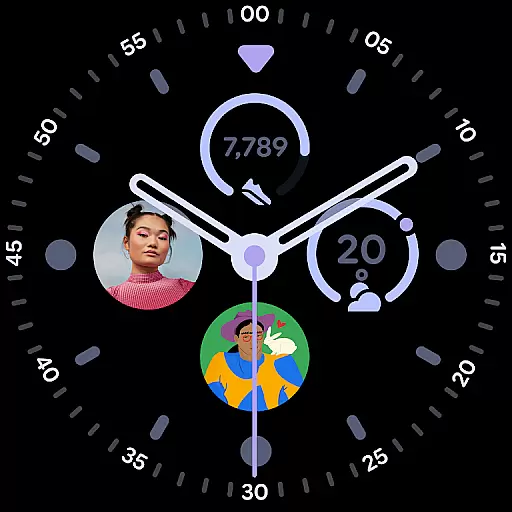
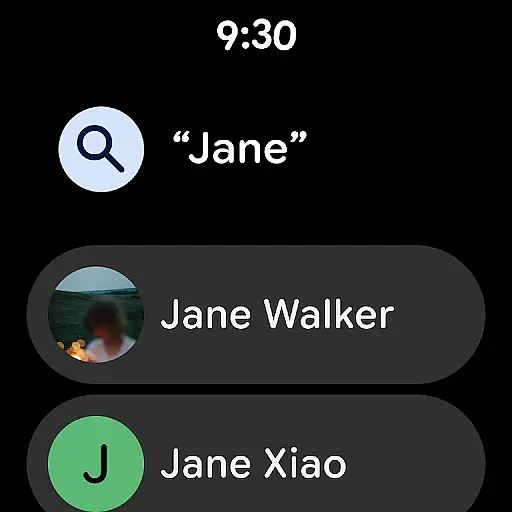
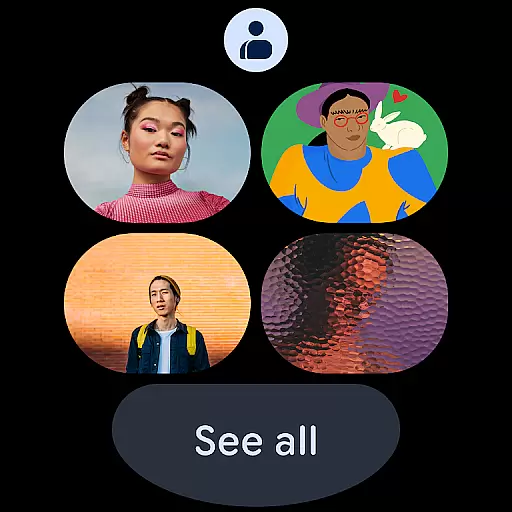
The app also excels in contact organization. With dedicated views for different accounts (such as work or personal), it's easy to segment and manage various aspects of your social and professional life. Tools for merging duplicate entries and enriching contact details further enhance usability. Moreover, the Wear OS version includes handy features like favorite contact tiles and complications, allowing quick access directly from your smartwatch.
Companion app integration is essential for seamless functionality between mobile devices and wearables. The Contacts app ensures that all your important contact information is synchronized effortlessly across your smartphone and Wear OS devices.
This synchronization allows users to access their contacts directly from their Wear OS device without needing to reach for their phone. Whether you're in a meeting or out for a run, your most important connections are always just a tap away.
The integration also supports real-time updates, meaning any changes made on one device will instantly reflect on the other. This feature ensures that your contact list remains current and accurate, regardless of which device you use to make updates.
By maintaining consistent data flow between devices, the Contacts app provides a reliable solution for managing professional and personal relationships, making it an indispensable tool for modern communication needs.
Ensuring compatibility with Wear OS and various devices is crucial for delivering a smooth user experience. The Contacts app is optimized to work seamlessly with Wear OS, providing users with quick access to their favorite and recent contacts through dedicated tiles and complications.
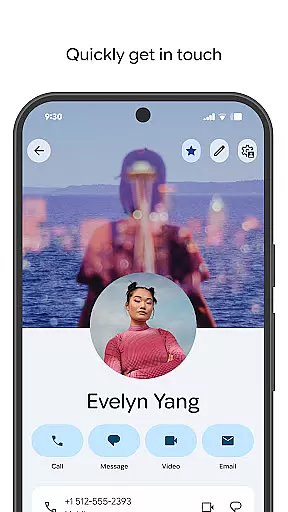
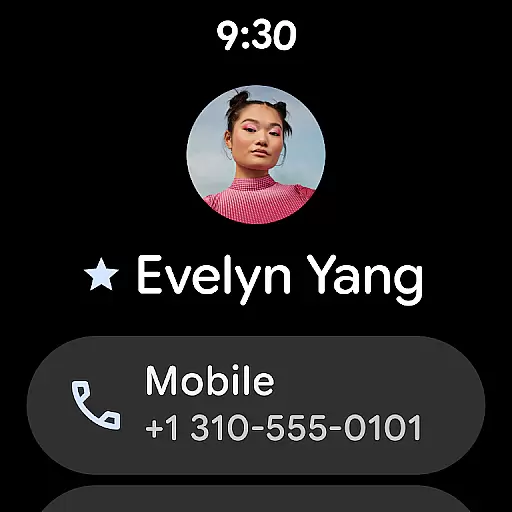
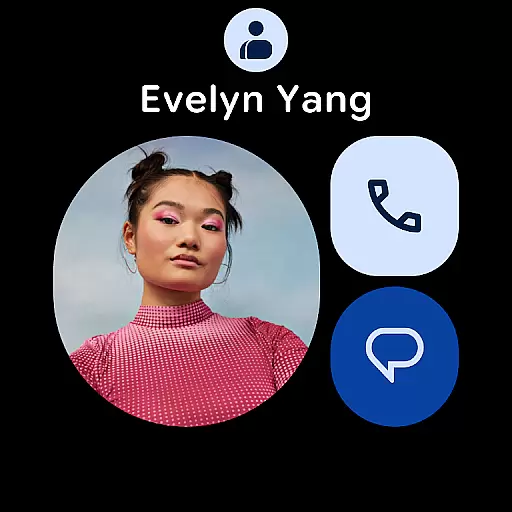
This compatibility extends beyond just displaying contact information; it includes interactive features such as making calls or sending messages directly from the wearable device. Such functionalities enhance convenience and accessibility, allowing users to stay connected even when their phone isn't readily available.
Moreover, the app's design takes into account different screen sizes and resolutions typical of Wear OS devices. This attention to detail ensures that text and images remain clear and legible, offering an optimal viewing experience no matter what type of wearable you own.
With broad device support and thoughtful optimization for Wear OS, the Contacts app stands out as a versatile and reliable choice for anyone looking to streamline their communication process across multiple platforms.
User-friendly interface
Secure cloud backup
Cross-device syncing
Duplicate merging tool
Special date notifications
Limited offline functionality
Google Account required
Occasional sync delays
No advanced search filters
Basic design aesthetics

Watch the sharpness of the sky on your wrist..
 3.70
3.70
Embrace the holiday spirit with this magical animated watch face!
4.40
Wear Os Watch Face - Animated Snow - Sesonal for Christmas & Winter
4.5
Christmas is near, let's count together the days left until Santa comes
4.5
Sleek, highly customizable watch face inspired by Galaxy Watch Circle Dashboard.
4.1
Let's celebrate Thanksgiving - Wear Os watch face
4.20
Kia Access makes getting your vehicle information easier than ever
4.60
Locate your family members by GPS phone location tracker everywhere and anytime
4.30
Start and succeed with PAP
4.10
Easy Voice Recorder is your everyday companion to record important moments.
4.70
The most customizable hybrid watch face. For Wear OS 5.0, API 34+ and later
4.70
MyNISSAN® lets you remotely control your car from your phone.*
4.50
The ultimate destination for kids ages 3-8 to explore the Marvel Universe!
4.30
sleep, alarm, snoring, stress, healing, focus, sound therapy, circadian rhythm
4.10
Daily Weather forecast with 15 weather images for Day & Night plus Big Bold time
4.10
Your local weather forecast, storm tracker, radar maps & live weather news
3.40
an Analog Watch Face for winter season with freeze winter background for Wear OS
4.3
A watch face that fuses motorsport precision with contemporary smartwatch design
4.4
Artistic Digital Watchface
4.3


User Reviews