
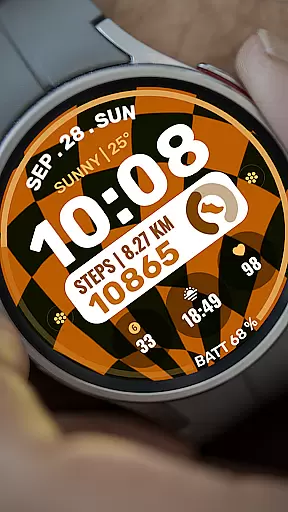
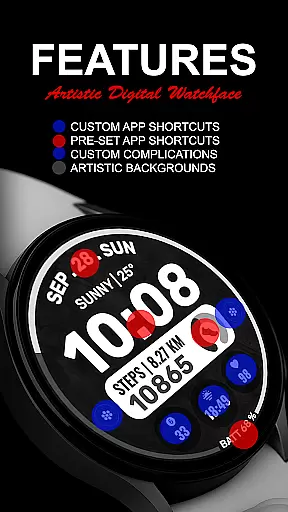
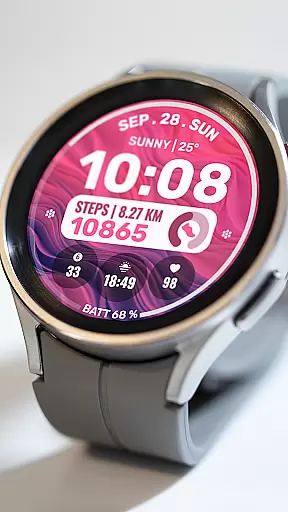
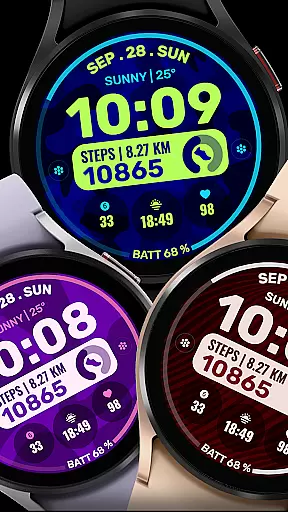
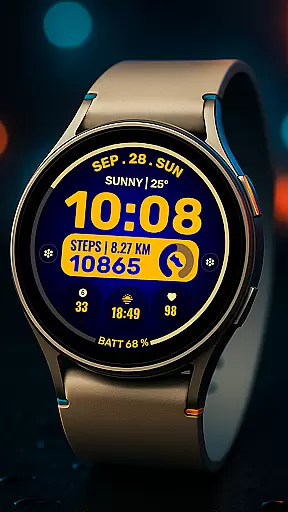
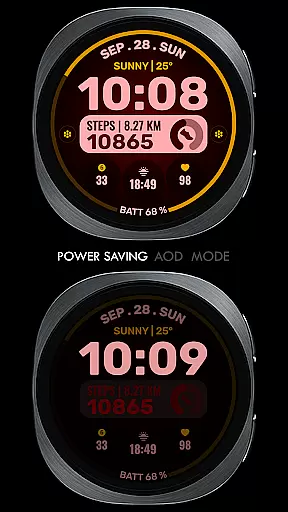
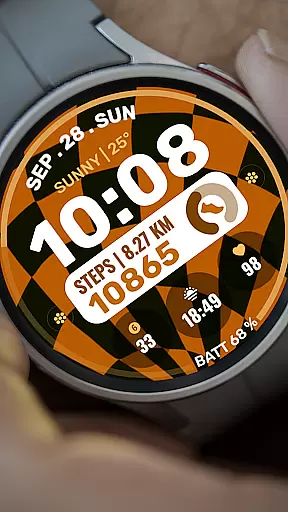
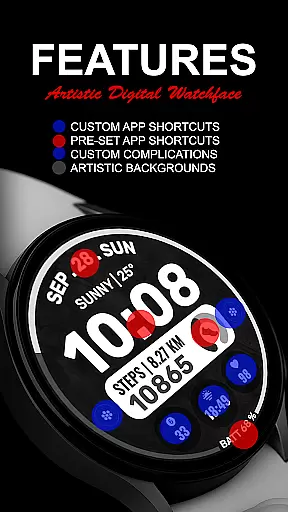
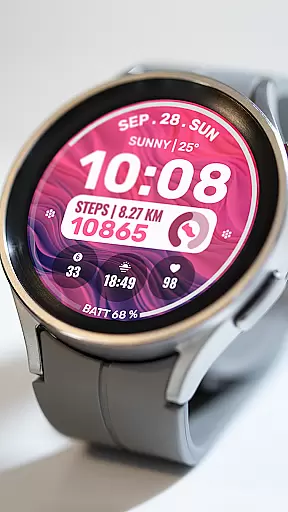
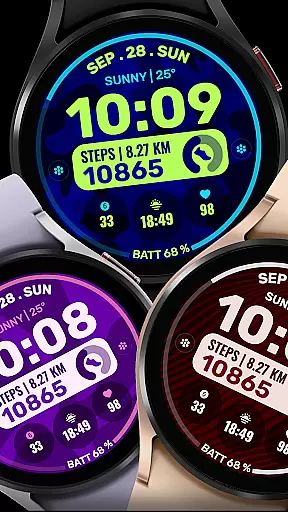
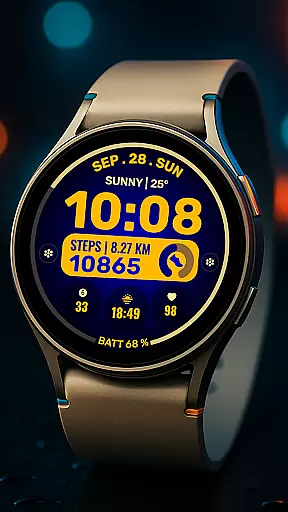
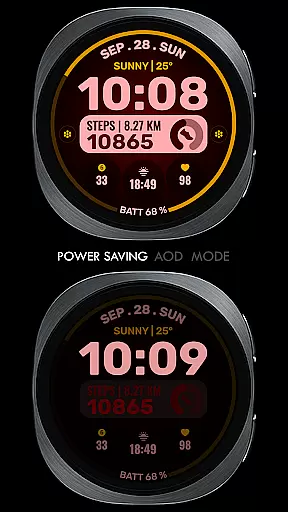
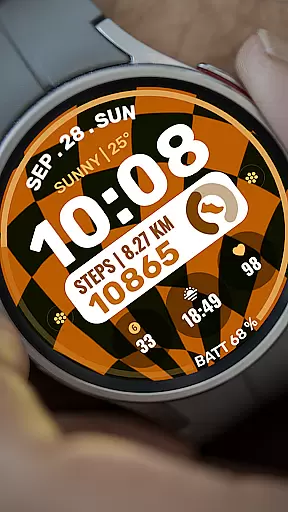
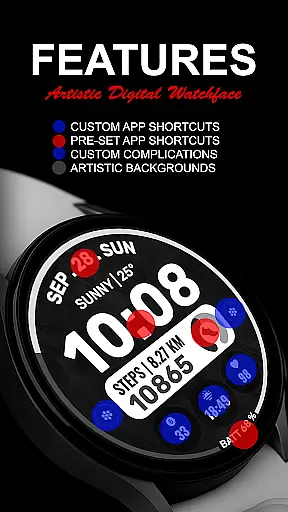
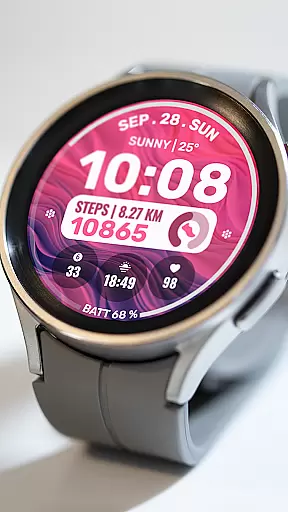
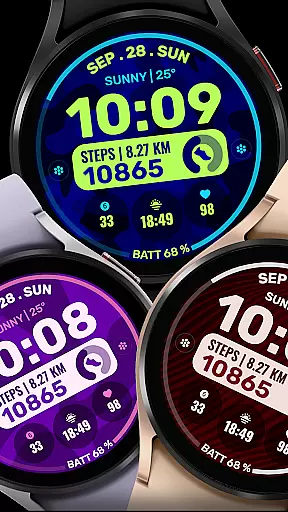
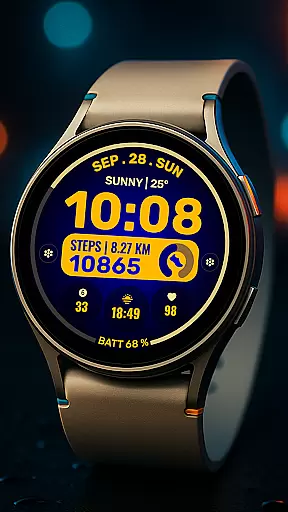
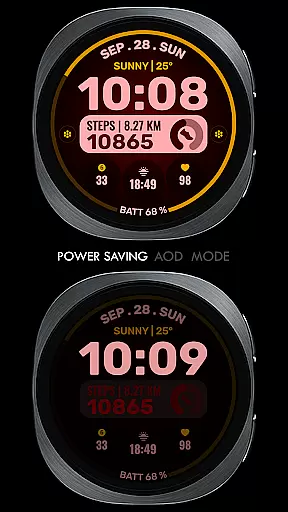
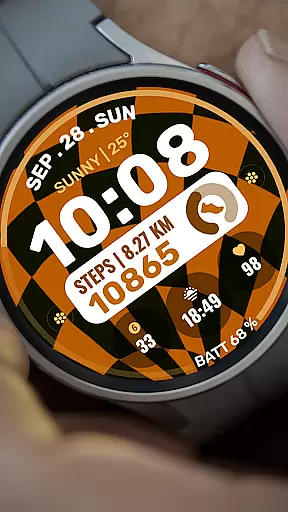
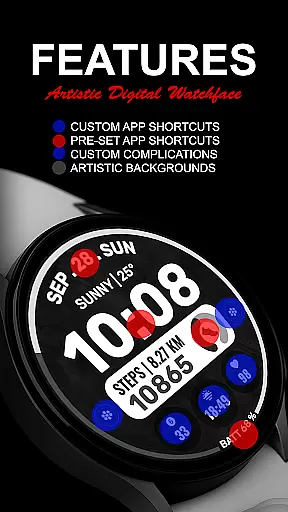
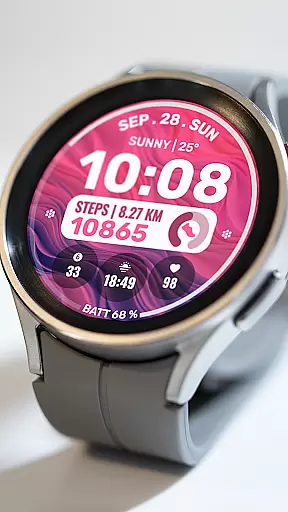
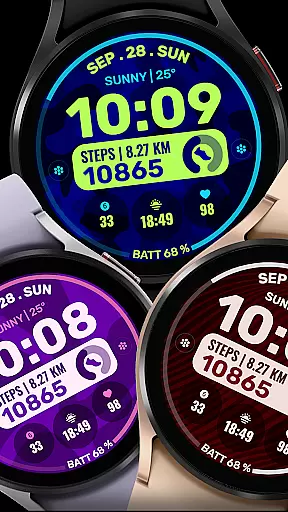
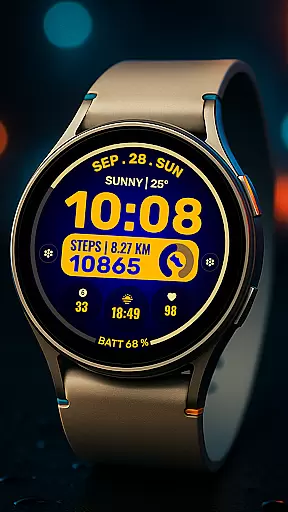
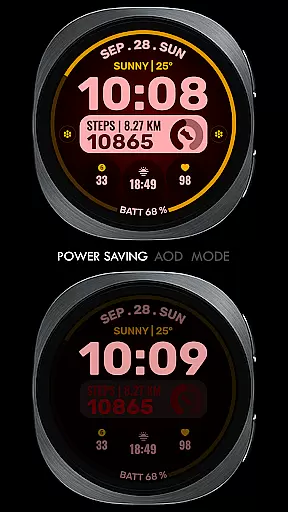
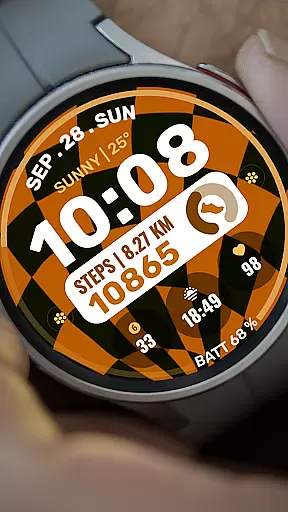
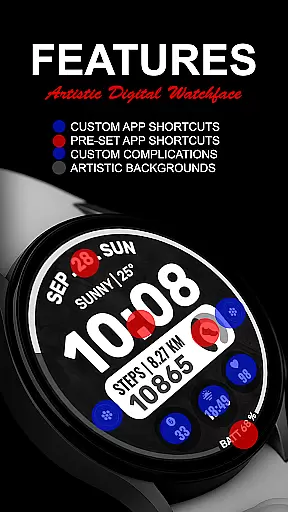
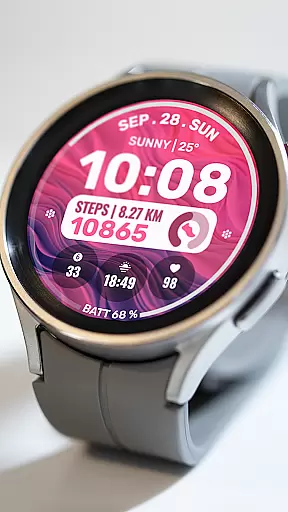
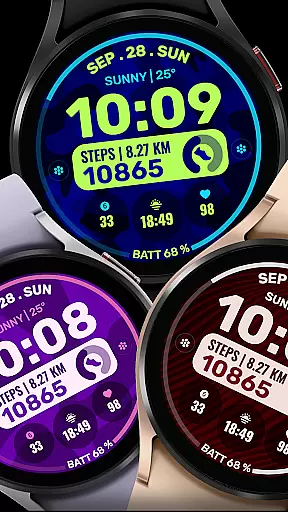
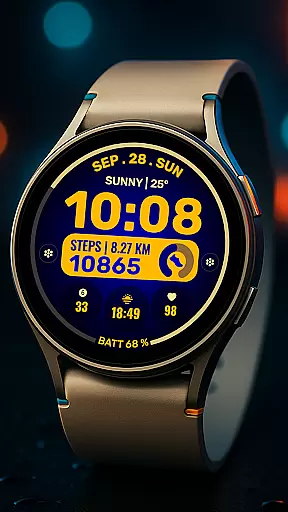
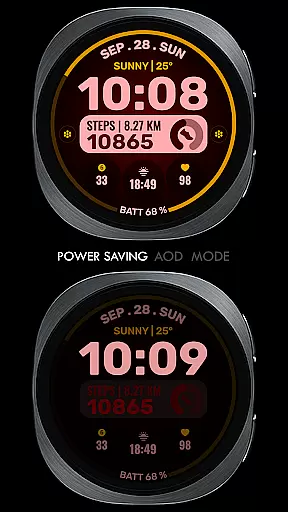
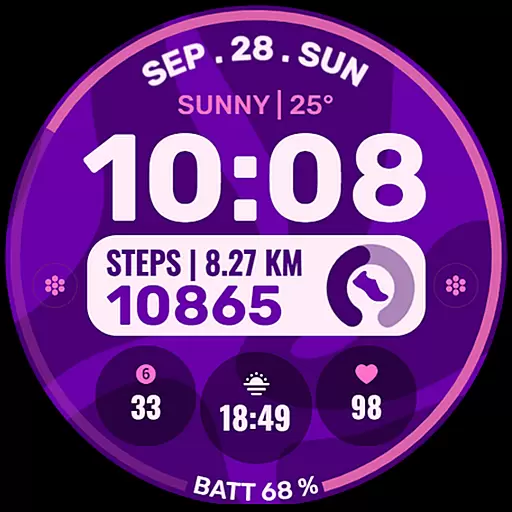
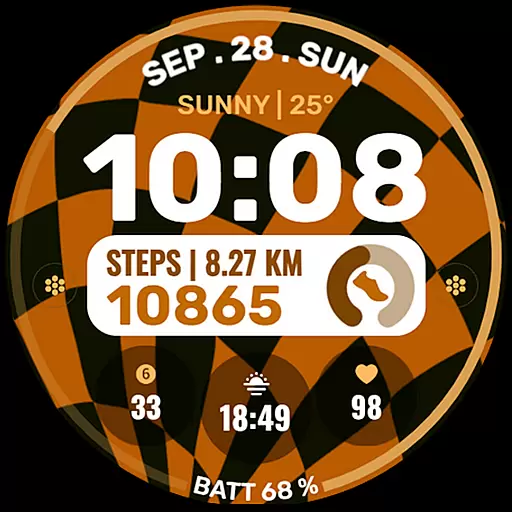
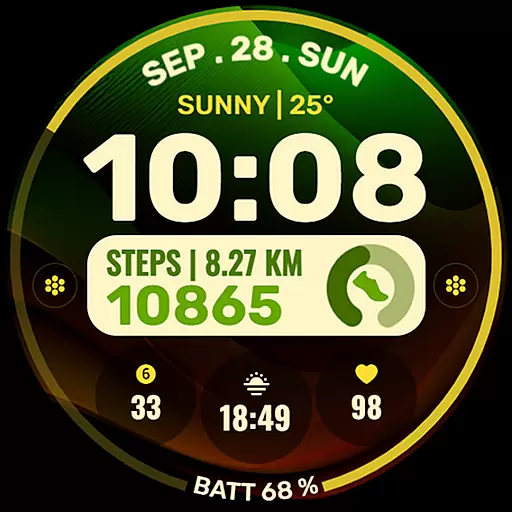
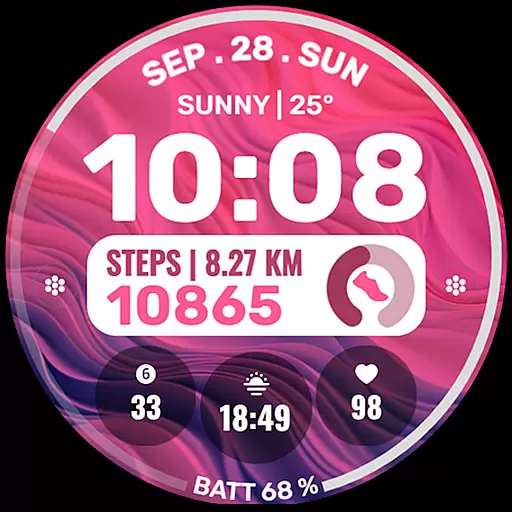
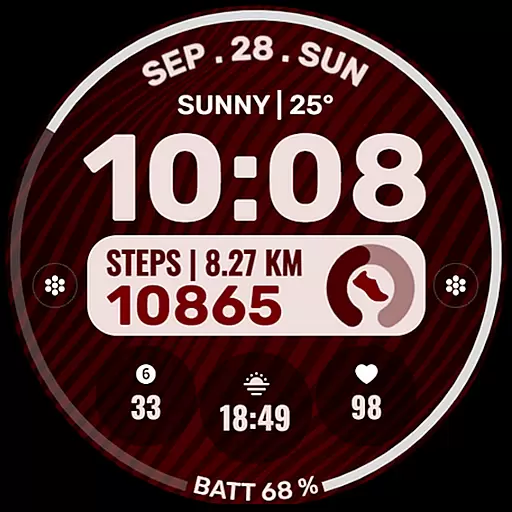
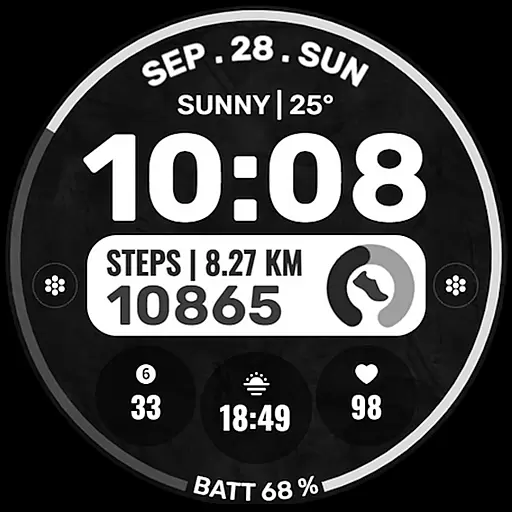
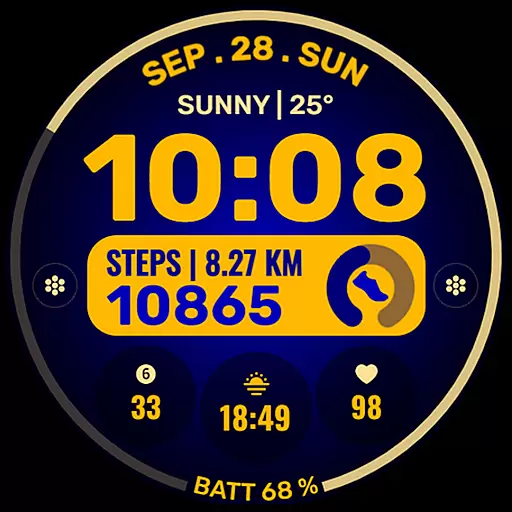
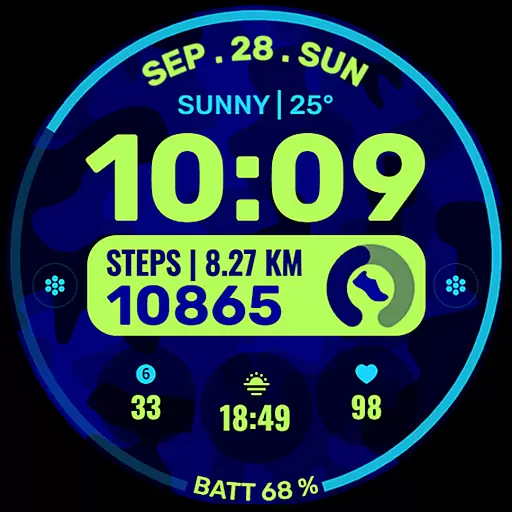
Data Dash is a feature-rich watch face designed for Wear OS devices, offering users an artistic digital clock display alongside customizable app shortcuts and complications. The watch face supports all Wear OS devices with API Level 34+ and later versions, ensuring compatibility with the latest technology.
With pre-set app shortcuts for essential functions like Alarm, Calendar, Battery, and Steps, as well as two custom app shortcuts, users can tailor their experience to suit their needs. Additionally, three customizable complications allow for personalization with various data types such as Date, Weather, Steps, World Clock, and more.
This versatile watch face is ideal for those looking to enhance their smartwatch's aesthetics while maintaining functionality, making it perfect for daily use or fitness tracking.
Data Dash stands out with its artistic digital clock design and extensive customization options. Users can choose from pre-set app shortcuts for quick access to frequently used features like Alarm, Calendar, Battery, and Steps. For further personalization, there are two custom app shortcut slots available.
The watch face also includes three custom complication areas that support a wide range of data types. These can be tailored to show information such as Date, Weather, Steps, World Clock, Sunrise/Sunset times, Next Appointment, Distance Walked, and more. To access certain data types, users might need to install additional third-party complications.
Custom Background and Color Themes enable users to match the watch face with their personal style or mood. This level of customization ensures that each user's watch face is unique and functional, enhancing both the visual appeal and usability of their Wear OS device.
Companion app integration is essential for a seamless wearable experience. Data Dash ensures that all features are perfectly synchronized between your smartphone and Wear OS device.
The watch face editor in the Samsung Wearable app may have syncing issues, but Data Dash allows direct customization on the watch itself. This guarantees that users can still personalize their experience without relying on potentially faulty companion apps.
By using the same email address for both devices, users can enjoy uninterrupted functionality across their smartwatch and phone. The automatic installation feature further enhances this integration by simplifying the setup process.
This synchronization enables key features like pre-set app shortcuts, custom complications, and color themes to function consistently across devices. Users can trust that their customized settings will appear exactly as configured, regardless of which device they're interacting with.
Data Dash demonstrates exceptional Wear OS and device compatibility, supporting all Wear OS devices with API Level 34+ and Wear OS 4 or later versions. This broad compatibility ensures that most smartwatch users can enjoy the watch face's features.
The design maintains consistent performance across different devices, though some features might vary based on specific hardware capabilities. For instance, while artistic digital clocks and customizable complications work universally, certain advanced functions may require newer watch models.
Installation is straightforward through Google Play Store on the watch itself. After downloading, the watch face automatically transfers to the Wear OS device, with notifications confirming successful installation.
This universal approach to compatibility makes Data Dash versatile for various smartwatches, providing users with reliable performance regardless of their specific Wear OS device model or version.
Highly customizable
Artistic design
Wide compatibility
Functional shortcuts
Regular updates
Complex setup
Limited initial features
Third-party dependencies
Potential sync issues
Refund restrictions

Christmas Theme Watch Face for Wear Os
 5.00
5.00
Current temperature, weather hourly, weather radar by the weather forecast app
4.40
Stunning modern digital watch face with 7 complications and strong contrast
4.2
Watch face designed for Thanksgiving Day. 7 Background Styles included.
3.20
Your second brain for organizing your life: to-do, calendar, reminder.
4.70
Get helpful reminders, take progress photos and find answers to your questions.
3.90
Viewer for Wyze/Yi/Eufy/Arlo/ONVIF/RTSP/P2P IP cams w/ adv. features & DIY DVR
4.00
Simple, helpful messaging by Google
4.60
Start and succeed with PAP
4.10
A modern hybrid informative watch face for Wear OS designed by BALLOZI
4.80
Monitor health with the stress test and pulse checker in the heart rate app.
4.60
Christmas watch face. For Wear OS devices.
4.30
Locate your family members by GPS phone location tracker everywhere and anytime
4.30
A customizable Christmas watch face for Wear OS with a countdown.
4.20
Watch face for Wear OS.
4.20
sleep, alarm, snoring, stress, healing, focus, sound therapy, circadian rhythm
4.10
A full-featured Amazon Alexa voice assistant that can show you things.
3.70
Precision analog watch face with 7 complications and style options
4.1
Simple Analog-Digital Watchface For Wear OS 3.0 and Up Smartwatches
4.3


User Reviews