
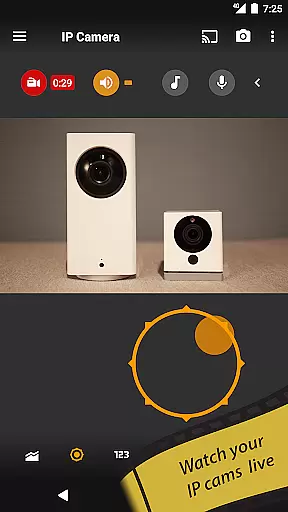
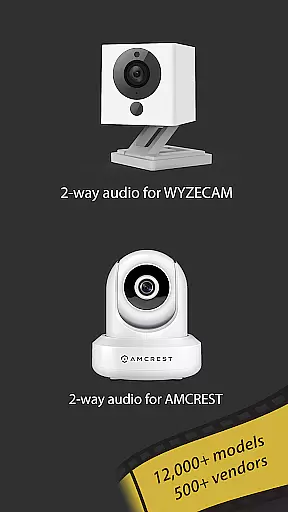
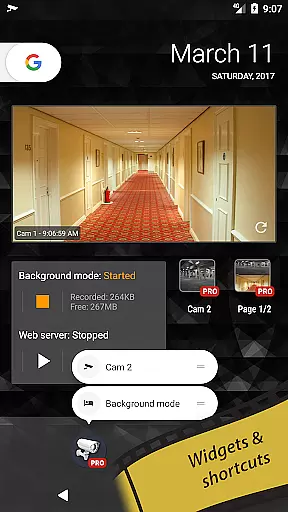
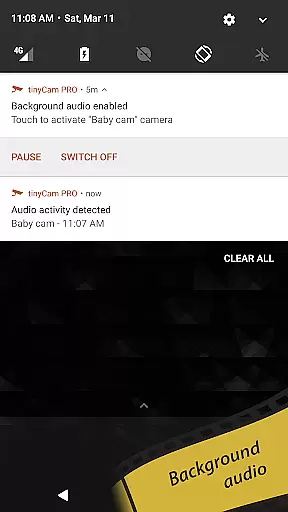
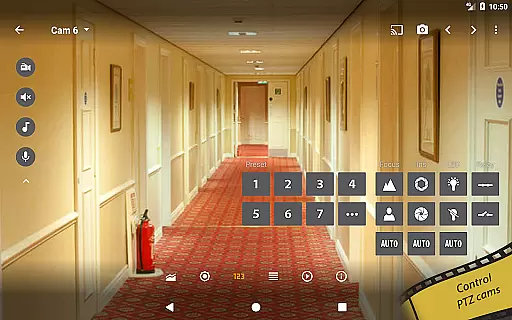
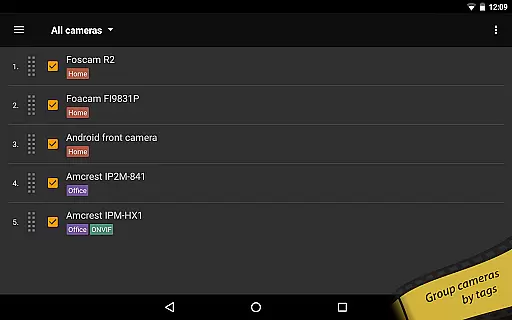
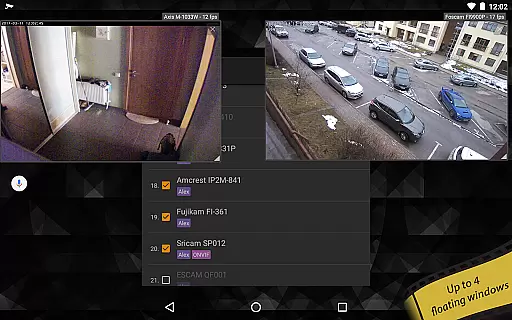
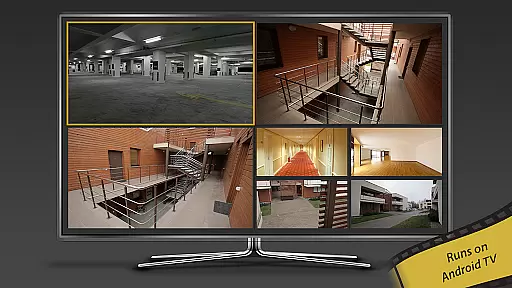
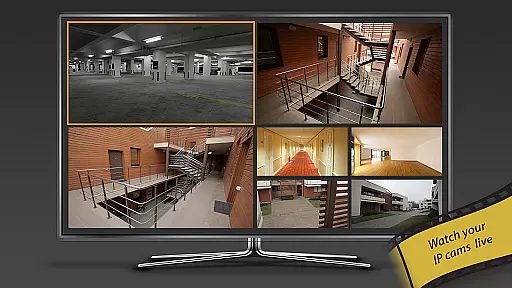
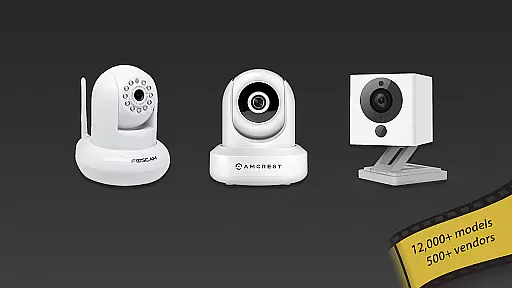
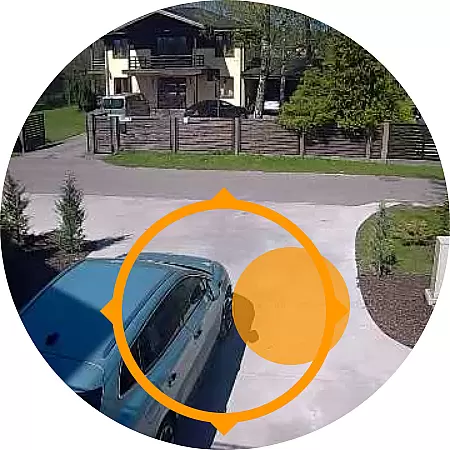
tinyCam Monitor PRO is the ultimate Android application for remote surveillance and video recording, designed to provide secure monitoring of IP cameras, DVRs, and CCTV systems. With support for over 12,000 camera models including popular brands like Foscam and Amcrest, this app offers an intuitive interface with advanced features such as ONVIF Profile S, MJPEG/H264/H265/RTSP protocols, and smart camera compatibility.
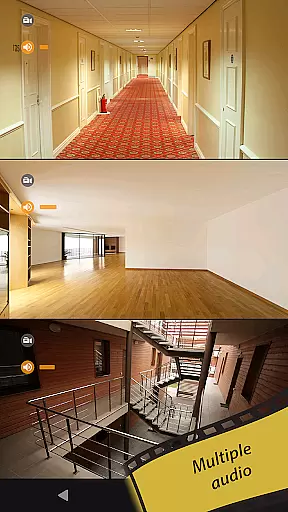
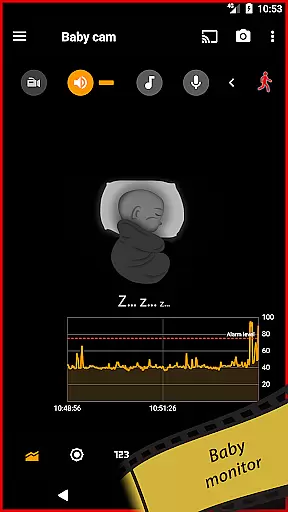
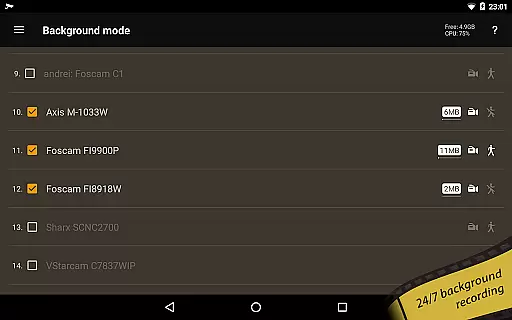
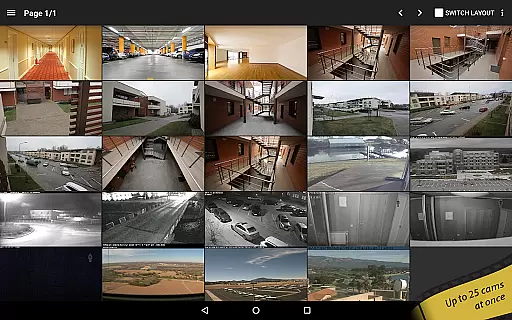
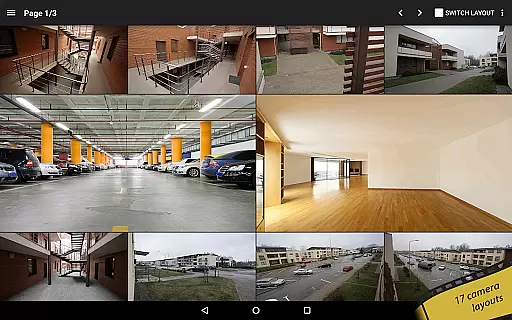
The app stands out with its unique capabilities including background recording, time-lapse functionality, and AI object detection for identifying persons, pets, or vehicles. It also supports two-way audio communication, SSL encryption for secure connections, and multiple layout options allowing users to monitor an unlimited number of cameras simultaneously. Whether you need to keep an eye on your home, business, or even use it as a dashcam, tinyCam Monitor PRO delivers comprehensive security solutions tailored to various needs.
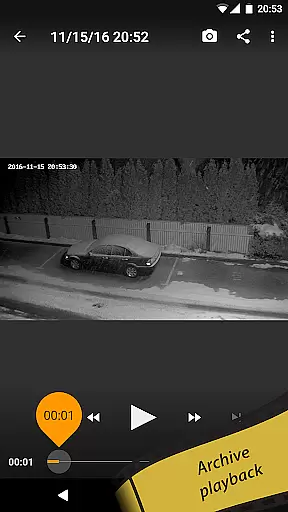
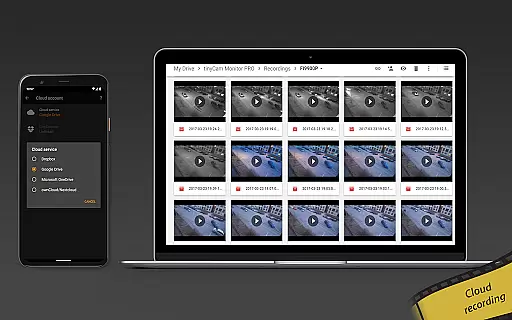
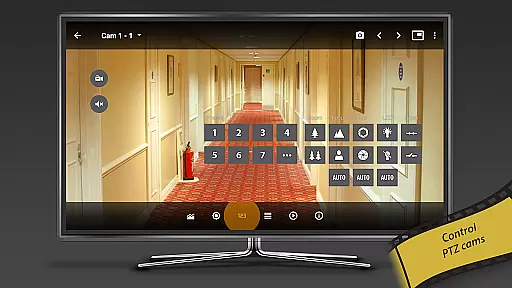
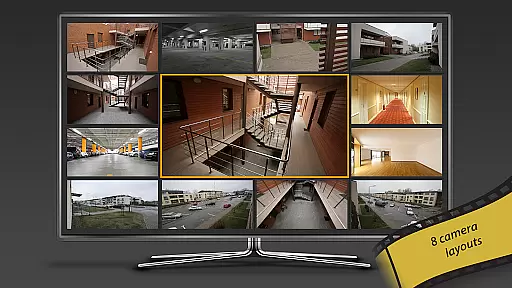
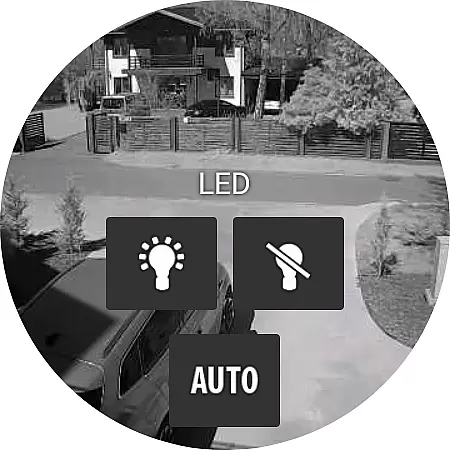
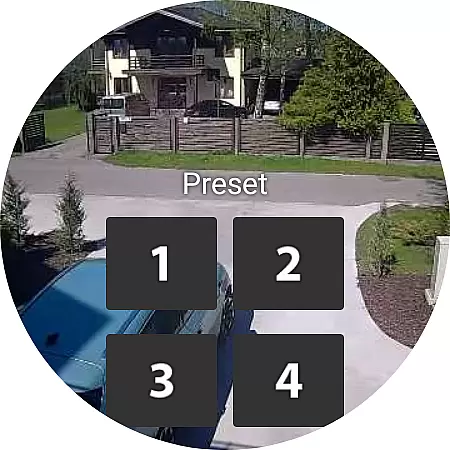
tinyCam Monitor PRO boasts a rich set of features that cater to both basic and advanced surveillance requirements. The app supports 19 different layouts and allows control of PTZ (pan-tilt-zoom) enabled cameras, making it versatile for various monitoring scenarios. Advanced functionalities include relay and LED control, 24/7 MP4 video recording directly to local storage or cloud services like Dropbox and Google Drive, and automatic camera switching in sequence mode.
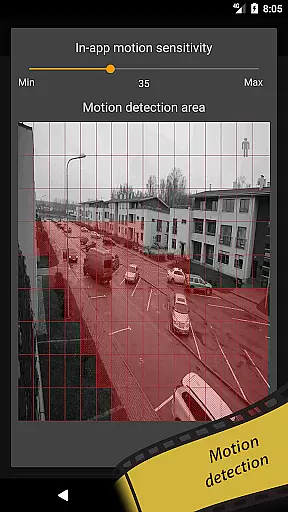
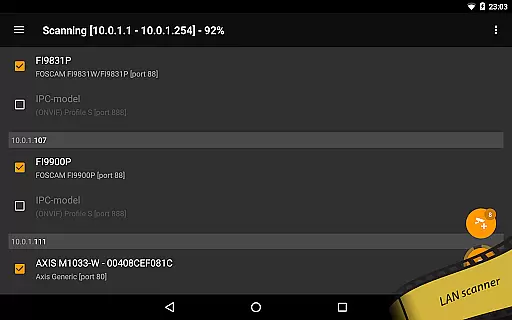
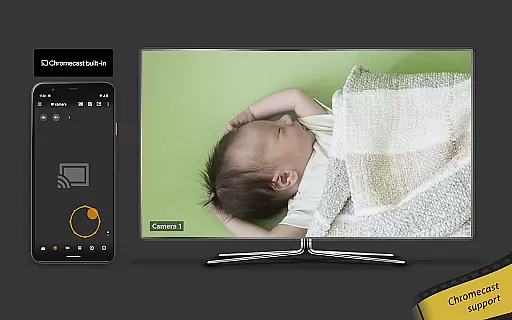
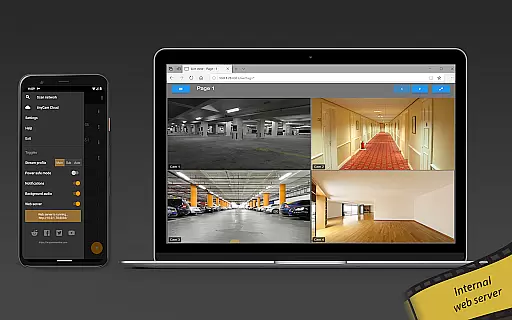
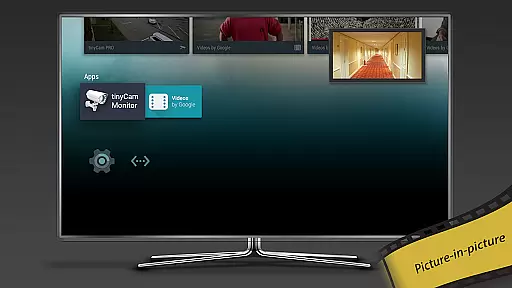
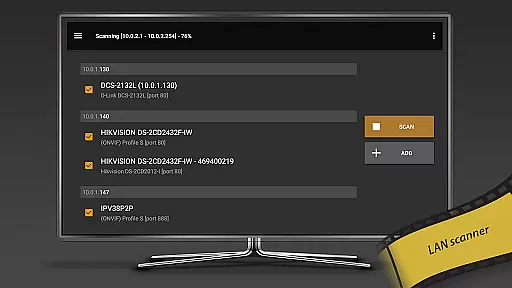
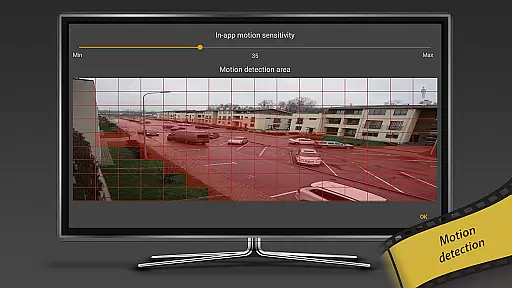
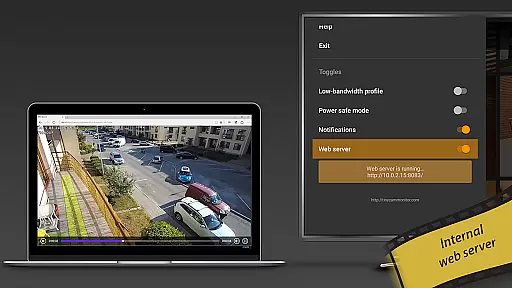
Unique features such as an internal web server for remote access, motion detection with webhook support, and integration with Wear OS and Chromecast enhance the user experience significantly. Additionally, the app provides tools for audio real-time processing, face detection, LAN scanning for automatic camera detection, and even casting to RTMP streams. These features ensure that users have a powerful, flexible, and customizable surveillance solution at their fingertips.
Companion app integration is essential for users who want seamless connectivity between their mobile devices and wearable technology. tinyCam Monitor PRO ensures that all your surveillance data, camera controls, and video feeds are perfectly synchronized across devices.
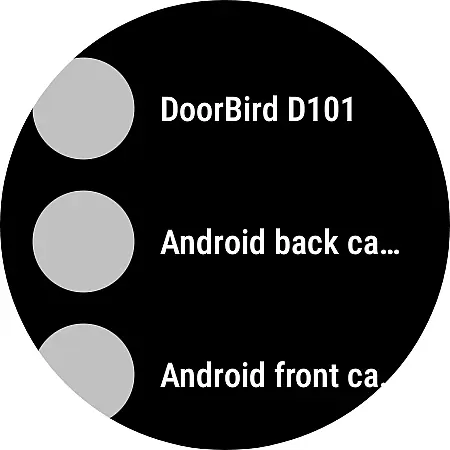
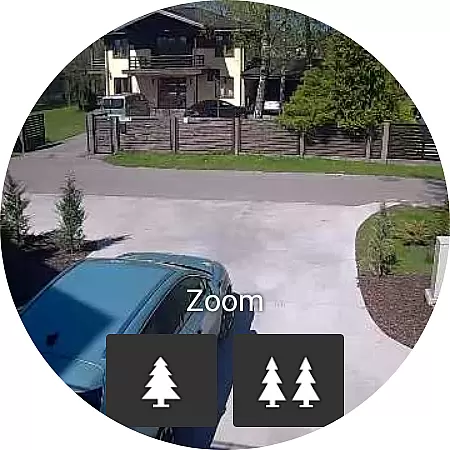
The application provides real-time updates and control options directly from your Wear OS device. This means you can monitor your cameras, receive alerts, and even control PTZ functionalities without needing to take out your phone or tablet.
By maintaining a robust connection between the mobile app and wearable devices, tinyCam Monitor PRO offers an uninterrupted surveillance experience. This feature is particularly beneficial for users who are always on the move but need constant monitoring of their properties or loved ones.
Ensuring broad compatibility with various Wear OS devices and other smartwatches is crucial for maximizing user accessibility. tinyCam Monitor PRO supports a wide range of devices, allowing users to choose the best hardware that suits their lifestyle without worrying about software limitations.
The app's optimization for Wear OS guarantees smooth performance and reliable functionality. Whether you're using a high-end smartwatch or a more budget-friendly option, tinyCam Monitor PRO delivers consistent quality and responsiveness.
This extensive compatibility enhances user convenience by enabling them to use their preferred devices for remote surveillance tasks. With support for features like notifications, live view, and basic controls right from the wrist, tinyCam Monitor PRO makes wearable tech an integral part of your security setup.
User-friendly interface
Extensive camera support
Advanced security protocols
Flexible recording options
Innovative AI features
Premium version required
Complex setup process
Limited free features
High system requirements
Occasional connectivity issues

Highly customizable hybrid watch face for Wear OS, perfect for everyday use.
 4.60
4.60
Christmas Theme Watch Face for Wear Os
5.00
Embrace the holiday spirit with this magical animated watch face!
4.40
Beautiful artistic animated digital watch face, with a customizable layout!
4.40
Simple Analog-Digital Watchface For Wear OS 3.0 and Up Smartwatches
4.4
Funny animated watch face for Thanksgiving
4.3
Hyper-Realistic Airplane Dashboard Watch Face With 10 Skins and Custom AOD
4.00
Hybrid watch face for Wear OS with customizable complications by Matteo Dini MD
4.70
Download full tracks, listen to music offline, make unlimited playlists.
4.80
Period, ovulation & pregnancy tracker. Fertility insights & menstrual calendar.
4.90
Real-time weather radar with temperatures, warnings, hurricanes, and widgets
4.80
WTW M17 is a premium and luxurious hybrid watch face
4.70
Be an elegant and classy secret agent, with this carefully detailed watch face
4.70
Monitor health with the stress test and pulse checker in the heart rate app.
4.60
A white realistic classic analog watch face with many customization options.
4.40
Get helpful reminders, take progress photos and find answers to your questions.
3.90
Want to take charge of your health? Let Google Fit help you reach your goals.
3.50
Stunning modern digital watch face with 7 complications and strong contrast
4.1
3 Complications. All shadow on/off. 30 Themes color palette...
4.2


User Reviews