
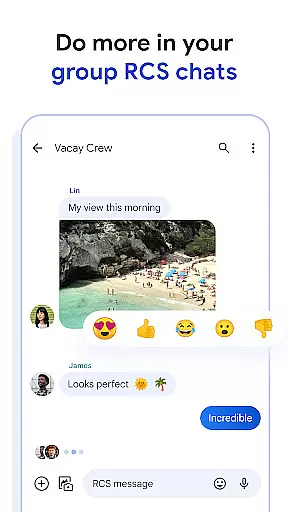
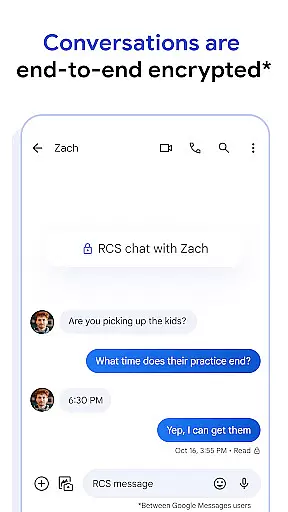
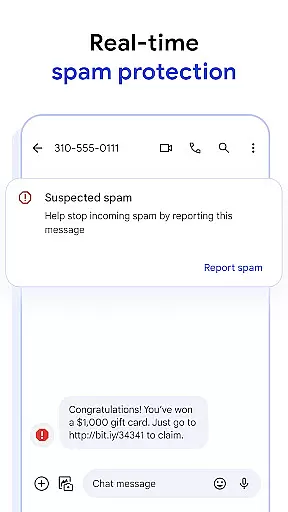
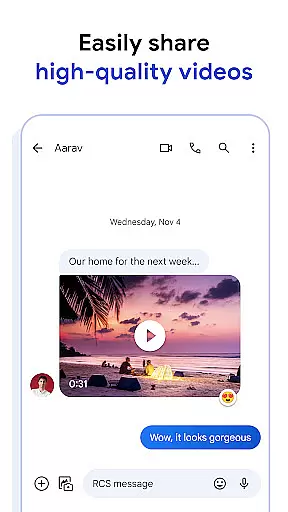
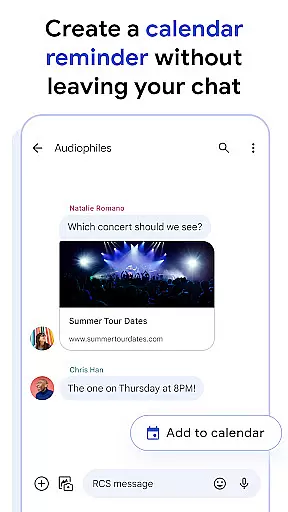
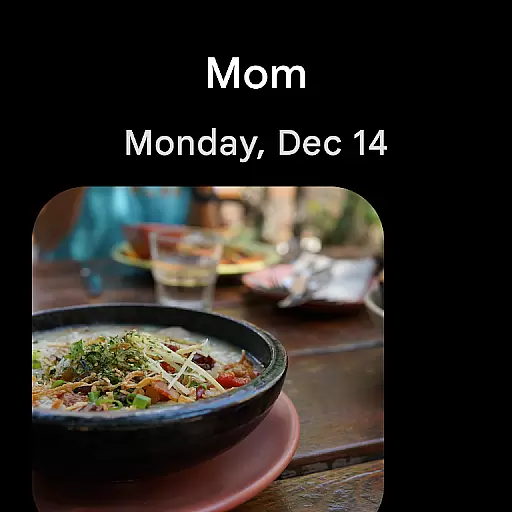
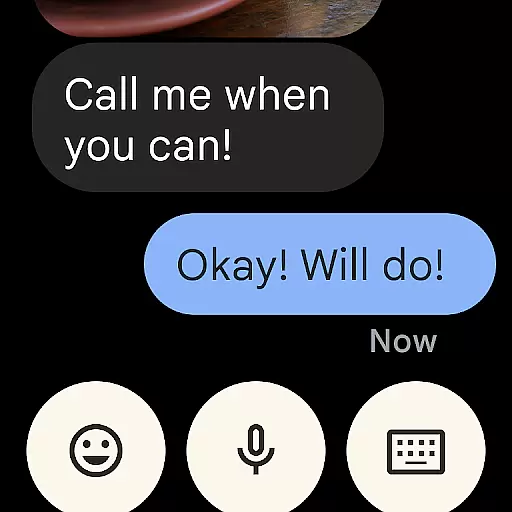
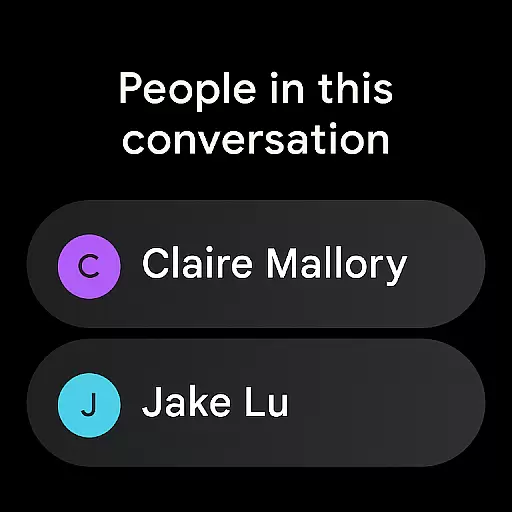
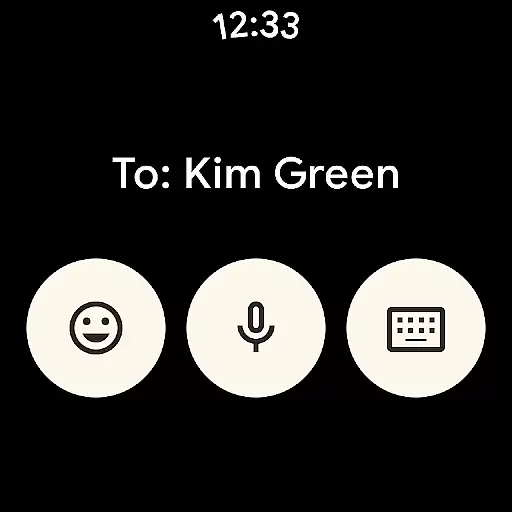
Google Messages is the official messaging app from Google, designed to enhance communication for over a billion users worldwide. Built on Rich Communication Services (RCS), it replaces traditional SMS and MMS with advanced features like high-resolution media sharing, dynamic group chats, and seamless cross-platform connectivity, including iPhone users.
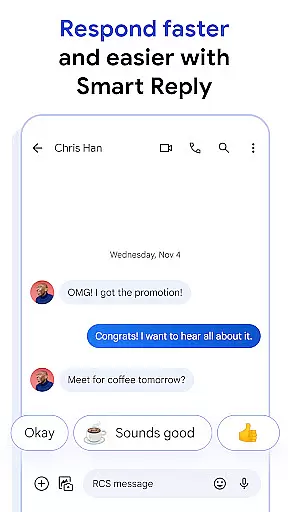
The app offers a personalized experience with custom chat bubble colors and fun selfie GIFs, while prioritizing privacy through end-to-end encryption. With AI-powered tools like Magic Compose, users can craft perfect messages effortlessly. Available on Android Wear, tablets, and computers, Google Messages ensures a consistent and expressive messaging experience across all devices.
Google Messages stands out with its RCS-powered capabilities, enabling users to share high-quality photos and videos while enjoying real-time typing indicators and dynamic group conversations. This functionality bridges Android and iOS ecosystems, allowing seamless interaction with iPhone users.
Privacy and personalization are at the core of the app's design. End-to-end encryption ensures secure conversations, while customizable features such as chat bubble colors and selfie GIFs let users express their unique style. Additionally, AI-driven tools like Magic Compose provide intelligent suggestions to refine messaging.
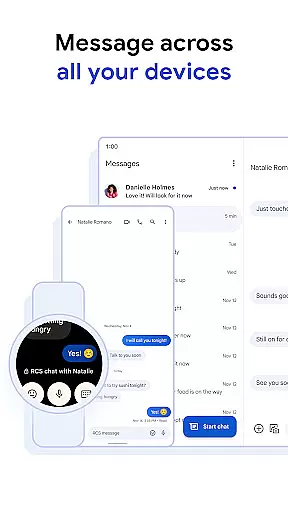
With multi-device support, including Wear OS, tablets, and computers, the app allows users to transition smoothly between devices without losing conversation continuity. These innovations make Google Messages a versatile and future-ready communication tool.
Companion app integration is essential for a seamless user experience across multiple devices. Google Messages excels in this area by ensuring that your conversations are synchronized between your smartphone, tablet, and Wear OS devices.
The app achieves this through its advanced cross-device synchronization technology. When you start a conversation on your phone, you can effortlessly continue it on your Wear OS smartwatch or any other linked device without missing a beat.
This functionality provides significant value to users who lead busy lifestyles and need the flexibility to respond to messages from whichever device is most convenient at the moment. It ensures that no message is ever missed and maintains the continuity of conversations.
By integrating with Wear OS, Google Messages offers a comprehensive messaging solution that adapts to various contexts and environments, enhancing both productivity and convenience for its users.
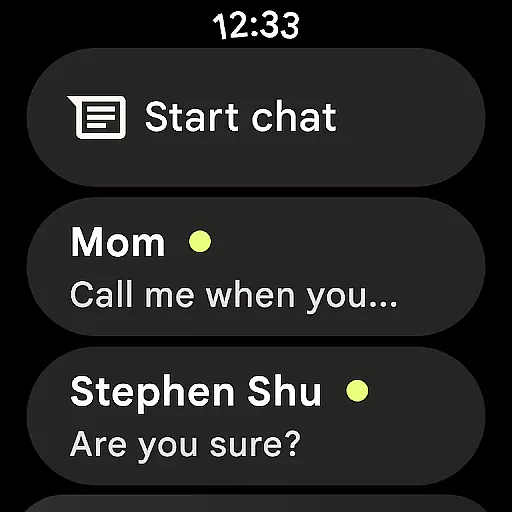
Device compatibility is crucial for apps designed to work within the Wear OS ecosystem. Google Messages has been optimized to function smoothly on Wear OS devices, providing users with a reliable messaging experience right from their wrists.
The app supports a wide range of Wear OS devices, ensuring that whether you're using a smartwatch from Samsung, Fossil, or another manufacturer, you'll enjoy full functionality. This includes receiving notifications, reading messages, and even sending replies directly from your wearable device.
For users, this means they can stay connected without needing to constantly check their phones. The ability to interact with messages directly from a smartwatch adds a layer of convenience and accessibility, especially when multitasking or engaged in activities where pulling out a phone isn't practical.
Google Messages' commitment to Wear OS compatibility underscores its dedication to delivering a versatile and user-friendly messaging platform that meets modern lifestyle demands.
End-to-end encryption
Rich Communication Services
AI-powered suggestions
Cross-device compatibility
Dynamic group chats
Limited RCS availability
Device-specific restrictions
Beta testing required
Data plan dependency
Market limitations

Animated Watch Face and Customizable with 24 Backgrounds. Perfect for Christmas!
 3.90
3.90
Snowflake Rose Gold Watch Face - Digital, modern, & sleek with GYRO effect.
4.10
Beautiful, colorful and practical watch face. For Wear OS devices.
5.00
Kia Access makes getting your vehicle information easier than ever
4.60
Hyperlocal rain alerts by MyRadar using patent-pending technology, radar & more
4.80
To-Do List: daily schedule planner, task organizer, to do reminder app, calendar
4.60
The Chevron App allows you to pay for fuel from the comfort of your car!
4.80
Your music, your playlists, and more—offline and unlimited.
4.20
Control your Samsung Smart TVs, appliances, and SmartThings-compatible devices
4.60
Period, ovulation & pregnancy tracker. Fertility insights & menstrual calendar.
4.90
Hybrid watch face for Wear OS with customizable complications by Matteo Dini MD
4.70
Ideal for surviving in the wasteland left after nuclear fallout
4.50
Fast and smart typing with Emojis, GIFs, and more
4.50
Bold weather Digital watchface with forecast & optional animated background
4.40
The ultimate destination for kids ages 3-8 to explore the Marvel Universe!
4.30
Structured watch face with seven complications and modular UI elements
3.90
Watch the sharpness of the sky on your wrist..
3.70
A full-featured Amazon Alexa voice assistant that can show you things.
3.70
Simple Analog-Digital Watchface For Wear OS 3.0 and Up Smartwatches
4.0


User Reviews