
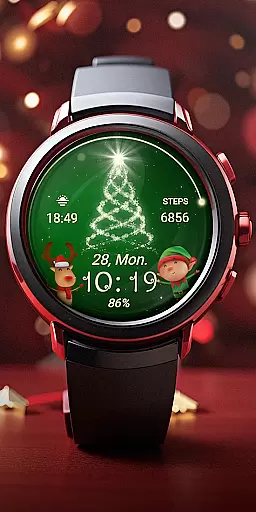
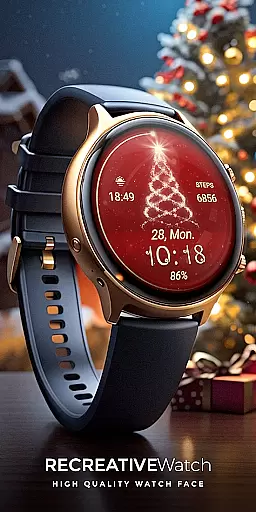
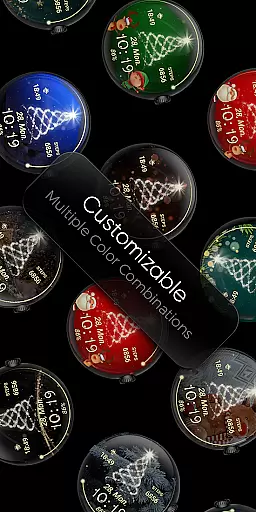
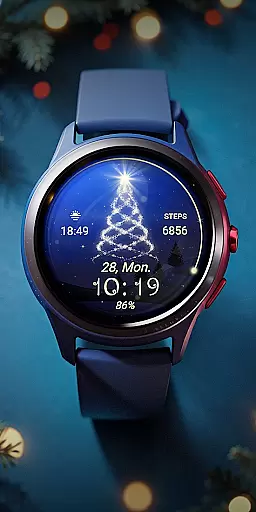
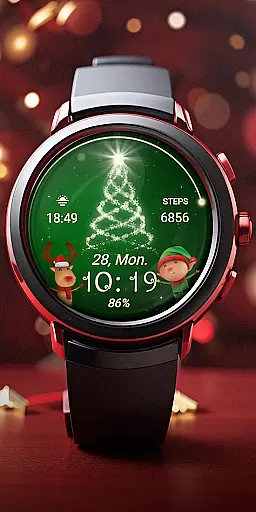
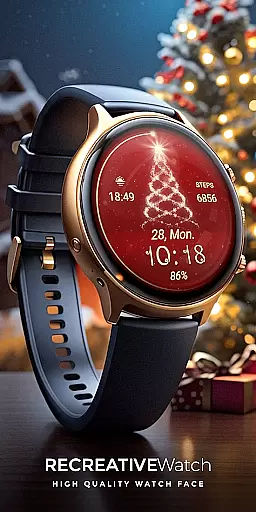
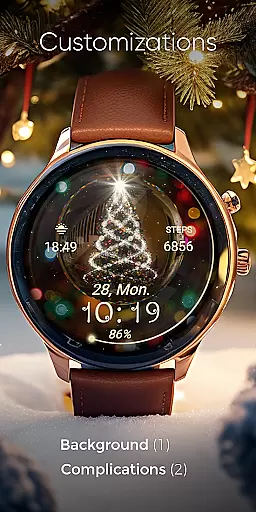
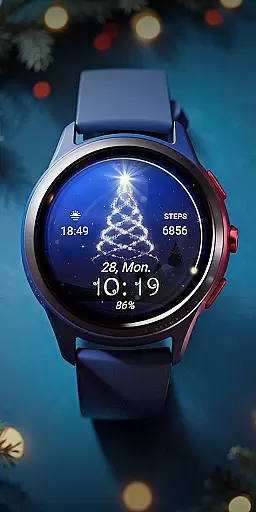
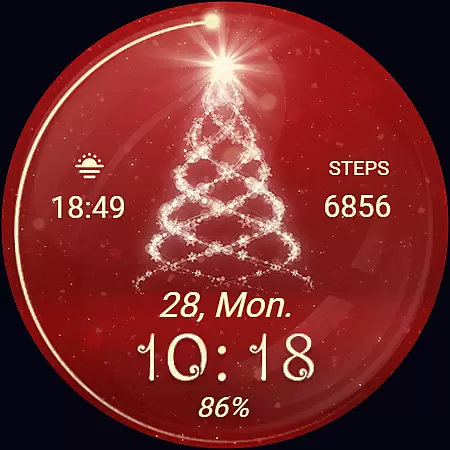
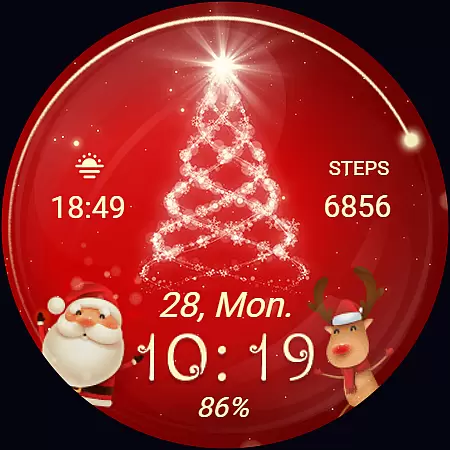
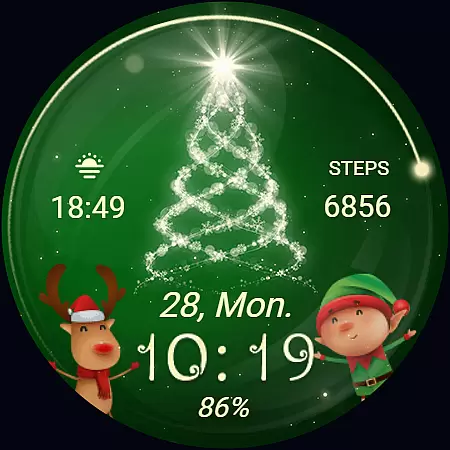
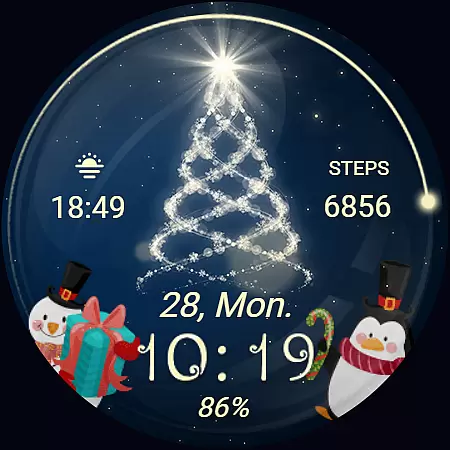
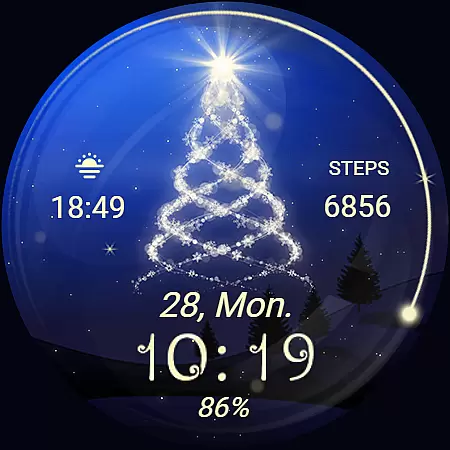
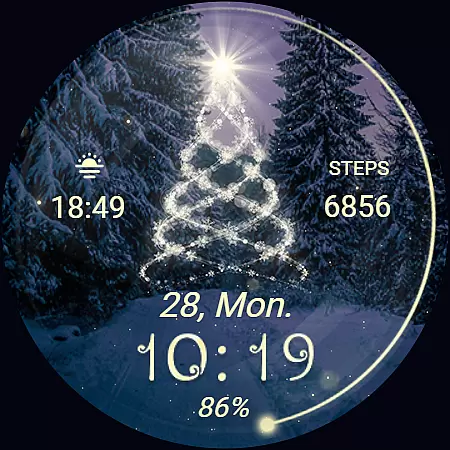
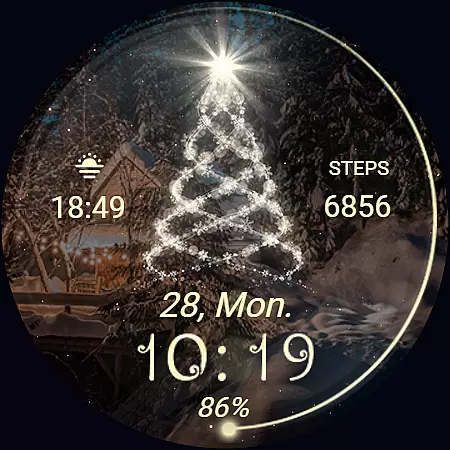
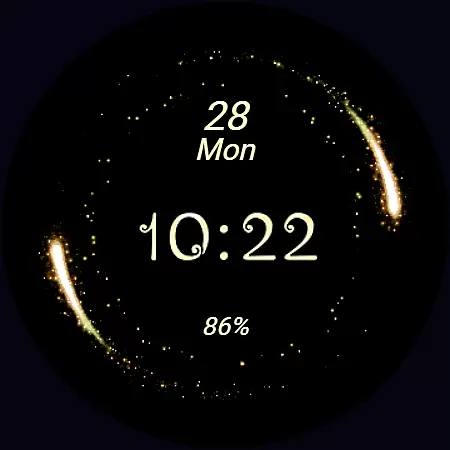
Christmas Spirit is a festive-themed watch face designed specifically for Wear OS devices. This application brings holiday cheer to your smartwatch with its vibrant, customizable backgrounds and an animated Christmas tree that creates a lively, seasonal atmosphere on your watch face.
The app offers a range of practical features including digital time display in 12/24hr format, date, battery status, and step count. With support for Always ON Display and customizable complications, users can tailor the watch face to their preferences while enjoying both functionality and festivity.
Ideal for the holiday season, Christmas Spirit is compatible with API level 33+ devices such as Google Pixel and Galaxy Watch series, ensuring broad device support and optimal performance during the most wonderful time of the year.
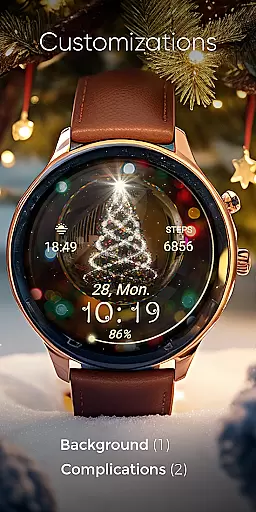
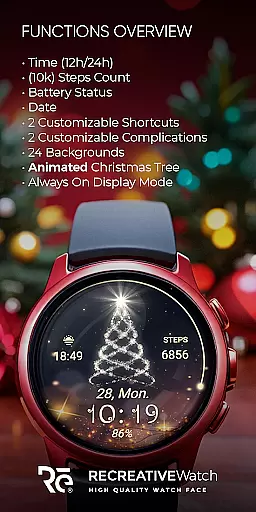
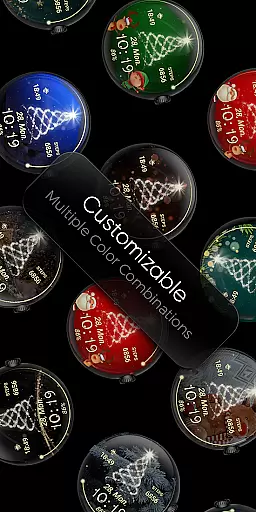
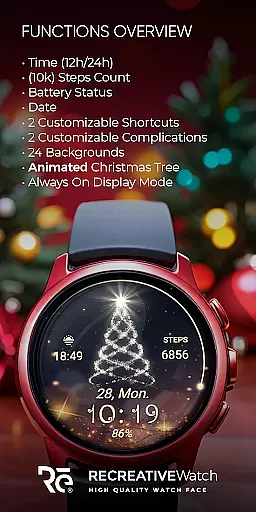
Christmas Spirit stands out with its rich feature set tailored for Wear OS users. The watch face includes 24 unique backgrounds alongside an animated Christmas tree and snow, offering users a variety of aesthetic options to suit their style.
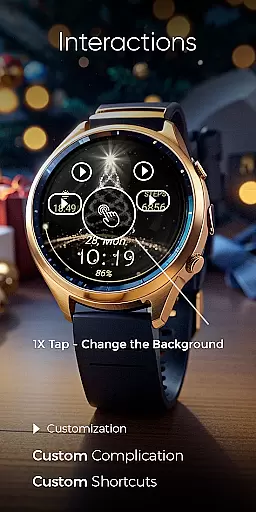
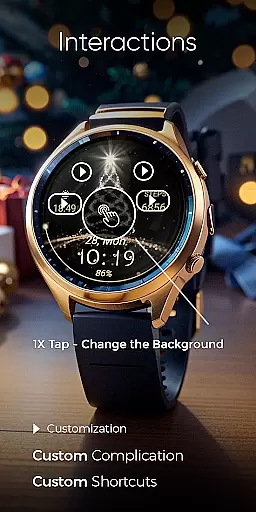
Functionality is not compromised for festivity; the app provides essential information at a glance, such as digital time, date, battery level, and step count. Two customizable shortcuts and complications allow personalization of data fields, enhancing user interaction and utility.
For those conscious about battery life, the app supports Always ON Display with changeable colors, although it's recommended to disable this feature for better battery performance. These thoughtful features ensure that users enjoy both form and function on their compatible Wear OS devices.
Companion app integration is essential for Wear OS applications as it bridges the functionality between a smartphone and a smartwatch. For Christmas Spirit, the companion app serves as a facilitator for installation and customization of the watch face on your Wear OS device.
The phone app simplifies the process of locating and installing the Christmas Spirit watch face. It ensures that users can effortlessly add a festive touch to their smartwatches with customizable and colorful backgrounds featuring an animated Christmas tree.
While the mobile app contains ads, it enhances user experience by providing easy access to features such as 24 background options, animated elements, and customizable shortcuts and complications. This seamless integration allows for a more personalized and engaging watch face experience.
Ensuring compatibility with Wear OS devices is crucial for applications like Christmas Spirit. This watch face is compatible with API level 33+ devices, including Google Pixel, Galaxy Watch 4, 5, 6, and other Wear OS models, offering a broad range of users the chance to enjoy a festive touch on their smartwatches.
With support for Always ON Display and customizable features such as time format, date, battery status, and step count, Christmas Spirit provides a versatile experience tailored to individual preferences. Users can also customize complications and shortcuts, enhancing the utility of their wearable device.
For optimal battery performance, it's recommended to disable the Always ON Display mode. This feature, while adding convenience, can impact battery life, demonstrating the app's commitment to providing both aesthetic and practical value to its users.
Festive design
Customizable backgrounds
Animated elements
Essential info display
Broad device compatibility
Battery usage concern
Limited to Wear OS
No automatic apply
Mobile app contains ads
Seasonal appeal only

Calming & relaxing sounds for sleeping and stress relief. Stay focused all day!
 4.20
4.20
Christmas watch face. For Wear OS devices.
4.30
Christmas - Festive - Christmas Village - Winter - Christmas lights
5.00
an Analog Watch Face for winter season with freeze winter background for Wear OS
4.5
A modern premium sporty hybrid watch face for Wear OS by Ballozi
4.70
Be an elegant and classy secret agent, with this carefully detailed watch face
4.70
Sleek, highly customizable watch face inspired by Galaxy Watch Circle Dashboard.
4.4
To-Do List: daily schedule planner, task organizer, to do reminder app, calendar
4.60
Hyper-Realistic Airplane Dashboard Watch Face With 10 Skins and Custom AOD
4.00
Beautiful, colorful and practical watch face. For Wear OS devices.
5.00
A realistic hybrid watch face with many customization options.
4.60
Snowflake Rose Gold Watch Face - Digital, modern, & sleek with GYRO effect.
4.10
The #1 source of faces for your smartwatch!
4.00
Professional weather radar and more
3.90
Authentic military-tactical design with ZULU time! Realistic and functional!
3.80
A full-featured Amazon Alexa voice assistant that can show you things.
3.70
Wear Os Watch Face - Animated Snow - Sesonal for Christmas & Winter
4.4
Precision analog watch face with 7 complications and style options
4.0
Contemporary digital watch face with five complications
4.3


User Reviews