
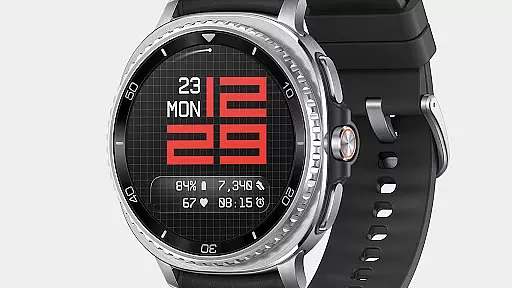
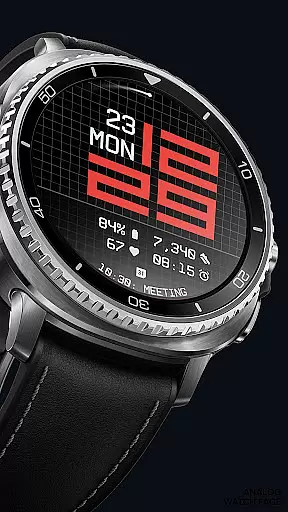
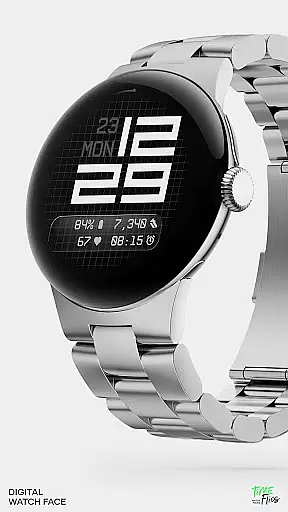
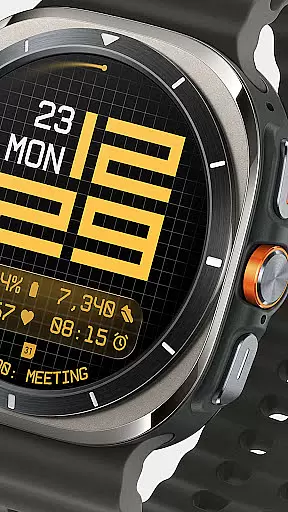
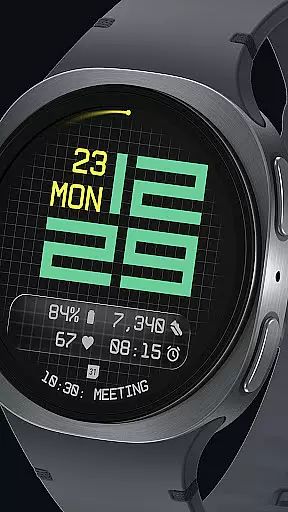
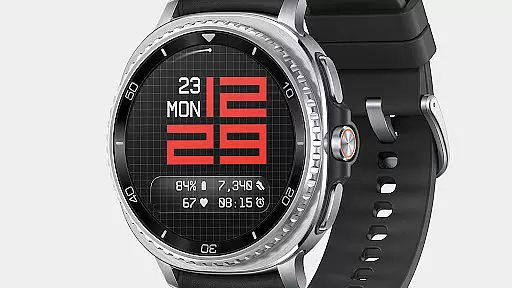
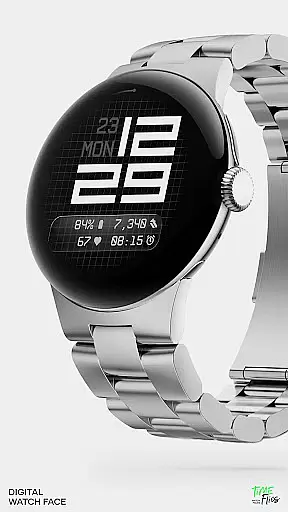
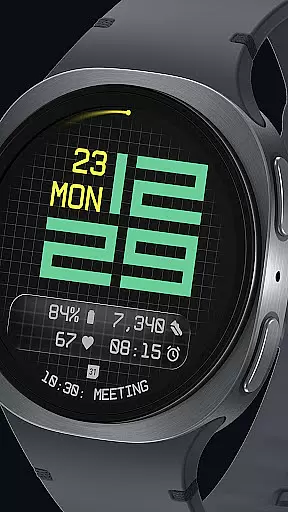
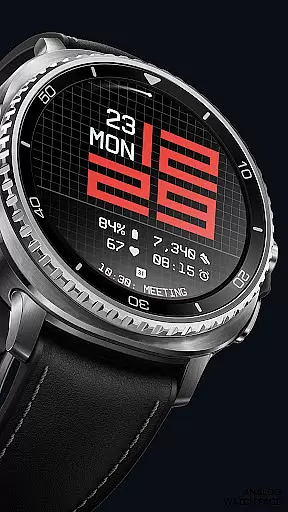
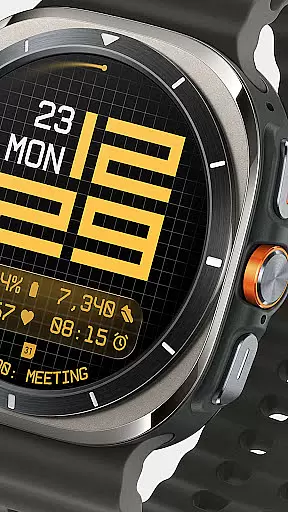
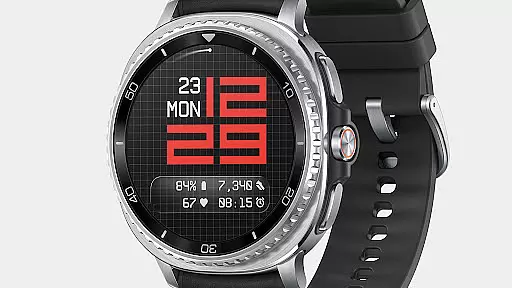
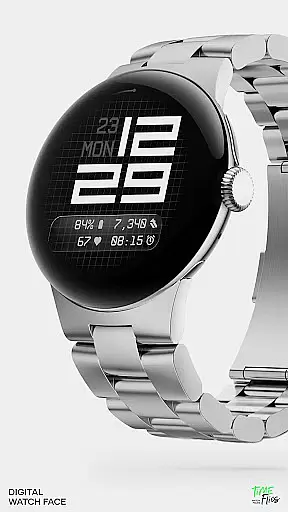
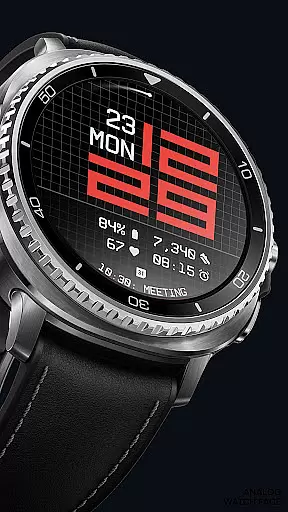
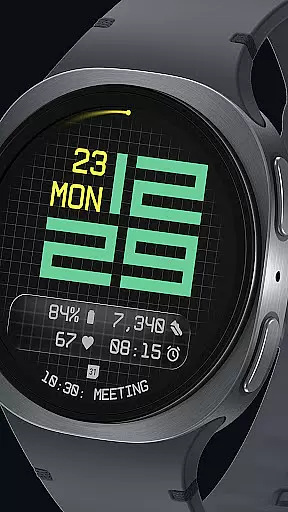

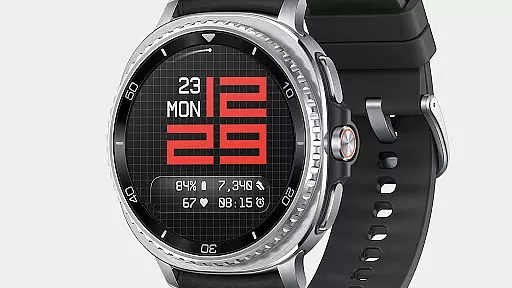
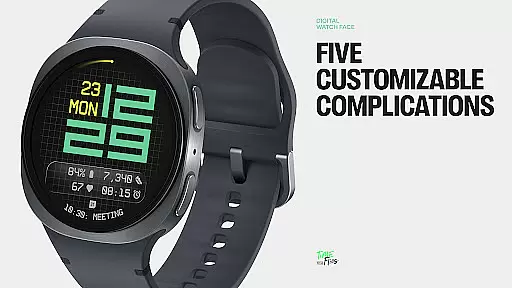
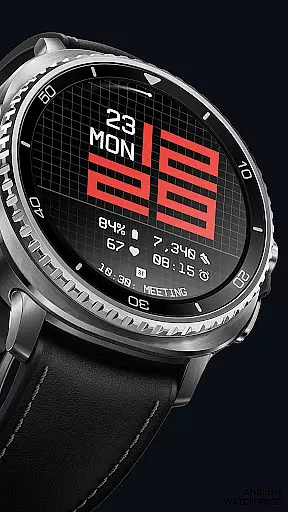
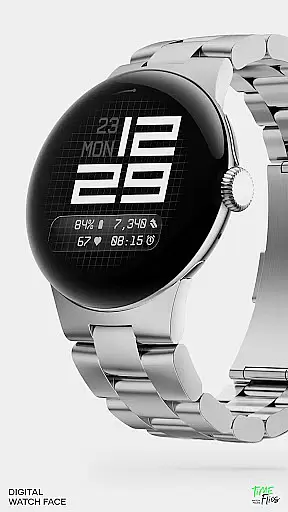
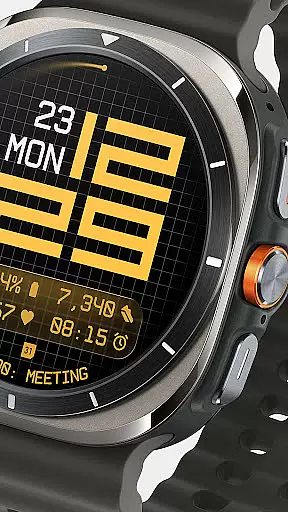
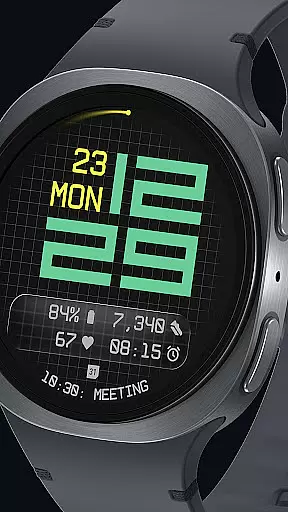
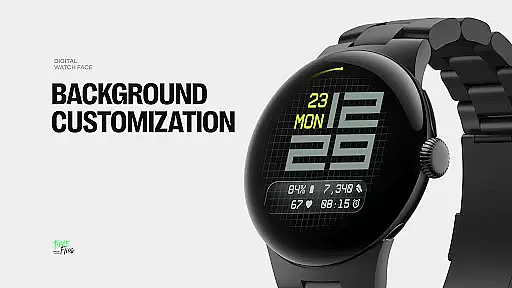
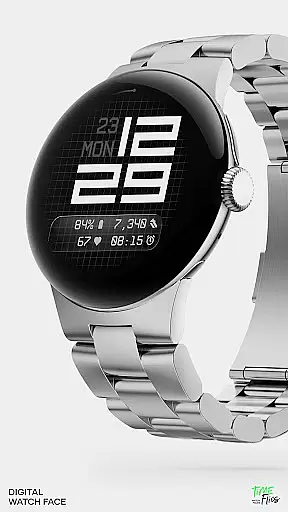
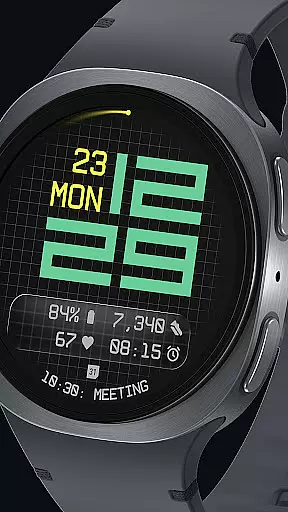
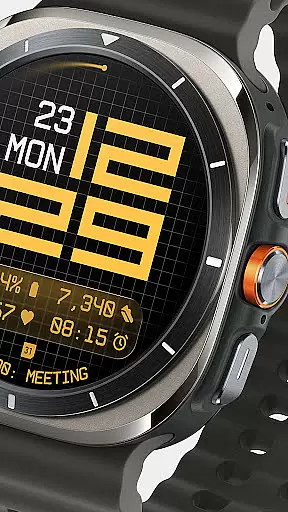
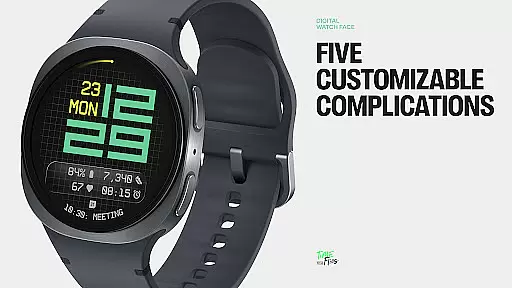
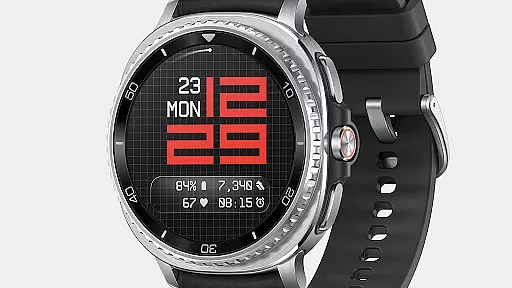
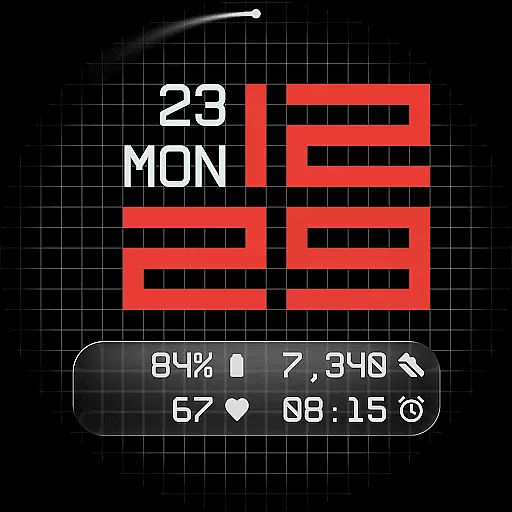
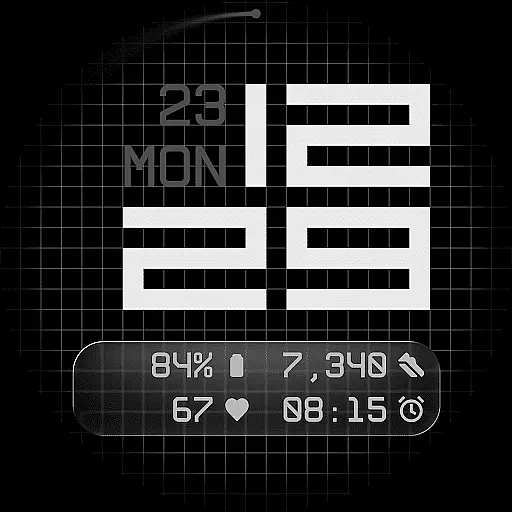
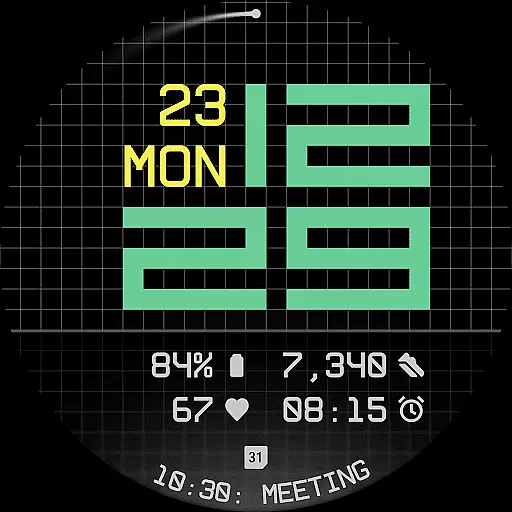
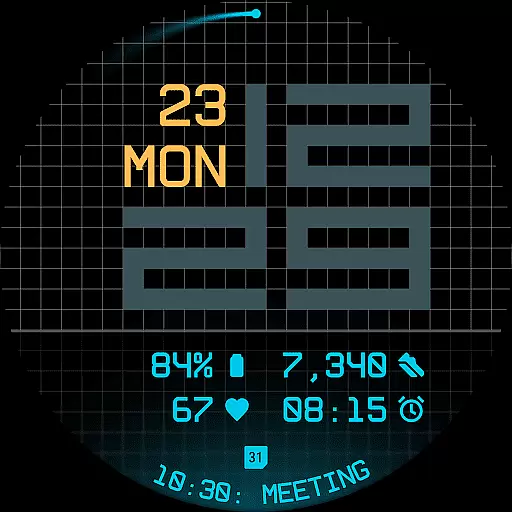
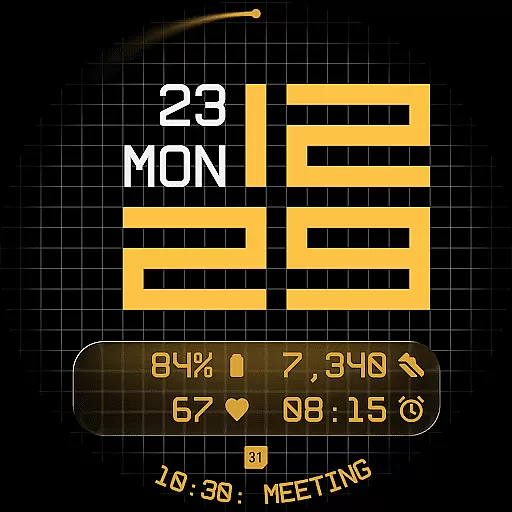
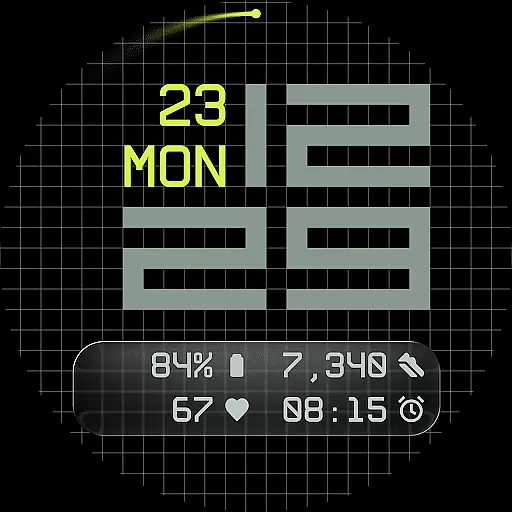
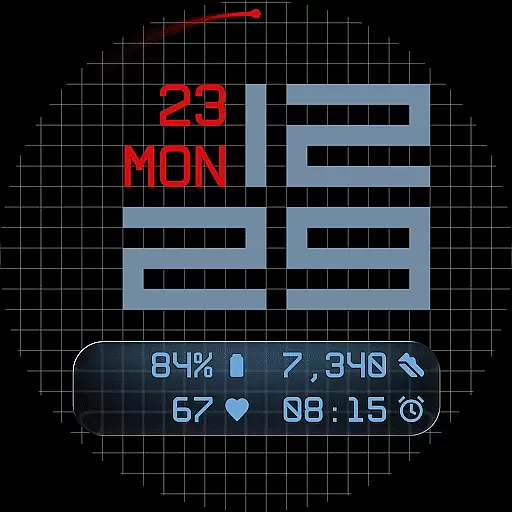
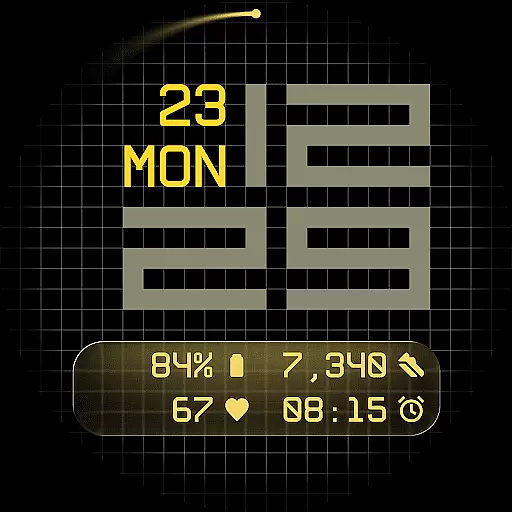
Fast Lane Watch Face is a cutting-edge digital watch face designed specifically for Wear OS smartwatches. It combines typographic clarity with modern aesthetics, creating a timepiece that is both visually striking and highly functional. The design draws inspiration from automotive instrument panels, featuring a modular numerical structure that ensures optimal readability while maintaining a contemporary look.
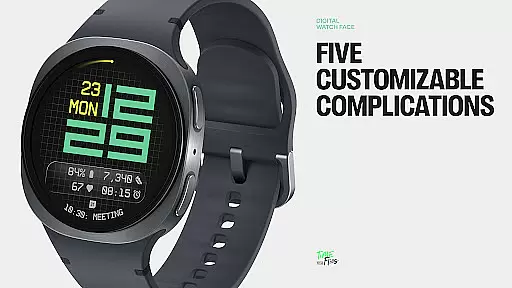
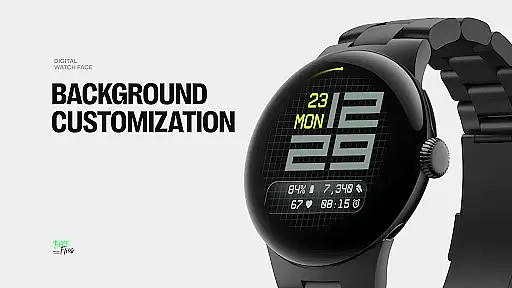
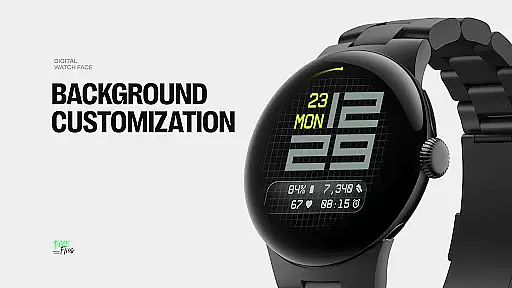
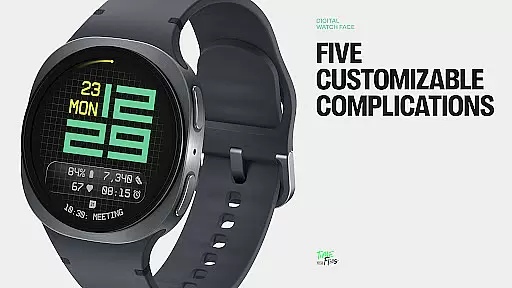
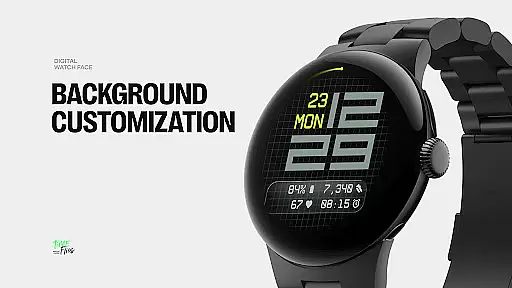
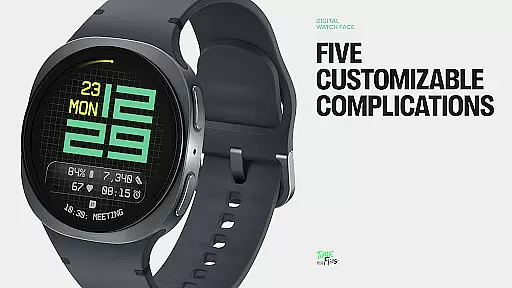
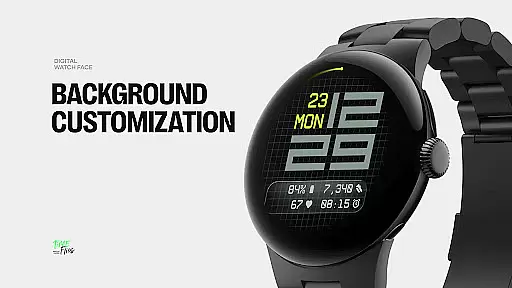
The watch face offers multiple display styles, allowing users to customize their experience. Options include a minimal grid layout, a softly blurred circular accent, or a translucent UI-inspired glass island that hosts complications. With support for five customizable complications, users can access essential information at a glance. The layout also integrates day and date displays, providing important details without cluttering the interface.
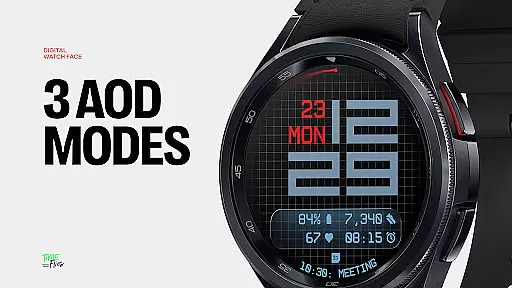
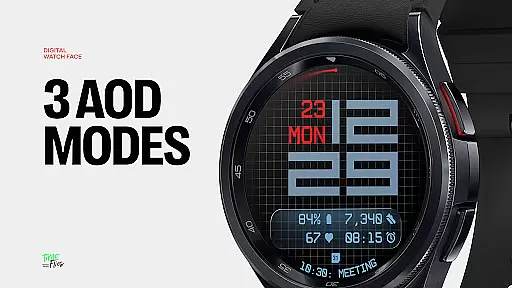
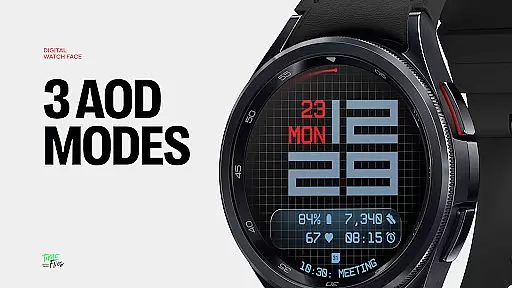
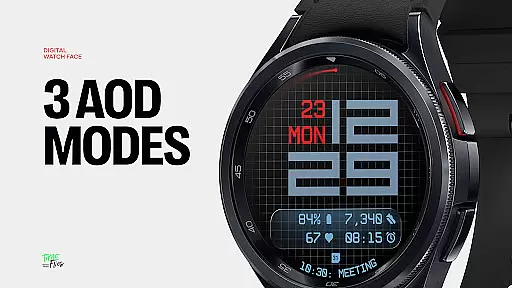
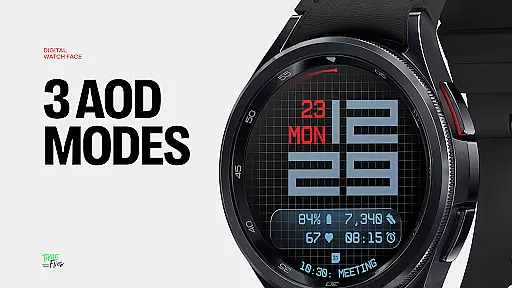
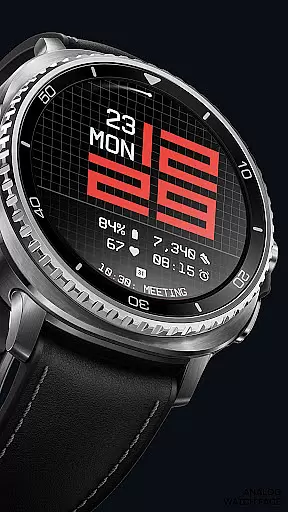
Ideal for tech-savvy individuals who value both form and function, Fast Lane Watch Face caters to those seeking a sophisticated smartwatch experience. Its 30 color themes and optional seconds indicator make it versatile for various settings and preferences, while three Always-On Display modes ensure usability even in low-power states.
Fast Lane Watch Face stands out through its innovative features and thoughtful design elements. One of its key characteristics is the inclusion of five customizable complications - four short-text slots and one long-text slot. This configuration allows users to maximize information density on their smartwatch display, accommodating everything from calendar events to fitness tracking data.
The watch face employs a modular UI layer system, giving users the flexibility to choose from different background options. These include a refined grid pattern, a softly blurred segment, or a translucent UI plate that hosts complications. This layered approach maintains visual coherence while enabling personalization. Additionally, the contemporary time display uses structured typography that references speed and precision, making it not only functional but also aesthetically pleasing.
Performance optimization is another notable feature. Built using the Watch Face File Format, Fast Lane ensures efficient energy usage across all Wear OS devices. The inclusion of three Always-On Display modes further enhances battery life management, letting users select between full, dim, or minimal display states while retaining core time and data visibility.
Companion app integration is a crucial feature for Android Wear applications like Fast Lane Watch Face. This functionality allows users to seamlessly manage and customize their smartwatch experience directly from their mobile device.
The Time Flies companion app provides a centralized platform where users can browse the complete collection of watch faces, receive timely updates, and effortlessly install new styles. This ensures that users always have access to the latest designs and features without needing to manually search or download individual updates.
Through this integration, users benefit from enhanced personalization options and simplified management of their Wear OS devices. The ability to preview and select from multiple display styles, color themes, and complications directly from their phone streamlines the customization process.
This level of integration not only improves user convenience but also helps maintain visual coherence across different devices, ensuring an optimal and consistent user experience.
Ensuring proper Wear OS and device compatibility is essential for any Android Wear application. Fast Lane Watch Face demonstrates exceptional attention to this aspect through its optimized performance across various smartwatch models.
Built with the Watch Face File Format, this application guarantees energy efficiency and smooth operation on all supported Wear OS devices. The modular UI layers and structured typography are designed to adapt seamlessly to different screen sizes and resolutions.
With 30 color themes available, users can select the perfect visual configuration for their specific device and lighting conditions. The inclusion of three Always-On Display modes further enhances device compatibility by providing flexible power management options.
This comprehensive approach to compatibility ensures that users can enjoy a consistent and high-quality experience regardless of their particular Wear OS device, making Fast Lane Watch Face a reliable choice for smartwatch enthusiasts.
Highly customizable
Modern aesthetic design
Optimized performance
Versatile color options
User-friendly interface
Limited to Wear OS
Complex for beginners
Fewer features in free version
Requires companion app
Battery drain on full mode

an Analog Watch Face for winter season with freeze winter background for Wear OS
 4.5
4.5
Wear Os Watch Face - Animated Snow - Sesonal for Christmas & Winter
4.3
Rose gold watch face with festive lights & customizable features.
4.60
Let's celebrate Thanksgiving - Wear Os watch face
4.20
The ultimate destination for kids ages 3-8 to explore the Marvel Universe!
4.30
Stay in touch with your friends and family using LINE!
3.40
Animated video-game inspired “secret agent” simulation, right on your wrist!
4.20
A white realistic classic analog watch face with many customization options.
4.40
Fast and smart typing with Emojis, GIFs, and more
4.50
Christmas Theme Watch Face for Wear Os
5.00
A modern hybrid informative watch face for Wear OS designed by BALLOZI
4.80
Easy Voice Recorder is your everyday companion to record important moments.
4.70
A modern premium sporty hybrid watch face for Wear OS by Ballozi
4.70
Reliable phone calls with spam protection, caller ID and more helpful features
4.40
Daily Weather forecast with 15 weather images for Day & Night plus Big Bold time
4.10
A full-featured Amazon Alexa voice assistant that can show you things.
3.70
Christmas is near, let's count together the days left until Santa comes
4.3
A heartwarming Christmas scene featuring a cute image of Santa and Rudolf
4.5
Stunning modern digital watch face with 7 complications and strong contrast
4.0


User Reviews