
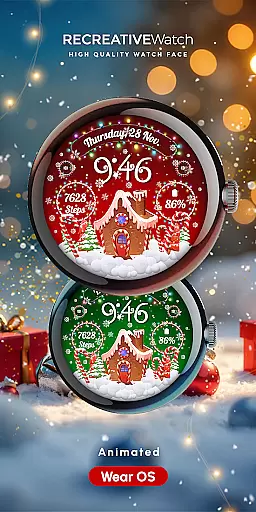
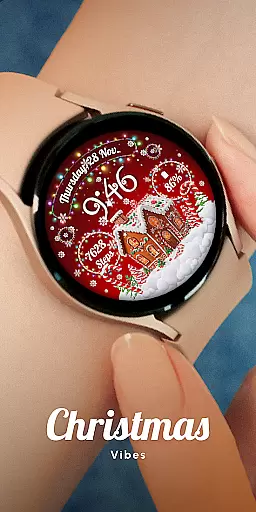
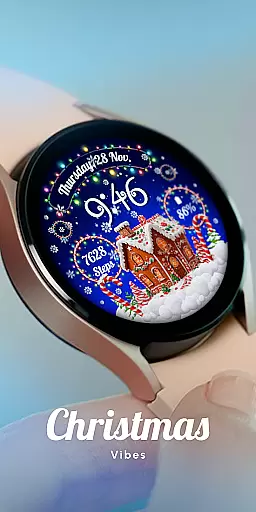
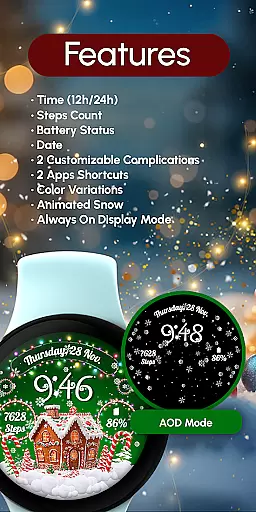
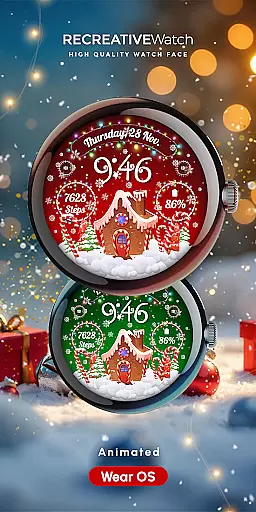
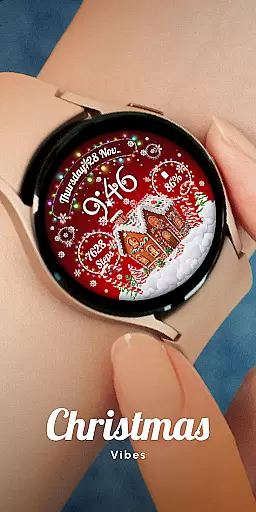
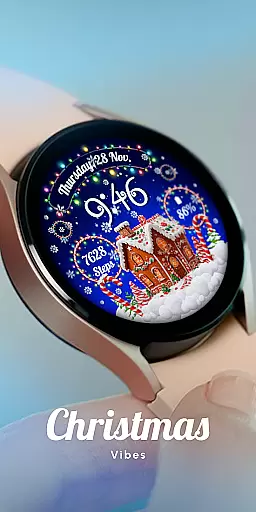
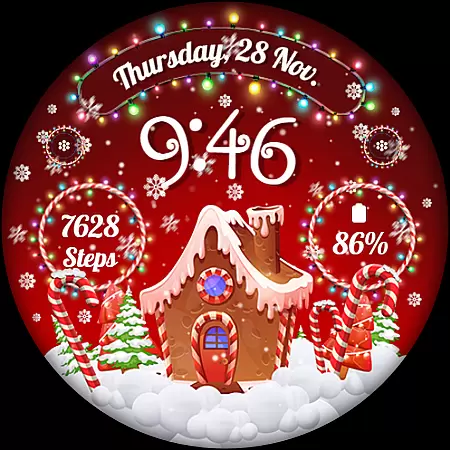
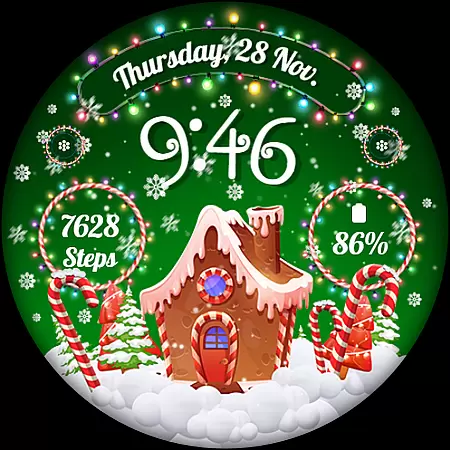
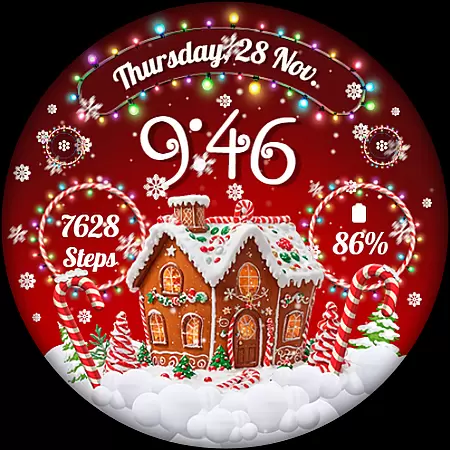
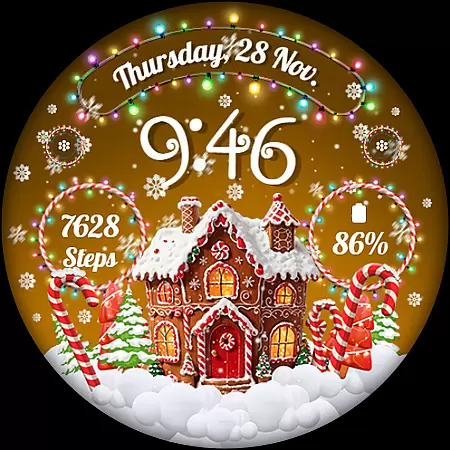
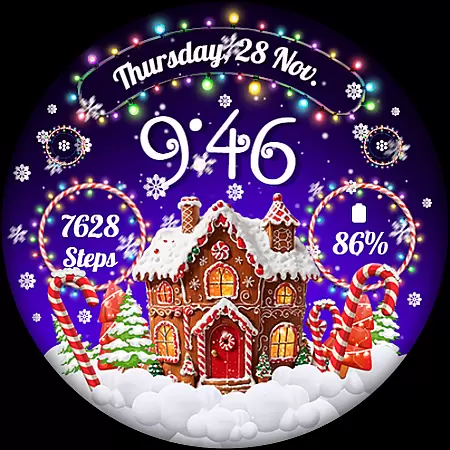
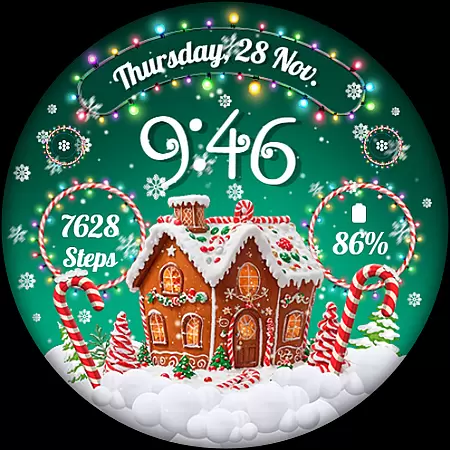
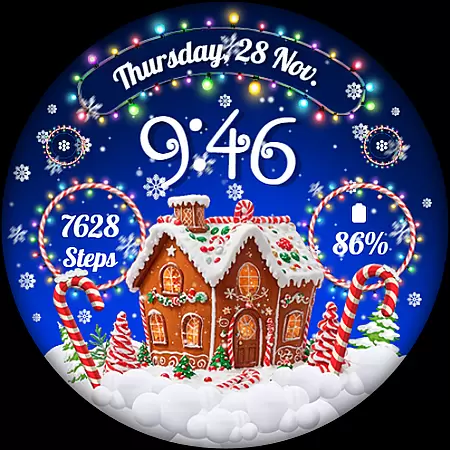
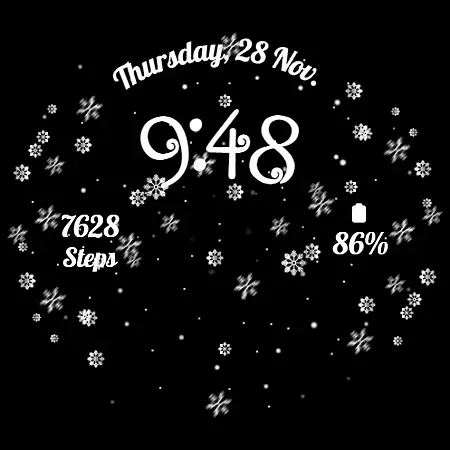
RW01 is a festive Wear OS watch face that brings holiday cheer to your wrist. Featuring animated snow and charming gingerbread houses, it creates a magical seasonal atmosphere. The watch face offers essential timekeeping functions along with date, battery level, and step count displays.
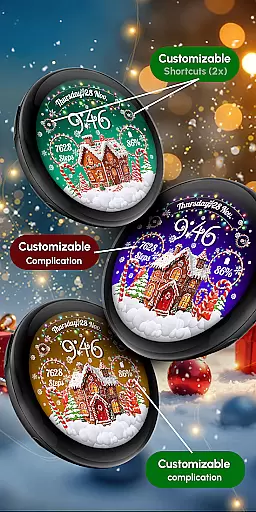
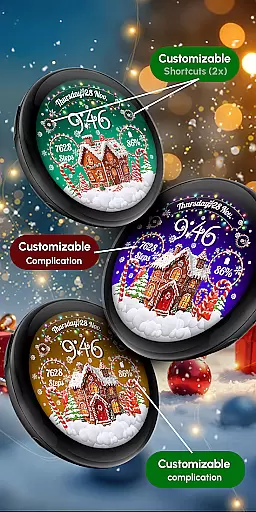
Users can customize their experience through various complications and shortcuts while enjoying three different scene options and color variations. With Always ON Display capability and compatibility across multiple Wear OS devices including Google Pixel and Galaxy Watch series, RW01 combines functionality with holiday spirit for a unique smartwatch experience.
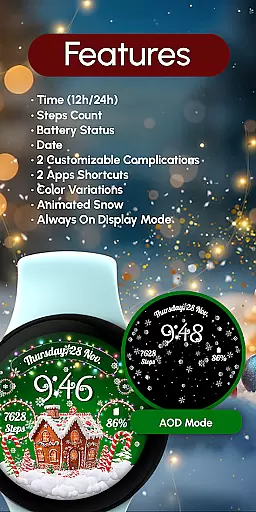
The RW01 watch face stands out with its comprehensive feature set designed for both utility and customization. It presents the time in 12/24hr digital format alongside practical information such as date, battery status, and step count. The inclusion of animated snow adds a dynamic visual element that enhances the festive theme.
Customization is key with two configurable complications and shortcuts, allowing users to tailor data display to their preference. Three distinct scenes and color variations provide personalized aesthetics. For optimal battery performance, users can disable the Always ON Display mode. Compatible with API level 33+ devices, this watch face ensures broad device support while maintaining an engaging user experience.
In the realm of wearable technology, the integration between a smartwatch face and its companion app is pivotal for an enriched user experience. The RW01 Wear OS Christmas Watch Face offers seamless interaction with its dedicated companion app, ensuring that all personal preferences are effortlessly synchronized.
This watch face allows users to customize their experience directly from their smartphone. With easy access to features like animated snow and charming gingerbread houses, users can immerse themselves in the holiday spirit while enjoying practical functionalities such as time, date, and battery status.
Through the companion app, users have the power to personalize complications and shortcuts, tailoring the watch face to their specific needs. This level of customization ensures that each user's watch face is not only festive but also functional and unique to their lifestyle.
Compatibility is key when it comes to wearable tech, and the RW01 Wear OS Christmas Watch Face shines in this aspect. It is meticulously designed to work with a range of devices, ensuring that the magic of the holidays can be experienced by many.
The RW01 is compatible with API level 33+ devices, including popular models like Google Pixel and Samsung's Galaxy Watch series. This wide compatibility means that whether you're sporting the latest tech or a slightly older model, you can still enjoy the enchanting visuals and useful features of this watch face.
Moreover, the RW01 supports essential features like 'Always ON Display' and provides options for better battery performance. By recommending users to disable certain features for optimal battery life, it demonstrates a commitment to not just aesthetics but also practicality and device longevity.
Unique Holiday Theme
Customizable Features
Animated Snow Effect
Broad Device Compatibility
Always ON Display Option
Limited Year-Round Appeal
Potential Battery Drain
Few Customization Options
No Advanced Health Metrics
Holiday-Specific Design

A customizable Christmas watch face for Wear OS with a countdown.
 4.20
4.20
Analog watch face with 8 complications and expedition styling
4.0
Authentic military-tactical design with ZULU time! Realistic and functional!
3.80
Get helpful reminders, take progress photos and find answers to your questions.
3.90
Professional weather radar and more
3.90
Hyper-Realistic Airplane Dashboard Watch Face With 10 Skins and Custom AOD
4.00
A white realistic classic analog watch face with many customization options.
4.40
Connect, create, and collaborate with Gmail, part of Google Workspace.
4.10
Track airplanes and follow flights with our real-time flight tracker
4.50
Diet tracker for weight loss - track calories, food and macros. Simple and easy!
4.70
The most customizable hybrid watch face. For Wear OS 5.0, API 34+ and later
4.70
Gym & home workout plans with strength training, exercise tracking, HIIT & more.
4.60
MyNISSAN® lets you remotely control your car from your phone.*
4.50
Let's celebrate Thanksgiving - Wear Os watch face
4.20
sleep, alarm, snoring, stress, healing, focus, sound therapy, circadian rhythm
4.10
A digital watch face that celebrates Christmas.
4.00
Want to take charge of your health? Let Google Fit help you reach your goals.
3.50
Stunning modern digital watch face with 7 complications and strong contrast
4.1
Stylish digital watch face for Wear OS devices with customizable features
4.0


User Reviews