
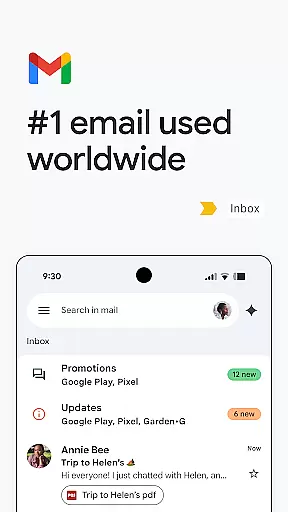
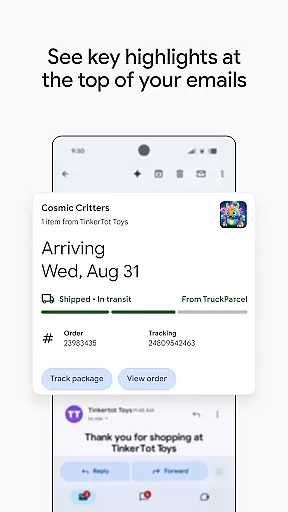
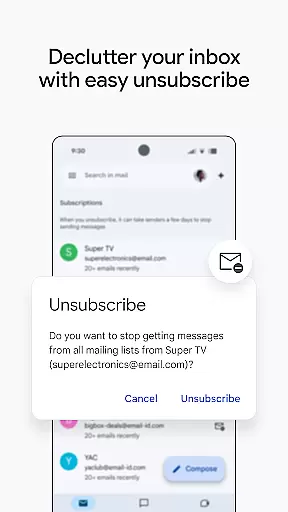
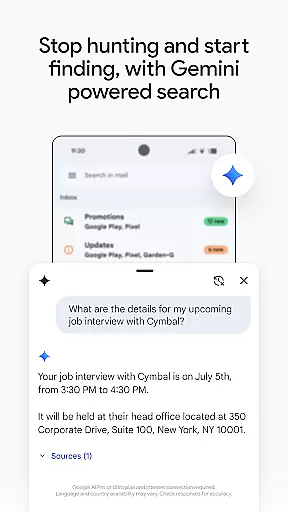
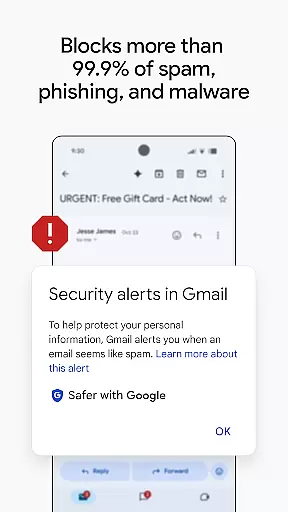
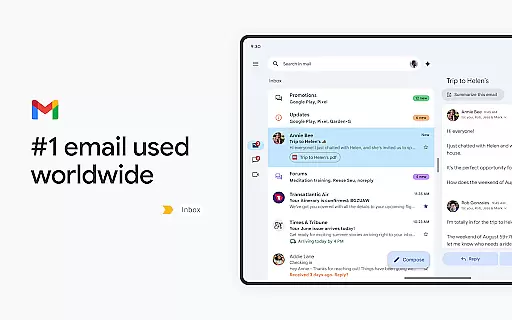
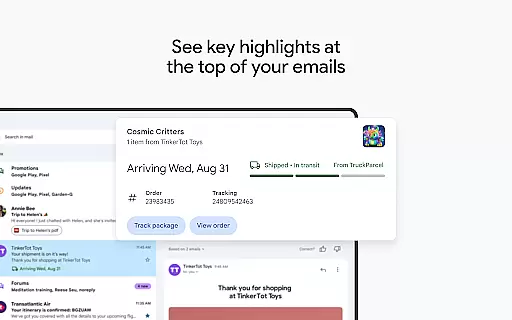
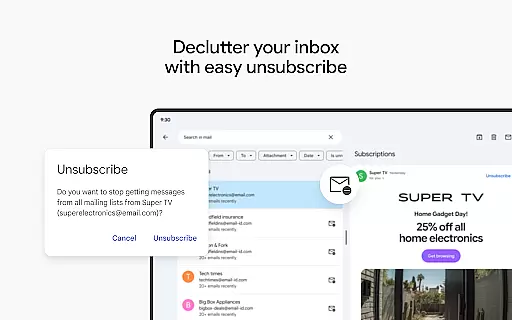
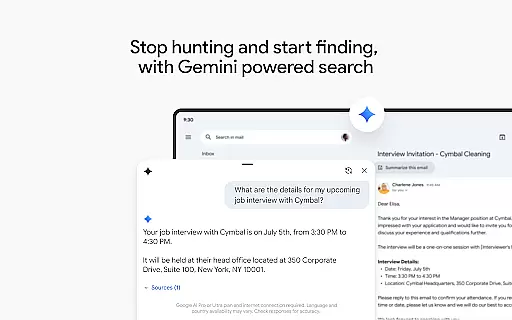
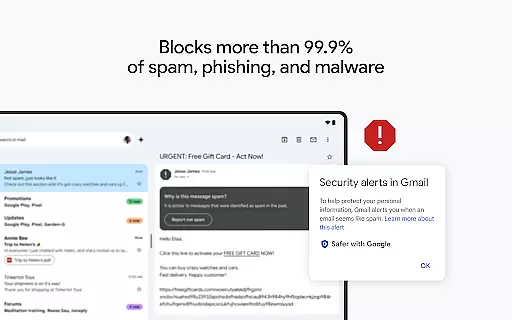
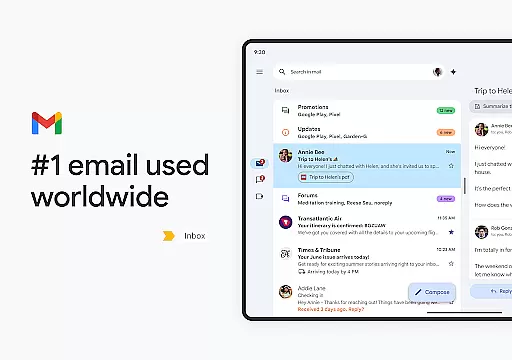
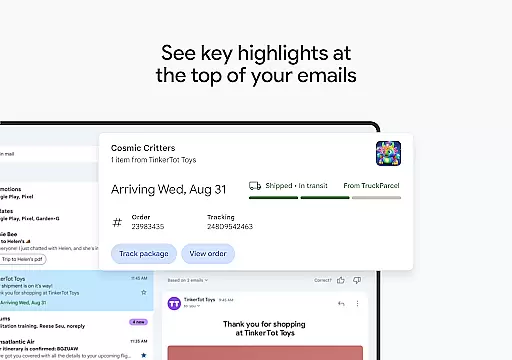
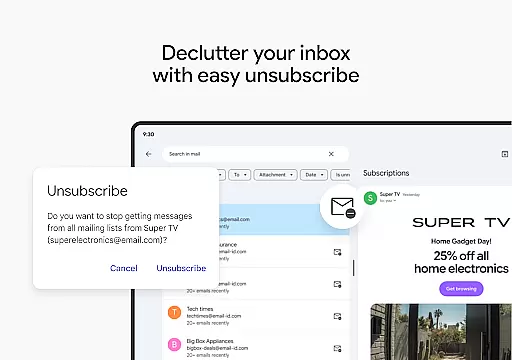
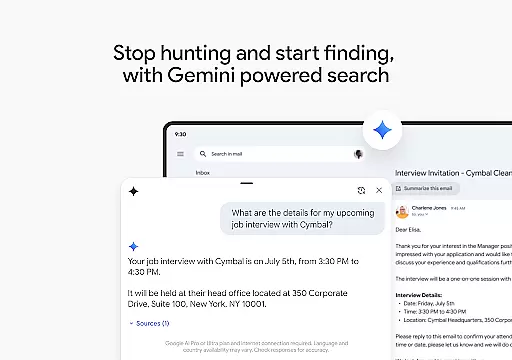
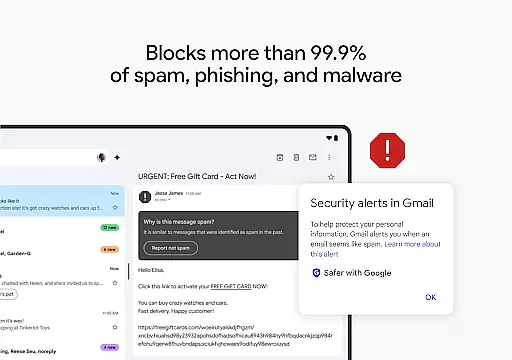
Gmail is the official email application from Google, designed to bring a seamless and secure emailing experience to Android devices. It offers advanced features such as multiple account support, powerful search capabilities, and AI-driven assistance through Gemini. The app ensures top-notch security by blocking over 99.9% of spam and phishing attempts.
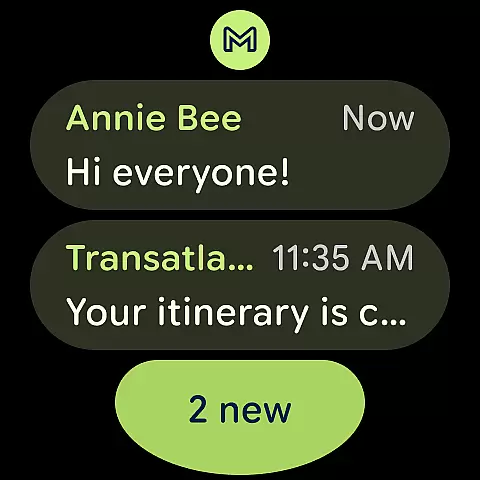
With its Wear OS integration, Gmail allows users to stay productive even when on the go. Users can manage emails directly from their smartwatches, making it convenient for quick responses and staying updated. Whether you're handling personal or business emails, Gmail provides tools that enhance productivity and ensure your communications remain safe and efficient.
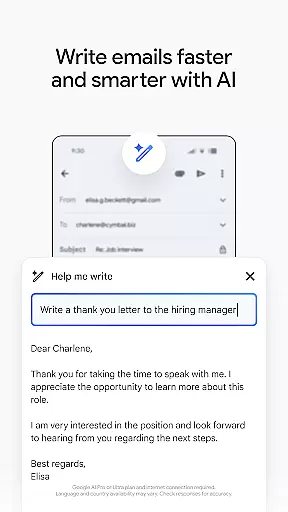
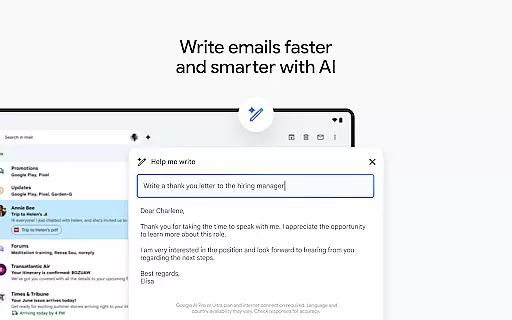
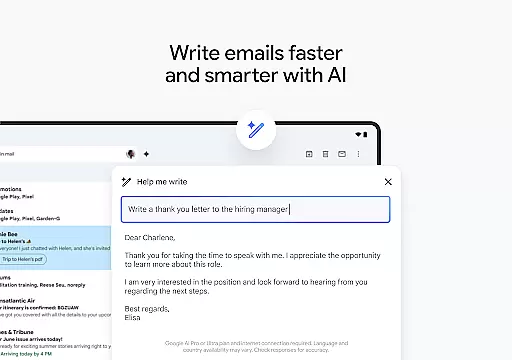
Gmail stands out with its robust feature set tailored for both individual and business users. One notable feature is the ability to use Gemini, an AI-powered assistant, which helps in writing emails, organizing content, and searching through emails or linked Google Drive files. This makes managing large volumes of information much easier and faster.
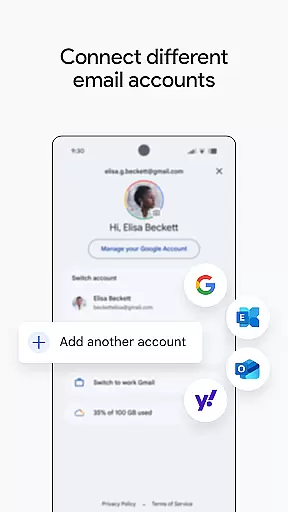
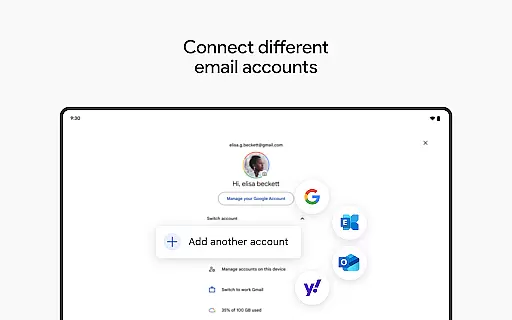
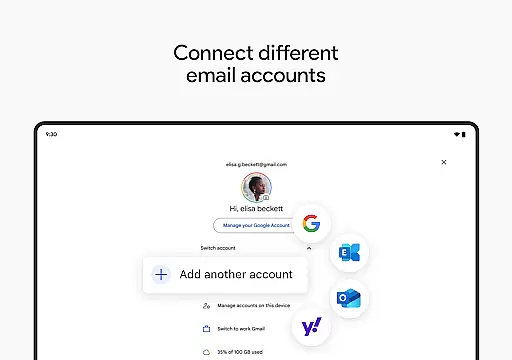
The app supports multiple accounts across different providers, allowing users to switch between personal and work emails effortlessly. Security is another strong point, with automatic blocking of spam and phishing attempts. Additionally, Gmail integrates seamlessly with other Google Workspace tools like Calendar and Meet, enabling users to collaborate effectively without leaving the app environment.
Companion app integration is essential for a seamless experience across multiple devices. Gmail excels in this area by offering robust synchronization capabilities between its mobile app and Wear OS devices.
The Gmail app ensures that all your emails, labels, and folders are consistently updated across your smartphone and Wear OS watch. This means you can start composing an email on your phone and continue editing it on your watch without missing a beat.
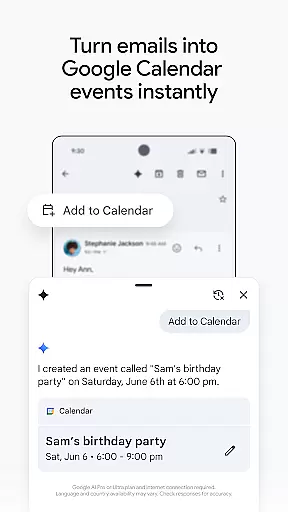
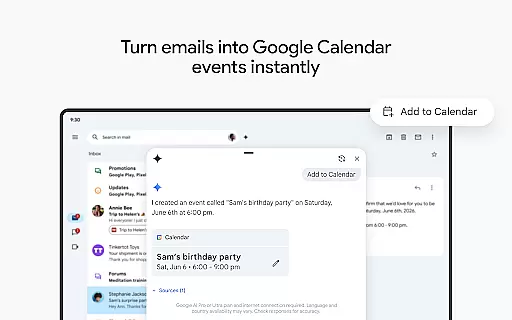
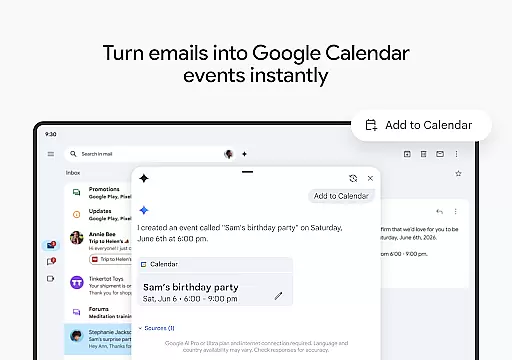
Furthermore, Gmail provides instant notifications on your Wear OS device, allowing you to stay informed about important emails without needing to check your phone constantly. The 'Add to Calendar' feature powered by Gemini* enhances productivity by enabling users to create Google Calendar invites directly from their inbox on any linked device.
This level of integration not only boosts productivity but also offers unparalleled convenience, ensuring you're always connected and up-to-date, regardless of the device you're using.
Ensuring compatibility with Wear OS and various devices is crucial for maximizing user accessibility and convenience. Gmail stands out by providing extensive support for a wide range of Wear OS devices, making it versatile and adaptable to different user needs.
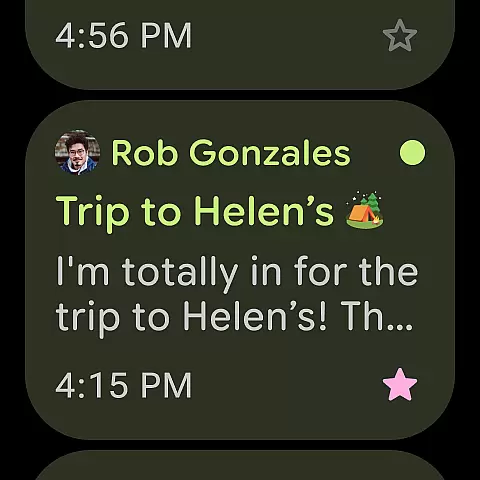
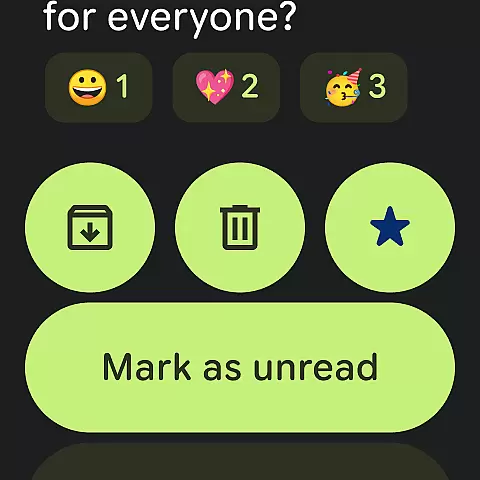
Gmail's design is optimized for Wear OS, offering a streamlined interface that fits perfectly on smaller screens. Users can easily navigate through their emails, respond quickly with Smart Replies, and even manage multiple accounts directly from their smartwatch.
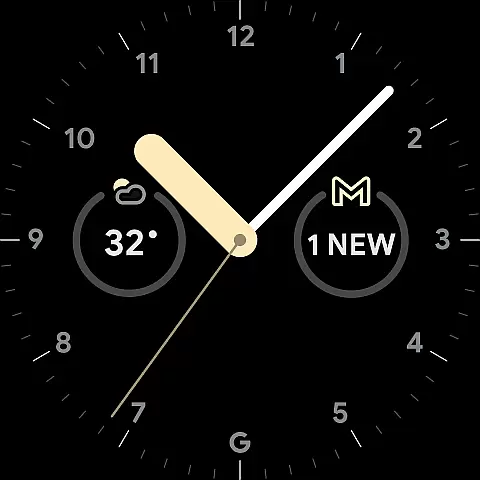
In addition to supporting multiple email accounts from different providers, Gmail allows users to add complications and tiles on their Wear OS watch face. These features provide quick access to unread emails and other important information, enhancing the overall user experience.
By prioritizing Wear OS/device compatibility, Gmail ensures that users can efficiently manage their emails and stay productive, whether they're at their desk or on the go, thus catering to the dynamic lifestyle of modern users.
Advanced AI Assistance
Multi-Account Support
Robust Security Features
Seamless Integration
Efficient Email Management
Limited Free AI Features
Requires Internet Connection
Occasional Sync Issues
Complex Setup for New Users
Privacy Concerns

Christmas and New Year - Themed Watchface
 4.4
4.4
Beautiful, colorful and practical watch face. For Wear OS devices.
5.00
3 Complications. All shadow on/off. 30 Themes color palette...
4.2
Ideal for surviving in the wasteland left after nuclear fallout
4.50
Period, ovulation & pregnancy tracker. Fertility insights & menstrual calendar.
4.90
Funny animated watch face for Thanksgiving
4.3
Hybrid watch face for Wear OS with customizable complications by Matteo Dini MD
4.70
Fast and smart typing with Emojis, GIFs, and more
4.50
Spam call blocker and caller ID for automatic call protection!
4.40
Kia Access makes getting your vehicle information easier than ever
4.60
Digital watch face with big numbers and many customization for Wear OS devices
4.40
Bold, Modern Hybrid Watch Face for Wear OS. 10 Colors, Rich Info Display.
4.30
The ultimate destination for kids ages 3-8 to explore the Marvel Universe!
4.30
Elegant animated Christmas tree with multiple customization options
4.20
Wear Os Watch Face - Animated Snow Effect & Magic Spark - 6 Scenes
4.10
Hyper-Realistic Airplane Dashboard Watch Face With 10 Skins and Custom AOD
4.00
Animated Watch Face and Customizable with 24 Backgrounds. Perfect for Christmas!
3.90
Authentic military-tactical design with ZULU time! Realistic and functional!
3.80
Stunning modern digital watch face with 7 complications and strong contrast
4.1


User Reviews