
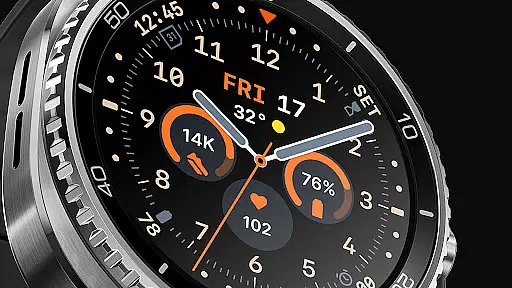
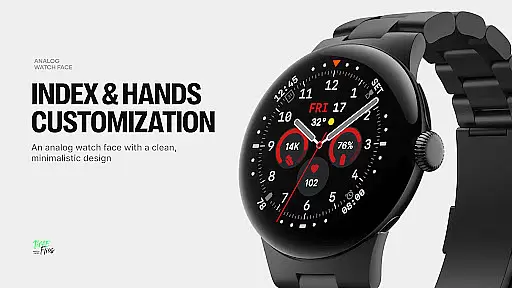
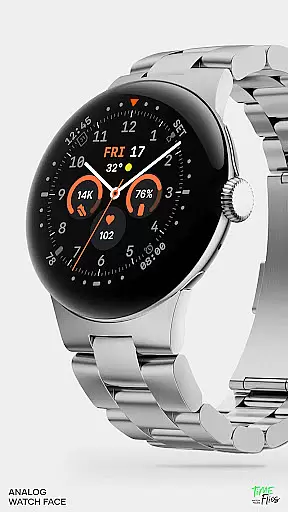
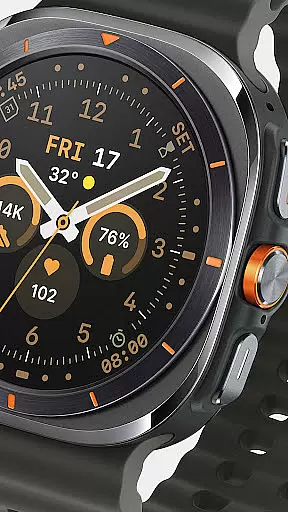
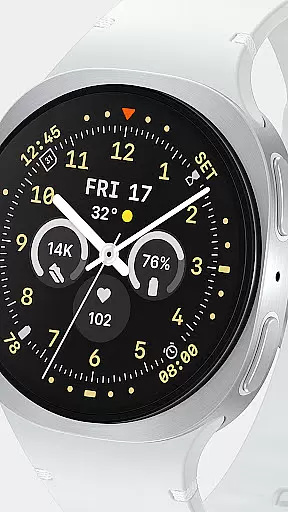
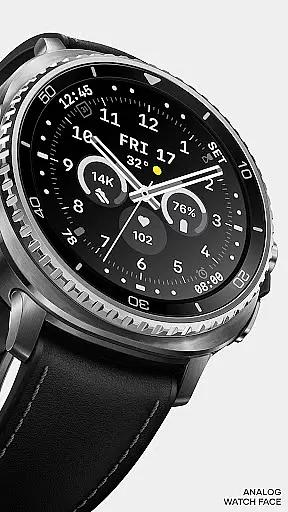
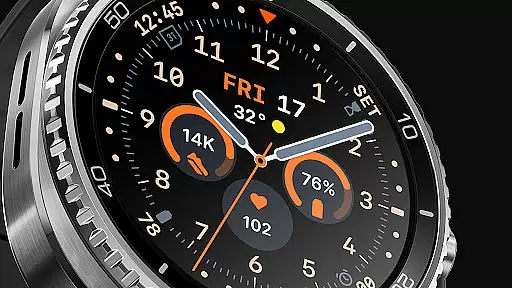
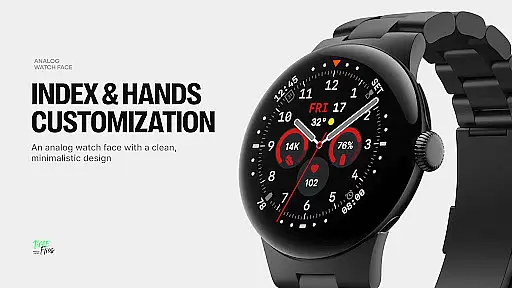
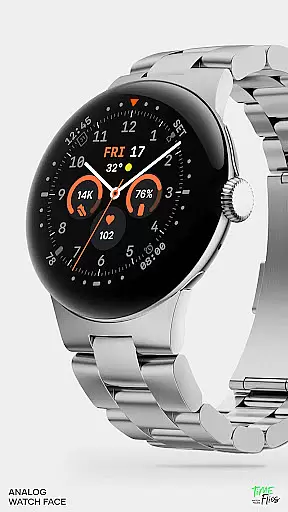
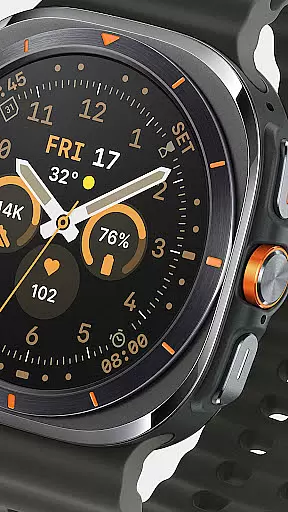
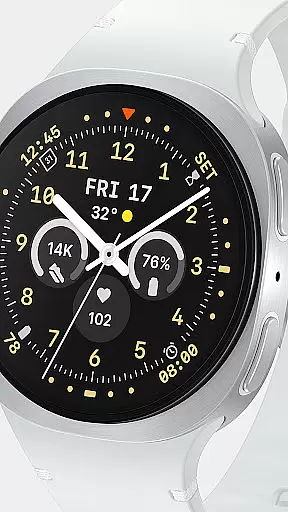
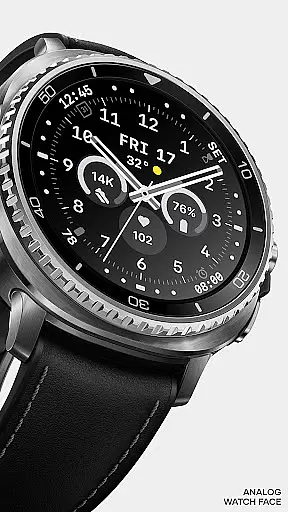
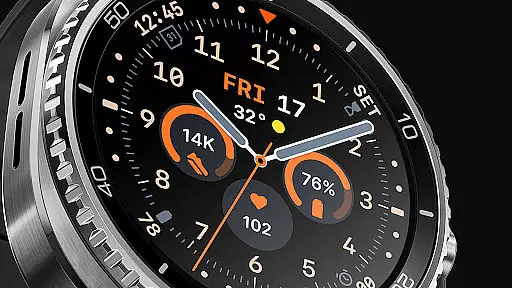
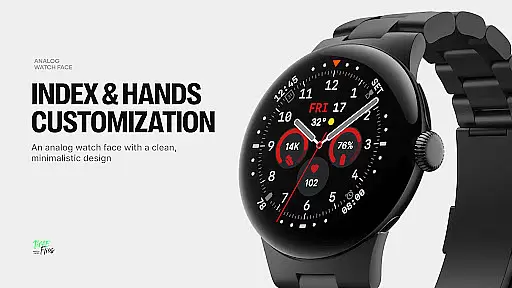
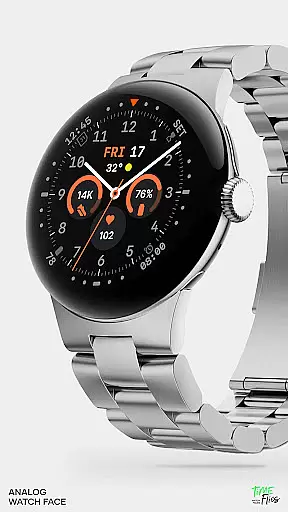
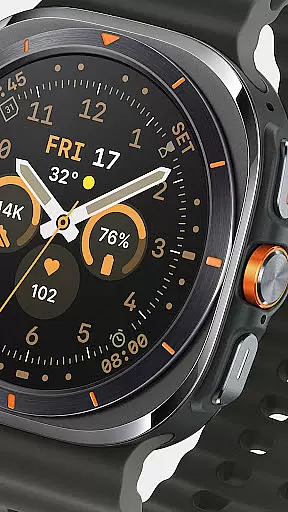
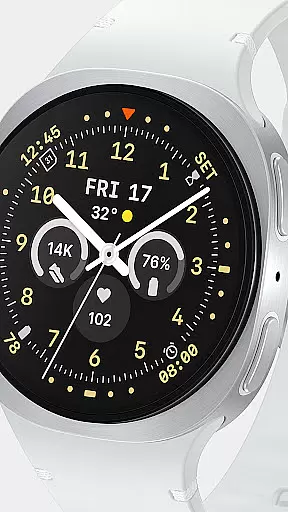
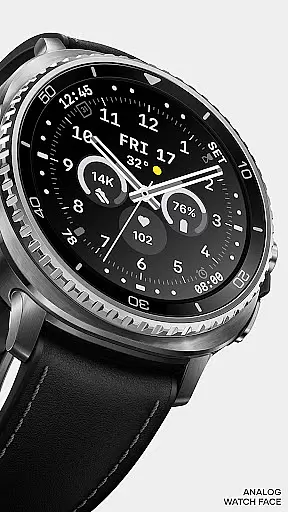
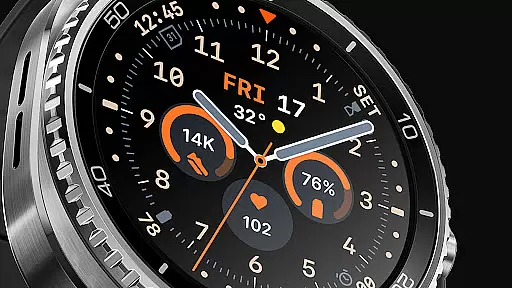
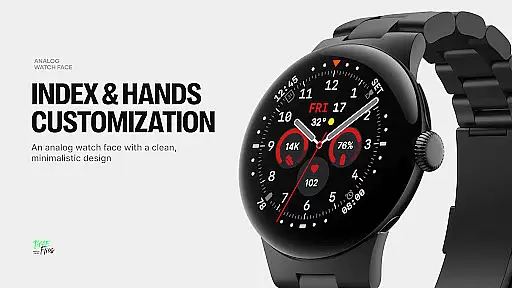
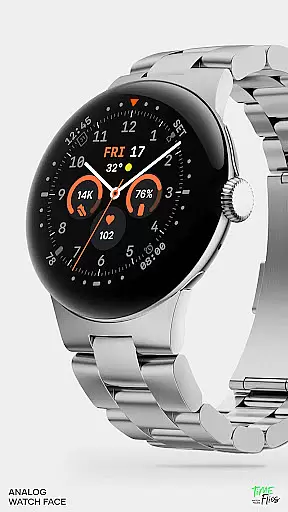
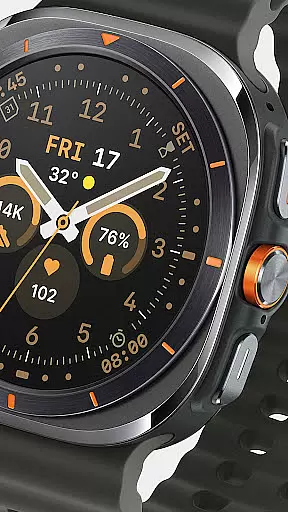
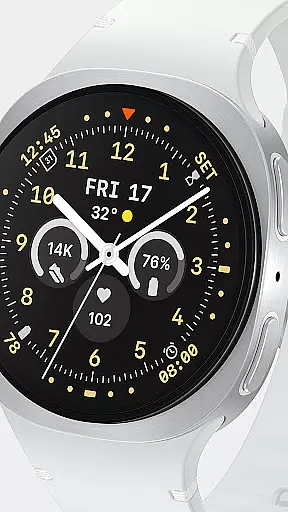
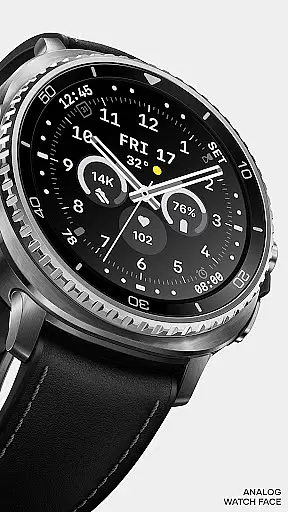
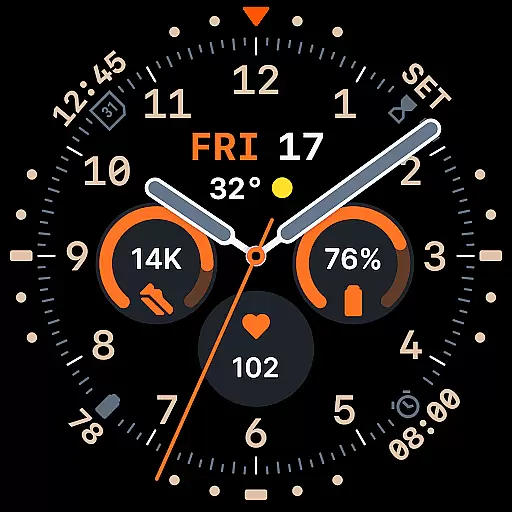
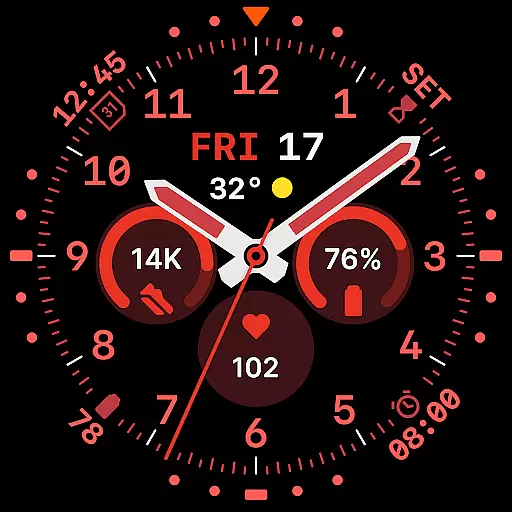
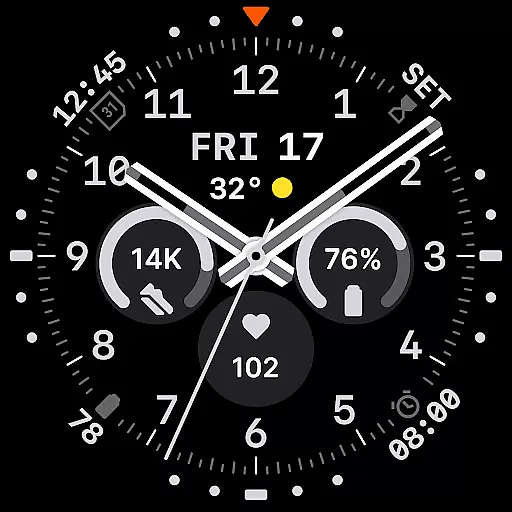
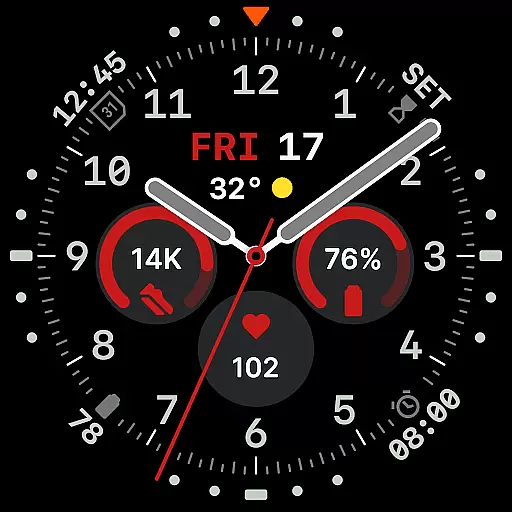
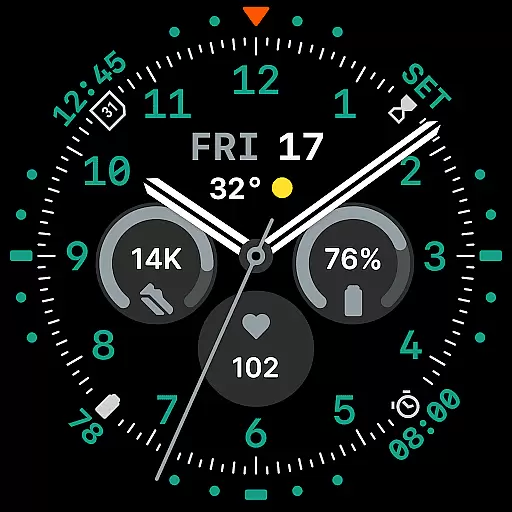
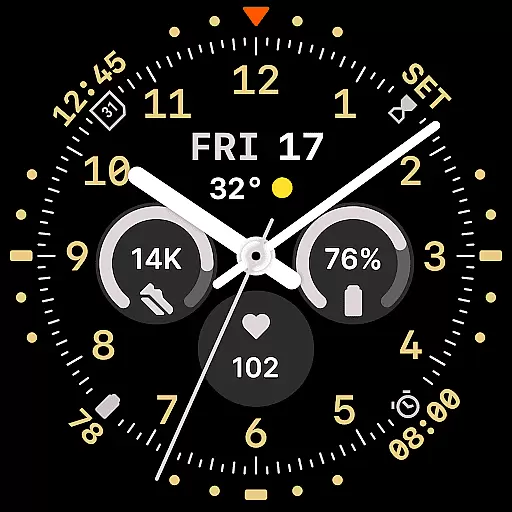
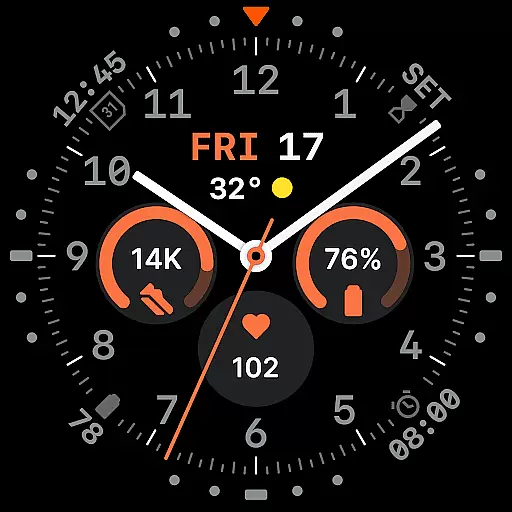
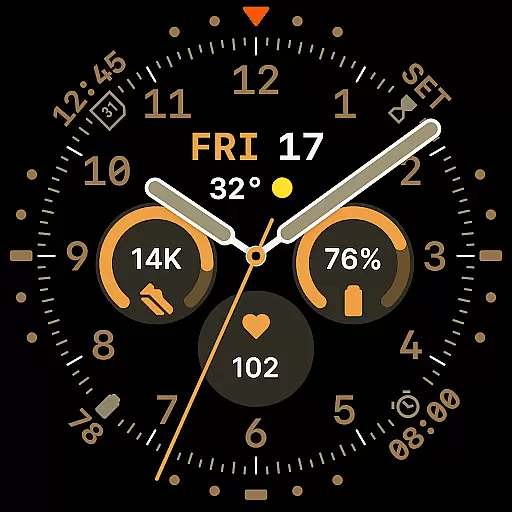
Way To Go Analog is a meticulously crafted Wear OS watch face that blends the charm of traditional field tools with modern digital functionality. Designed for adventurers and explorers, it offers a unique combination of utility and clarity.
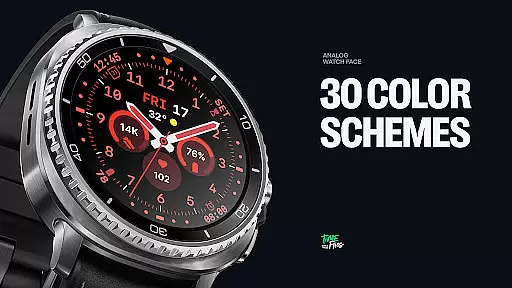
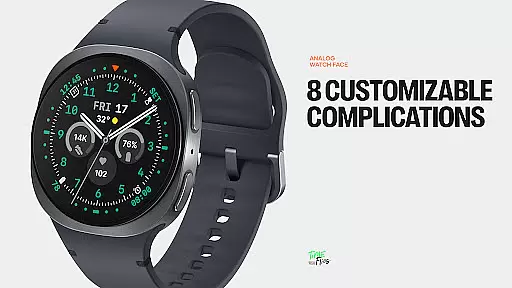
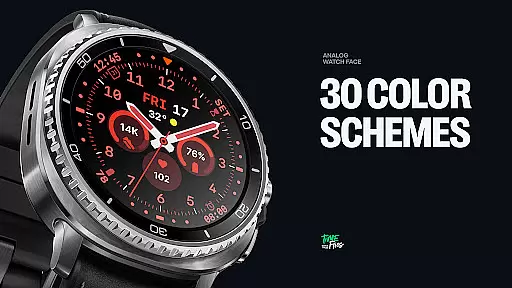
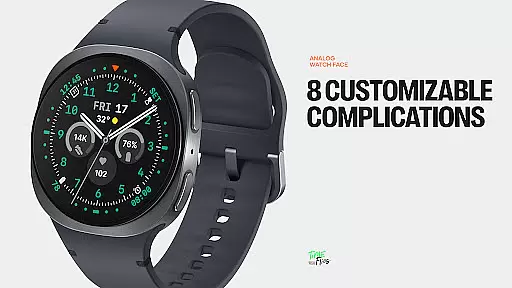
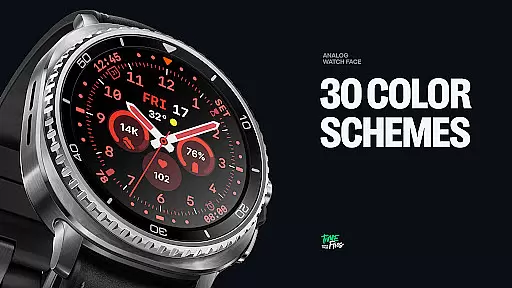
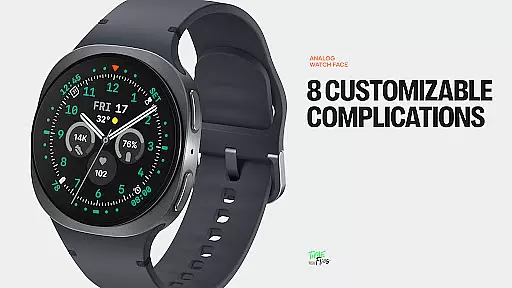
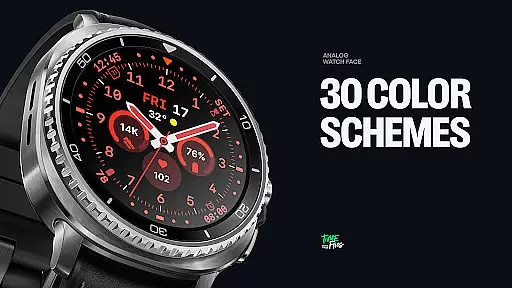
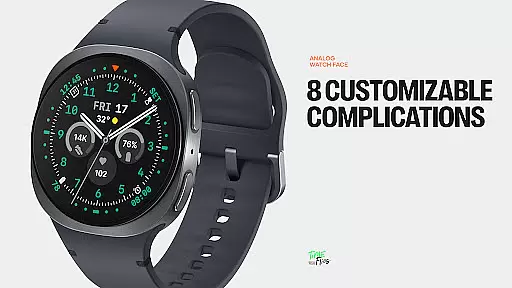
The watch face features an intuitive layout with 8 customizable complications, ensuring users can personalize their experience while maintaining optimal readability. With 10 hand styles, 30 color schemes, and 6 Always-on Display modes, it caters to diverse preferences and conditions.
Perfect for those who value both aesthetics and performance, Way To Go Analog ensures energy efficiency without compromising on design quality, making it ideal for everyday use and outdoor expeditions.
Way To Go Analog stands out with its versatile design elements tailored for customization. The watch face includes three central circular slots for prominent complications, complemented by additional slots for seamless integration of information.
With 10 distinct hand styles and 30 carefully curated color schemes, users can adapt the display to suit various environments and personal tastes. The inclusion of six Always-on Display modes provides flexibility in managing battery life while maintaining essential timekeeping functions.
An optional companion app enhances the user experience by enabling quick adjustments to colors and complications directly from an Android device, offering unparalleled convenience for tech-savvy individuals.
Companion app integration is crucial for a seamless smartwatch experience. Way To Go Analog offers an optional Android companion app that enhances user control and customization options.
This companion app allows users to conveniently adjust color schemes and manage complications directly from their smartphones. Such functionality not only simplifies personalization but also ensures that users can make changes on-the-go without deep diving into watch settings.
The availability of this integration reflects the developer's commitment to both functionality and user convenience. By extending the customization features to a smartphone app, users enjoy a more versatile and accessible way to interact with their Wear OS watch face.
Ensuring broad device compatibility and optimal performance on Wear OS is essential for any watch face. Way To Go Analog is designed specifically for Wear OS, guaranteeing smooth operation across a range of devices.
The watch face supports various screen sizes and resolutions, maintaining visual precision and clarity. With 30 color schemes and 10 hand styles, it caters to diverse user preferences while preserving system efficiency.
Built using the energy-efficient Watch Face File Format, Way To Go Analog balances aesthetic appeal with battery-conscious performance. This approach ensures that users experience consistent quality without compromising their device's battery life.
Highly customizable
Energy-efficient design
Versatile color options
Intuitive complication layout
Companion app available
Limited to Wear OS
Companion app not iOS compatible
Complex for beginners
Battery optimization varies
Premium feel may deter some

Christmas Theme Watch Face for Wear Os
 5.00
5.00
Stunning modern digital watch face with 7 complications and strong contrast
4.5
Beautiful, colorful and practical watch face. For Wear OS devices.
5.00
The #1 source of faces for your smartwatch!
4.00
Get helpful reminders, take progress photos and find answers to your questions.
3.90
The Chevron App allows you to pay for fuel from the comfort of your car!
4.80
Viewer for Wyze/Yi/Eufy/Arlo/ONVIF/RTSP/P2P IP cams w/ adv. features & DIY DVR
4.00
Your local weather forecast, storm tracker, radar maps & live weather news
3.40
Download full tracks, listen to music offline, make unlimited playlists.
4.80
Your second brain for organizing your life: to-do, calendar, reminder.
4.70
Simple, helpful messaging by Google
4.60
Premium hybrid watch face with many customizations for Wear OS devices.
4.40
Bold, Modern Hybrid Watch Face for Wear OS. 10 Colors, Rich Info Display.
4.30
Find EV charging stations
4.30
Watch face for Wear OS.
4.20
Hyper-Realistic Airplane Dashboard Watch Face With 10 Skins and Custom AOD
4.00
A digital watch face that celebrates Christmas.
4.00
Professional weather radar and more
3.90
Hybrid Vibrant Health Watch Face for Wear OS
4.4


User Reviews