

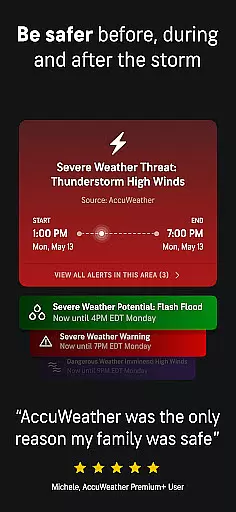
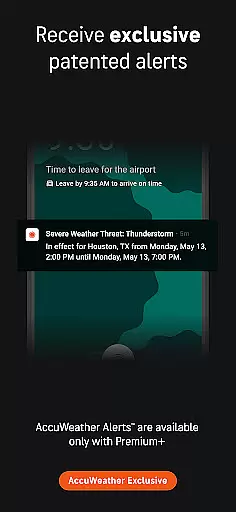
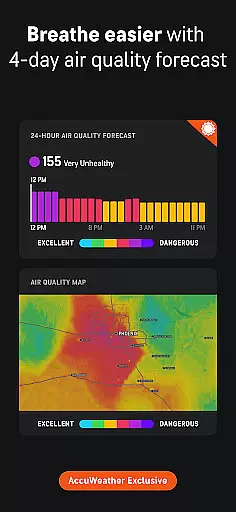
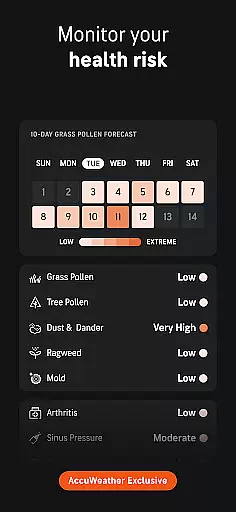
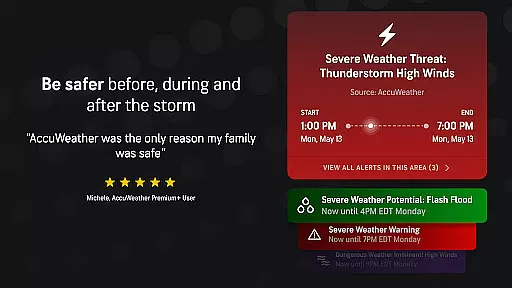
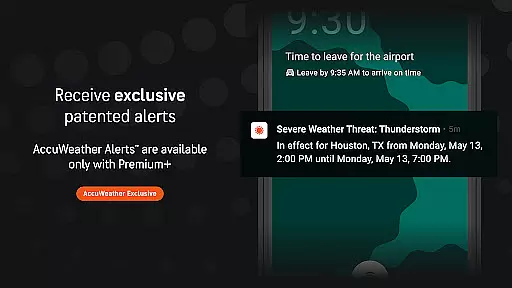
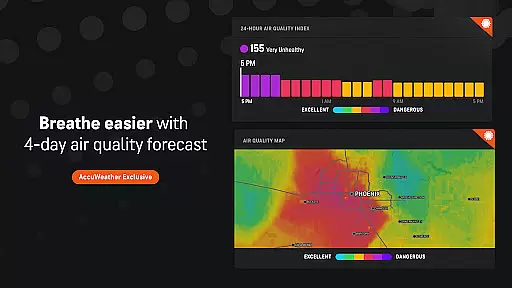
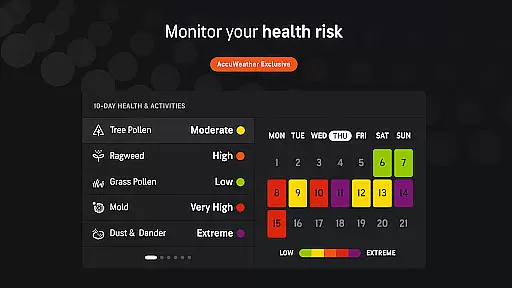
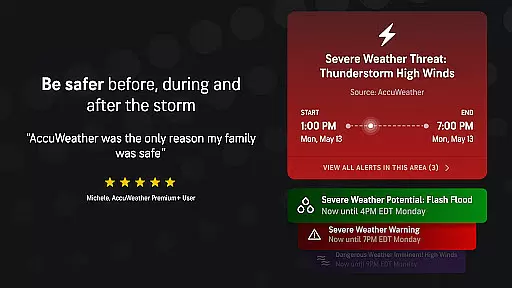
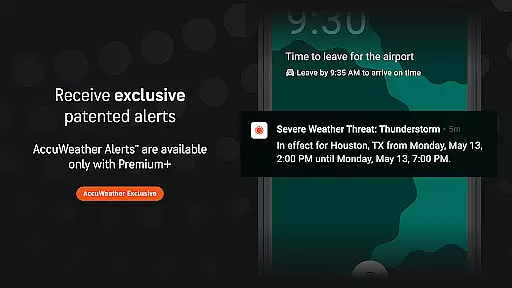
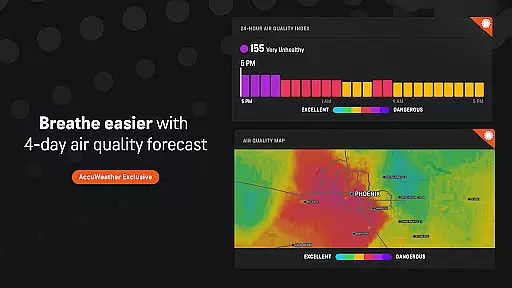
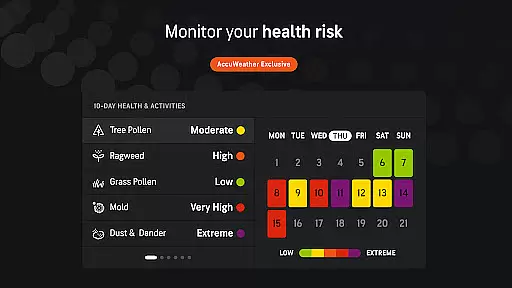
AccuWeather is the most trusted weather app, providing real-time weather alerts and hyperlocal updates with Superior Accuracy™. It helps users make informed decisions by offering detailed forecasts for any location, including severe weather warnings and exclusive features like MinuteCast® and RealFeel® Temperature. Whether tracking hurricanes, snowstorms, or daily temperature changes, AccuWeather ensures users stay prepared and safe.
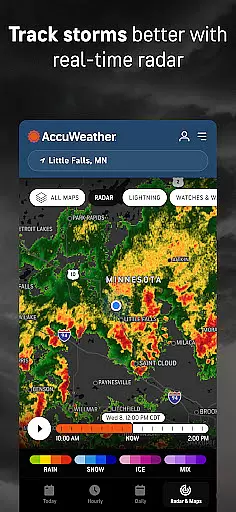
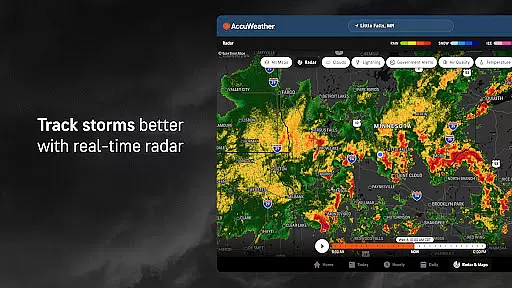
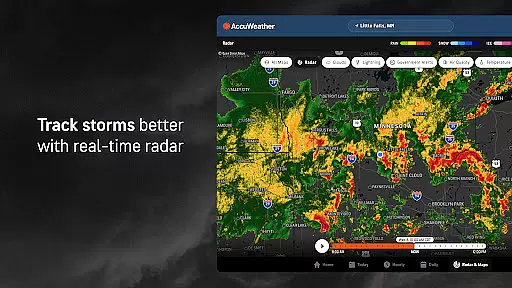
The app's advanced tools such as live radar, storm tracking, and UV exposure monitoring provide comprehensive insights into current and upcoming weather conditions. With its ability to deliver minute-by-minute precipitation forecasts and customizable alerts, AccuWeather is an essential tool for both everyday use and critical weather events.
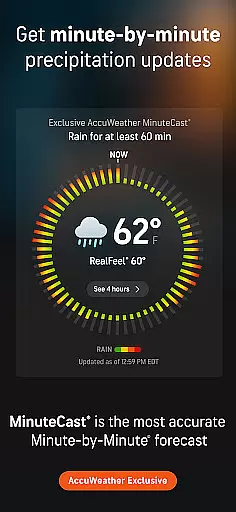
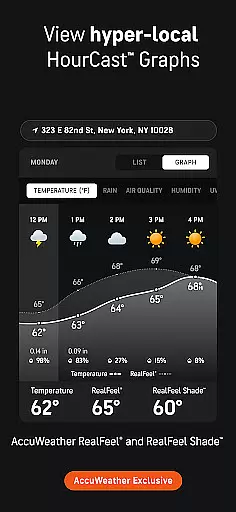
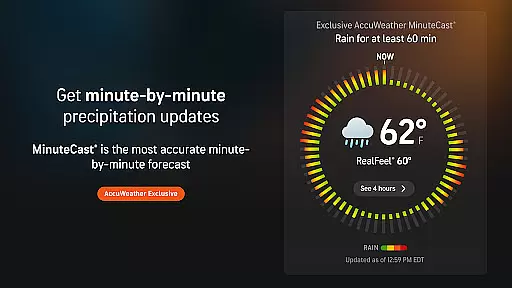
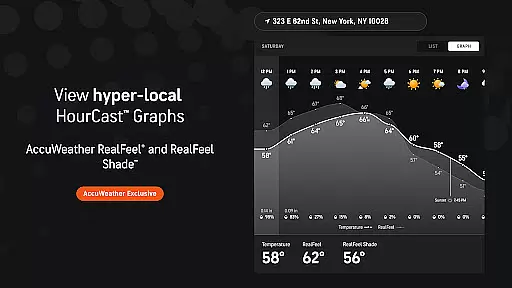
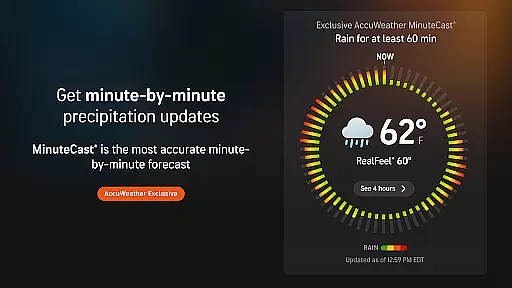
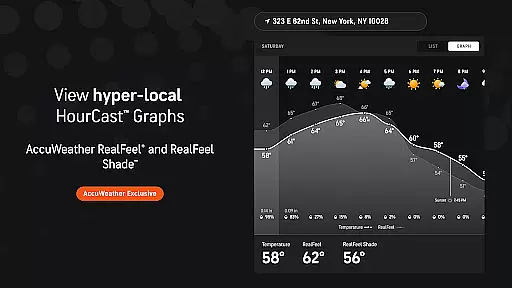
AccuWeather stands out with its innovative features designed to offer precise and actionable weather data. The app's exclusive MinuteCast® provides hyperlocal forecasts for precipitation, detailing start and end times for rain or snow up to four hours ahead. This feature is complemented by the AccuWeather RealFeel® Temperature, which considers over ten factors to describe how the temperature truly feels.
Additional standout features include the AccuWeather Lightning Network™, which tracks lightning proximity in real time, and WinterCast®, offering detailed predictions for snow and ice events. Users can also access extended forecasts, severe weather alerts, and customizable widgets through a premium subscription, enhancing their ability to plan and stay informed about changing weather conditions.
For AccuWeather, companion app integration represents the seamless connection between your primary mobile device and other platforms such as tablets, TVs, or Wear OS devices. This ensures that whether you're at home or on the go, your weather data is synchronized across all your devices.
The app's advanced synchronization capabilities allow users to access real-time weather alerts, hyperlocal updates, and detailed forecasts regardless of the device they are using. This interconnected ecosystem provides a consistent user experience, making weather monitoring more convenient and reliable.
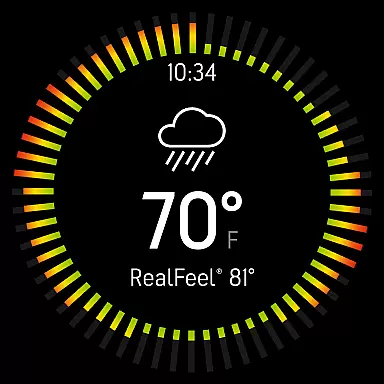
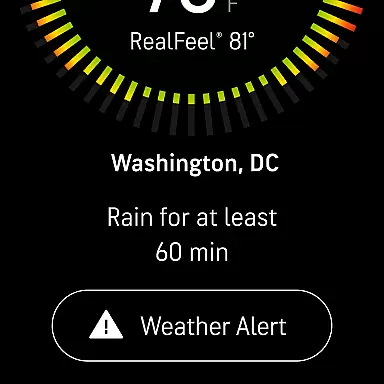
By integrating with Wear OS, AccuWeather offers quick access to essential weather information directly from your smartwatch. This feature allows for instant updates and alerts, ensuring that users are always informed about significant weather changes without needing to check their phones constantly.
This level of integration not only enhances accessibility but also empowers users to make timely decisions based on accurate weather data, no matter which device they choose to use.
AccuWeather excels in Wear OS and device compatibility, ensuring that its sophisticated weather tracking features are accessible on various devices. The app supports a wide range of Android-powered wearables, providing users with critical weather updates right on their wrists.
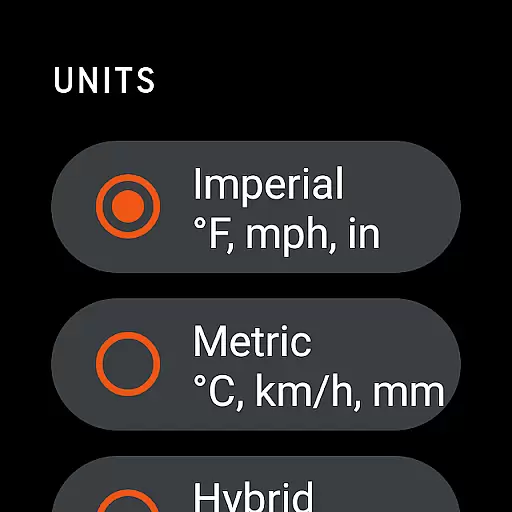
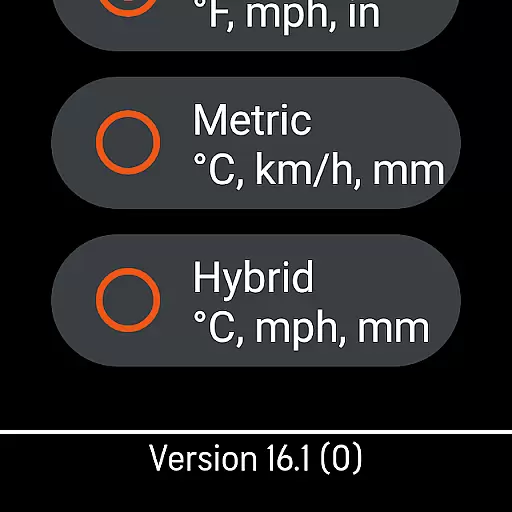
With its intuitive design tailored for smaller screens, AccuWeather delivers an optimal viewing experience on Wear OS devices. Users can easily navigate through detailed forecasts, severe weather alerts, and MinuteCastu00ae updates, all optimized for quick glances and minimal interaction.
The compatibility extends beyond just smartwatches; it includes tablets and TVs, offering flexibility in how and where users can access vital weather information. This broad device support ensures that AccuWeather remains a versatile tool for staying informed about changing weather conditions.
Ultimately, this compatibility enhances user convenience by allowing them to receive timely and relevant weather updates across multiple devices, ensuring they are always prepared for whatever weather comes their way.
Superior Accuracy™
Real-time Alerts
Hyperlocal Forecasts
Exclusive Features
User-friendly Interface
Premium Subscription Required
Ad-heavy Free Version
Limited Offline Functionality
High Data Usage
Complex Interface for Beginners

Christmas and New Year - Themed Watchface
 4.3
4.3
Analog watch face with 8 complications and expedition styling
4.0
Stunning modern digital watch face with 7 complications and strong contrast
4.5
Easy Voice Recorder is your everyday companion to record important moments.
4.70
Watch face for Wear OS.
4.20
Digital watch face. For Wear OS devices.
4.40
Connect to your Bluelink equipped Hyundai vehicle from your smartphone.
4.50
Your music, your playlists, and more—offline and unlimited.
4.20
Fast and smart typing with Emojis, GIFs, and more
4.50
Christmas Theme Watch Face for Wear Os
5.00
Gym Log & Workout Tracker | Fitness Journal, Training & Weight Lifting Planner
4.90
Walking app for weight loss: walk & step tracker, pedometer, indoor treadmill
4.60
Current temperature, weather hourly, weather radar by the weather forecast app
4.40
Beautiful artistic animated digital watch face, with a customizable layout!
4.40
Christmas watch face. For Wear OS devices.
4.30
Calming & relaxing sounds for sleeping and stress relief. Stay focused all day!
4.20
sleep, alarm, snoring, stress, healing, focus, sound therapy, circadian rhythm
4.10
Professional weather radar and more
3.90
Wear Os Watch Face - Animated Snow Effect & Christmas Lights
4.0


User Reviews