
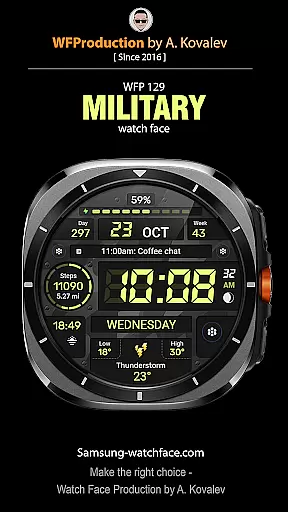
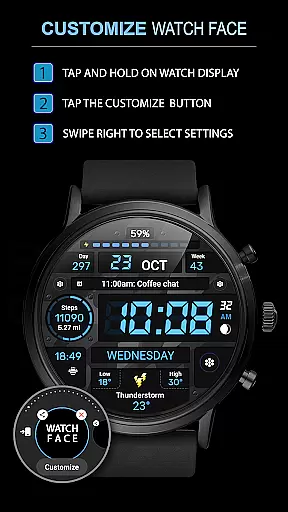
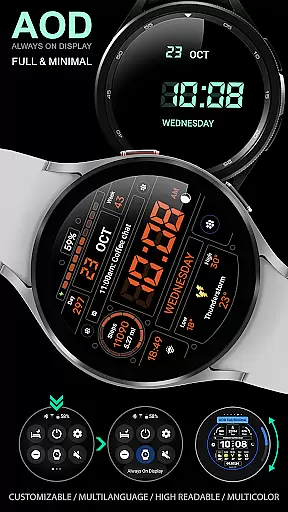
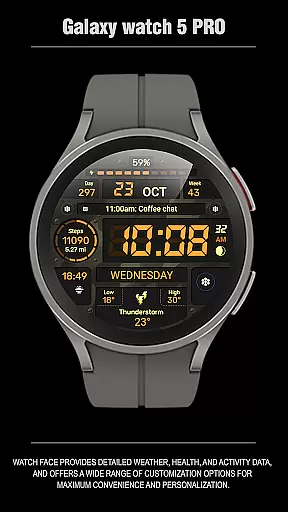
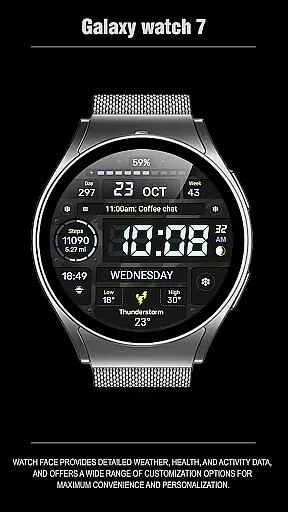
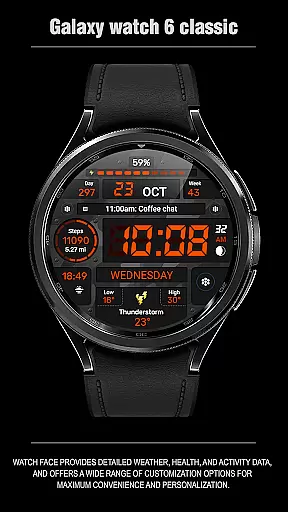
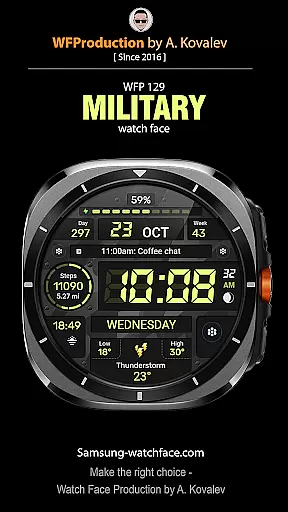
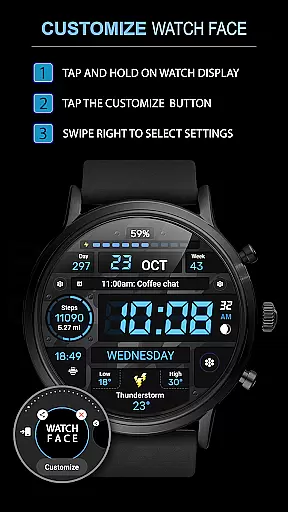
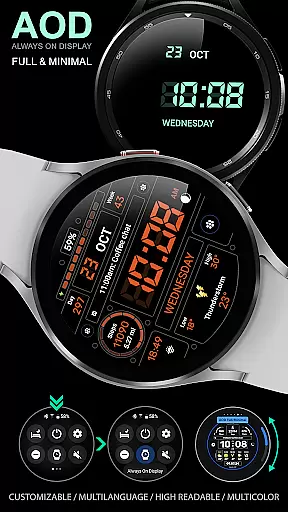
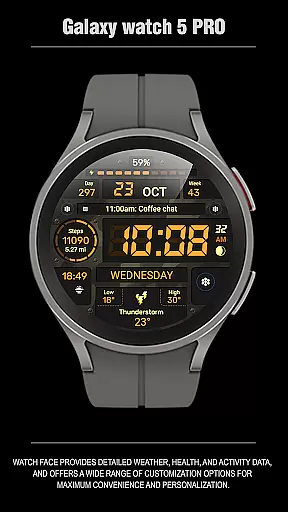
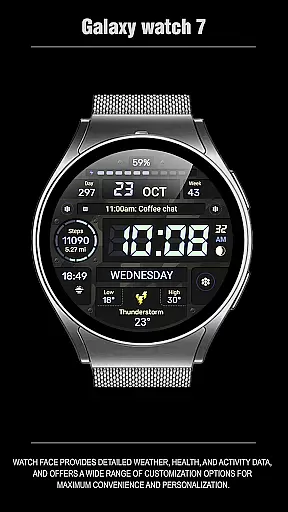
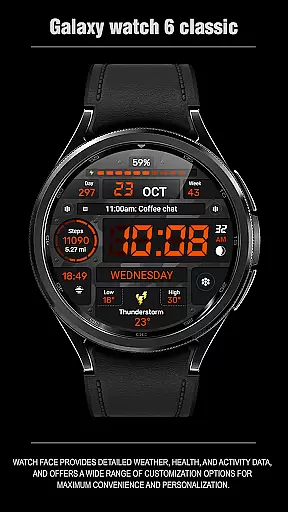
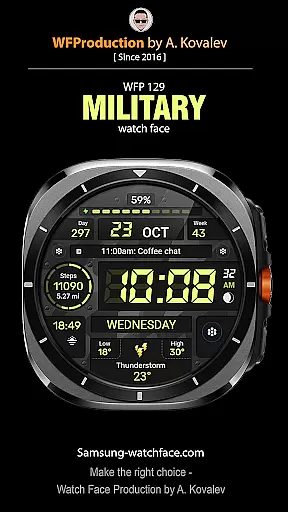
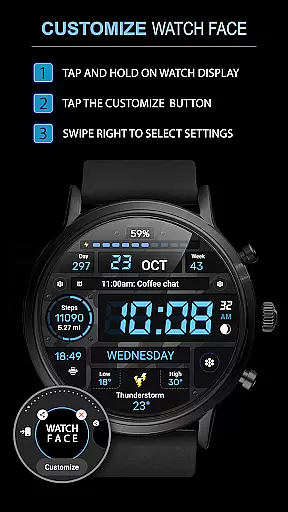
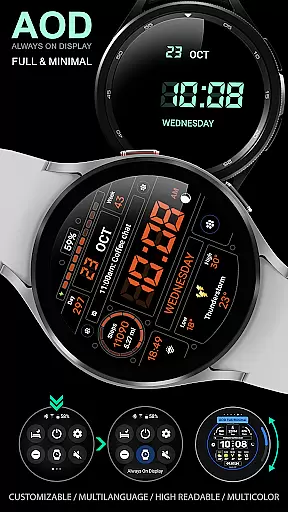
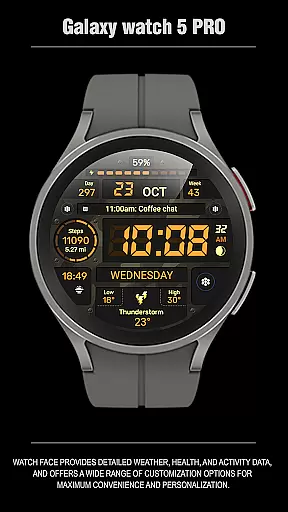
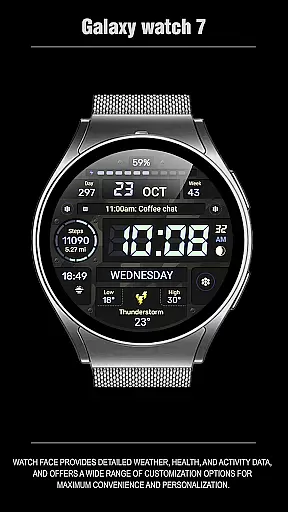
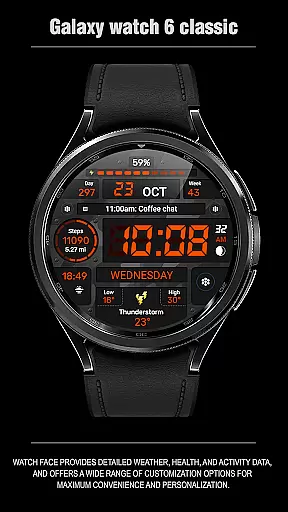
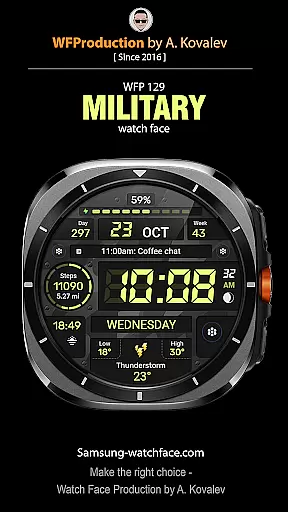
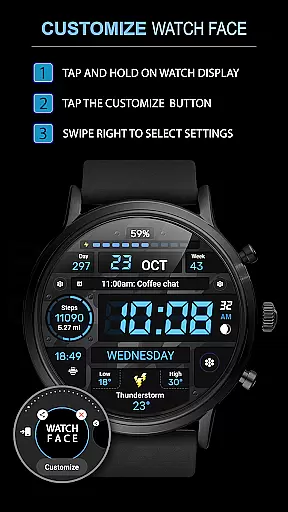
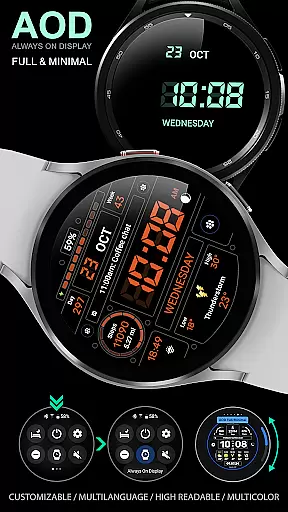
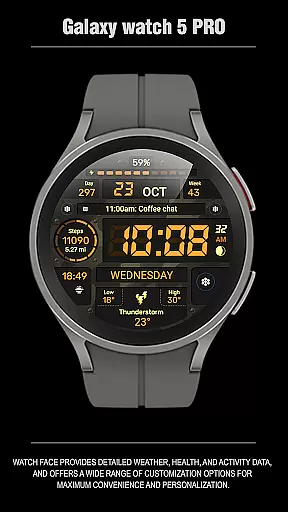
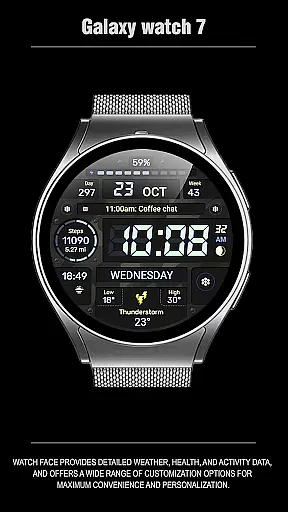
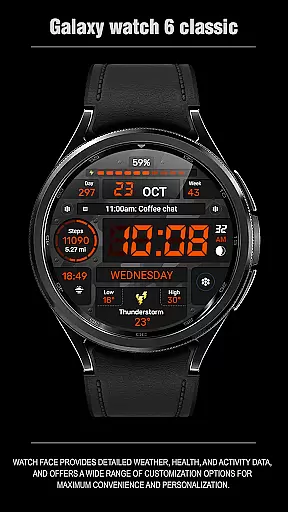
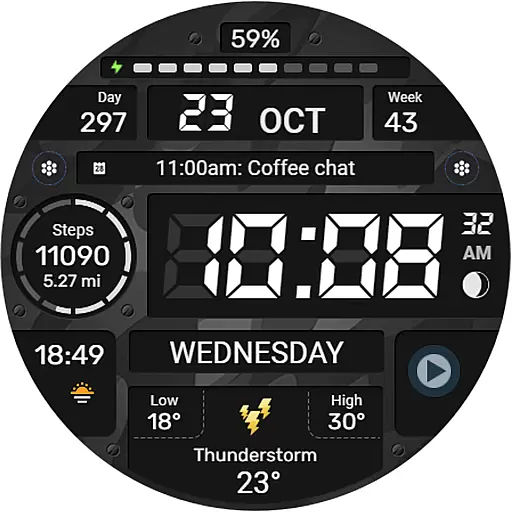
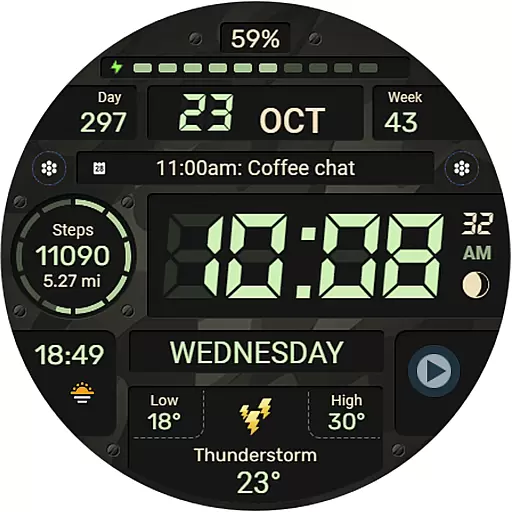
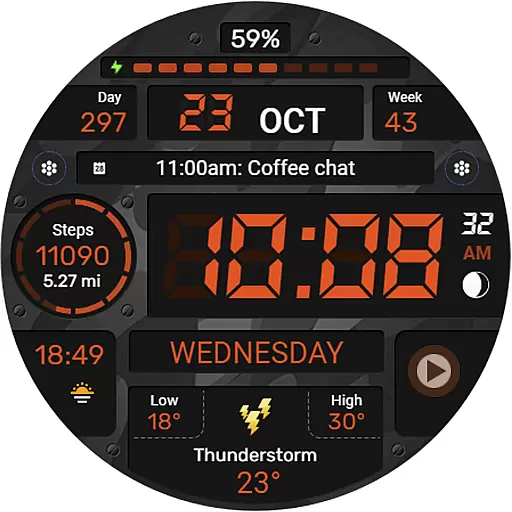
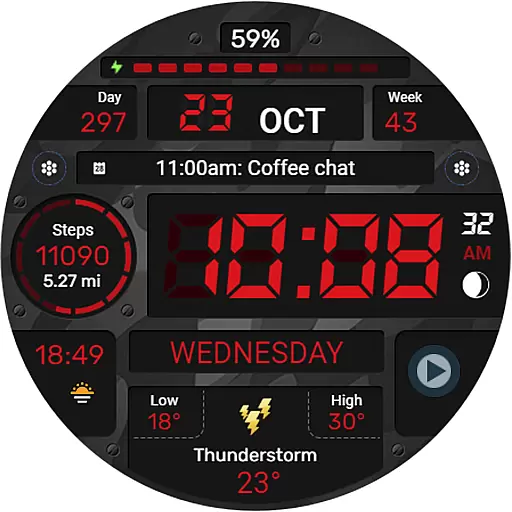
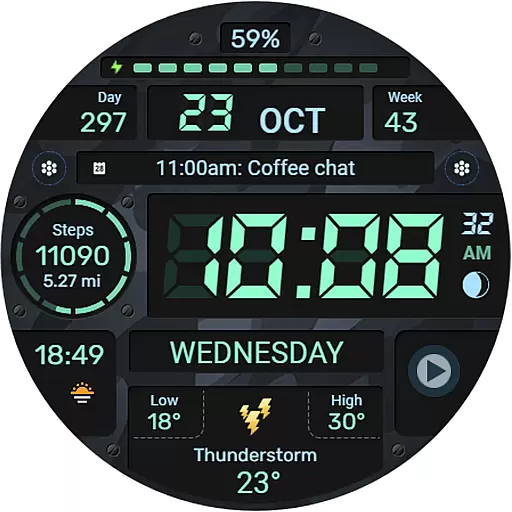
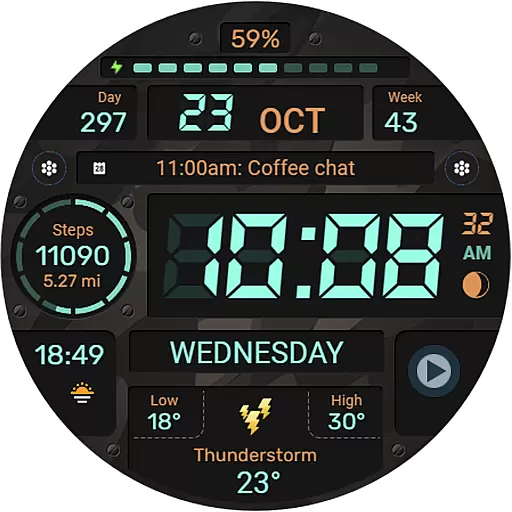
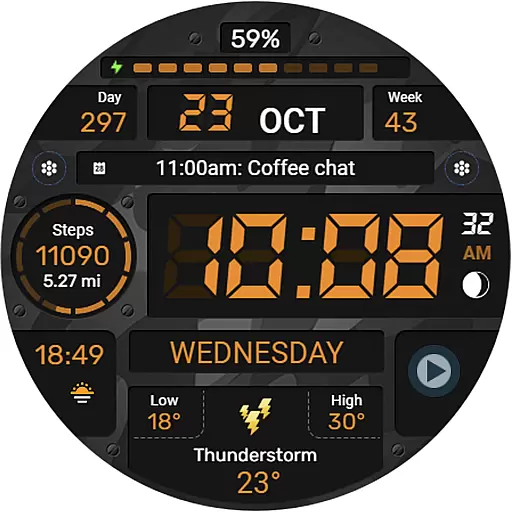
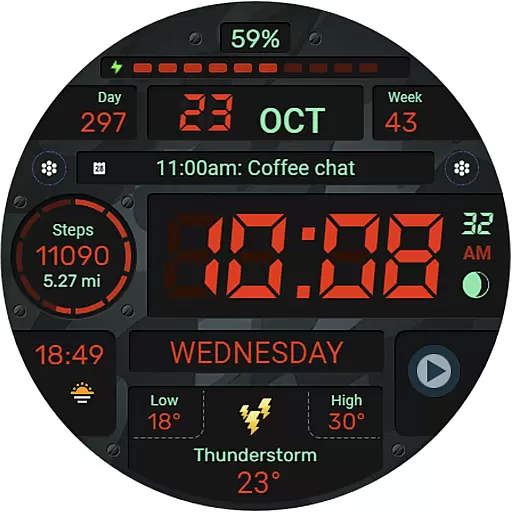
WFP 129 Military watch face is a versatile and customizable digital watch face designed for devices running WearOS 4 with API Level 30+. This application offers users the ability to personalize their smartwatch experience through a variety of features including complications, widgets, and color combinations. The watch face supports both 12/24 hour time formats and provides weather updates in Fahrenheit or Celsius. With high optimization and low battery consumption, it ensures an efficient and visually appealing user interface.
The app's customization options extend to its Always-On Display (AOD) mode, which can be tailored to full or minimal views. Additionally, users can access phone charge widgets and track fitness metrics such as calories and floors climbed. Whether you're looking for functionality or style, WFP 129 Military watch face caters to diverse preferences while maintaining performance efficiency.
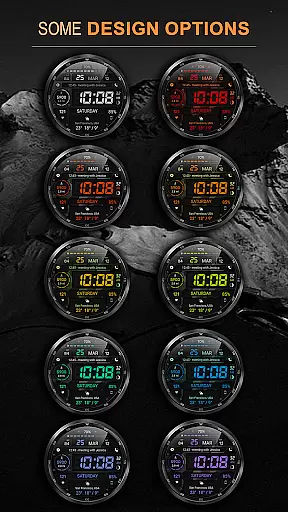
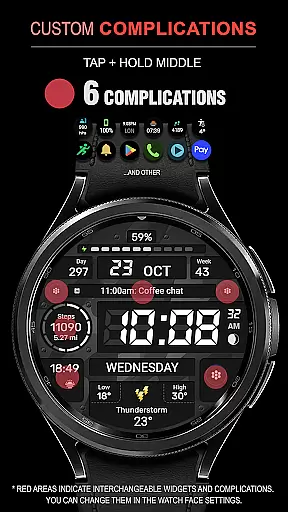
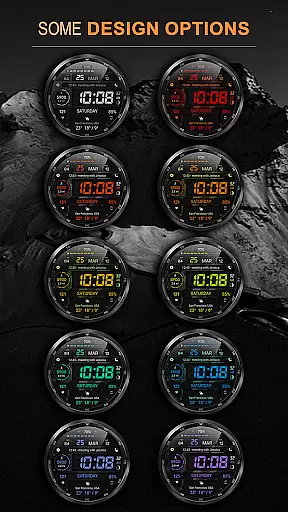
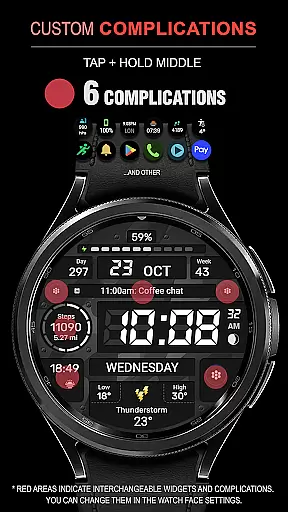
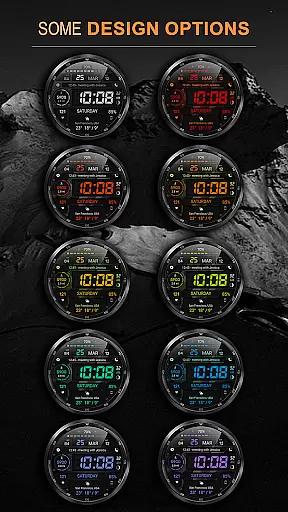
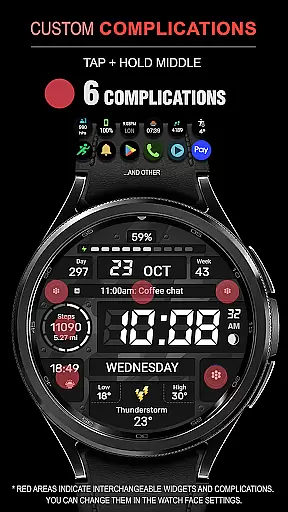
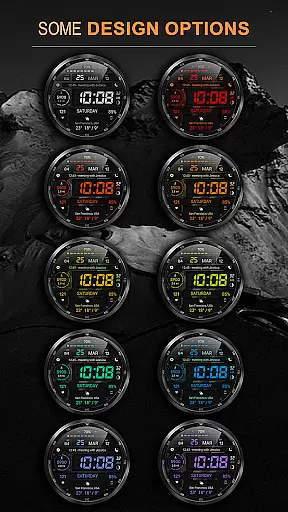
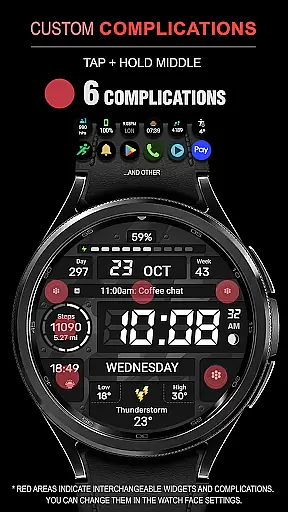
WFP 129 Military watch face stands out with its extensive feature set tailored for personalization enthusiasts. It includes six complications and widgets that allow users to display various data points on their watch face. With thirty background color combinations available, wearers can match their device's appearance to their personal style. The high-resolution design ensures clarity and precision in every visual element presented on the screen.
Optimized for performance, this watch face boasts low battery consumption without compromising on quality. Multilingual support makes it accessible to a global audience, while the option to toggle between Fahrenheit and Celsius temperature scales adds practicality. Users also benefit from customizable AOD modes, ensuring they have quick access to essential information even when the watch is not active. These features collectively enhance both the aesthetic appeal and functional utility of the smartwatch experience.
For the WFP 129 Military watch face, seamless companion app integration is crucial for an enhanced user experience. This functionality ensures that data such as health metrics, notifications, and other smartphone features are accurately reflected on your wearable device.
The installation instructions provided via samsung-watchface.com guide users through setting up this integration effectively. By following these steps, users can enjoy real-time updates from their phone directly on their smartwatch, including charge status widgets and fitness stats like calories and floors climbed.
This level of synchronization allows for a cohesive ecosystem where all devices work in concert, providing convenience and up-to-date information at a glance. Users benefit from having critical smartphone functionalities accessible right from their wrist, streamlining daily tasks and interactions.
Compatibility with Wear OS and various devices is a cornerstone feature of the WFP 129 Military watch face. Supporting devices with Wear OS 4, API Level 30+, ensures that users with newer smartwatches can take full advantage of its capabilities without running into system limitations.
With support for multiple complications, widgets, and customizable options like background color combinations and AOD modes, this watch face offers extensive personalization while maintaining performance across different hardware configurations.
Furthermore, multilingual support and flexible time format settings make it versatile for international audiences. The optimization for low battery consumption also means it works efficiently on a range of devices without compromising on functionality or aesthetics.
Highly customizable
Low battery usage
Multilingual support
Optimized performance
Versatile widget options
Limited to WearOS 4
Requires API Level 30+
No leading zero option
Complex setup process
Premium features cost extra

Wear Os Watch Face - Animated Snow Effect & Magic Spark - 6 Scenes
 4.10
4.10
Digital watch face with big numbers and many customization for Wear OS devices
4.40
sleep, alarm, snoring, stress, healing, focus, sound therapy, circadian rhythm
4.10
Monitor health with the stress test and pulse checker in the heart rate app.
4.60
Hyperlocal rain alerts by MyRadar using patent-pending technology, radar & more
4.80
Real-time weather radar with temperatures, warnings, hurricanes, and widgets
4.80
Animated video-game inspired “secret agent” simulation, right on your wrist!
4.20
Simple, helpful messaging by Google
4.60
From periods to pregnancy & perimenopause, Flo helps you track it all. Try now.
4.70
Period, ovulation & pregnancy tracker. Fertility insights & menstrual calendar.
4.90
Nutrition, Macro tracker: Food, fitness & healthy diet tracking for weight loss
4.60
Gym & home workout plans with strength training, exercise tracking, HIIT & more.
4.60
Bold weather Digital watchface with forecast & optional animated background
4.40
Embrace the festive spirit with our Christmas Countdown watchface for Wear OS
4.10
Daily Weather forecast with 15 weather images for Day & Night plus Big Bold time
4.10
Hyper-Realistic Airplane Dashboard Watch Face With 10 Skins and Custom AOD
4.00
Professional weather radar and more
3.90
Christmas is near, let's count together the days left until Santa comes
4.1
Minimalistic design modern digital watch face.
4.4


User Reviews