
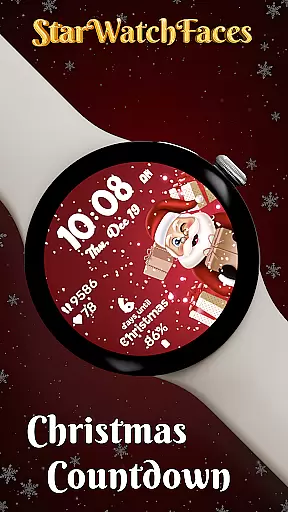

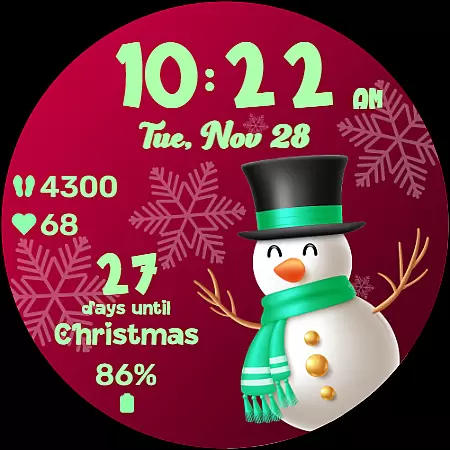
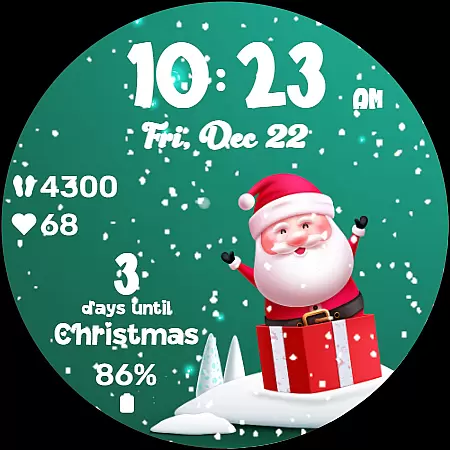
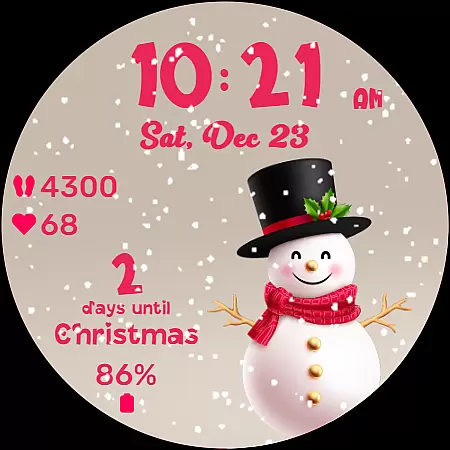
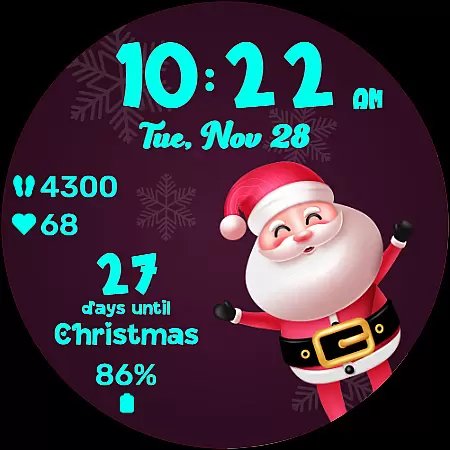
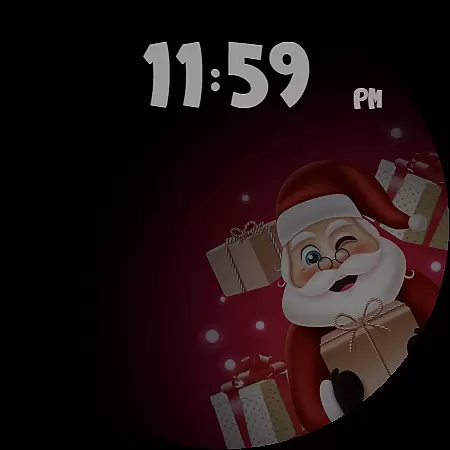
Christmas Countdown is a festive watchface for Wear OS devices, designed to bring holiday cheer directly to your wrist. This unique app combines the excitement of the Christmas season with advanced customization options, making it much more than just a timepiece. Users can enjoy a delightful countdown to Christmas Day while personalizing their watchface with enchanting background images and color themes.
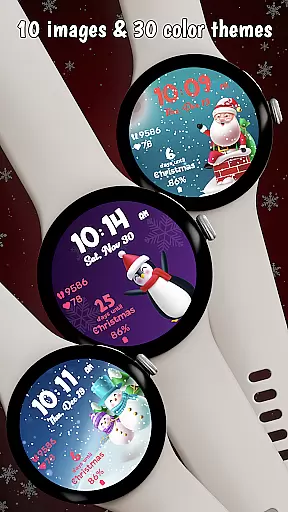
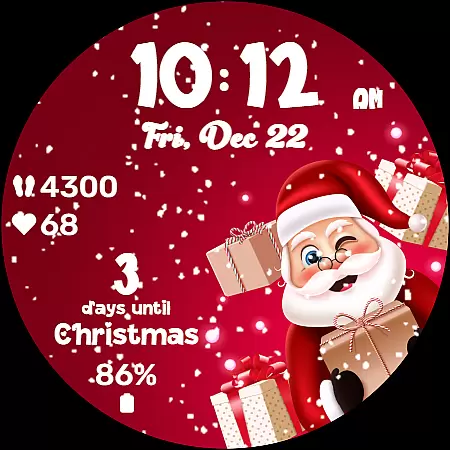
The watchface features a collection of 10 holiday-themed backgrounds, each showcasing a cute character like Santa or a snowman. With 30 color themes available, wearers can tailor the clock, date, stats, and countdown to match their holiday mood. The app also displays key statistics such as heart rate, steps taken, and battery life, keeping users informed about both their wellness and device status during the busy holiday season.
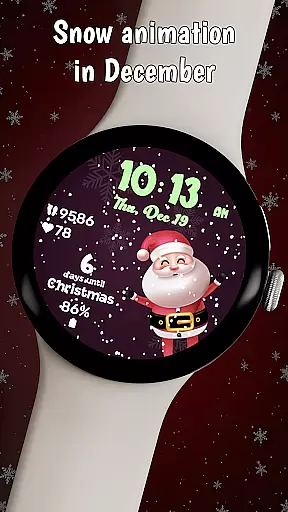
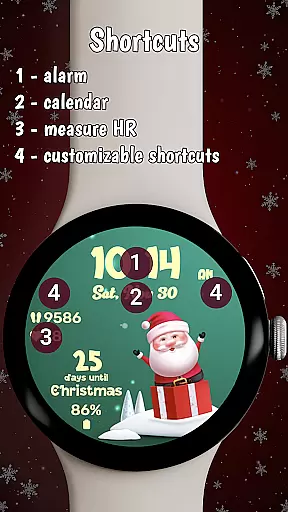
Designed for convenience and festivity, Christmas Countdown includes two customizable shortcuts for quick access to frequently used apps. Snow animation adds a magical touch, visible only in December to enhance the Christmas spirit. Whether you're counting down the days until Christmas or enjoying the winter wonderland effect on your watch, this app ensures that the holiday momentum continues every day.
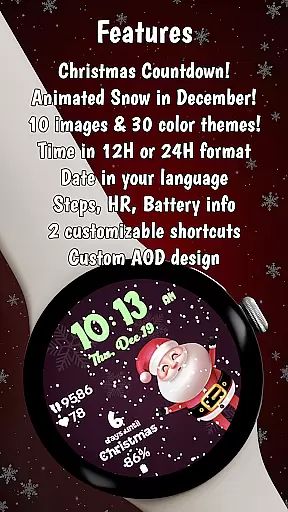
Christmas Countdown offers an array of distinctive features that set it apart from standard watchfaces. One of its standout capabilities is the Christmas Countdown feature itself, which provides a daily reminder of the approaching holiday season. Each glance at your wrist builds anticipation as you watch the days tick away, ensuring you remain wrapped up in holiday excitement.
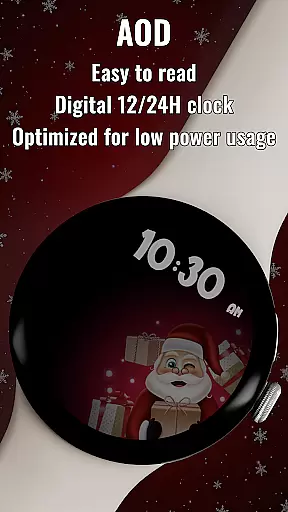
Personalization is at the core of this watchface's appeal. Users can choose from 10 enchanting background images featuring beloved holiday characters and select from 30 different color themes to customize various elements of the display. The always-on display (AOD) mode is optimized for low power consumption, maintaining visibility of the time and selected color theme while conserving energy.
Additional utility comes from displaying essential statistics such as heart rate, step count, and battery life directly on the watchface. Two customizable shortcuts provide immediate access to frequently used apps without disrupting the festive appearance. Plus, snow animation creates a captivating winter wonderland effect throughout December, enhancing the overall holiday experience right on your wrist.
Companion app integration is essential for wearable devices to provide a seamless user experience. The Christmas Countdown watchface demonstrates excellent synergy with its companion app, allowing users to unlock the full potential of customization features.
This Wear OS watchface offers effortless personalization through its dedicated mobile application. Users can choose from 10 unique background images and 30 color themes, creating a personalized holiday experience that perfectly matches their festive spirit.
The companion app enables quick access to advanced settings, including custom shortcuts and complication data selection. This ensures that wearers can optimize their watchface for both functionality and aesthetics without disrupting their daily routine.
Furthermore, the integration extends beyond mere customization. It provides users with access to exclusive content, seasonal promotions, and other watchfaces from the developer's collection, enhancing the overall value proposition of the Christmas Countdown watchface.
Device compatibility is crucial for wearable applications, and the Christmas Countdown watchface excels in this aspect. Designed specifically for Wear OS, it ensures optimal performance across various smartwatch models and Android devices.
The watchface maintains perfect functionality in always-on display mode while optimizing power consumption. This technical achievement guarantees that users can enjoy their customized holiday theme without compromising battery life or device performance.
Seamless integration with device features is another strength of this application. It automatically adapts date formats to the user's device language and maintains accurate health statistics tracking, including heart rate and step count.
Moreover, the watchface supports customizable shortcuts that work flawlessly with installed applications on the user's smartphone. This comprehensive compatibility approach ensures that the Christmas Countdown watchface delivers consistent performance regardless of the specific Wear OS device configuration.
Festive holiday theme
Highly customizable
Engaging countdown feature
Useful health stats
Energy-efficient AOD
Limited to Wear OS
Animation only in December
Premium purchase required
Complex setup process
Character selection limited

A customizable Christmas watch face for Wear OS with a countdown.
 4.20
4.20
Christmas watch face. For Wear OS devices.
4.30
Wear Os Watch Face - Animated Snow Effect & Magic Spark - 6 Scenes
4.10
A modern premium sporty hybrid watch face for Wear OS by Ballozi
4.70
Connect to your Bluelink equipped Hyundai vehicle from your smartphone.
4.50
Gym & home workout plans with strength training, exercise tracking, HIIT & more.
4.60
The #1 source of faces for your smartwatch!
4.00
Hyper-Realistic Airplane Dashboard Watch Face With 10 Skins and Custom AOD
4.00
Control your Samsung Smart TVs, appliances, and SmartThings-compatible devices
4.60
Diet tracker for weight loss - track calories, food and macros. Simple and easy!
4.70
Easy Voice Recorder is your everyday companion to record important moments.
4.70
Simple, helpful messaging by Google
4.60
Ideal for surviving in the wasteland left after nuclear fallout
4.50
Locate your family members by GPS phone location tracker everywhere and anytime
4.30
Snowflake Rose Gold Watch Face - Digital, modern, & sleek with GYRO effect.
4.10
Viewer for Wyze/Yi/Eufy/Arlo/ONVIF/RTSP/P2P IP cams w/ adv. features & DIY DVR
4.00
Watch face designed for Thanksgiving Day. 7 Background Styles included.
3.20
A heartwarming Christmas scene featuring a cute image of Santa and Rudolf
4.1
Sleek, highly customizable watch face inspired by Galaxy Watch Circle Dashboard.
4.4


User Reviews