
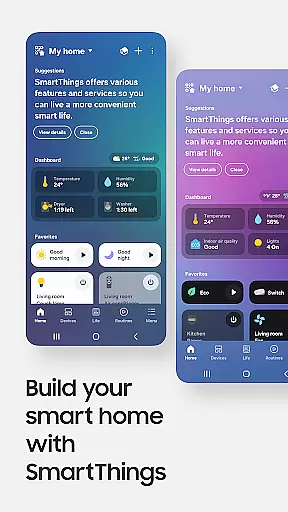
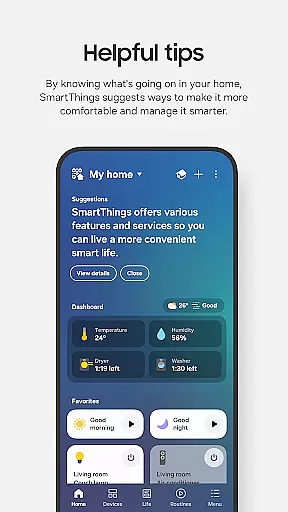
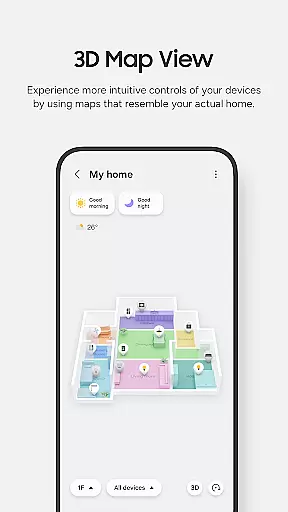
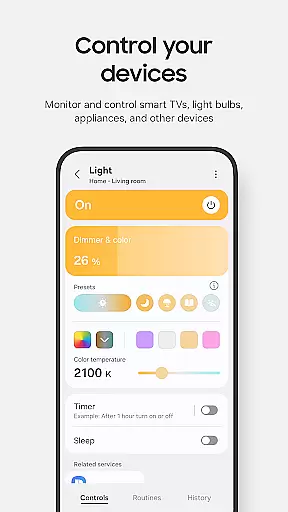
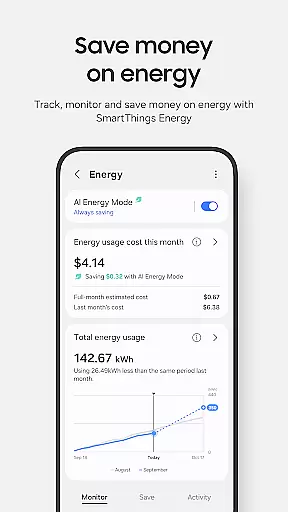
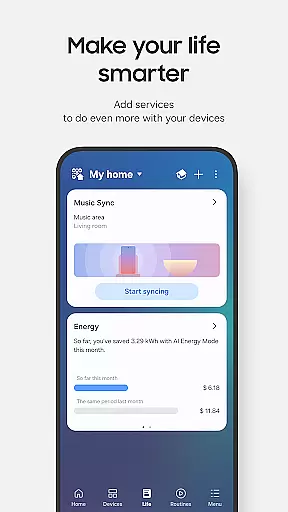
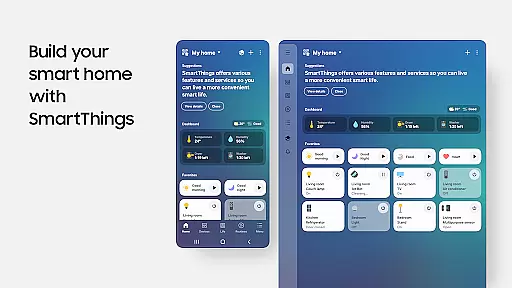
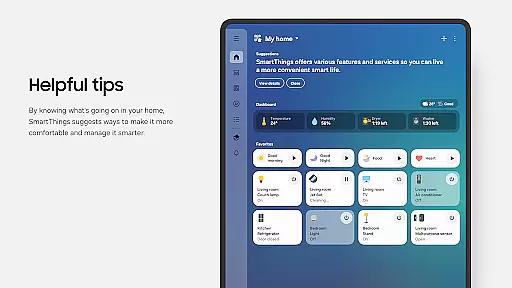
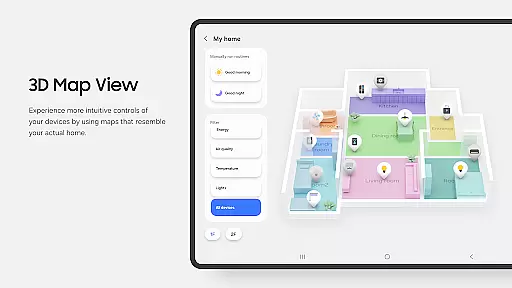
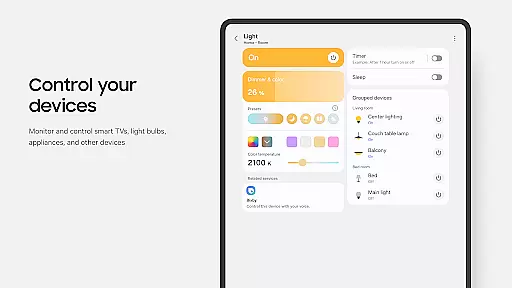
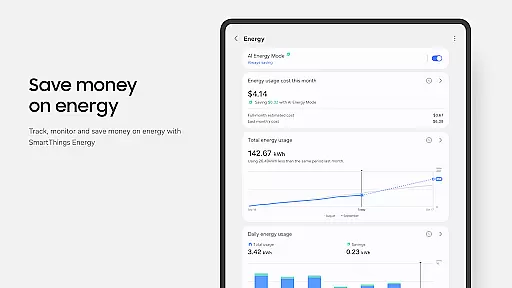
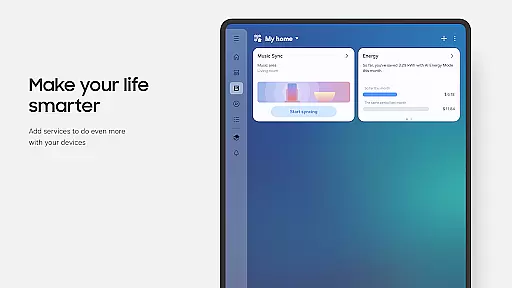
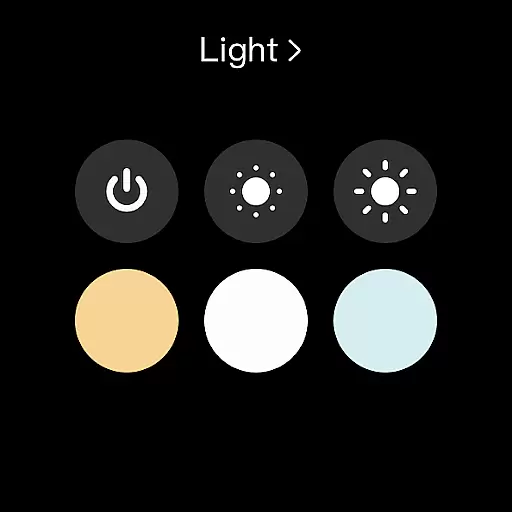
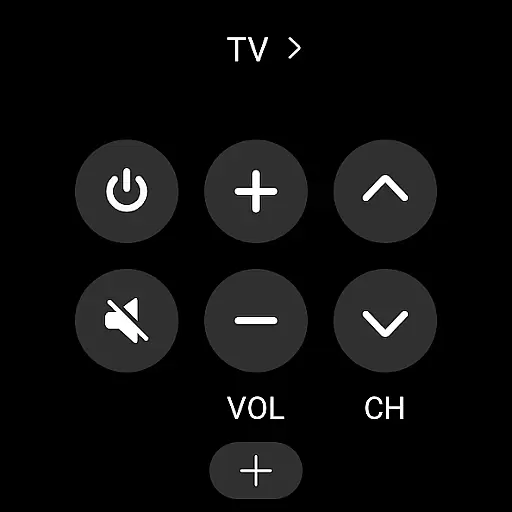
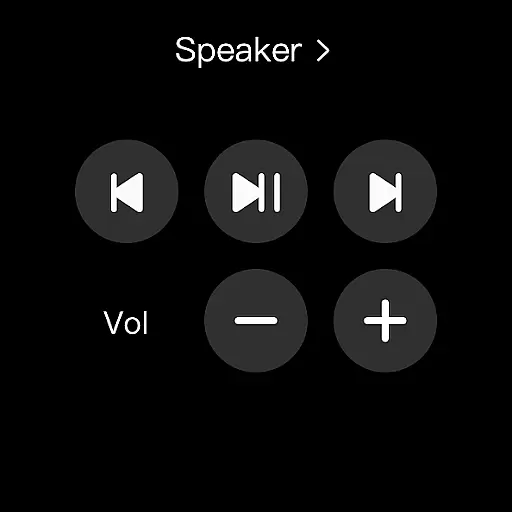
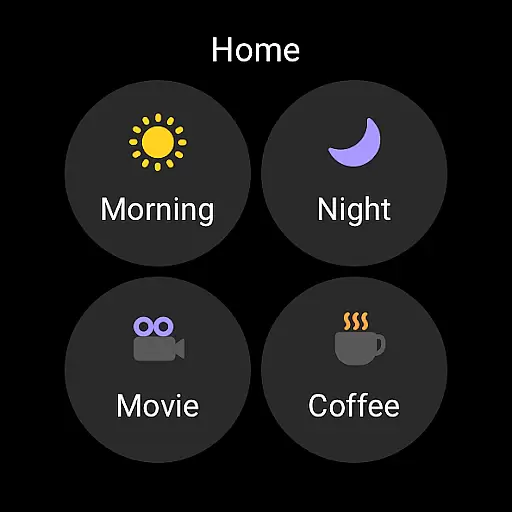
SmartThings is a comprehensive smart home management application designed specifically for Android Wear users. This app allows you to seamlessly connect and control all your smart home devices from a single platform, including Samsung Smart TVs, smart appliances, and third-party brands like Ring, Nest, and Philips Hue.
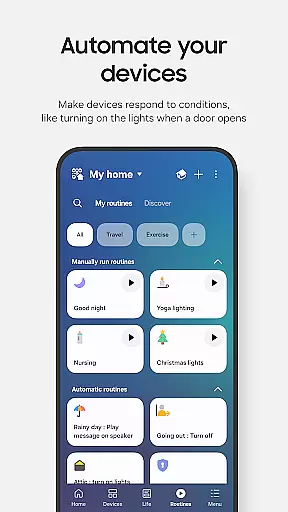
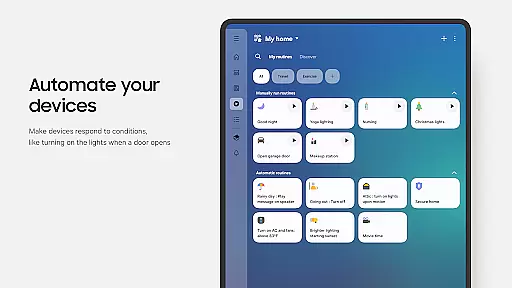
The application's core functionality lies in its ability to monitor and manage multiple smart devices remotely. You can create automated routines based on time, weather conditions, or device status, ensuring your home operates efficiently even when you're away. The integration with voice assistants like Alexa, Bixby, and Google Assistant adds another layer of convenience to your smart home experience.
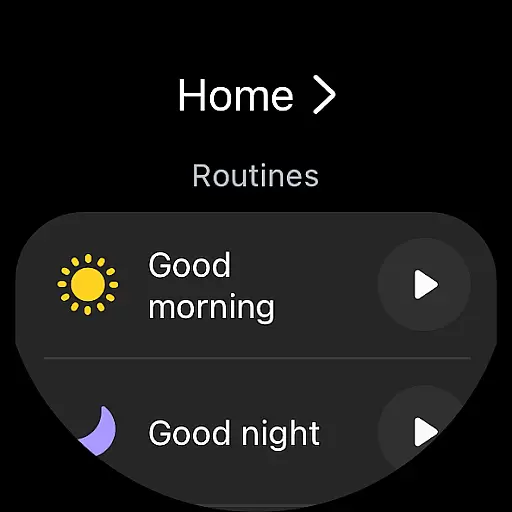
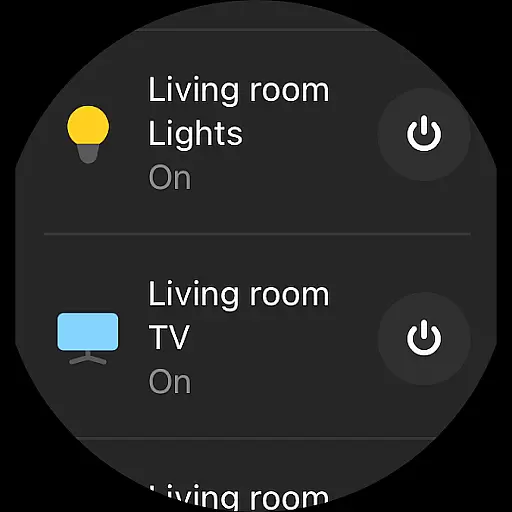
Whether you're at work or on vacation, SmartThings lets you maintain full control over your home environment. The app's compatibility with Wear OS-based watches provides quick access to routine operations and device controls directly from your wrist, making it an essential tool for managing modern smart homes.
SmartThings stands out through its extensive feature set that caters to various smart home needs. The app's primary advantage is its wide compatibility with hundreds of smart home brands, allowing users to consolidate all their smart devices into one unified platform.
A key innovation is the ability to create complex automation routines. Users can design personalized scenarios that trigger based on specific conditions such as time of day, weather changes, or device statuses. The app also supports multi-user access, enabling family members or roommates to share control over smart home devices while maintaining individual preferences.
The integration with voice assistants and support for Wear OS devices demonstrates the app's commitment to accessibility and convenience. These features, combined with real-time notifications and remote monitoring capabilities, make SmartThings a powerful tool for managing sophisticated smart home ecosystems.
Companion app integration is essential for a seamless smart home experience. SmartThings excels in this area by offering comprehensive connectivity options across various devices.
The application serves as a central hub, allowing users to control multiple smart home brands from a single interface. Whether it's Samsung smart TVs, appliances, or third-party products like Ring and Nest, SmartThings ensures smooth synchronization and management.
Users benefit from unified control, enabling them to create routines, share access, and receive real-time updates about their devices. This integration extends to voice assistants such as Alexa, Bixby, and Google Assistant, providing versatile control options.
By maintaining reliable connections between different devices, SmartThings enhances user convenience while optimizing smart home operations, making it an indispensable tool for modern households.
SmartThings demonstrates excellent Wear OS and device compatibility, ensuring users can manage their smart homes directly from their wearable devices.
The app supports Wear OS-based watches, allowing quick access to routines and device controls through dedicated SmartThings tiles. Users can conveniently interact with their smart home systems without needing to take out their phones.
This compatibility extends beyond basic controls, providing complications that enable direct access to SmartThings services from the watch face. However, it's important to note that full functionality requires connection to a mobile phone.
While optimized for Samsung smartphones, SmartThings maintains broad compatibility with other Android devices, though some features might be limited on non-Samsung hardware, offering flexibility in device choice while maintaining core functionalities.
User-friendly interface
Wide device compatibility
Advanced automation options
Voice assistant integration
Wear OS optimization
Limited non-Samsung support
Feature restrictions by region
High memory requirements
Complex setup process
Occasional connectivity issues

A customizable Christmas watch face for Wear OS with a countdown.
 4.20
4.20
Christmas watch face. For Wear OS devices.
4.30
Christmas Theme Watch Face for Wear Os
5.00
Christmas and New Year - Themed Watchface
4.2
Precision analog watch face with 7 complications and style options
4.3
Your second brain for organizing your life: to-do, calendar, reminder.
4.70
Real-time weather radar with temperatures, warnings, hurricanes, and widgets
4.80
A white realistic classic analog watch face with many customization options.
4.40
From periods to pregnancy & perimenopause, Flo helps you track it all. Try now.
4.70
To-Do List: daily schedule planner, task organizer, to do reminder app, calendar
4.60
Fast and smart typing with Emojis, GIFs, and more
4.50
Digital watch face with big numbers and many customization for Wear OS devices
4.40
Locate your family members by GPS phone location tracker everywhere and anytime
4.30
Animated video-game inspired “secret agent” simulation, right on your wrist!
4.20
A digital watch face that celebrates Christmas.
4.00
Viewer for Wyze/Yi/Eufy/Arlo/ONVIF/RTSP/P2P IP cams w/ adv. features & DIY DVR
4.00
an Analog Watch Face for winter season with freeze winter background for Wear OS
4.0
Christmas is near, let's count together the days left until Santa comes
4.2
Stylish digital watch face for Wear OS devices with customizable features
4.3


User Reviews