
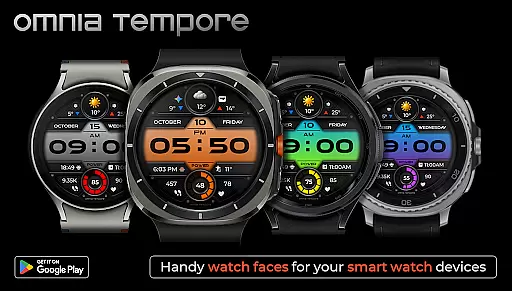
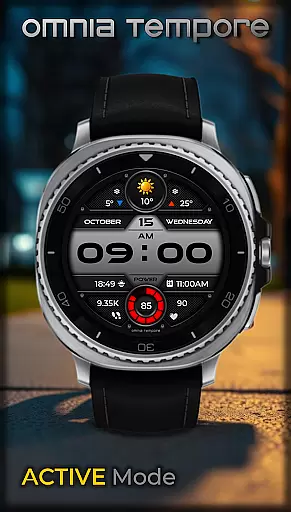
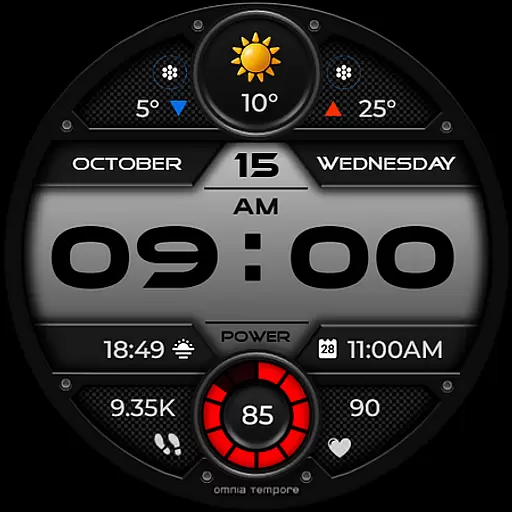
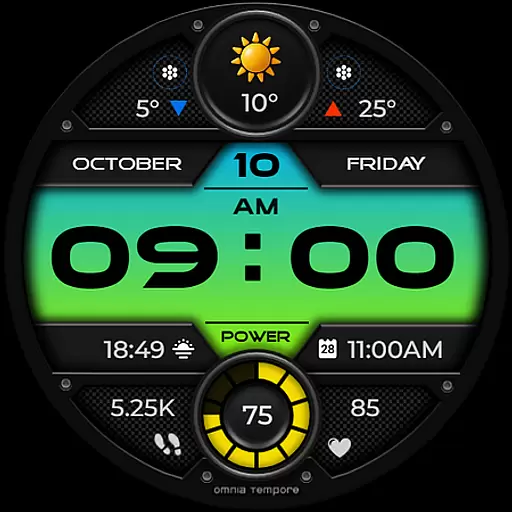
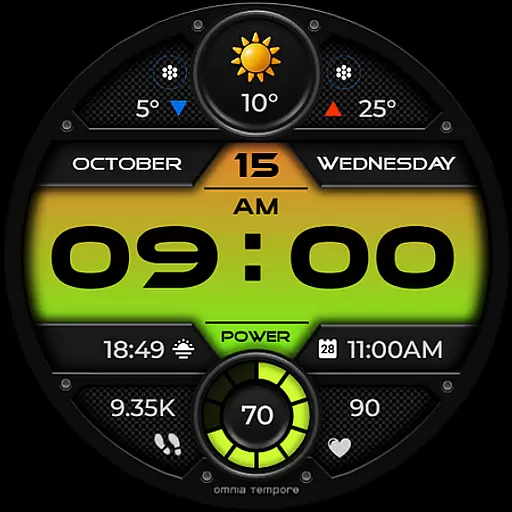
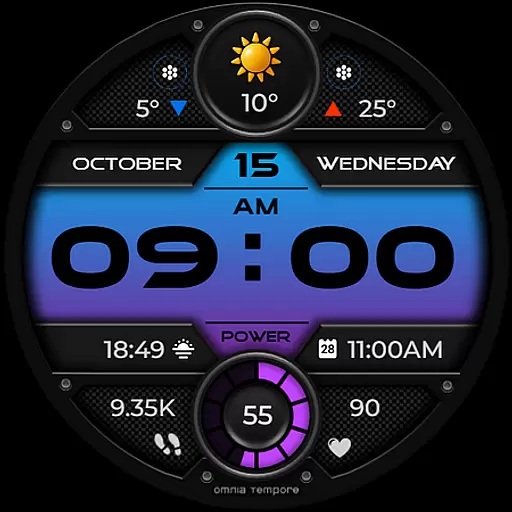
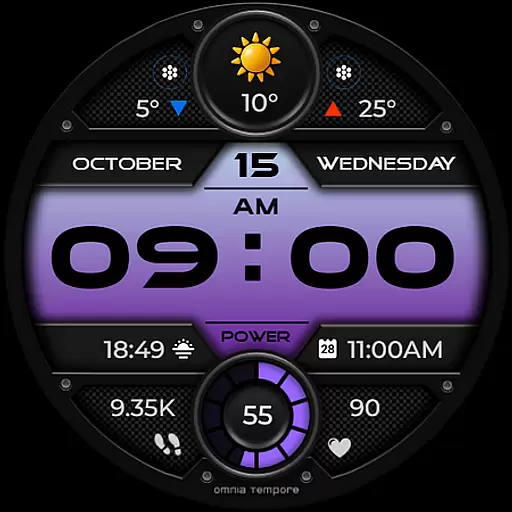
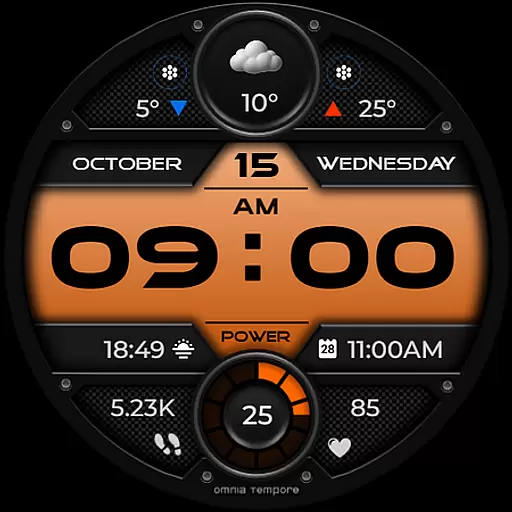
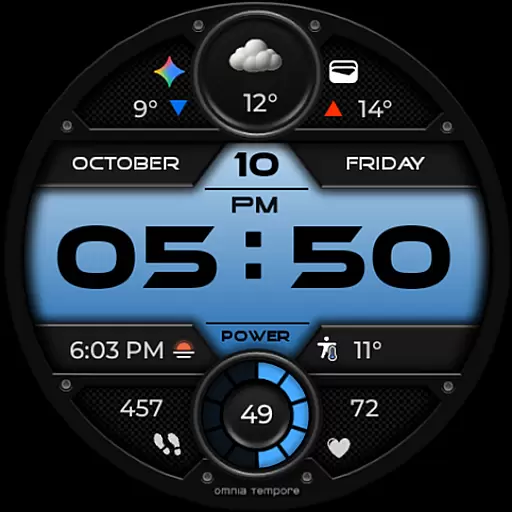
OT is a feature-rich digital watch face designed for Wear OS devices running version 5.0 and above. This stylish timepiece combines sleek aesthetics with essential smart functionalities, making it the perfect companion for both everyday use and active lifestyles.
The watch face provides real-time weather updates, step counting, and heart rate monitoring, ensuring you stay connected to both your personal well-being and the world around you. With customizable complications, app shortcuts, and multiple color options, OT offers personalized convenience right on your wrist.
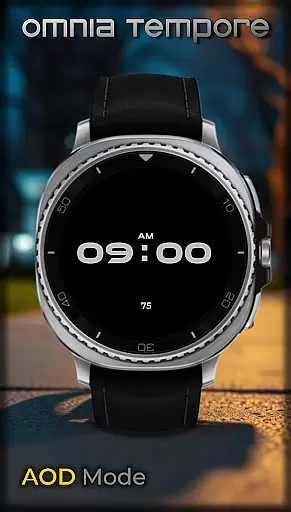
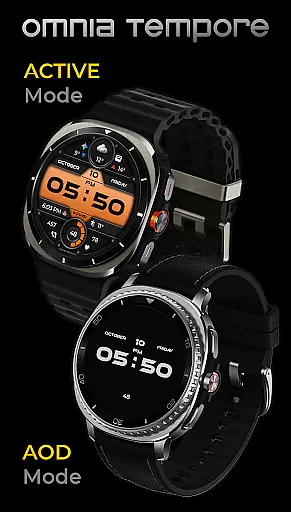
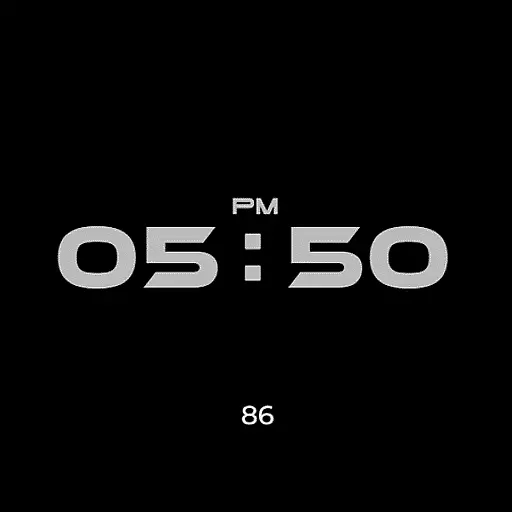
Whether you're managing your schedule during a busy workday or tracking your performance at the gym, OT's modern design and intuitive features provide clarity and control in any situation. Its low power consumption in AOD mode ensures extended usability without compromising style.
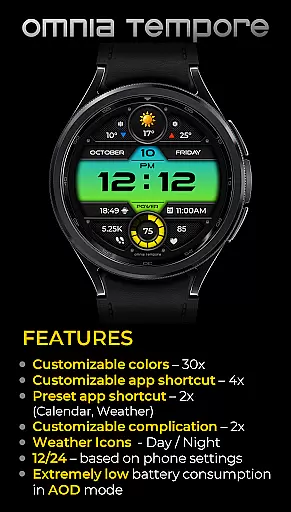
OT stands out with its comprehensive set of features tailored for Wear OS users. The watch face integrates real-time weather updates, allowing you to plan your day effectively while staying informed about current conditions.
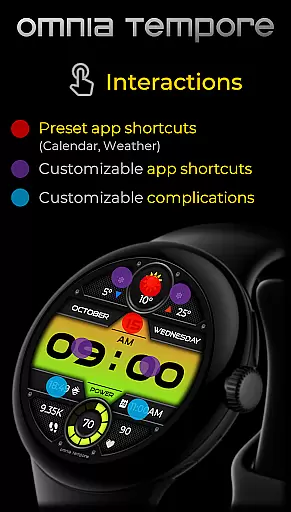
Health and fitness enthusiasts will appreciate the built-in step counter and heart rate tracker, which help monitor daily activity and maintain optimal health. The customizable complications offer two slots to display your preferred information, while the app shortcut system includes four slots (two visible, two hidden) for quick access to frequently used tools like Calendar and Weather.
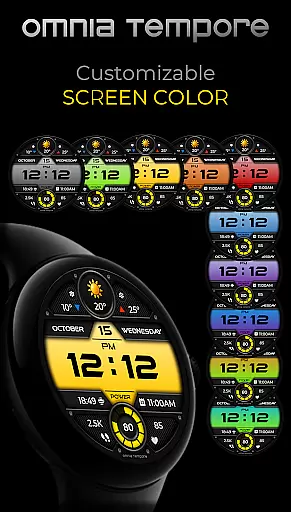
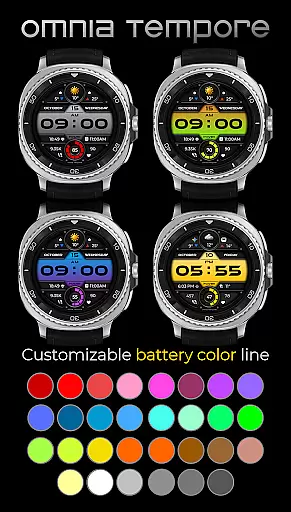
With ten display color variations and thirty battery status color options, users can personalize their experience to match their style. The watch face also boasts efficient power consumption in AOD mode, extending battery life while maintaining essential functionality.
Companion app integration is essential for a seamless wearable experience. OT ensures that your Wear OS device works in harmony with your smartphone, providing real-time synchronization of important data such as weather updates, calendar events, and health statistics.
This stylish digital watch face offers two preset app shortcuts for Weather and Calendar, making it easy to access vital information at a glance. With four additional app shortcut slots available, users can customize their experience by launching their favorite tools directly from the watch face.
The ability to stay connected to both your personal and digital worlds without missing a beat is what sets OT apart. By integrating customizable complications, users can prioritize the stats that matter most to them, ensuring they have the right information at the right time.
Compatibility with Wear OS devices is crucial for any app designed for smartwatches. OT is optimized for Wear OS 5.0 and above, ensuring that users can enjoy its features on a wide range of modern devices.
With support for a variety of display customizations, including 10 color versions and 30 battery status color options, OT provides a personalized experience that aligns with individual preferences while maintaining optimal performance.
Low power consumption in AOD mode means that users can benefit from continuous visibility of their stats without compromising battery life. This balance between functionality and efficiency makes OT an ideal choice for those seeking a smartwatch face that's both stylish and reliable.
Real-time weather updates
Heart rate monitoring
Customizable complications
Low power consumption
Multiple color options
Limited to Wear OS
Requires Android 5.0+
Some features need apps
Premium customization
Battery usage varies

Diet tracker for weight loss - track calories, food and macros. Simple and easy!
 4.70
4.70
Wear Os Watch Face - Animated Snow Effect & Christmas Lights
4.3
WTW M17 is a premium and luxurious hybrid watch face
4.70
Highly customizable hybrid watch face for Wear OS, perfect for everyday use.
4.60
Wear Os Watch Face - Animated Snow - Sesonal for Christmas & Winter
4.4
Kia Access makes getting your vehicle information easier than ever
4.60
Period, ovulation & pregnancy tracker. Fertility insights & menstrual calendar.
4.90
Fast and smart typing with Emojis, GIFs, and more
4.50
Track your active life in one place and share the journey with friends.
4.40
Walking app for weight loss: walk & step tracker, pedometer, indoor treadmill
4.60
A realistic hybrid watch face with many customization options.
4.60
Embrace the holiday spirit with this magical animated watch face!
4.40
A customizable Christmas watch face for Wear OS with a countdown.
4.20
Wear Os Watch Face - Animated Snow Effect & Magic Spark - 6 Scenes
4.10
Viewer for Wyze/Yi/Eufy/Arlo/ONVIF/RTSP/P2P IP cams w/ adv. features & DIY DVR
4.00
Authentic military-tactical design with ZULU time! Realistic and functional!
3.80
Contemporary digital watch face with five complications
4.2
Stunning modern digital watch face with 7 complications and strong contrast
4.0
Hybrid Vibrant Health Watch Face for Wear OS
4.3


User Reviews