
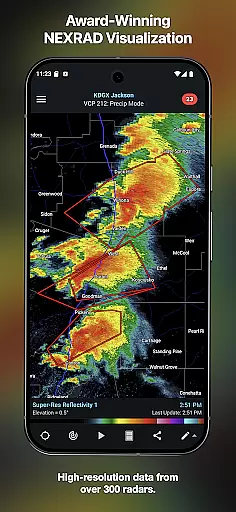
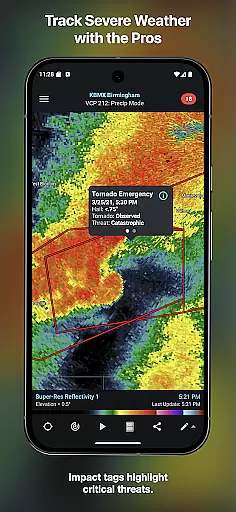
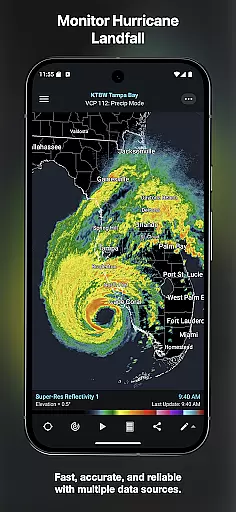
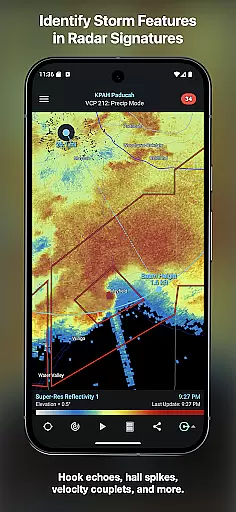
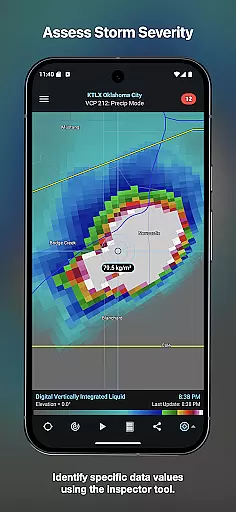
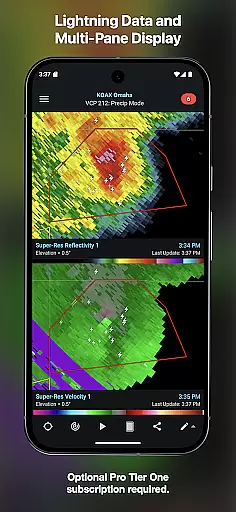
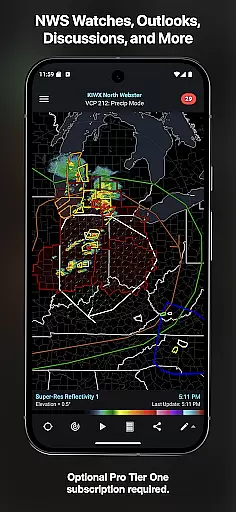
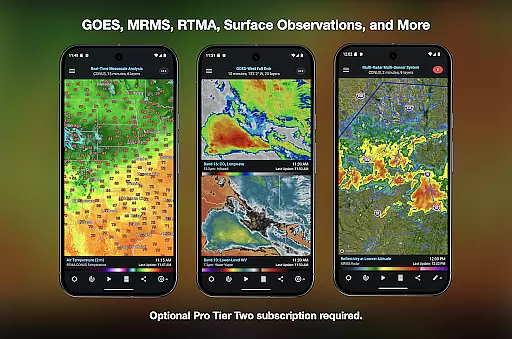
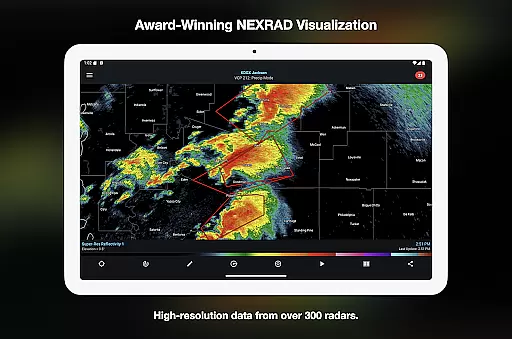
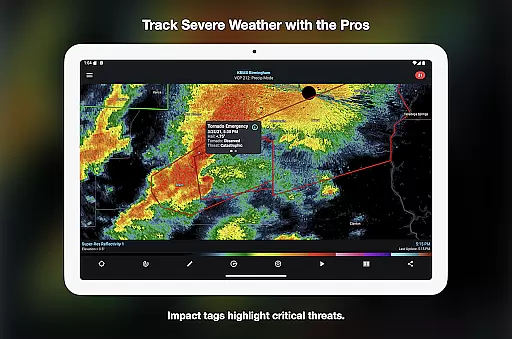
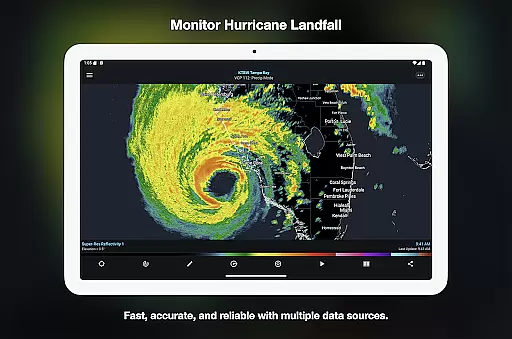
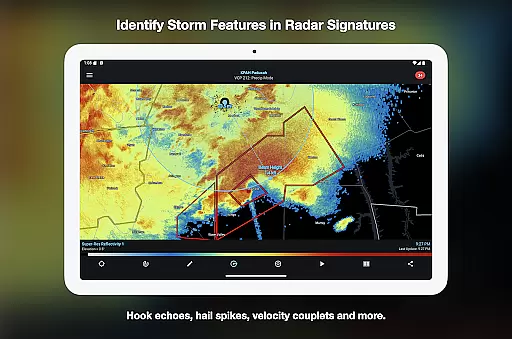
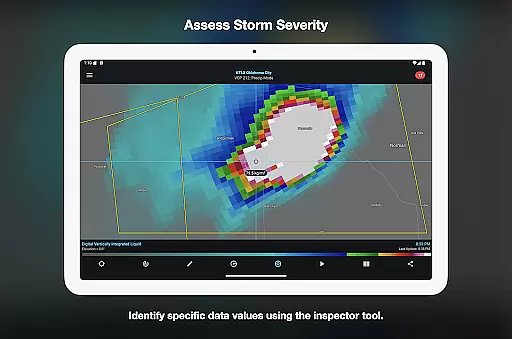

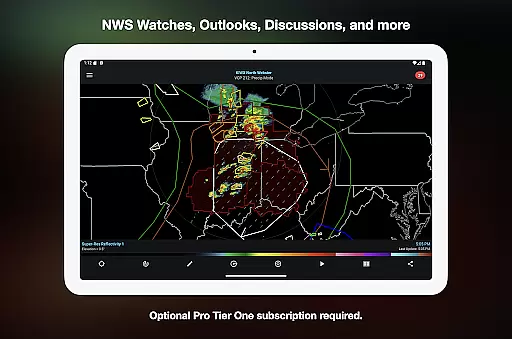
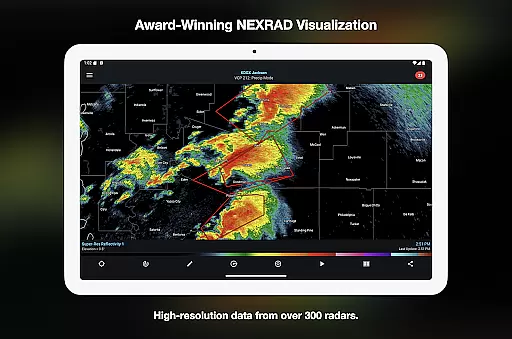
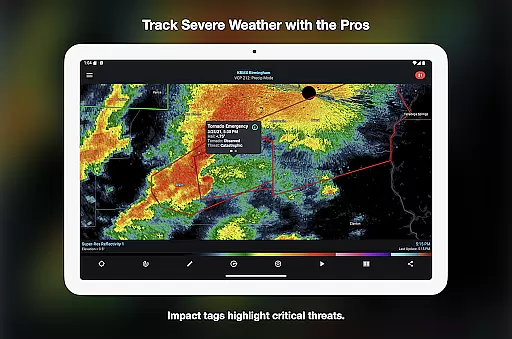
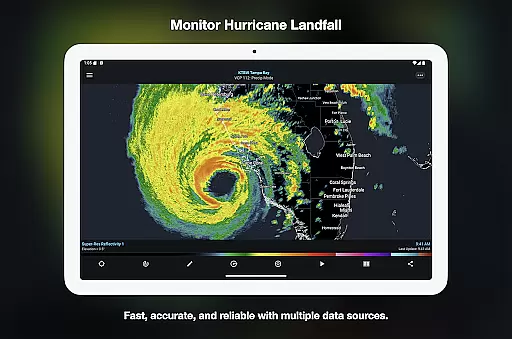
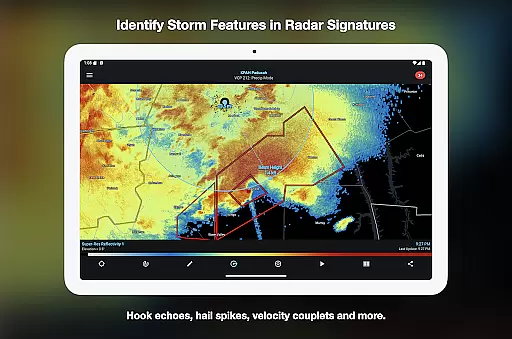
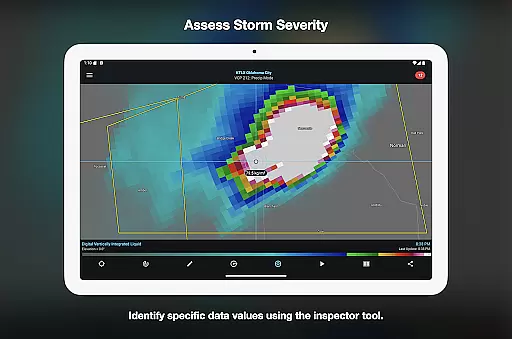
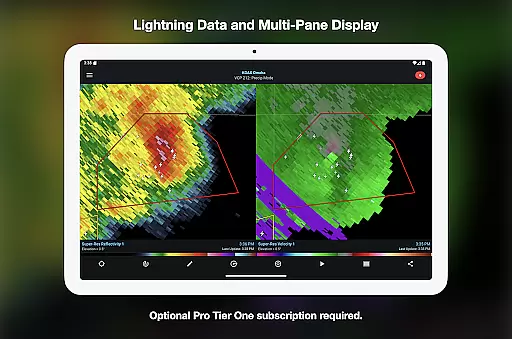
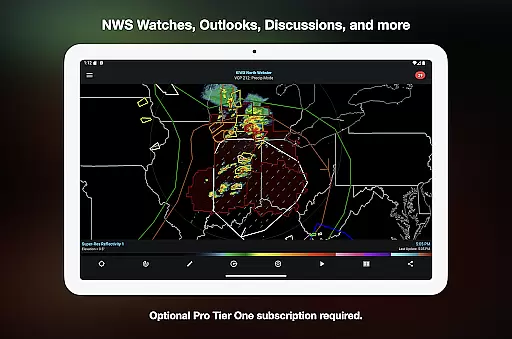
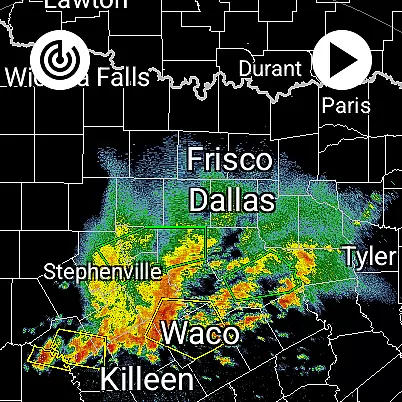
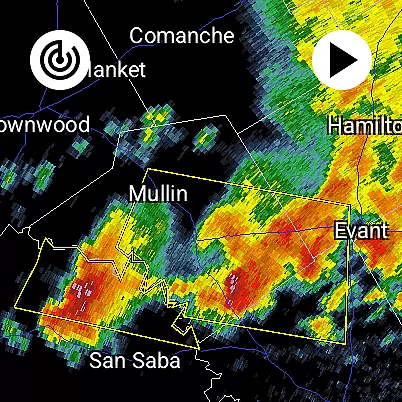
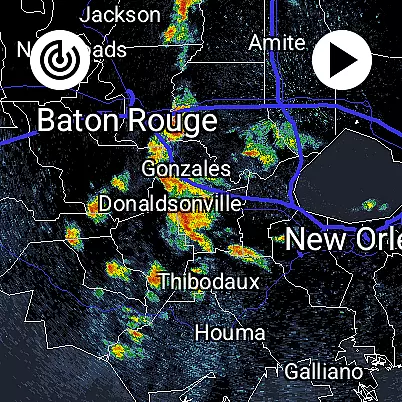
RadarScope is a professional weather visualization tool designed for meteorologists, public safety officials, storm spotters, and weather enthusiasts. The app provides access to a full suite of single-site radar data and severe weather products from multiple countries, with real-time updates every two to ten minutes. Its native display of radar data in original radial format ensures accuracy and timeliness, making it an essential tool for tracking storms, hurricanes, and other severe weather events.
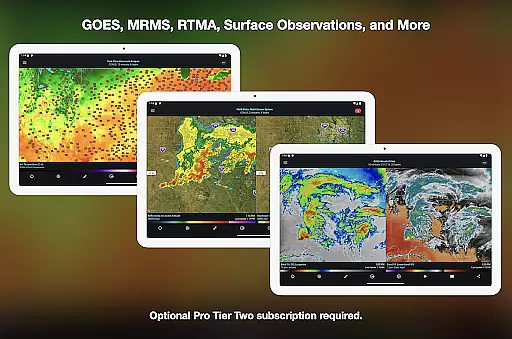
The initial purchase includes professional radar visualization features such as 6-frame radar loops, tornado and thunderstorm warnings, NWS-generated storm tracks, and integration with services like AllisonHouse and Spotter Network. Optional RadarScope Pro subscriptions (Tier One and Tier Two) unlock advanced capabilities, including longer radar loops, lightning strike data, satellite imagery, and historical weather archives. Available on Android and Wear OS, this universal app supports widgets and Family Library sharing.
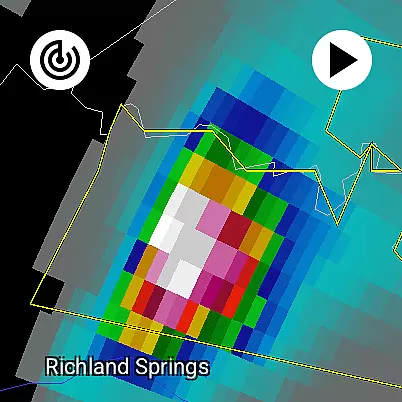
RadarScope stands out with its comprehensive suite of weather visualization tools tailored for both casual users and professionals. The app offers detailed radar data from the US, Canada, Guam, Denmark, Finland, and Germany, ensuring global coverage for severe weather tracking. With automatic updates every few minutes, users can monitor real-time developments such as mesocyclones, hurricane eye walls, and hail spikes without delay.
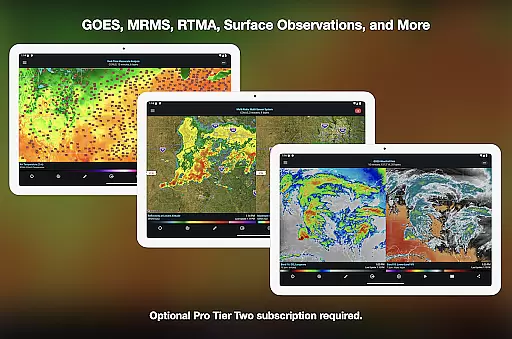
Advanced features include Inspector and distance tools, custom color palettes for radar data, and integrations with third-party services like mPING and AllisonHouse. RadarScope Pro subscriptions expand functionality further, offering multi-pane displays, GOES satellite products, and NEXRAD Level II and III data with decades-long historical archives. These capabilities make RadarScope indispensable for analyzing past weather patterns or preparing for future events.
For power users, the app supports server-sent event notifications, cross-platform subscription sharing on up to five devices, and highly detailed transportation maps. Whether you're identifying storm attributes like hail size or exploring atmospheric soundings, RadarScope combines precision, flexibility, and reliability into one powerful package.
Companion app integration is essential for Android Wear applications as it ensures seamless data synchronization and feature coordination between the wearable and its paired mobile device. RadarScope excels in this area by offering a unified experience across both Android and Wear OS platforms.
The app's architecture allows users to access critical weather data directly on their smartwatch without compromising functionality or speed. This is made possible through robust companion app integration that maintains consistent updates between devices.
Users benefit from having immediate access to radar loops, severe weather warnings, and other vital meteorological information right on their wrist. The automatic synchronization ensures that whether they're viewing data on their phone or smartwatch, the information remains current and accurate.
This level of integration significantly enhances user convenience, allowing meteorologists and weather enthusiasts to monitor developing weather patterns while on the move, demonstrating RadarScope's commitment to providing professional-grade tools across all devices.
Device compatibility is crucial for Android Wear applications, ensuring the software functions optimally across various Wear OS devices. RadarScope demonstrates exceptional compatibility, operating as a universal app that works seamlessly on both Android and Wear OS platforms.
The application is engineered to adapt to different screen sizes and hardware capabilities, maintaining high performance standards regardless of the specific device. This universal design approach guarantees that users can access detailed radar imagery and severe weather products on their preferred wearable technology.
With support for widgets and bundled maps optimized for low-bandwidth use, RadarScope ensures that even users with older Wear OS models can effectively utilize its features. The app's efficient resource management enables smooth operation without excessive battery drain.
This comprehensive device compatibility strategy allows RadarScope to deliver professional-grade weather visualization tools to the widest possible audience of meteorologists and weather enthusiasts who rely on wearable technology.
Real-time radar updates
Global radar coverage
Pro subscription options
Historical weather data
Wear OS compatibility
Subscription costs
Complex for beginners
Limited free features
High data usage
No iOS version

Watch the sharpness of the sky on your wrist..
 3.70
3.70
Highly customizable hybrid watch face for Wear OS, perfect for everyday use.
4.60
Embrace the holiday spirit with this magical animated watch face!
4.40
Christmas is near, let's count together the days left until Santa comes
4.4
Current temperature, weather hourly, weather radar by the weather forecast app
4.40
The #1 source of faces for your smartwatch!
4.00
The most customizable hybrid watch face. For Wear OS 5.0, API 34+ and later
4.70
Fast and smart typing with Emojis, GIFs, and more
4.50
Track your active life in one place and share the journey with friends.
4.40
A modern hybrid informative watch face for Wear OS designed by BALLOZI
4.80
The Chevron App allows you to pay for fuel from the comfort of your car!
4.80
WTW M17 is a premium and luxurious hybrid watch face
4.70
Rose gold watch face with festive lights & customizable features.
4.60
Stylish, Energizing and Modern Watch Face crafted by Dominus Mathias.
4.50
Premium hybrid watch face with many customizations for Wear OS devices.
4.40
Stay in touch with your friends and family using LINE!
3.40
an Analog Watch Face for winter season with freeze winter background for Wear OS
4.3
Stunning modern digital watch face with 7 complications and strong contrast
4.3
3 Complications. All shadow on/off. 30 Themes color palette...
4.2


User Reviews