
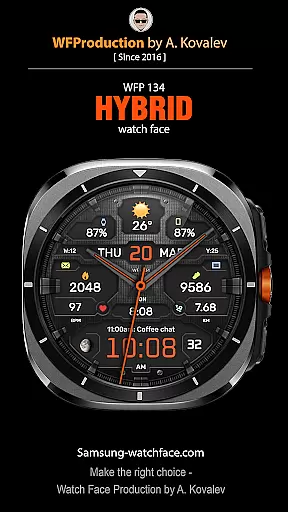
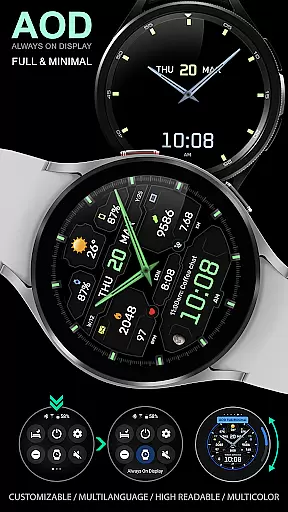
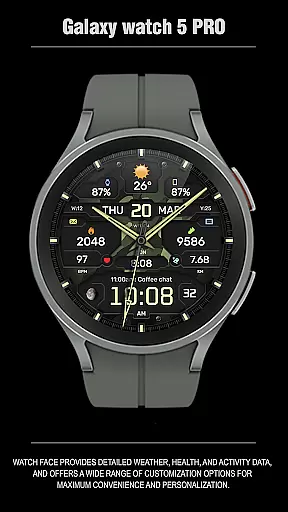
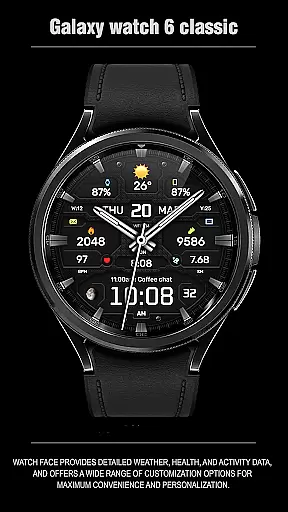
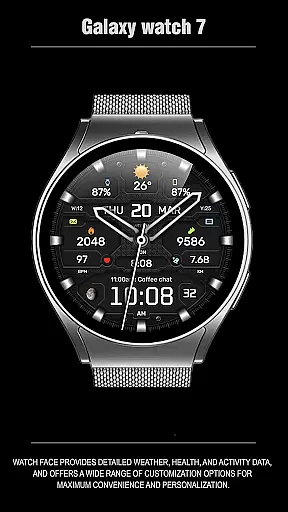
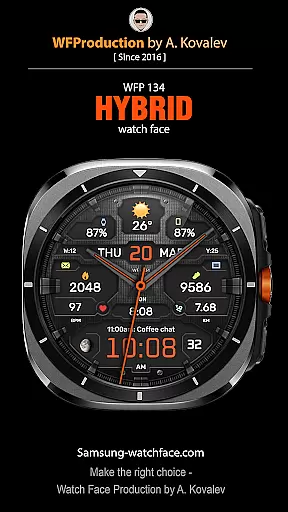
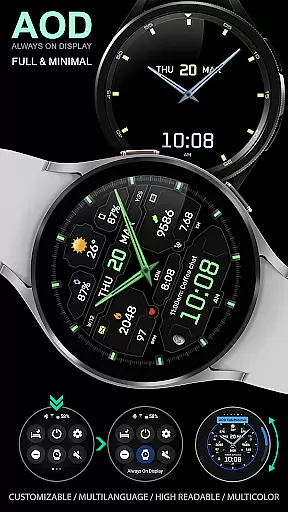
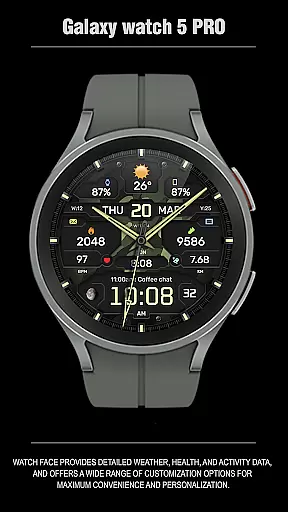
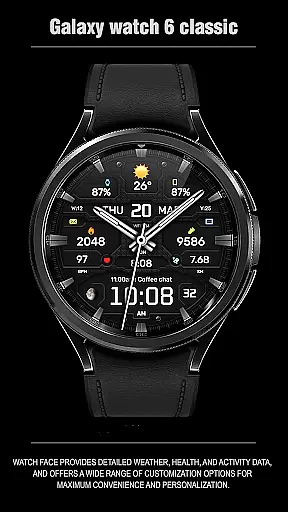
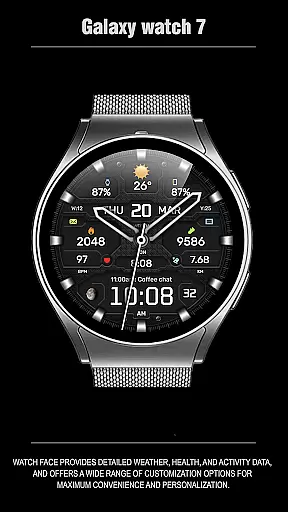
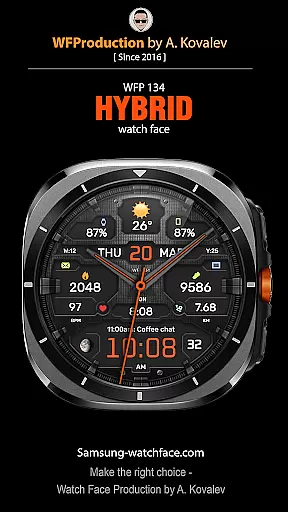
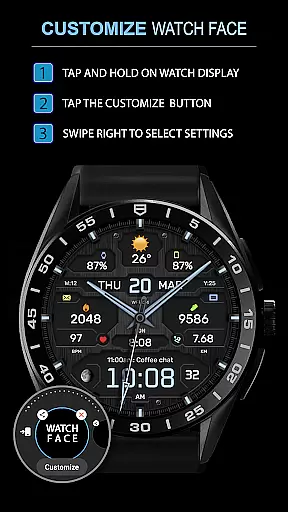
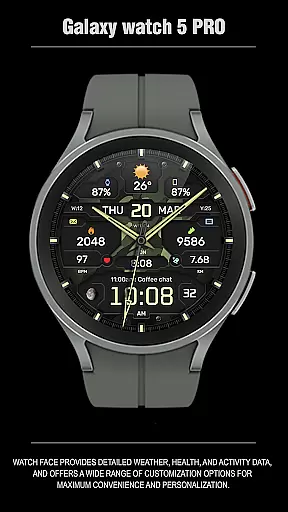
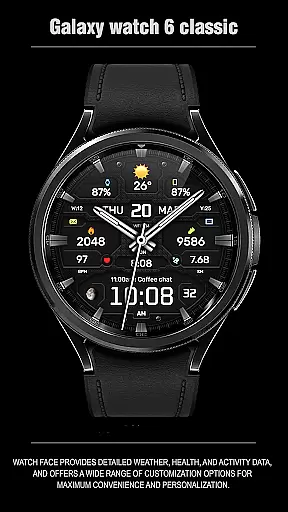
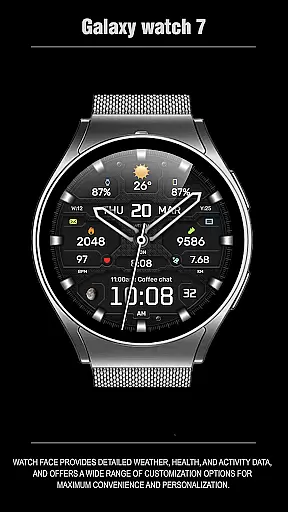
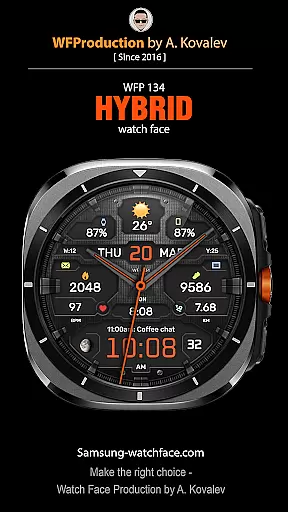
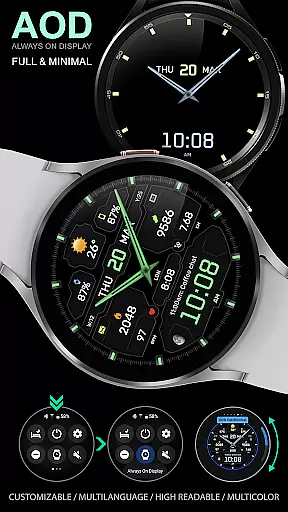
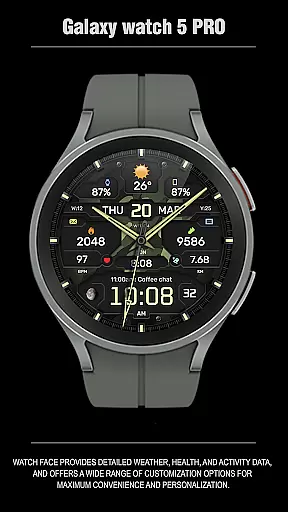
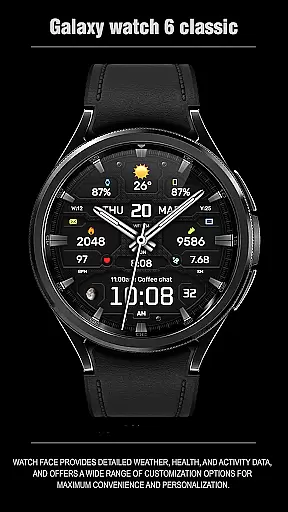
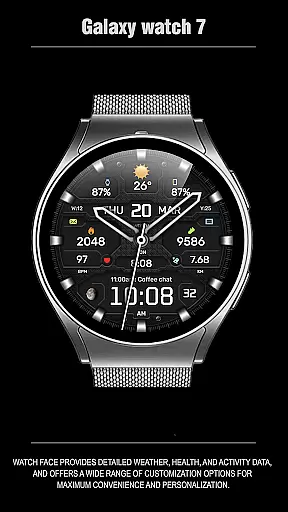
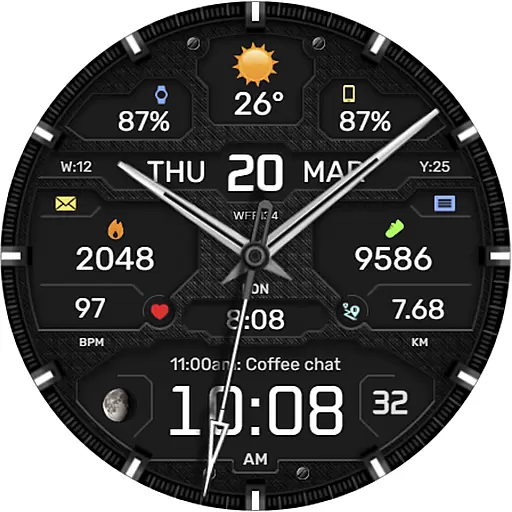
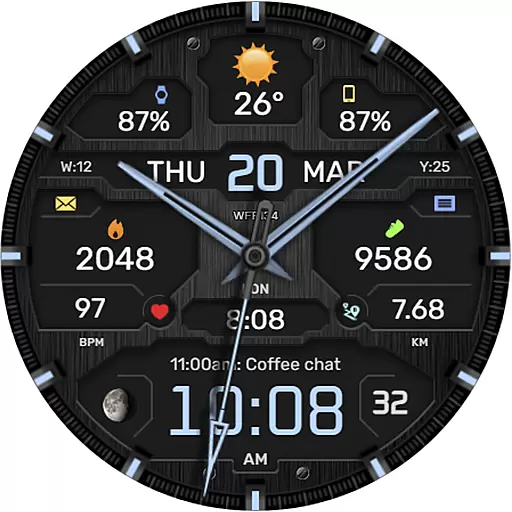
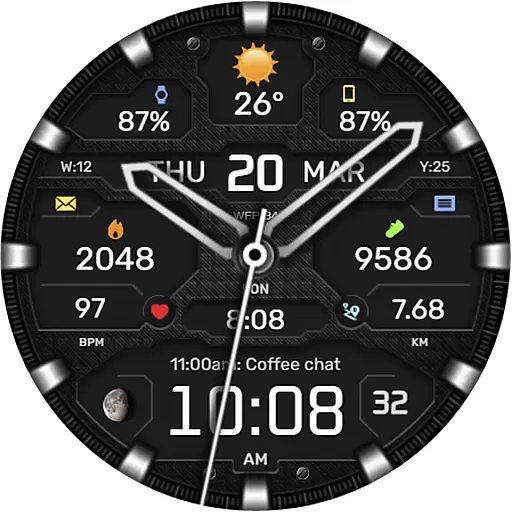
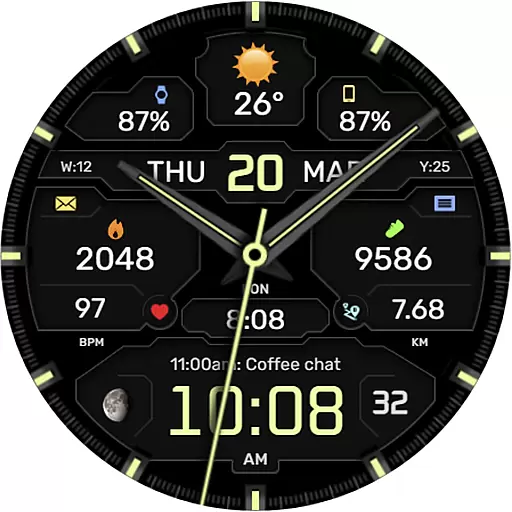
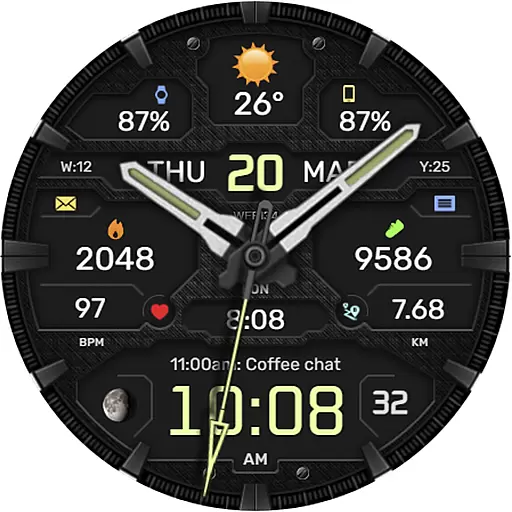
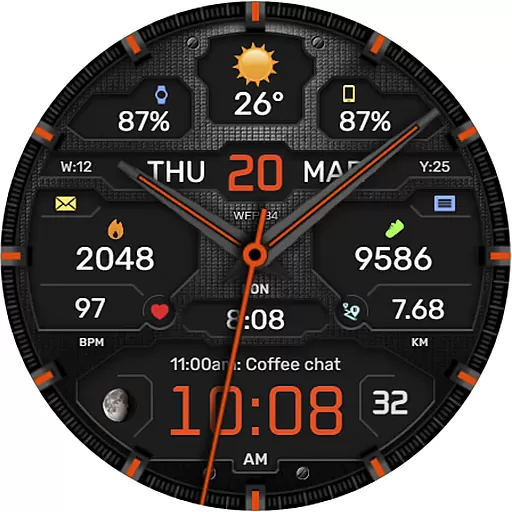
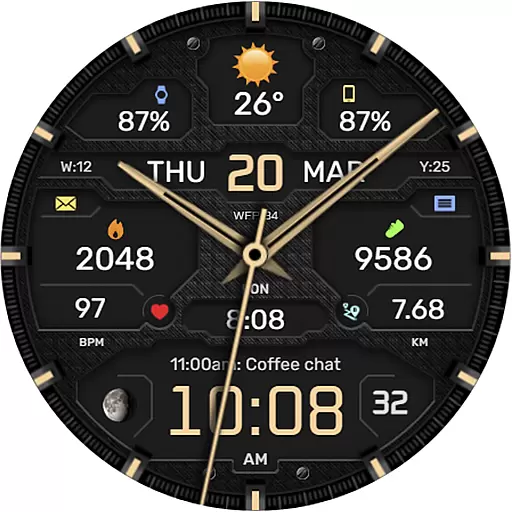
The WFP 134 Hybrid watch face is a stylish and functional wearable application designed for Android Wear devices. It offers users detailed weather forecasts, health tracking, and activity monitoring while providing extensive customization options. With compatibility for devices running API 34+ and later, this watch face ensures broad device support.
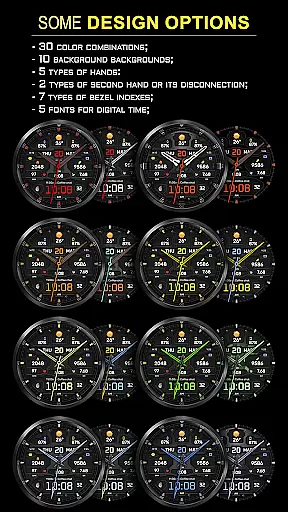
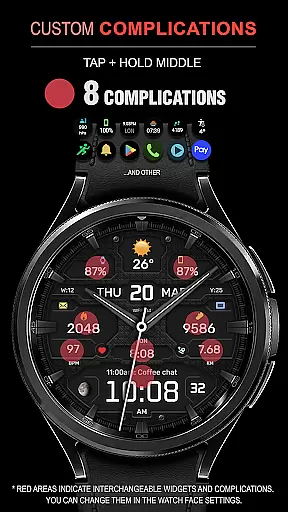
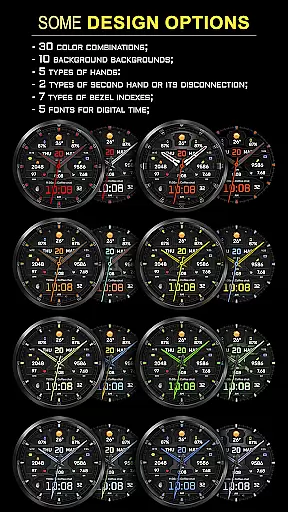
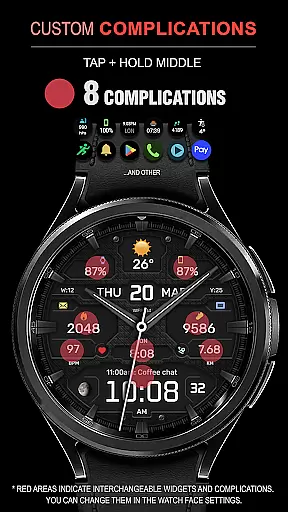
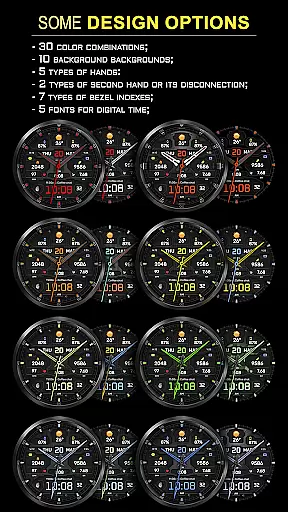
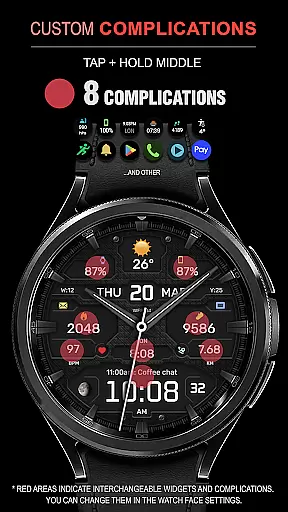
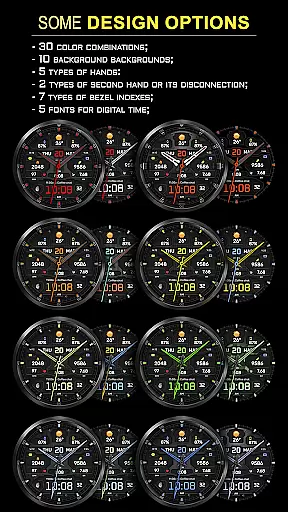
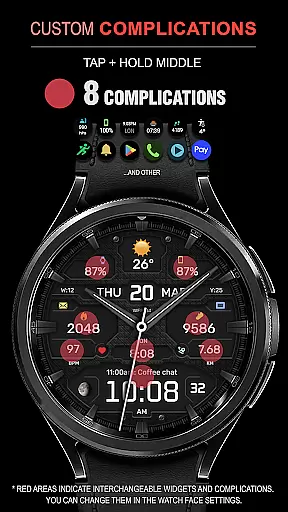
Key features include eight complications, thirty color combinations, ten backgrounds, and multiple types of hands and bezel indexes. Users can also choose between Fahrenheit or Celsius temperature displays and enjoy a high-resolution, optimized experience with low battery consumption. Whether you're looking to personalize your watch face or access essential data at a glance, the WFP 134 Hybrid watch face delivers both style and utility.
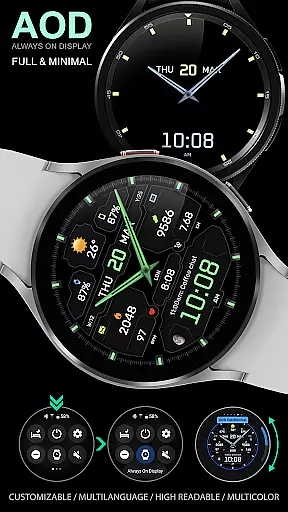
The WFP 134 Hybrid watch face stands out with its rich feature set tailored for personalization and functionality. One notable aspect is its customizable Always-On Display (AOD) mode, which comes in full and minimal settings, allowing users to tailor their viewing experience even when the watch is idle.
In addition to offering five fonts for digital time display and two types of second hands (or the option to turn it off), the watch face includes a weather forecast and moon phase indicator. These features ensure that users have quick access to vital information without needing to reach for their phones. The inclusion of multilingual support and high optimization further enhances usability across different regions and user preferences.
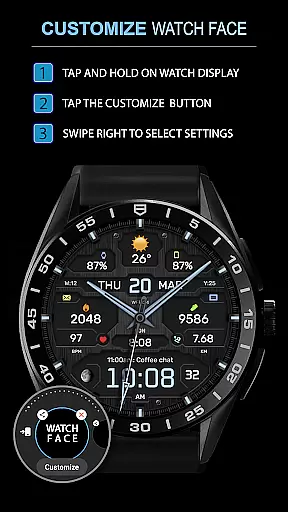
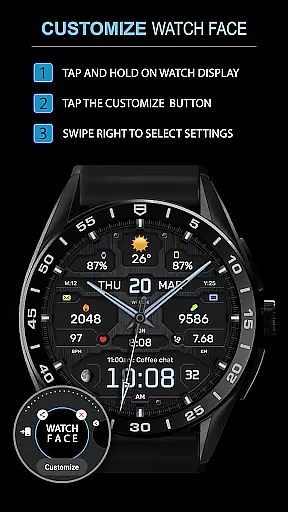
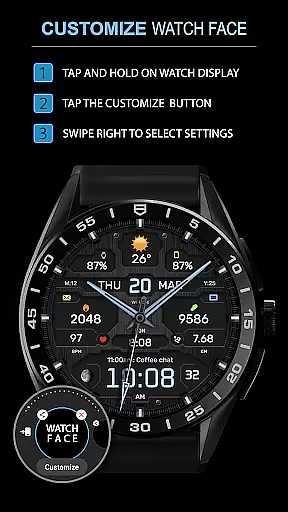
Companion app integration is essential for a seamless experience between wearable devices and smartphones. The WFP 134 Hybrid watch face excels in this area by offering users the ability to customize their watch face directly from their phone.
This application provides detailed weather, health, and activity data synchronization with compatible devices. Users can access various widgets such as phone charge status, calorie tracking, and floor counting through easy-to-follow instructions available on the developer's website.
By following the provided links, customers can learn how to set up these useful features that enhance daily life management right from their wrist. This connectivity ensures that all important information is readily accessible at any time.
The companion app also supports buying promotions like 'Buy 1 - Get 1 Free', which adds value for users looking to explore different styles or share with friends. Such integrations make the WFP 134 not just a timepiece but a comprehensive lifestyle tool.
Ensuring broad device compatibility is crucial for reaching more users. The WFP 134 Hybrid watch face is designed to work seamlessly with devices running API level 34+ and later versions, making it accessible to a wide audience of tech-savvy individuals.
With clear installation instructions available online, setting up this stylish yet functional watch face becomes straightforward even for those new to Wear OS technology. Compatibility spans across multiple Samsung models ensuring most Android users benefit from its advanced features.
Users appreciate high optimization and low battery consumption paired with extensive customization options including complications, color schemes, backgrounds, hands types, fonts, and bezel indexes. These elements contribute significantly towards personalizing each useru2019s unique style while maintaining optimal performance.
Moreover, multilingual support enhances global accessibility allowing international audiences to enjoy localized experiences tailored specifically for them. Whether you're monitoring moon phases or adjusting AOD modes, rest assured knowing your device will handle everything smoothly thanks to robust system integration.
Highly customizable
Low battery usage
Wide compatibility
Stylish design
Comprehensive weather data
Complex setup process
Limited free features
Requires API 34+
No built-in GPS
Premium cost for full access

Gym Log & Workout Tracker | Fitness Journal, Training & Weight Lifting Planner
 4.90
4.90
Snowflake Rose Gold Watch Face - Digital, modern, & sleek with GYRO effect.
4.10
Christmas is near, let's count together the days left until Santa comes
4.4
Sleek, highly customizable watch face inspired by Galaxy Watch Circle Dashboard.
4.1
Bold, Modern Hybrid Watch Face for Wear OS. 10 Colors, Rich Info Display.
4.30
Ideal for surviving in the wasteland left after nuclear fallout
4.50
Track your active life in one place and share the journey with friends.
4.40
Control your Samsung Smart TVs, appliances, and SmartThings-compatible devices
4.60
From periods to pregnancy & perimenopause, Flo helps you track it all. Try now.
4.70
Monitor health with the stress test and pulse checker in the heart rate app.
4.60
Connect, create, and collaborate with Gmail, part of Google Workspace.
4.10
Hyper-Realistic Airplane Dashboard Watch Face With 10 Skins and Custom AOD
4.00
Animated Watch Face and Customizable with 24 Backgrounds. Perfect for Christmas!
3.90
Watch the sharpness of the sky on your wrist..
3.70
A full-featured Amazon Alexa voice assistant that can show you things.
3.70
an Analog Watch Face for winter season with freeze winter background for Wear OS
4.5
Precision analog watch face with 7 complications and style options
4.2
Stylish digital watch face for Wear OS devices with customizable features
4.1
Fitness interactive virtual pet super fighter boy watch face
4.3


User Reviews