
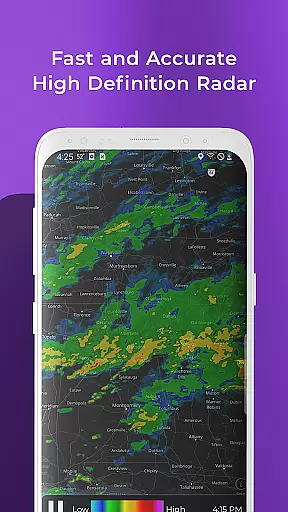
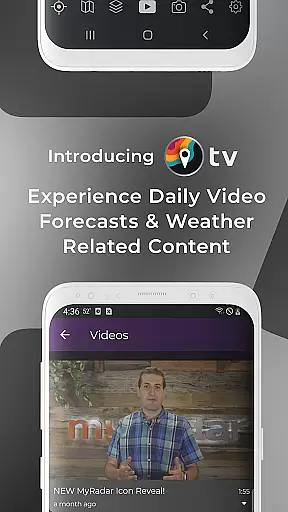
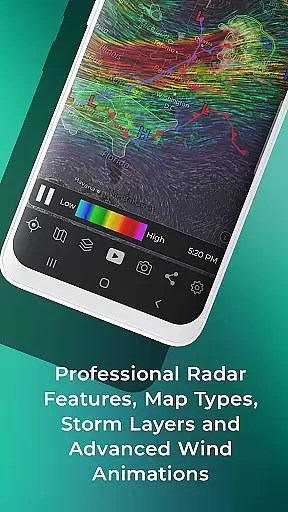
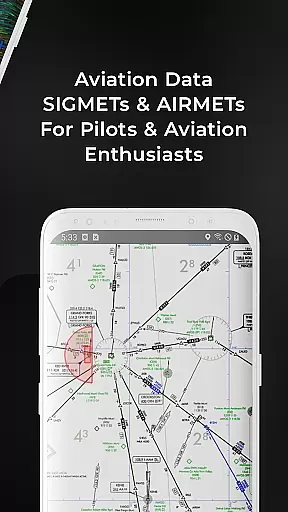
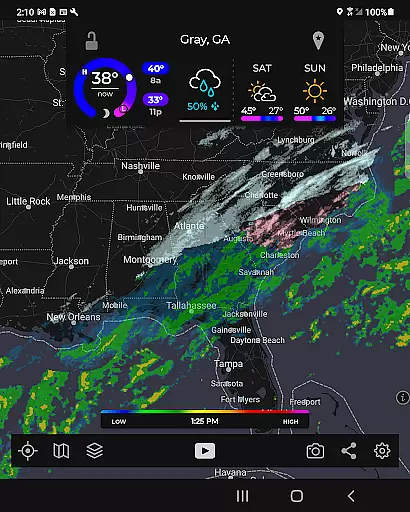
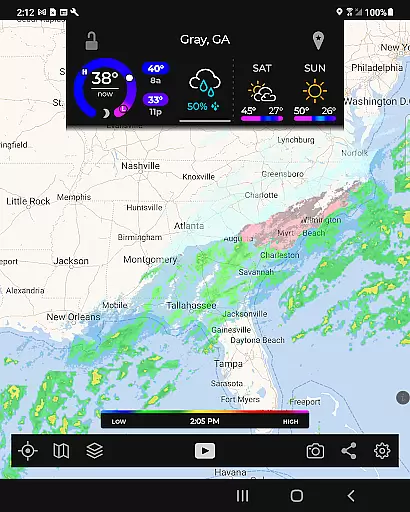
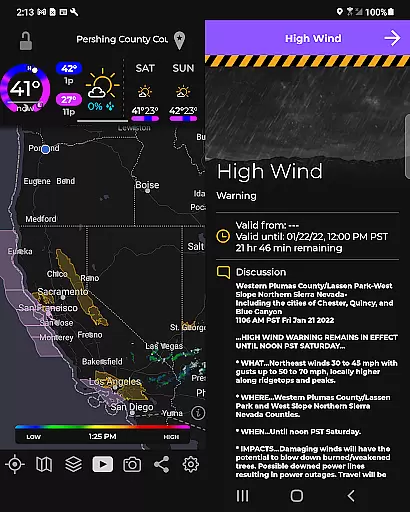
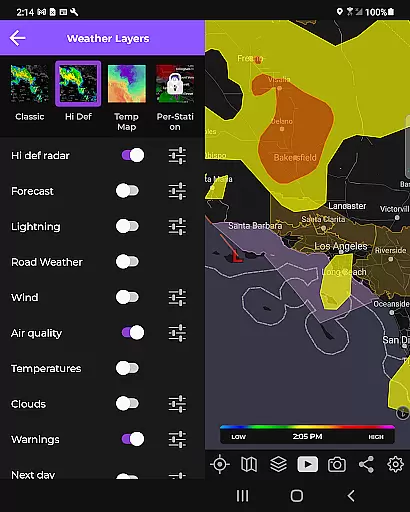
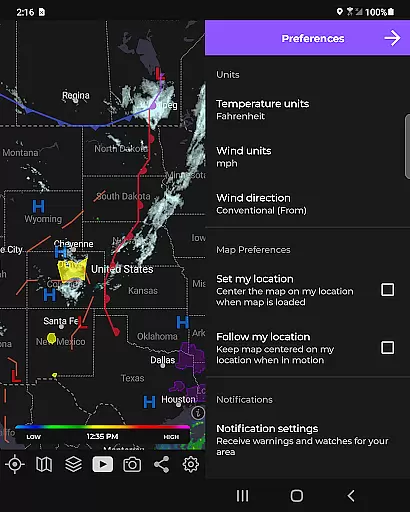
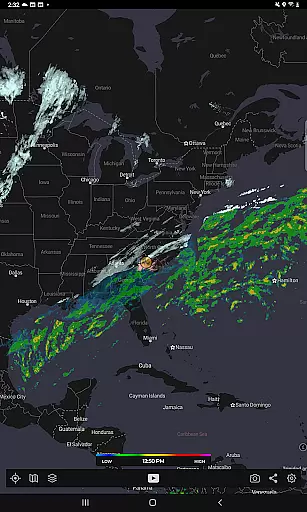
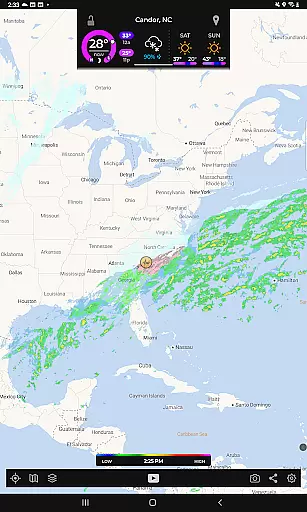
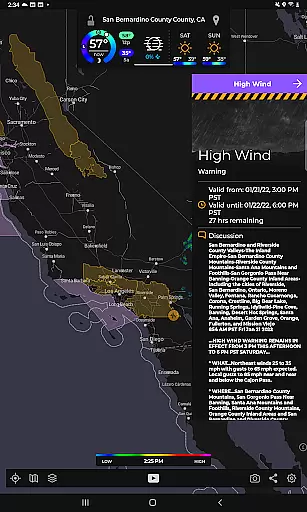
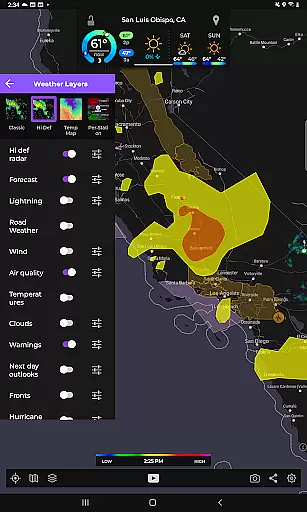
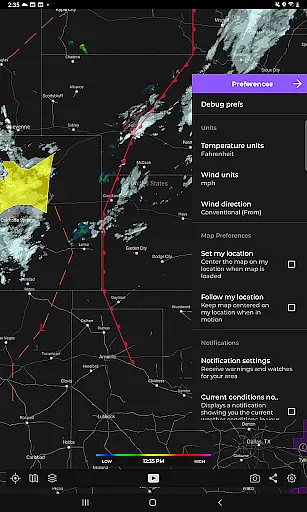
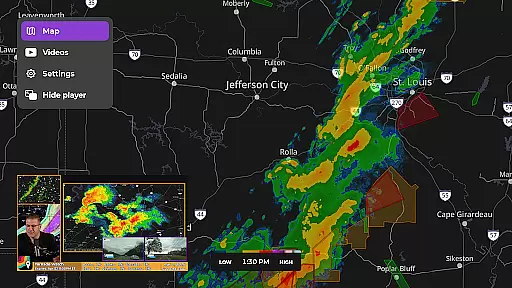
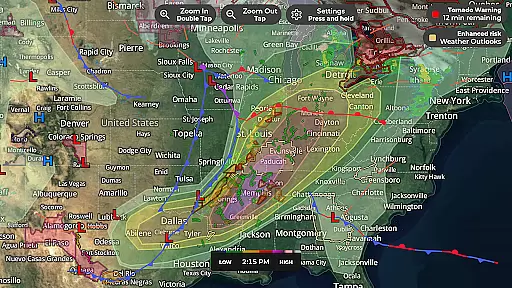
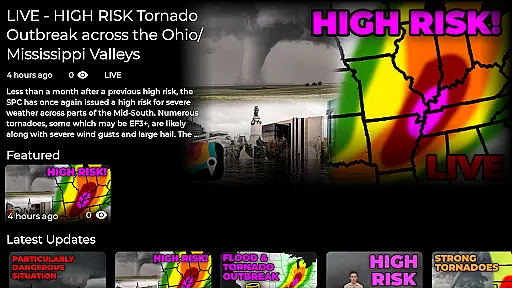
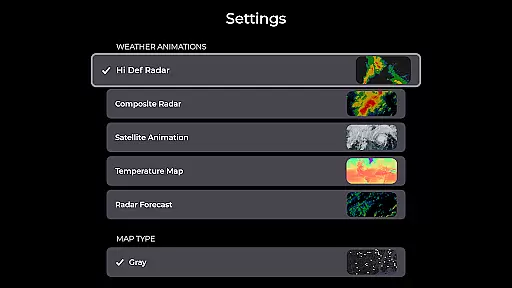
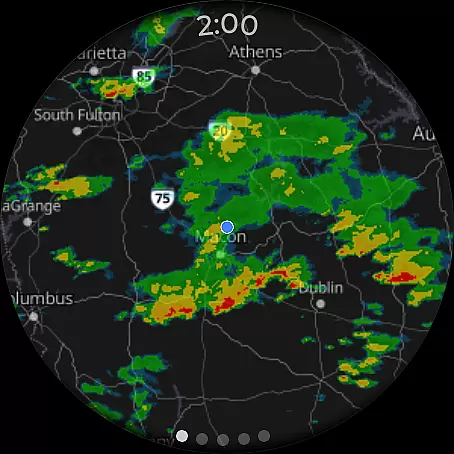
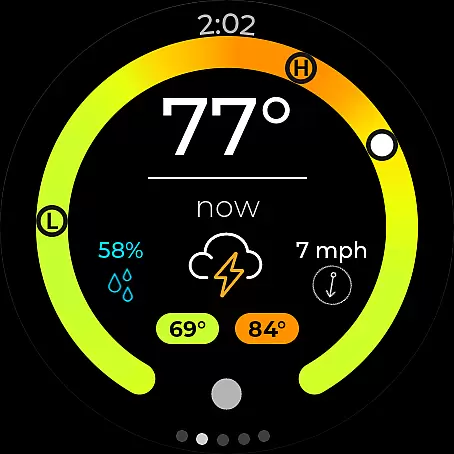
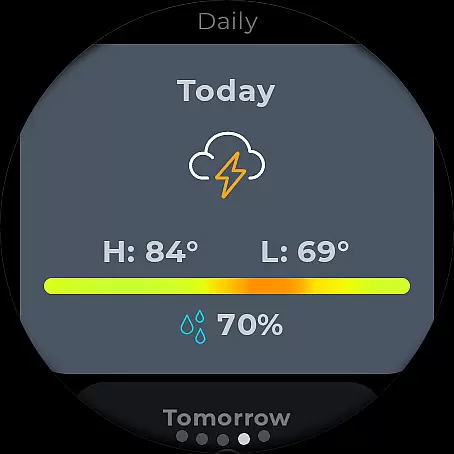
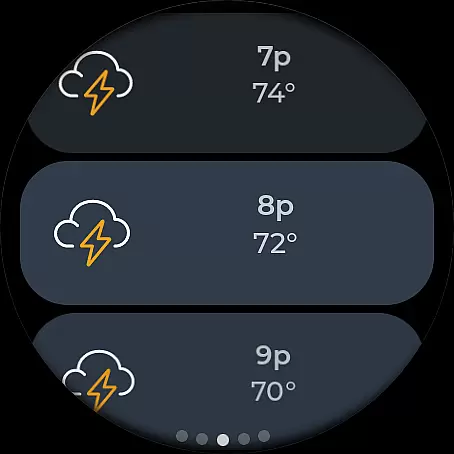
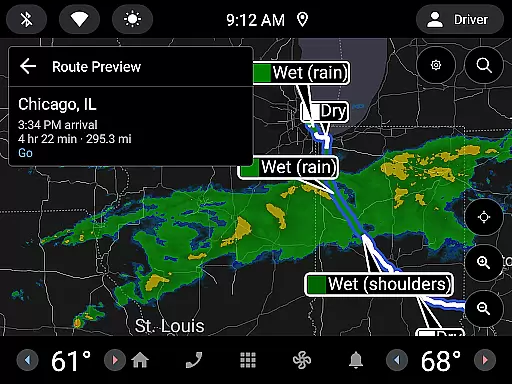
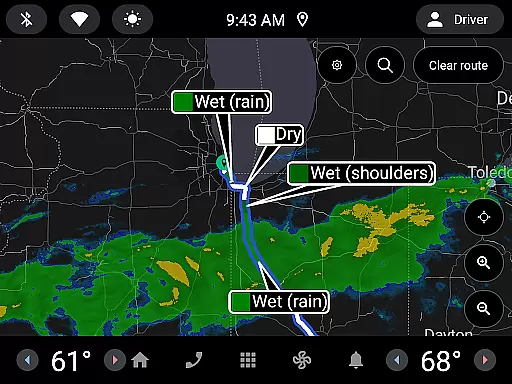
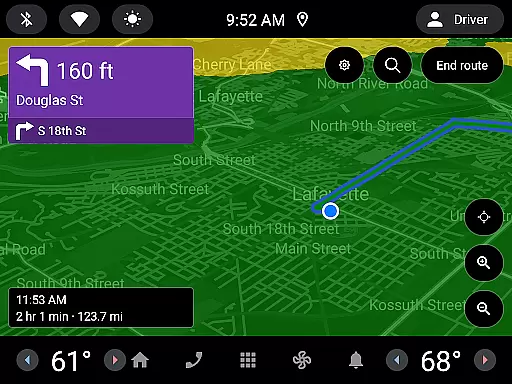
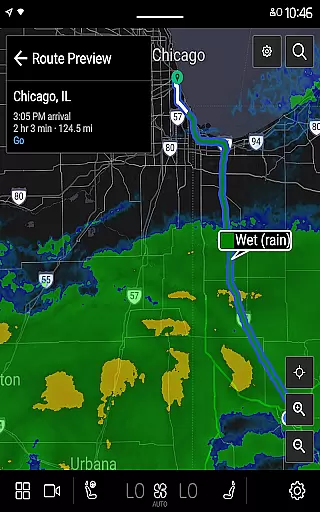
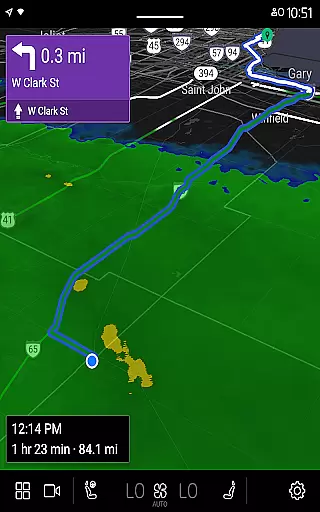
MyRadar Weather Radar is a powerful weather application designed specifically for Android Wear devices, providing users with instant access to crucial weather information directly from their smartwatch. The app's core functionality revolves around its animated live radar feature, which displays real-time weather conditions around the user's current location. This allows for quick assessment of approaching weather patterns, making it an essential tool for those on-the-go. In addition to basic radar, MyRadar offers an array of advanced data layers such as wind animations, earthquake tracking, hurricane monitoring, and wildfire updates, all optimized for wearable tech.
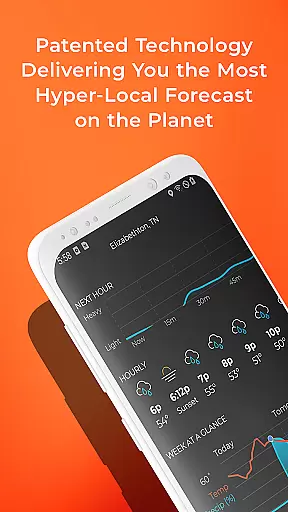
What sets MyRadar apart is its ability to deliver hyper-local weather alerts, including patent-pending rain predictions that notify users up to an hour in advance about incoming rainfall. These alerts are customizable and provide minute-by-minute details on intensity and duration. Designed with convenience in mind, the app also supports Wear OS tiles for both radar and current conditions, ensuring that users can stay informed without needing to pull out their phones. Whether you're commuting, hiking, or simply want to stay prepared, MyRadar ensures you have critical weather insights at your fingertips.
MyRadar Weather Radar stands out due to its comprehensive suite of features tailored for both casual users and weather enthusiasts alike. One of the app's most notable aspects is its custom mapping system, developed in-house, which leverages the device's GPU to deliver incredibly fast and smooth radar animations. Users can pinch and zoom to explore weather patterns not just locally but globally, offering a versatile weather tracking experience. Additionally, the app provides multiple specialized data layers, including jetstream-level wind visualizations, earthquake activity trackers, and hurricane monitoring tools, each designed to give users deeper insight into environmental conditions.
Another key feature is the app's advanced alert system, which goes beyond standard notifications by offering National Weather Center alerts, tropical storm updates, and even hyper-local rain predictions. These alerts are proactive, notifying users well in advance of significant weather events. For those seeking more detailed analysis, the premium upgrade unlocks professional radar packs, allowing users to view individual radar stations, adjust tilt angles, and switch between different radar products like base reflectivity and wind velocity. This level of detail is particularly valuable for tracking severe weather phenomena such as tornadoes. With its combination of speed, accuracy, and depth, MyRadar delivers a best-in-class weather tracking solution for Android Wear users.
Companion app integration is essential for a seamless wearable experience. MyRadar Weather Radar excels in this area by offering a robust connection between your mobile device and Wear OS smartwatches. This ensures that all weather data, including live radar and alerts, are synchronized across devices.
The app's architecture allows real-time updates to be pushed to your wearable device. Whether you're tracking an incoming storm or checking current conditions, the information displayed on your smartwatch is always up-to-date and mirrors what's available on your phone.
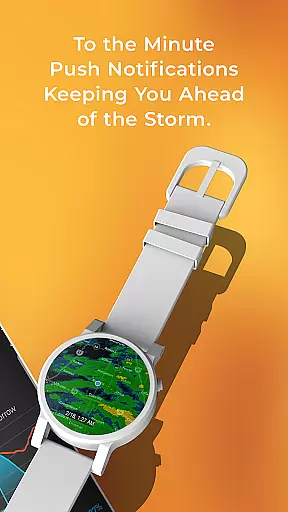
Users benefit from having critical weather information readily accessible on their wrist. With MyRadar's companion app integration, you can receive notifications about severe weather or rain alerts directly on your Wear OS device, ensuring you stay informed even when you don't have immediate access to your phone.
This level of integration enhances user convenience and safety. By providing timely weather updates on both mobile and wearable platforms, MyRadar ensures that users can make informed decisions quickly, whether they're at home or on-the-go.
Wear OS and device compatibility is crucial for apps targeting smartwatch users. MyRadar Weather Radar offers extensive support for Wear OS devices, ensuring that its advanced weather tracking features are available right on your wrist. The app is optimized to run smoothly on various Wear OS watches, delivering accurate weather data without compromising performance.
The development team has invested significant effort into making sure the app's interface is tailored for smaller screens. Key functionalities such as radar tiles and current condition displays are designed to be easily readable and interacted with using touch or physical buttons on smartwatches.
By supporting a wide range of Wear OS devices, MyRadar enables users to access vital weather information regardless of their specific hardware. This broad compatibility means you can rely on consistent performance whether you're using a newer model or an older generation smartwatch.
Ultimately, this compatibility empowers users to stay prepared for changing weather conditions without needing to carry their phones everywhere. With MyRadar's comprehensive Wear OS support, you gain peace of mind knowing that important weather updates are always just a glance away.
Fast radar updates
Hyper-local alerts
Customizable map
Advanced data layers
Wear OS support
Premium costs extra
Complex for beginners
Limited offline use
Heavy on battery
Occasional lag

A customizable Christmas watch face for Wear OS with a countdown.
 4.20
4.20
Christmas and New Year - Themed Watchface
4.5
Wear Os Watch Face - Animated Snow - Sesonal for Christmas & Winter
4.5
A watch face that fuses motorsport precision with contemporary smartwatch design
4.0
Let's celebrate Thanksgiving - Wear Os watch face
4.20
To-Do List: daily schedule planner, task organizer, to do reminder app, calendar
4.60
Period, ovulation & pregnancy tracker. Fertility insights & menstrual calendar.
4.90
Stylish, Energizing and Modern Watch Face crafted by Dominus Mathias.
4.50
Want to take charge of your health? Let Google Fit help you reach your goals.
3.50
A modern hybrid informative watch face for Wear OS designed by BALLOZI
4.80
Real-time weather radar with temperatures, warnings, hurricanes, and widgets
4.80
A realistic hybrid watch face with many customization options.
4.60
Deck out your Wear OS Watch face with a beautifully decorated pine wreath!
4.50
Bold, Modern Hybrid Watch Face for Wear OS. 10 Colors, Rich Info Display.
4.30
Your music, your playlists, and more—offline and unlimited.
4.20
A Wintery Snow Globe on Your Wrist; now celebrating Christmas!
4.5
Simple Analog-Digital Watchface For Wear OS 3.0 and Up Smartwatches
4.3
Fitness interactive virtual pet super fighter boy watch face
4.2
Hybrid Vibrant Health Watch Face for Wear OS
4.2


User Reviews