
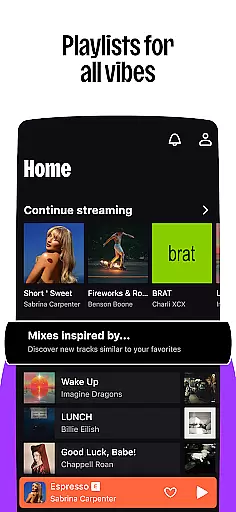

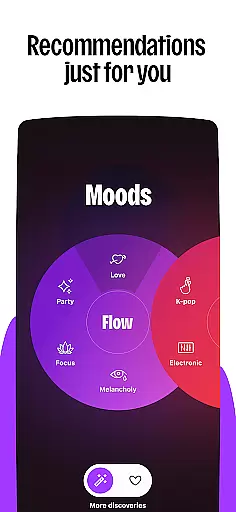



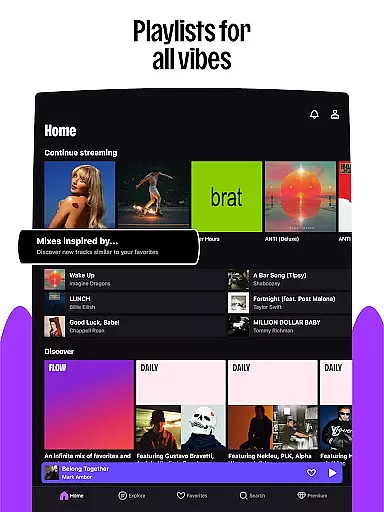



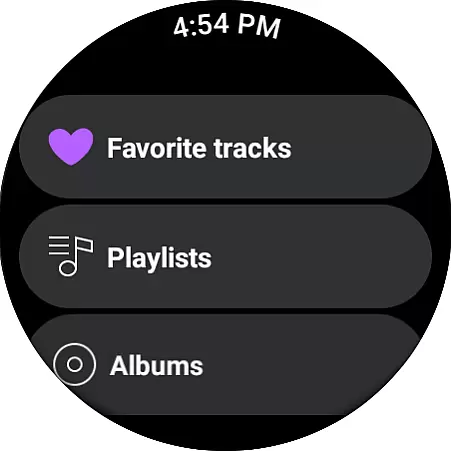
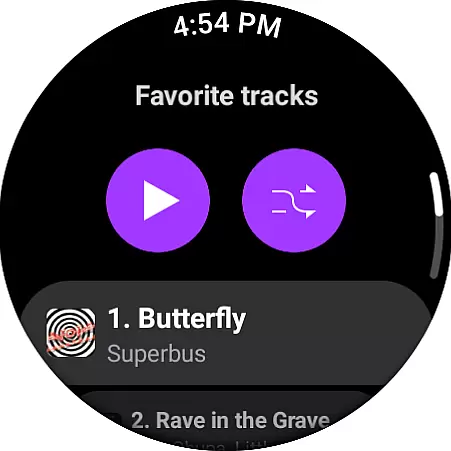
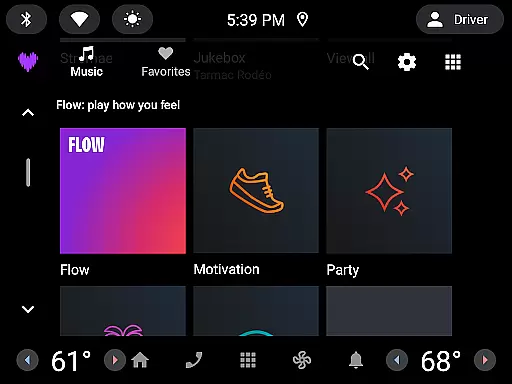
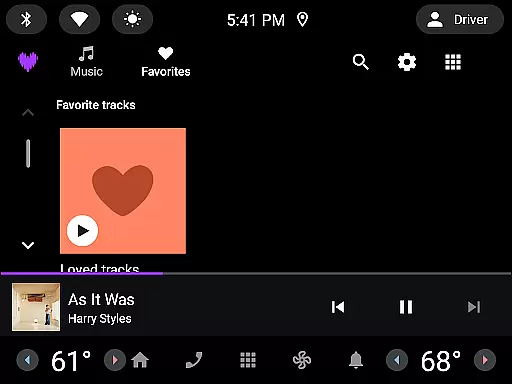
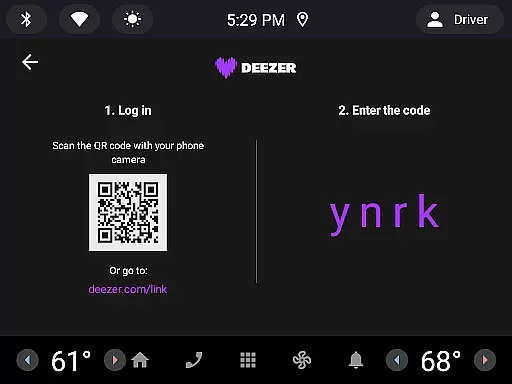

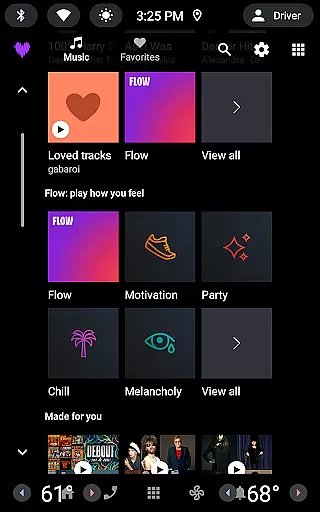
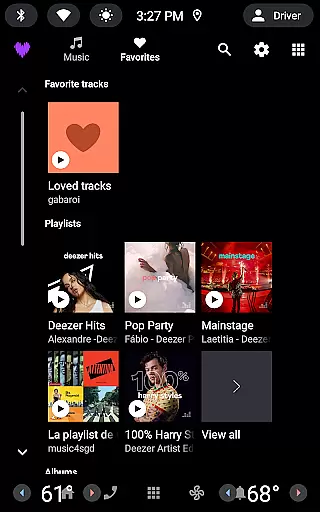

Deezer is a comprehensive music streaming platform designed specifically for Android Wear users. This app offers a fully personalized listening experience that adapts to individual preferences, making it more than just a music player. With features like mood-driven mixes and curated playlists, Deezer helps users discover music that resonates with their personal tastes.
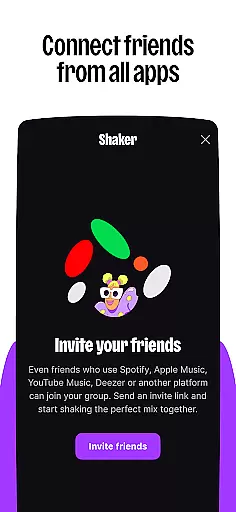
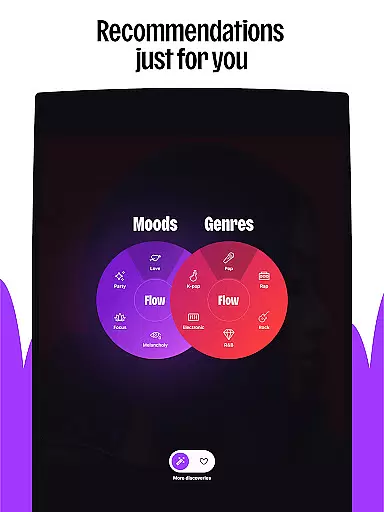
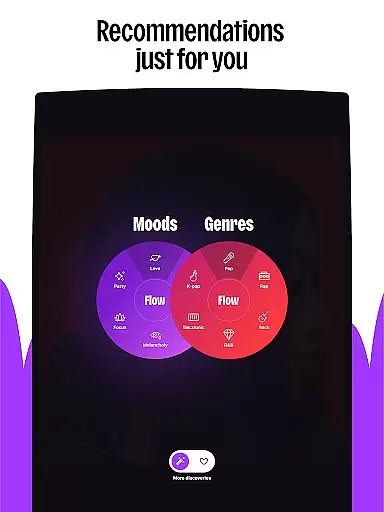
The application provides a massive catalog of tracks along with unique features such as Flow, an infinite personalized mix of favorite songs and new discoveries. It also includes interactive elements like Shaker for collaborative playlists and SongCatcher for identifying music. Available on various devices including smart speakers, wearables, and in-car systems, Deezer ensures you can enjoy your music anywhere.
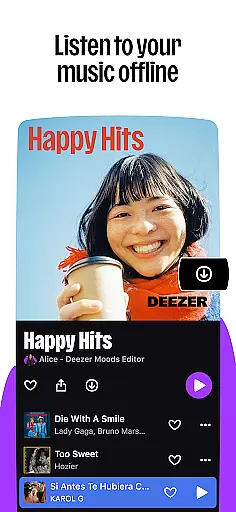
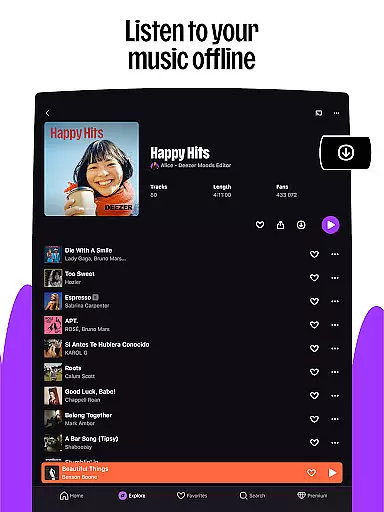
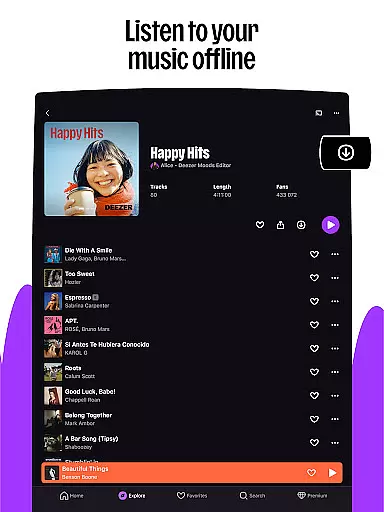
Deezer's customization options allow users to shape their algorithm, create custom playlist covers, and organize their homepage. Whether you're at home, in the car, or on the go, Deezer delivers high-quality audio experiences with its HiFi sound option and seamless offline mode. The app caters to diverse user needs through multiple subscription plans ranging from free access with ads to premium family packages.
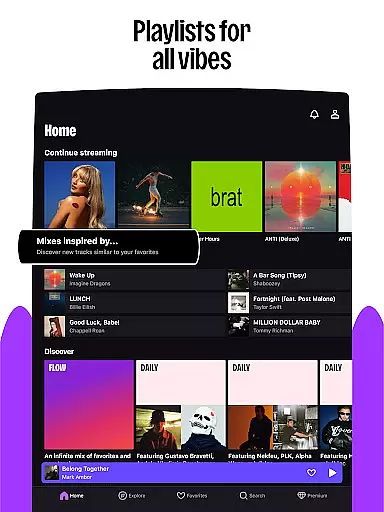
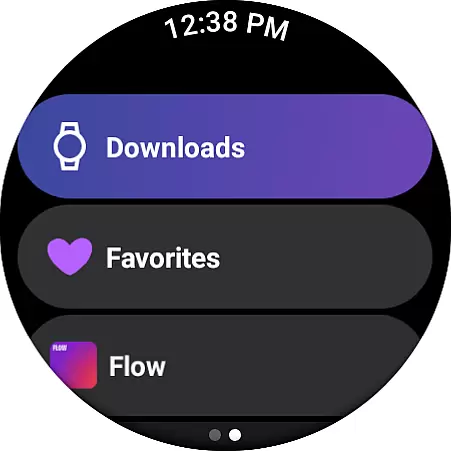
Deezer stands out with its rich feature set tailored for music enthusiasts using Android Wear. One of its key highlights is the Flow feature, which creates an endless stream of personalized music based on user preferences and listening habits. Additionally, curated playlists cover every mood, genre, or season, ensuring there's always something relevant to listen to.
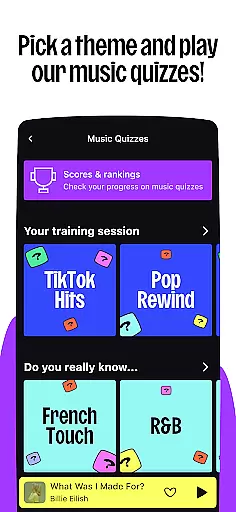
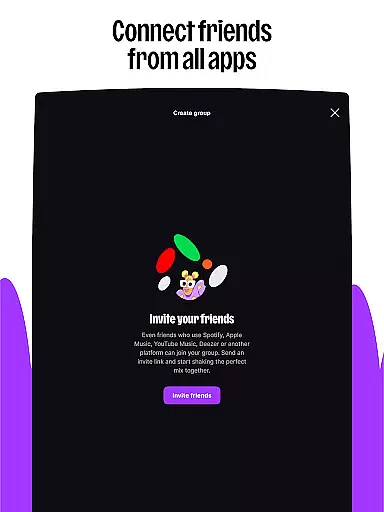
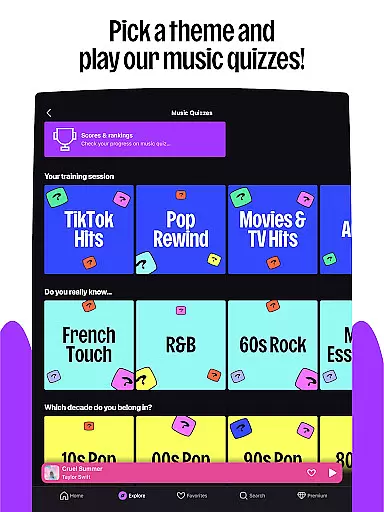
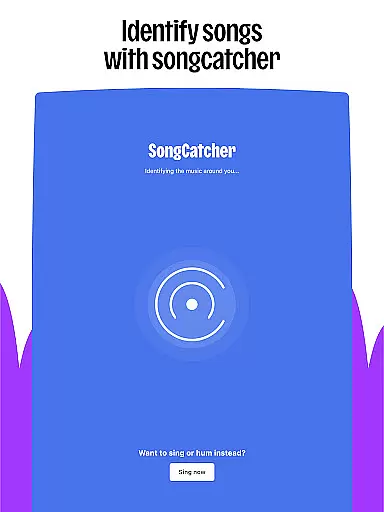
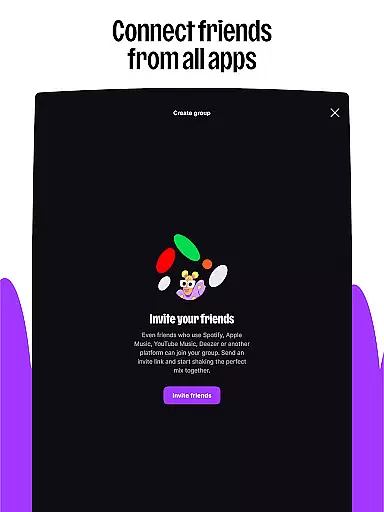
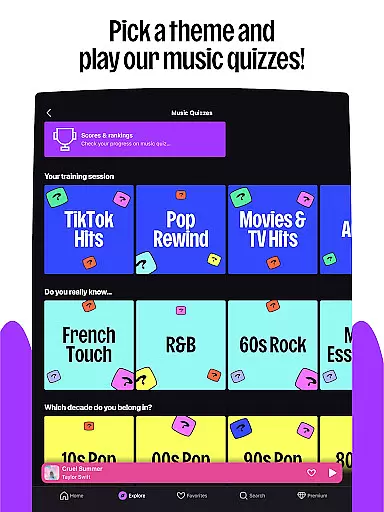
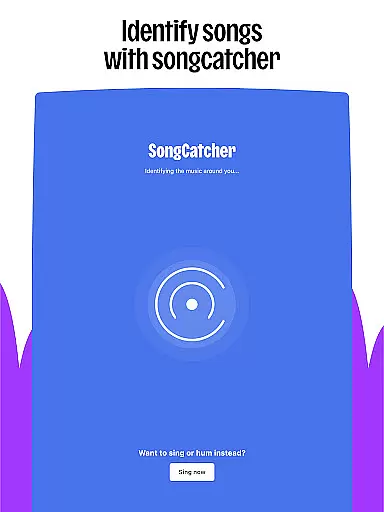
Interactive features enhance user engagement significantly. For instance, Shaker allows friends to collaboratively build playlists while Music Quiz tests your knowledge either solo or with others. SongCatcher is another innovative tool that identifies any song playing nearby—even by humming. These features not only entertain but also deepen the connection between users and their music.
Customization is central to Deezer’s appeal. Users can tailor their algorithms, design custom playlist covers, and rearrange favorites for easy access. Moreover, Deezer supports sharing content across platforms and offers lyrics with translations. With support for multiple devices including smartwatches and automotive systems, Deezer ensures uninterrupted access to your favorite tunes wherever you are.
For users of wearable devices, Deezer offers seamless companion app integration that enhances the listening experience on the go. This feature ensures that your music, playlists, and preferences are synchronized across all devices, allowing you to transition smoothly from your smartphone to your smartwatch or other wearables.
The integration is designed to maintain consistent functionality, so whether you're using a Galaxy Watch, Fitbit, or any Wear OS device, you'll find the same intuitive interface and access to your personalized content. This means you can enjoy features like Flow, which adapts to your music taste, and even use SongCatcher to identify songs, directly from your wrist.
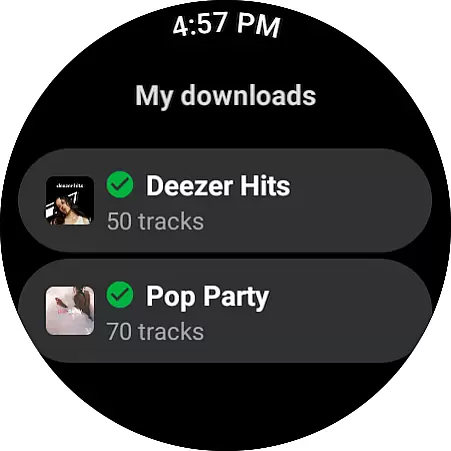
Deezer's commitment to providing an uninterrupted service allows users to manage their music effortlessly. With offline mode and unlimited skips available on your wearable, you have control over your listening session without needing to reach for your phone. This connectivity ensures that your favorite tracks, podcasts, and audiobooks are always at your fingertips, no matter where you are.
Deezer stands out with its broad compatibility with various devices running on Wear OS, ensuring that users can enjoy their favorite tunes on a wide range of smartwatches. The app is optimized to deliver a smooth performance, adapting its interface to fit smaller screens while maintaining easy navigation through your music library.
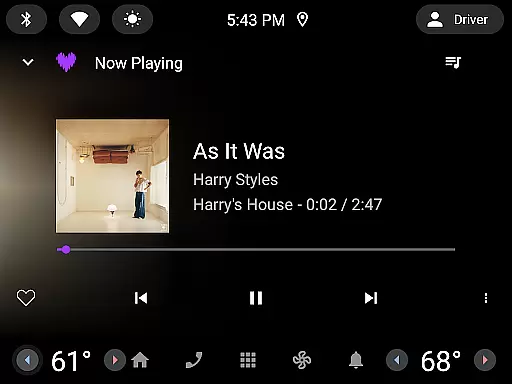
This extensive device support extends beyond just smartwatches; it includes integration with automotive systems and smart speakers such as Google Nest, Alexa, and Sonos. Whether driving to work or relaxing at home, Deezer provides high-fidelity audio streaming tailored for each environment, enhancing every moment with your personal soundtrack.
Moreover, Deezer's dedication to quality ensures that whether you're streaming online or enjoying tracks in offline mode, the sound remains crisp and clear. With Deezer Premium plans, listeners benefit from HiFi audio quality, making the most of their compatible devices' capabilities and delivering an immersive auditory experience that captures every detail of their beloved music.
User-friendly interface
Extensive music library
Personalized recommendations
High-quality audio streaming
Cross-device compatibility
Limited free version
Occasional connectivity issues
Subscription costs
Regional restrictions
Ads in free tier

Wear Os Watch Face - Animated Snow Effect & Christmas Lights
 4.3
4.3
Animated Watch Face and Customizable with 24 Backgrounds. Perfect for Christmas!
3.90
Fitness interactive virtual pet super fighter boy watch face
4.1
Structured watch face with seven complications and modular UI elements
3.90
Find EV charging stations
4.30
To-Do List: daily schedule planner, task organizer, to do reminder app, calendar
4.60
Reliable phone calls with spam protection, caller ID and more helpful features
4.40
Hyper-Realistic Airplane Dashboard Watch Face With 10 Skins and Custom AOD
4.00
A white realistic classic analog watch face with many customization options.
4.40
The Chevron App allows you to pay for fuel from the comfort of your car!
4.80
WTW M17 is a premium and luxurious hybrid watch face
4.70
Monitor health with the stress test and pulse checker in the heart rate app.
4.60
Retro digital watch face with customizable colors and a unique lighting effect
4.60
Let's celebrate Thanksgiving - Wear Os watch face
4.20
Wear Os Watch Face - Animated Snow Effect & Magic Spark - 6 Scenes
4.10
Daily Weather forecast with 15 weather images for Day & Night plus Big Bold time
4.10
Stay in touch with your friends and family using LINE!
3.40
Simple Analog-Digital Watchface For Wear OS 3.0 and Up Smartwatches
4.2
Sleek, highly customizable watch face inspired by Galaxy Watch Circle Dashboard.
4.5


User Reviews