
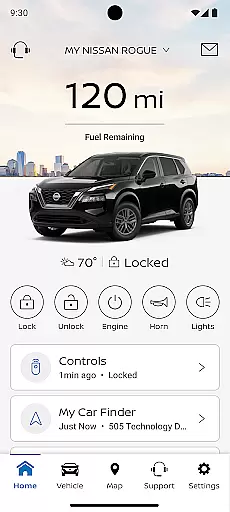
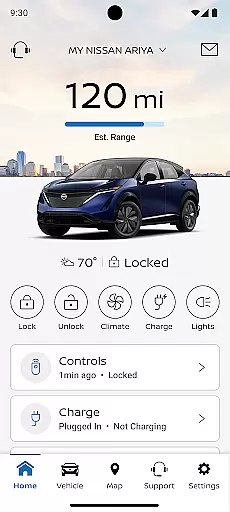
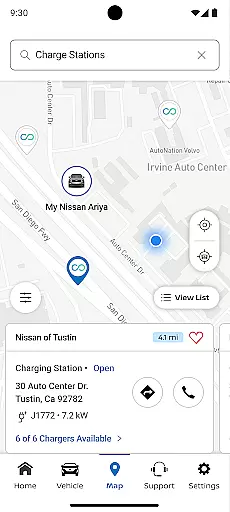
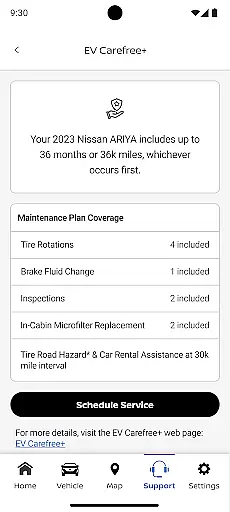
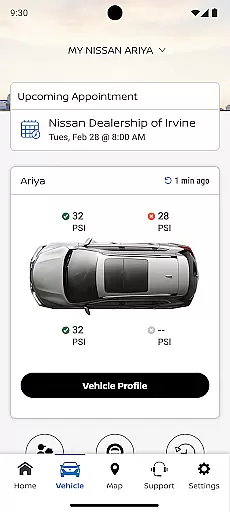
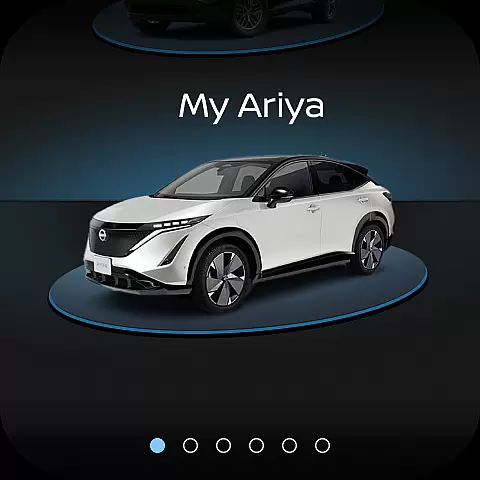
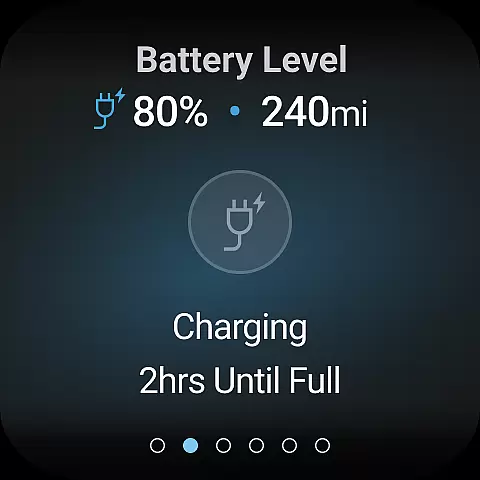
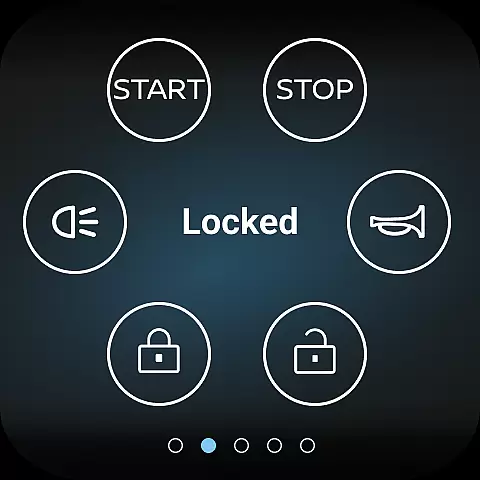
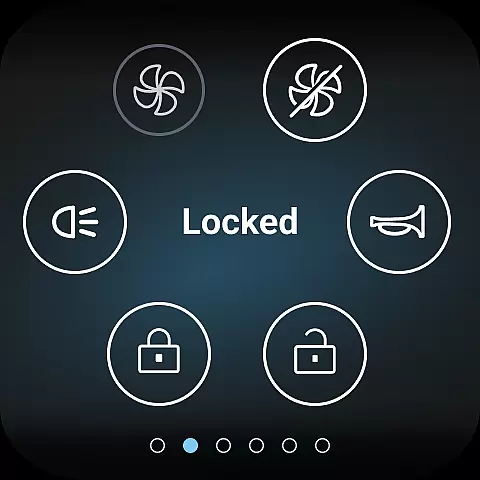
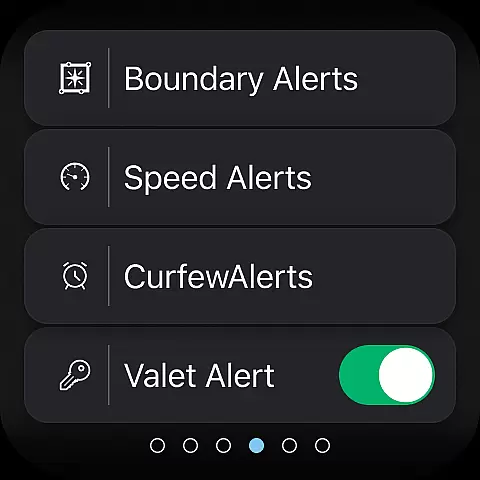
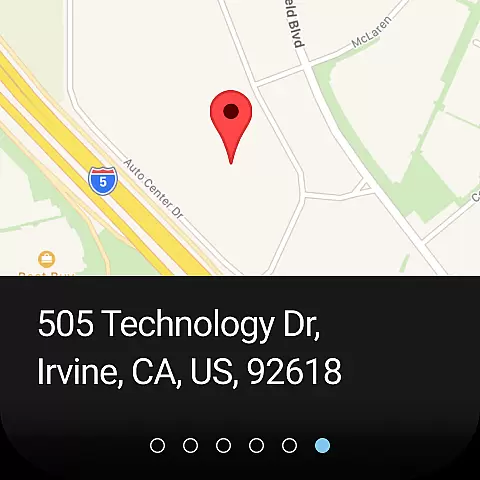
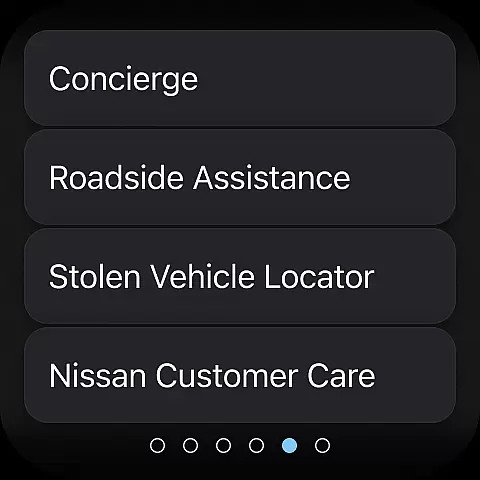
The MyNISSAN App is a comprehensive vehicle management solution designed to enhance the ownership experience for Nissan drivers. This innovative application brings essential vehicle controls and information directly to compatible Android devices, providing unprecedented convenience and peace of mind.
Core functionalities include remote vehicle access, allowing users to start/stop their engine, lock/unlock doors, and activate horn and lights from their smartphone. The app also delivers vital vehicle status updates, maintenance tracking, and service scheduling capabilities. For vehicles 2014 and newer, owners can access advanced features like boundary alerts, speed monitoring, and real-time vehicle diagnostics.
Particularly valuable for busy professionals and families, the MyNISSAN App streamlines vehicle management through smart notifications and automated service reminders. Whether you're managing routine maintenance or need emergency roadside assistance, this application provides a seamless connection between your Nissan vehicle and digital lifestyle.
The MyNISSAN App distinguishes itself through an impressive array of intelligent vehicle management tools. Its remote vehicle control system enables precise command over essential functions, while the comprehensive vehicle monitoring dashboard provides real-time data about crucial systems including engine performance, tire pressure, and fuel levels.
Advanced safety features include customizable boundary and speed alerts, which help parents monitor teen drivers or business owners track company vehicles. The app's integration with Google services in select models adds enhanced climate control management and expanded security notifications. Users can search and send destinations directly to their vehicle's navigation system, while the maintenance tracking system provides detailed service history and proactive alerts for upcoming needs.
What sets MyNISSAN apart is its ability to connect multiple drivers to a single vehicle account, making it ideal for families and shared vehicle environments. The app's sophisticated notification system keeps owners informed about recalls, service campaigns, and important vehicle events, ensuring optimal vehicle performance and safety.
Companion app integration is crucial for wearable devices as it ensures seamless connectivity between the primary device and its wearable counterpart. The MyNISSAN App excels in this area by providing Nissan owners with a comprehensive suite of features directly on their Android Wear OS devices.
This integration allows users to access key vehicle functions without needing to reach for their phones. Whether it's remotely starting the engine, locking or unlocking doors, or receiving important notifications about the vehicle's status, everything is available at a glance on the wearable device.
The benefits are significant - drivers can enjoy enhanced convenience and time savings. For instance, when heading to their car in a busy parking lot, they can quickly locate it using the smartwatch interface. This tight integration creates a unified ecosystem where information flows effortlessly between devices.
Moreover, the MyNISSAN App's companion functionality extends beyond basic controls. It includes advanced features like climate adjustment and maintenance alerts, making it a powerful tool that enhances both vehicle security and ownership experience right from the wrist.
Device compatibility is essential for ensuring that applications function correctly across various hardware platforms. The MyNISSAN App demonstrates excellent compatibility with Wear OS devices, supporting a wide range of smartwatches from different manufacturers.
This broad compatibility means that regardless of whether you own a Samsung, Fossil, or other popular Wear OS devices, you can expect consistent performance and feature availability. The app has been optimized to work seamlessly with Android smartphones running version 8.0 and above, guaranteeing a smooth user experience.
Users benefit from this compatibility through increased flexibility in their choice of wearable devices. They aren't limited to specific brands or models, allowing them to select the smartwatch that best suits their personal style while still enjoying full access to their vehicle's remote features.
Furthermore, the app's developers have paid special attention to maintaining high standards of system integration. Regular updates ensure that new Wear OS versions and devices are supported promptly, keeping the MyNISSAN App at the forefront of wearable technology innovation in the automotive sector.
User-friendly interface
Comprehensive vehicle control
Proactive maintenance alerts
Multi-driver support
Real-time vehicle monitoring
Limited older model support
Subscription fees apply
Network dependency
Feature variability
Device compatibility

Rose gold watch face with festive lights & customizable features.
 4.60
4.60
Analog watch face with 8 complications and expedition styling
4.0
A heartwarming Christmas scene featuring a cute image of Santa and Rudolf
4.1
Easy Voice Recorder is your everyday companion to record important moments.
4.70
Real-time results, stats, schedules and player profiles for all leagues
4.60
Funny animated watch face for Thanksgiving
4.3
Hybrid Vibrant Health Watch Face for Wear OS
4.0
Animated video-game inspired “secret agent” simulation, right on your wrist!
4.20
Your local weather forecast, storm tracker, radar maps & live weather news
3.40
Period, ovulation & pregnancy tracker. Fertility insights & menstrual calendar.
4.90
Real-time weather radar with temperatures, warnings, hurricanes, and widgets
4.80
Hybrid watch face for Wear OS with customizable complications by Matteo Dini MD
4.70
Nutrition, Macro tracker: Food, fitness & healthy diet tracking for weight loss
4.60
Retro digital watch face with customizable colors and a unique lighting effect
4.60
Christmas watch face. For Wear OS devices.
4.30
Wear Os Watch Face - Animated Snow Effect & Magic Spark - 6 Scenes
4.10
Connect, create, and collaborate with Gmail, part of Google Workspace.
4.10
Viewer for Wyze/Yi/Eufy/Arlo/ONVIF/RTSP/P2P IP cams w/ adv. features & DIY DVR
4.00
Wear Os Watch Face - Animated Snow - Sesonal for Christmas & Winter
4.4


User Reviews