
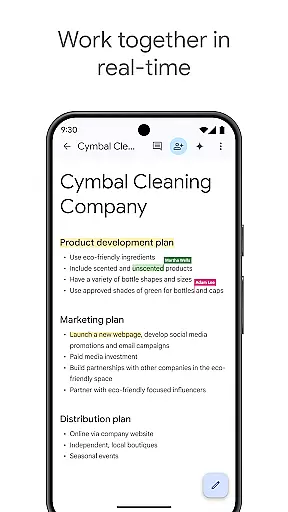
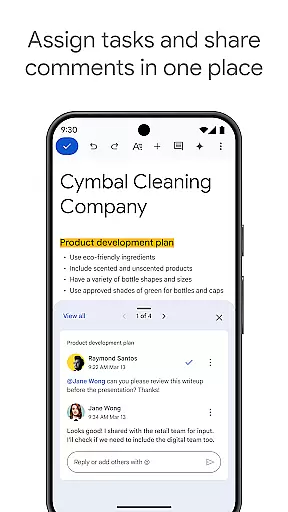
Google Docs is a powerful productivity app that enables users to create, edit, and collaborate on documents directly from their Android devices. The app's core functionality revolves around real-time collaboration, allowing teams to work together seamlessly on projects. With its intuitive interface, users can easily share documents, leave comments, and assign action items without missing a beat.
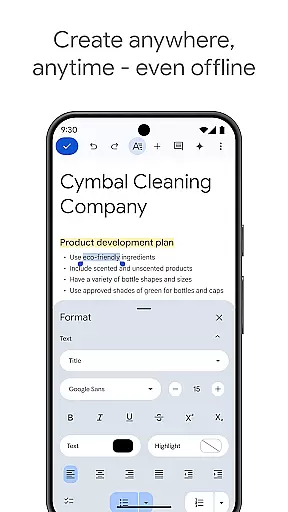
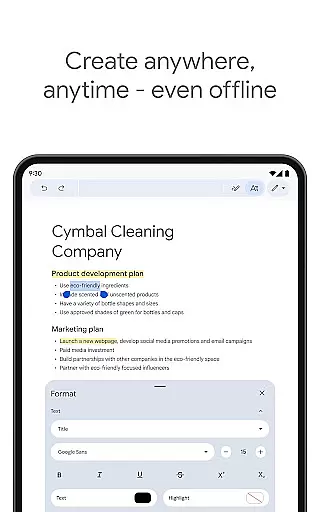
One of the standout features of Google Docs is its ability to function offline. This means you can capture ideas and make edits even without an internet connection, making it perfect for professionals on the go. Additionally, the app offers a variety of templates that help streamline the document creation process, saving users time while ensuring their work maintains a professional appearance.
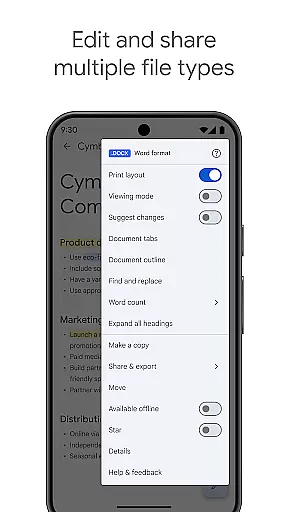
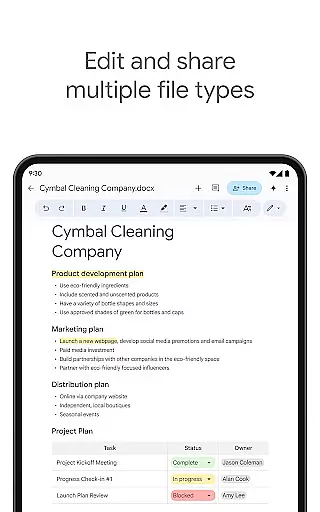
The app supports multiple file types, including Microsoft Word files, and allows for seamless conversion and exporting. This versatility ensures that no matter what software your collaborators use, everyone can contribute effectively. As part of Google Workspace, Google Docs also offers paid subscribers advanced features powered by AI, such as content drafting assistance and writing improvement suggestions, further enhancing productivity and collaboration.
Google Docs stands out in the productivity category due to its comprehensive feature set designed to enhance collaboration and efficiency. The real-time collaboration feature is particularly robust, allowing multiple users to edit, comment, and assign tasks simultaneously. This functionality is crucial for teams working remotely or across different locations, as it ensures everyone stays on the same page and projects move forward smoothly.
Another significant feature is the app's offline mode. Users can create and edit documents without an internet connection, which is invaluable for those who travel frequently or work in areas with unreliable connectivity. When back online, all changes sync automatically, ensuring no work is lost. The inclusion of easy-to-use templates further enhances productivity by providing polished starting points for various document types.
Google Docs also excels in file compatibility and integration. It supports a wide range of file formats, including Microsoft Word, and offers seamless conversion and exporting options. This flexibility ensures that users can work with virtually any document type and collaborate effectively regardless of their preferred software. For Google Workspace subscribers, additional AI-powered features like content drafting and writing suggestions provide even more value, helping users produce high-quality documents more efficiently.
Google Docs excels in core task management by offering a comprehensive suite of tools designed to streamline document creation and collaboration. The app allows users to create, edit, and collaborate on documents in real time, ensuring that teams can work together efficiently regardless of their physical location.
The application supports seamless integration with other Google Workspace apps, enhancing productivity by centralizing tasks such as sharing documents, editing, commenting, and assigning action items. This interconnected ecosystem ensures that all team members are on the same page, facilitating smooth project progression and task completion.
Moreover, Google Docs provides easy-to-use templates that save time and add a professional touch to documents. These templates cover a wide range of uses from reports to resumes, enabling users to quickly start projects without spending time on formatting. With these features, Google Docs not only simplifies task management but also enhances the quality and professionalism of the output.
Cross-device synchronization is a cornerstone of Google Docs, ensuring that users have reliable access to their documents across all their devices. Whether working from an Android phone, tablet, or desktop computer, users can seamlessly transition between devices without losing any progress or data integrity.
This synchronization extends to offline mode as well, allowing users to capture spontaneous ideas and continue working even without an internet connection. Once reconnected, changes are automatically synced across all linked devices, maintaining consistency and reliability in document management.
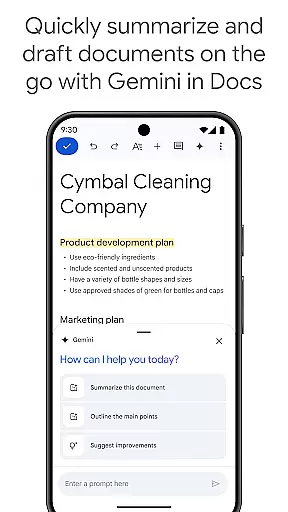
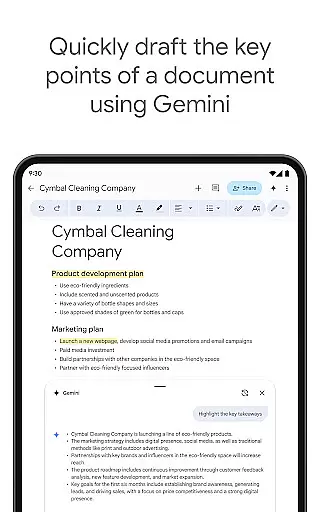
In addition to basic synchronization, Google Docs offers advanced features for paid subscribers, including AI-powered suggestions and the ability to use Gemini in Docs for quick content drafting and editing. These features ensure that no matter where or how you're accessing your documents, the experience remains fluid, efficient, and enriched with powerful tools to improve productivity.
User-friendly interface
Real-time collaboration
Offline editing capabilities
Wide file format support
AI-powered enhancements
Limited advanced formatting
Occasional sync issues
Basic template selection
No native PDF editing
Subscription required for AI features

Native client for Forgejo and Gitea
 5.00
5.00
Send files, sync SMS, notifications & clipboard across devices via local network
4.40
Simple and reliable communication between inmates, friends and family
3.20
Find and delete junk files & block unwanted notifications & manage files
3.70
Create and edit presentations with Google Slides, part of Google Workspace.
4.00
Access, manage and transfer files on Android, PC, Mac, NAS and cloud storages.
4.30
A beautiful digital clock with autostart and many other functions
4.70
The ultimate file manager for rooted devices. The original and still the best.
4.00
Access your phone's notifications, calls, apps, photos & texts on your PC
3.90
8 custom complications. Custom Time Fonts. Beautiful color schemes. A++ Design.
5.00
Best Tool for the professionals Electrician, Electrical contractors, etc.
4.90
Protect and view your important info on your phone and tablet with eWallet®
4.80
Secure, fast, open-source, VNC and SSH Remote Desktop for Windows, Linux and Mac
4.70
Stay on top of your to-dos with Google Tasks, part of Google Workspace.
4.60
The AI assistant that thinks with you - write, code, and solve complex tasks
4.60
Lightweight PDF, Word, Excel reader.
4.60
Enjoy classic gameplay with customizable features and retro-style graphics.
4.30
Todo reminder
4.10
Activate Two Factor Authentication (2FA or Multi OTP), Password manager and more
4.10


User Reviews