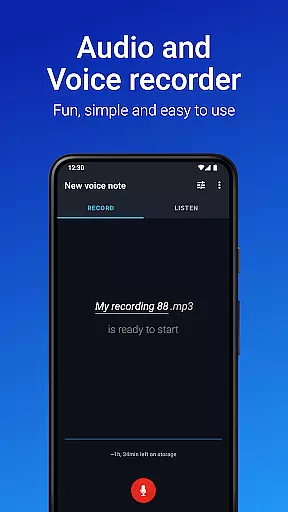
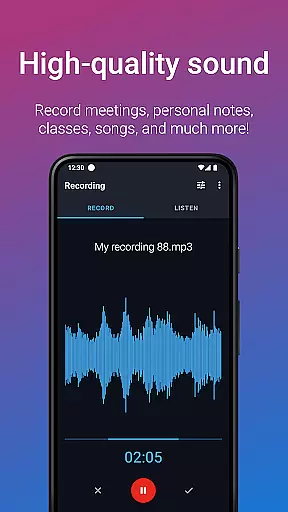
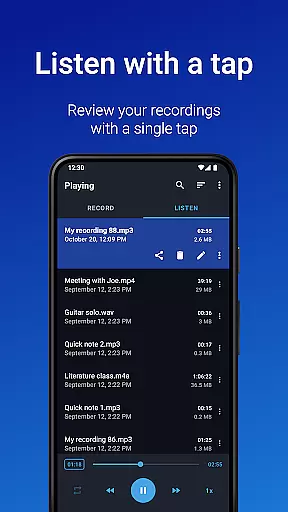
Easy Voice Recorder Pro is a versatile audio recording application designed for Android devices, including smartwatches. This app allows users to capture high-quality audio recordings without time limits or ads, making it ideal for students, professionals, and creatives alike. With its intuitive interface and powerful features, the app supports various recording formats such as MP3, FLAC, and AAC, while also offering exclusive Pro functionalities like automatic cloud uploads and Bluetooth microphone support.
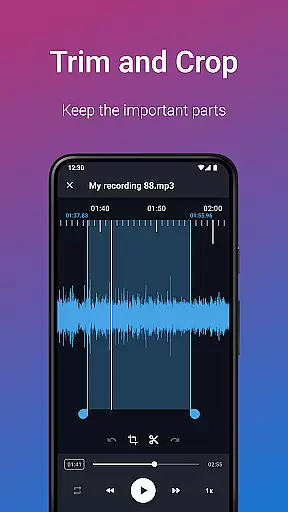
The app's adaptability extends to multiple use cases. Students can record lectures with adjustable playback speeds, while business professionals can capture meetings and interviews, sharing them effortlessly via email or messaging apps. Musicians will appreciate the fine-tuning options for capturing melodies and rehearsals. Additionally, Easy Voice Recorder Pro offers practical tools like trimming, folder organization, and stereo recording, ensuring that users have everything they need for efficient audio management.
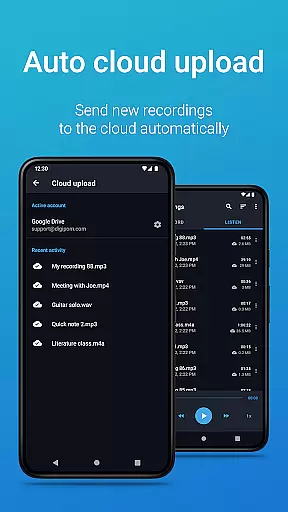
Easy Voice Recorder Pro stands out with its comprehensive feature set tailored to meet diverse user needs. One of its key strengths is the ability to record in various high-quality formats, including PCM, MP4, AMR, MP3, FLAC, and AAC. This flexibility ensures that users can optimize their recordings for either quality or file size depending on their requirements. The app also includes advanced Pro features such as automatic uploads to Google Drive or Dropbox, which streamline the process of backing up and accessing recordings across devices.
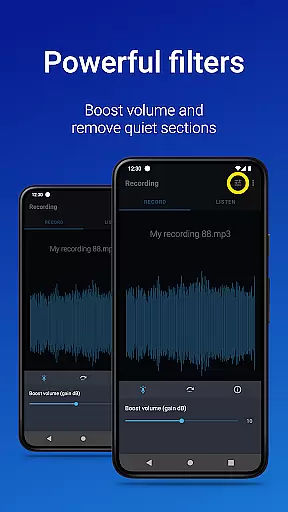
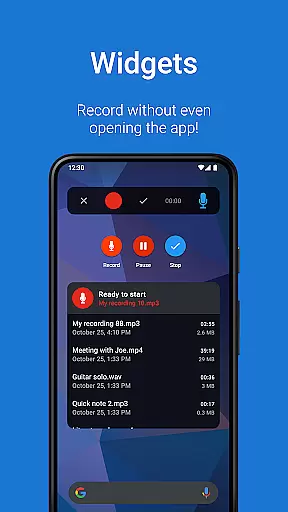
Another notable aspect is the app's user-friendly design, which includes powerful widgets and shortcuts for quick access to recording functions. Users can control the recorder from the notifications bar, switch between different recording presets effortlessly, and even use a Bluetooth microphone for more convenience. Additional functionalities like stereo recording, volume boost, and custom bitrate settings provide further customization options. These features collectively enhance the recording experience, making Easy Voice Recorder Pro a reliable tool for both everyday and professional use.
Companion app integration is essential for a seamless recording experience across multiple devices. Easy Voice Recorder Pro excels in this area by offering robust connectivity options between your smartphone, tablet, and Wear OS smartwatch.
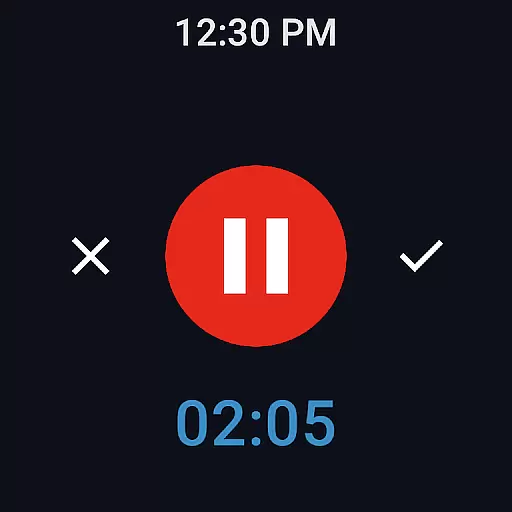
The application allows you to start, pause, and stop recordings directly from your Wear OS device, ensuring that you never miss an important moment. This feature is particularly useful during meetings or lectures when you need to capture information discreetly without drawing attention.
Furthermore, the app supports automatic cloud uploads to Google Drive or Dropbox. This means that voice notes recorded while commuting can be automatically synced to your laptop, providing a reliable backup and easy access to your files from any location.
By integrating with Bluetooth microphones, Easy Voice Recorder Pro ensures high-quality audio capture even in challenging environments. The ability to control the recorder from the notifications bar adds another layer of convenience, allowing users to manage their recordings effortlessly.
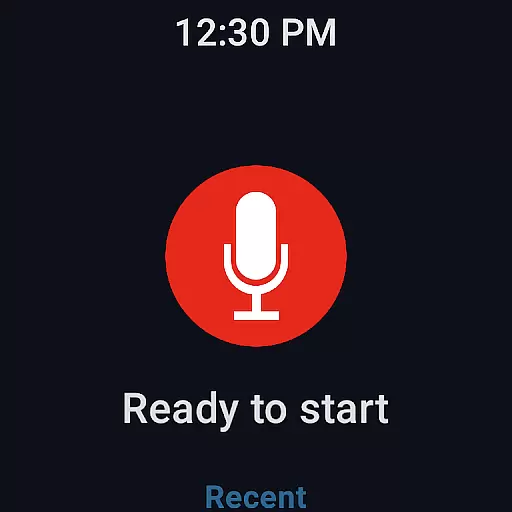
Device compatibility is crucial for users who rely on wearable technology to enhance their productivity. Easy Voice Recorder Pro offers comprehensive support for Wear OS, making it an ideal choice for those who want to leverage their smartwatches for voice recording.
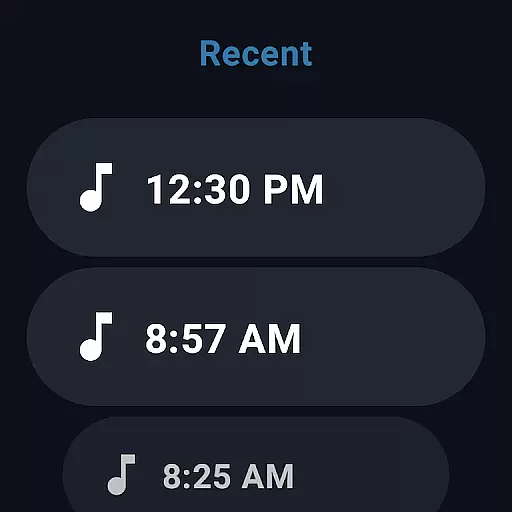
With dedicated watch tiles, users can quickly initiate new recordings without needing to interact with their phones. This feature is invaluable for capturing spontaneous ideas or important conversations when your phone is not immediately accessible.
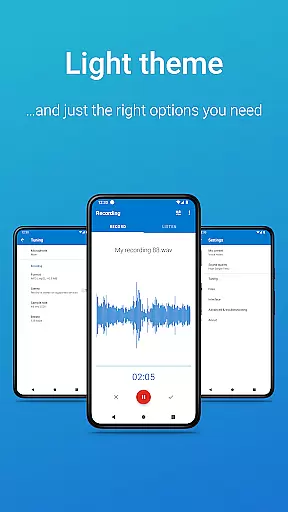
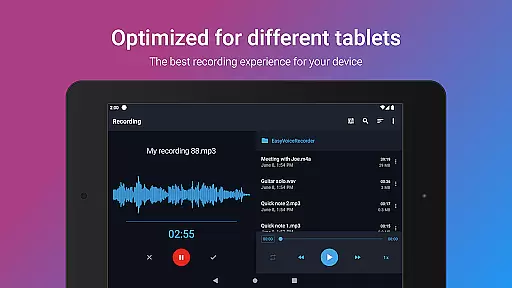
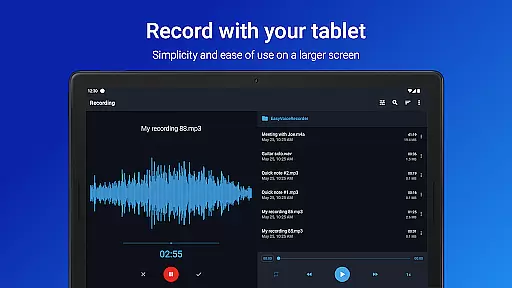
In addition to Wear OS support, the app provides a range of customization options tailored for different devices. Whether you're using a smartphone or a tablet, Easy Voice Recorder Pro adapts its interface to deliver an optimal user experience. The inclusion of light and dark themes further enhances usability, catering to individual preferences and environmental conditions.
Moreover, the app's compatibility extends beyond just recording functionality. It includes advanced features such as stereo recording, custom bitrates, and volume boost, which are available on supported devices. These enhancements ensure that regardless of the device you use, Easy Voice Recorder Pro delivers consistent performance and superior audio quality.
User-friendly interface
High-quality recording formats
Automatic cloud upload
Bluetooth microphone support
Advanced editing tools
No call recording capability
Premium version required
Limited free features
Occasional bugs reported
External storage permission needed

an Analog Watch Face for winter season with freeze winter background for Wear OS
 4.3
4.3
Embrace the festive spirit with our Christmas Countdown watchface for Wear OS
4.10
Watch face designed for Thanksgiving Day. 7 Background Styles included.
3.20
The #1 source of faces for your smartwatch!
4.00
Get helpful reminders, take progress photos and find answers to your questions.
3.90
Stay in touch with your friends and family using LINE!
3.40
Premium hybrid watch face with many customizations for Wear OS devices.
4.40
Your music, your playlists, and more—offline and unlimited.
4.20
Spam call blocker and caller ID for automatic call protection!
4.40
To-Do List: daily schedule planner, task organizer, to do reminder app, calendar
4.60
Retro digital watch face with customizable colors and a unique lighting effect
4.60
A realistic hybrid watch face with many customization options.
4.60
Simple, helpful messaging by Google
4.60
Deck out your Wear OS Watch face with a beautifully decorated pine wreath!
4.50
Christmas watch face. For Wear OS devices.
4.30
Structured watch face with seven complications and modular UI elements
3.90
Authentic military-tactical design with ZULU time! Realistic and functional!
3.80
Watch the sharpness of the sky on your wrist..
3.70
Artistic Digital Watchface
4.3


User Reviews