
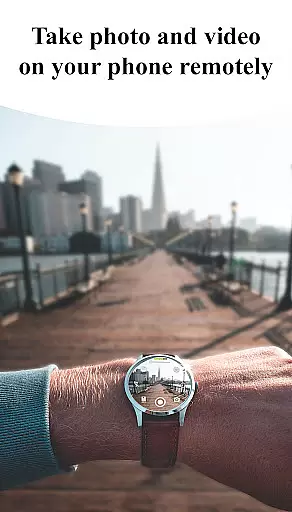
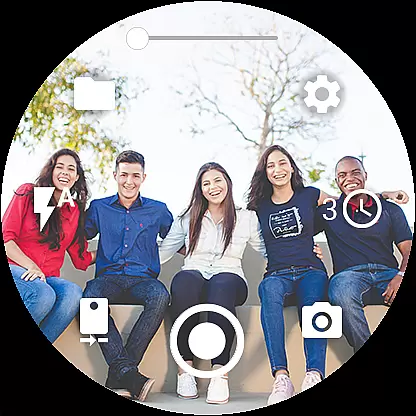
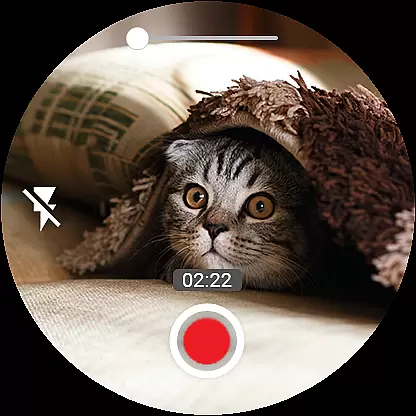

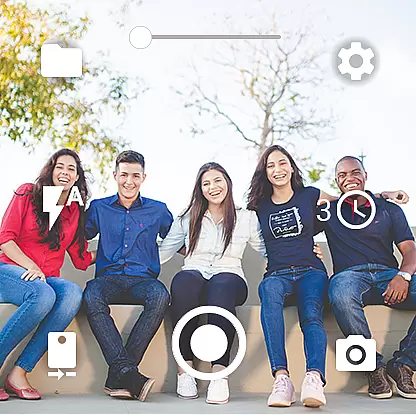
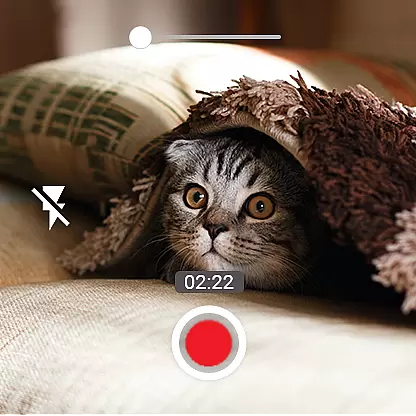
Camera Control for Wear OS is a powerful photography app that allows users to control their phone's camera directly from a Wear OS smartwatch. The app supports multiple shooting modes including photo capture, video recording, and timelapse creation, making it versatile for various photography needs.
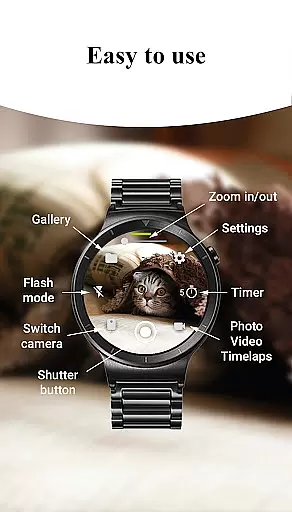
With advanced features like Bokeh, HDR, Night, and Auto modes, users can enhance image quality based on different lighting conditions. The app also provides practical controls such as timer setup, flash and flashlight options, and quick camera switching between front and rear cameras. These features ensure users can capture high-quality photos and videos with ease.
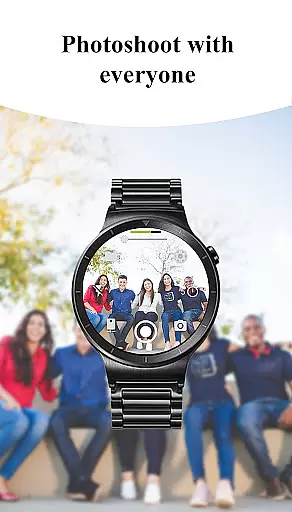
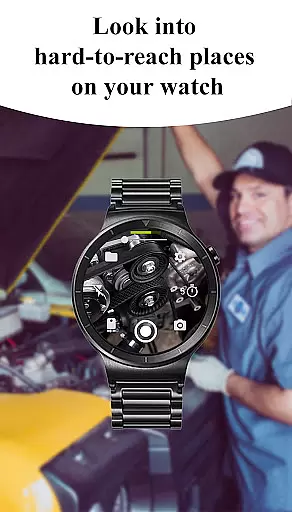
Designed for convenience, Camera Control for Wear OS is perfect for situations where holding a phone is impractical. Whether you're hiking, attending events, or simply want to take hands-free selfies, this app offers a seamless solution to capture memories effortlessly.
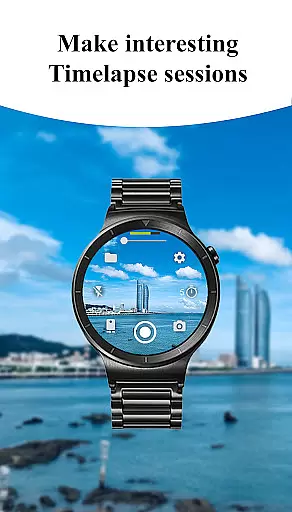
One of the standout features of Camera Control for Wear OS is its diverse shooting modes. Users can choose from three main modes: photo capture, video recording, and timelapse sessions. Each mode is designed to provide flexibility and precision in capturing moments. For instance, the timelapse feature allows users to create stunning visual sequences by grouping photos into organized folders per session.
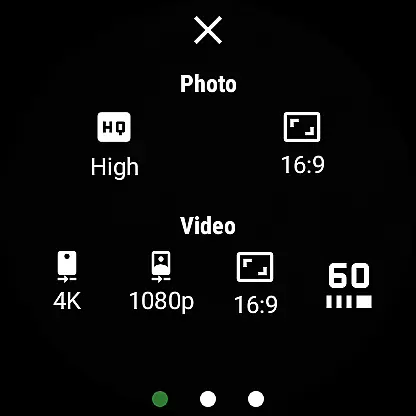
In addition to basic shooting modes, the app offers advanced camera settings. Users can adjust photo and video quality, control zoom levels, and select aspect ratios (4:3 or 16:9). It also supports high-framerate video recording at 30 or 60 frames per second, ideal for smooth professional-grade footage. Furthermore, geotagging capabilities enable photographers to document locations automatically.
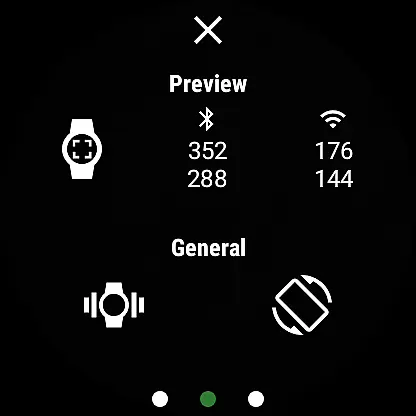
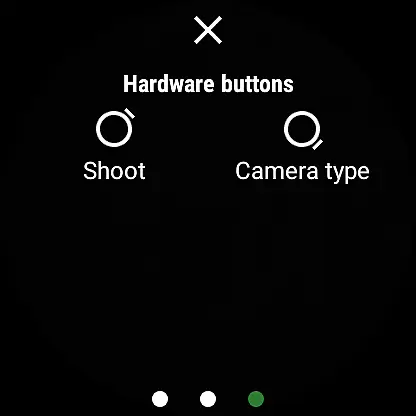
The app enhances user experience with intuitive controls such as gesture and button support, automatic image rotation, and complication integration on watch faces. These thoughtful additions make navigating the app straightforward while ensuring minimal disruption during use. Overall, Camera Control for Wear OS combines functionality with innovation to deliver an exceptional mobile photography tool.
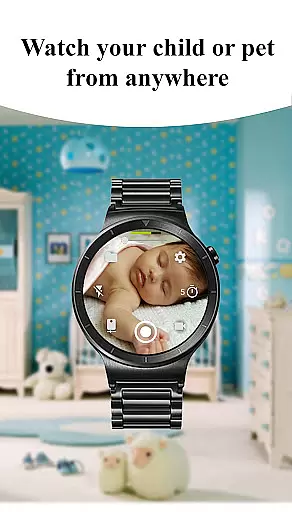
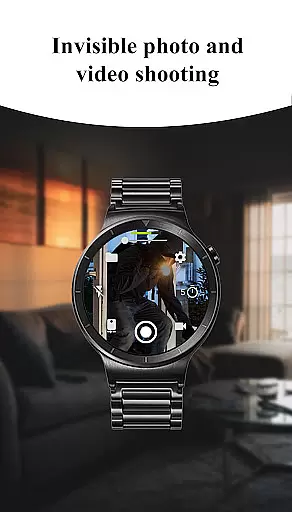
Real-time capture and preview functionality is essential for ensuring that users can frame and take photos or videos with precision. The Camera Control for Wear OS app excels in this area by providing a seamless connection between your smartwatch and phone, allowing you to see exactly what your phone's camera sees directly on your wrist.
This app offers an intuitive interface on your Wear OS device, enabling you to control various shooting modes including photo, video, and timelapse sessions effortlessly. With features like timer setup, flash control, and quick camera switching, the real-time preview ensures that every shot is perfectly composed before you capture it.
Additionally, the app supports advanced camera modes such as Bokeh, HDR, Night, and Auto, which can be accessed right from your watch. This means you can adjust settings like zoom, aspect ratio, and quality without ever touching your phone, making it easier than ever to get the perfect shot.
The ability to view and browse captured photos directly on your watch adds another layer of convenience. Gesture and button controls further enhance the experience, offering tactile feedback and ease of use. Overall, the real-time capture and preview feature transforms your smartwatch into a powerful remote control for your phone's camera.
AI beauty and enhancement features have become increasingly popular in photography apps, aiming to improve image quality while maintaining a natural look. The Camera Control for Wear OS app incorporates these enhancements subtly, ensuring that your photos look their best without appearing overly processed or artificial.
With access to multiple flash modes and the ability to activate the flashlight independently, users can illuminate any scene optimally. This helps in capturing clearer images even in low-light conditions, where AI enhancements play a crucial role in noise reduction and detail preservation.
Quality settings allow adjustments directly from the watch, impacting both front and rear cameras. These settings ensure that each photo benefits from the appropriate level of enhancement, whether itu2019s smoothing skin tones or sharpening details. Such customization empowers users to achieve professional-grade results tailored to their preferences.
Moreover, the app supports high-framerate video recording at 30 or 60 frames per second, along with stunning 4K resolution options. These capabilities are complemented by AI-driven enhancements that stabilize footage and optimize color balance, resulting in smooth, vibrant videos. By focusing on naturalness, Camera Control for Wear OS delivers enhanced yet authentic visual experiences.
User-friendly interface
Wide range of features
Seamless smartwatch integration
Advanced camera settings
Convenient hands-free operation
Limited device compatibility
Dependent on Bluetooth/Wi-Fi connection
Premium features may require payment
Occasional connectivity issues
Learning curve for new users

What celebrity do you look like? Celebs will find your celebrity match!
 4.10
4.10
How old age camera Gender Swap App Face Shape Hairstyle App Hair Styler App fun!
4.00
Virtual makeup, hair filters & body tuner—edit from face to full body!
4.20
Cartoon and artistic effects for your photos and videos
4.70
Photo Exif Editor allows to view, add and modify EXIF data of multiple photos
4.50
Gallery Slideshow is slideshow maker app for slideshow from your gallery photos.
3.90
Professional camera app that brings DSLR manual photography controls to Android.
4.20
Remote control the phone camera shutter from your smartwatch and take a picture
1.60
Discover How to Plan any Sun, Moon and Milky Way Photo You Imagine in Seconds
4.70
Pro version: AR sun/moon tracker for any date. Tool for photographers & planners
4.90
Unblur, enhance & restore photos with powerful AI photo enhancer tools.
4.60
Fit multiple photos on one post. Create carousels & scroll layouts for Instagram
4.50
Create collages easily! Nice pic collage maker & background eraser for Instagram
4.50
A reflected light meter with spot metering and incident light metering.
4.40
All-in-One Editor & AI Photo Enhancer, Beautify & Retouch, Collage, Cartoonify
4.20
AI-powered video creator by MiniMax - Where ideas meet cinema
4.20
All-in-One Editor & AI Photo Enhancer, Collage, Cartoonify, Funny Stickers & BGS
4.10
How would you look like with a differently shaped nose, chin or lips?
3.90
Long exposure camera with computational photography
2.60


User Reviews