
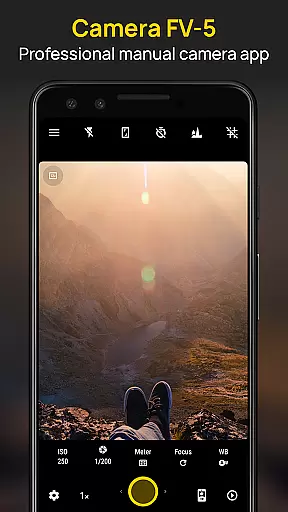
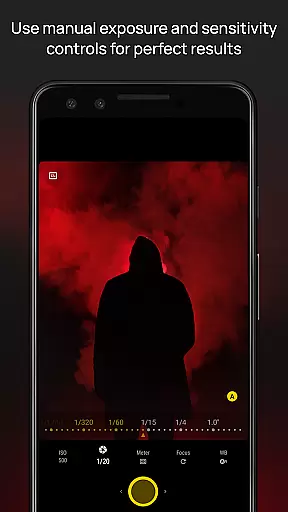
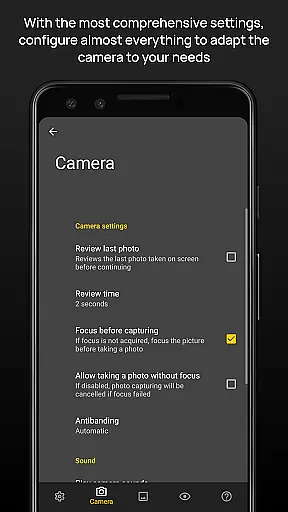
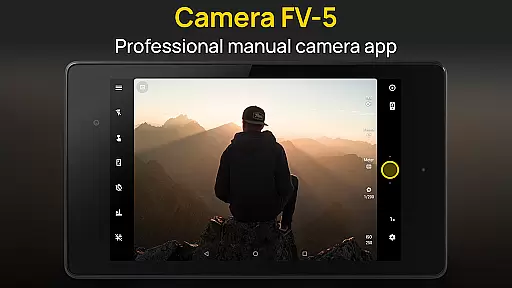
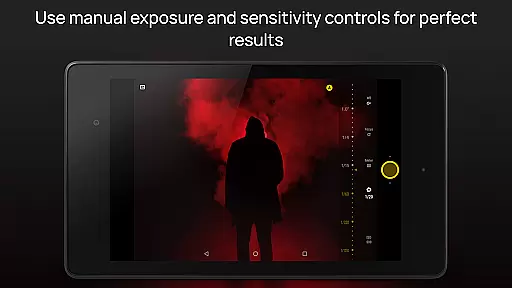
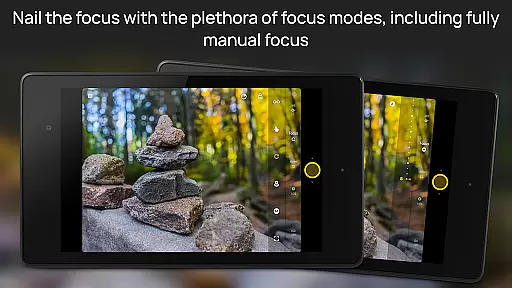
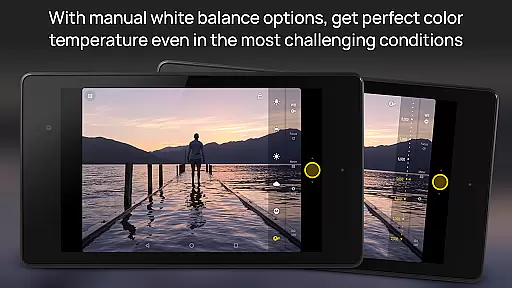
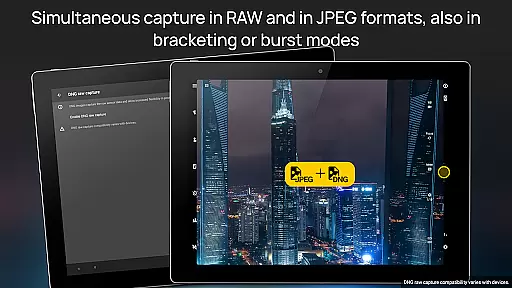
Camera FV-5 is a professional-grade camera application designed for mobile devices, offering DSLR-like manual controls. This app is specifically tailored for photography enthusiasts and professionals who seek to capture high-quality raw images for post-processing. With Camera FV-5, users can adjust all photographic parameters such as exposure compensation, ISO, light metering modes, focus settings, white balance, and more directly from their fingertips. The app supports various photo formats including JPEG, true 16-bit RAW in DNG format, and lossless PNG, making it versatile for different types of photography needs.
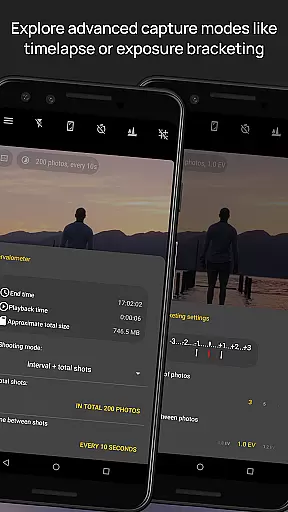
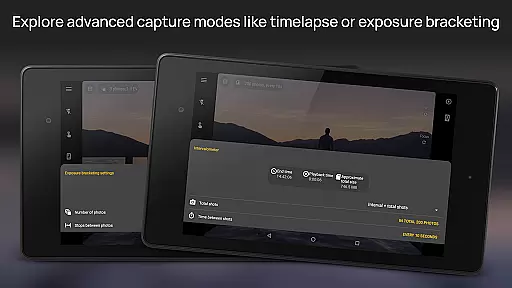
The application stands out with its advanced features like exposure bracketing, built-in intervalometer for timelapses, and long exposure support. It also provides an electronic viewfinder with live RGB histogram and multiple composition aids. These capabilities ensure that photographers can achieve stunning results without compromising on creativity or control. Whether capturing night scenes or creating HDR timelapses, Camera FV-5 offers the tools necessary to produce professional-quality images right from a smartphone.
Camera FV-5 boasts a comprehensive set of features that cater to both amateur and professional photographers. One of its standout functionalities is the ability to manually control all aspects of photography, similar to using a DSLR camera. Users have access to settings like exposure compensation, ISO sensitivity, light metering modes, focus options, and white balance adjustments. Additionally, the app includes a DSLR-like viewfinder display, which shows real-time information such as exposure time, aperture, and EV settings, allowing for precise shooting conditions.
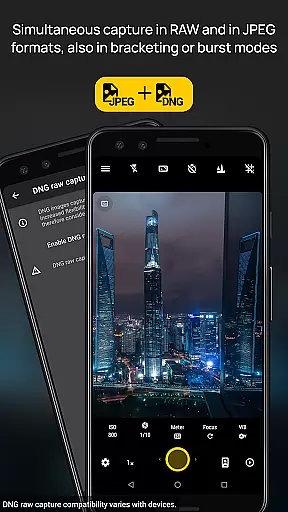
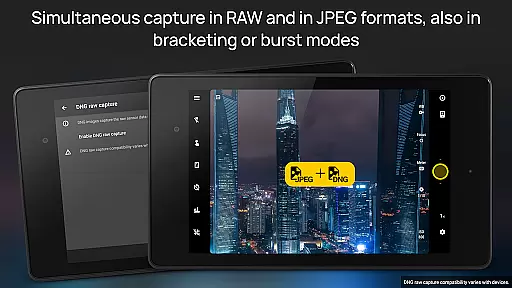
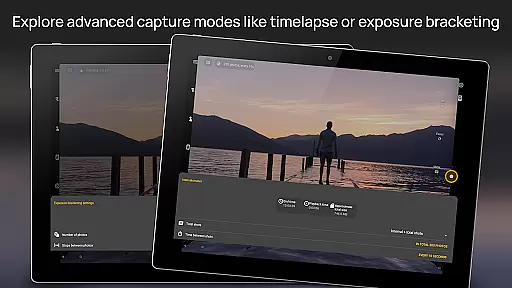
Another significant feature is the full-fledged exposure bracketing capability, supporting between 3 to 7 frames with customizable EV shifts. The built-in intervalometer enables the creation of stunning timelapses, including bracketed and HDR sequences. Long exposure support allows for beautiful night photography and light trails, with exposure times extending up to 30 seconds on compatible devices. Furthermore, the app supports different photo formats, including JPEG, true 16-bit RAW in DNG format, and lossless PNG, providing flexibility for post-processing needs.
Real-time capture and preview functionality is essential for photographers who need precise control over their shots. Camera FV-5 excels in this area by providing a DSLR-like viewfinder display that shows critical information such as exposure time, aperture, and stops with EV and bracketing settings in real-time.
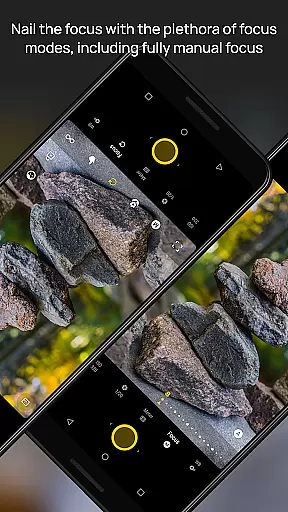
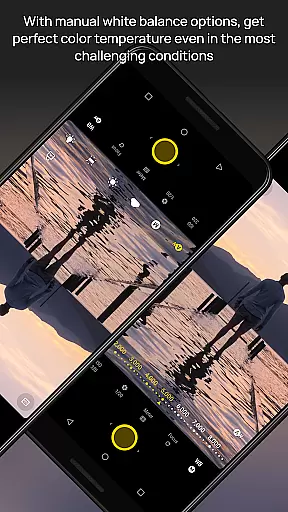
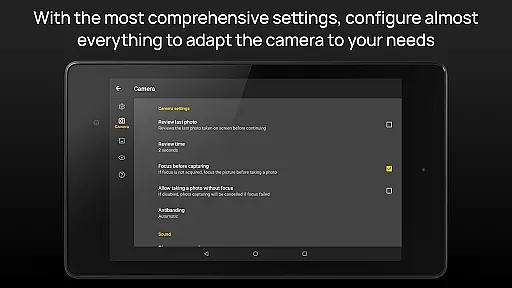
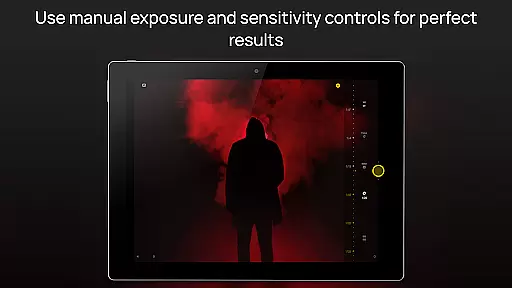
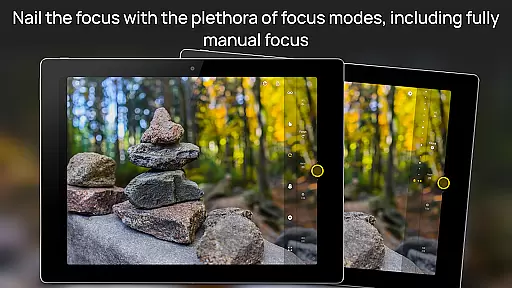
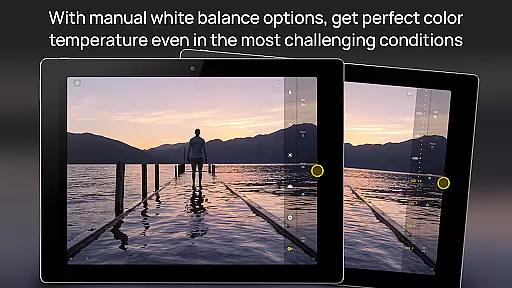
The application supports manual adjustments of various photographic parameters including ISO, light metering mode, focus mode, and white balance. This allows users to fine-tune their settings while observing the changes immediately on the viewfinder, ensuring the desired outcome before capturing the image.
With features like digital zoom using multitouch pinch gestures and live RGB histogram, photographers can compose their shots more effectively. The electronic viewfinder also offers 10 composition grid overlays and 9 crop guides, enhancing the precision and creativity of each photograph taken.
This real-time feedback empowers photographers to make informed decisions quickly, resulting in higher quality images without the need for extensive post-processing. By offering such comprehensive control and instant visual feedback, Camera FV-5 bridges the gap between mobile photography and professional-grade equipment.
While Camera FV-5 focuses primarily on professional-grade manual controls, it also incorporates advanced AI beauty and enhancement features that ensure natural-looking results. These enhancements are subtle yet effective, preserving the authenticity of the subject while elevating the overall image quality.
The app's AI-driven tools analyze the scene and optimize settings such as exposure, white balance, and focus to produce balanced and aesthetically pleasing photos. This automated assistance is particularly beneficial for less experienced users who may not be familiar with complex camera settings but still desire high-quality outcomes.
In addition to basic enhancements, Camera FV-5 offers specialized modes like long exposure support and exposure bracketing. These features allow users to experiment with creative techniques such as capturing light trails or HDR images, all while maintaining a natural appearance that does not compromise the original scene's integrity.
By combining powerful AI capabilities with manual control options, Camera FV-5 caters to both amateur and professional photographers. Users can rely on the appu2019s intelligent enhancements to achieve stunning, natural-looking photographs without sacrificing the creative freedom that defines true photography.
DSLR-like controls
RAW image support
Advanced exposure settings
Intervalometer functionality
Professional photo formats
Limited device compatibility
Complex for beginners
No automatic scene modes
Requires technical knowledge
Premium price point

Viewfinder, Light meter, Reciprocity failure time, DOF & Bellows Extension
 4.60
4.60
What celebrity do you look like? Celebs will find your celebrity match!
4.10
Android Native system HD camera app. Never been so simple and faster.
4.70
AI photo editor with hair editor, retouch tools, hair color changer & filters!
4.50
Transform photos into videos! Create realistic or anime-style images easily!
4.50
GCamera allows all GCam features on all phone models! Better photos with GCamera
3.30
Collage your moments in one tap: 1000+ layouts, filters, stickers, and texts.
4.90
Unblur, enhance & restore photos with powerful AI photo enhancer tools.
4.60
Try an anime version, cartoon yourself, and generate AI hug or aging videos!
3.70
Cartoon and artistic effects for your photos and videos
4.70
Easily create custom gifts, cards, photo books & more on the Shutterfly app!
4.60
Fit multiple photos on one post. Create carousels & scroll layouts for Instagram
4.50
AI portrait generator and polaroid AI selfie, fun AI generated AI photo creator!
4.30
[3DSteroid Pro] is a stereoscopic application for Android.
4.30
Luminar: Photo Editor - easy picture editing with AI
4.20
All-in-One Editor & AI Photo Enhancer, Collage, Cartoonify, Funny Stickers & BGS
4.10
Photo editor: face & body editor, beauty cam, filters and quality enhancer.
4.00
How old age camera Gender Swap App Face Shape Hairstyle App Hair Styler App fun!
4.00
USB Storage Access for Photos, Videos, Music and Documents
3.80


User Reviews