
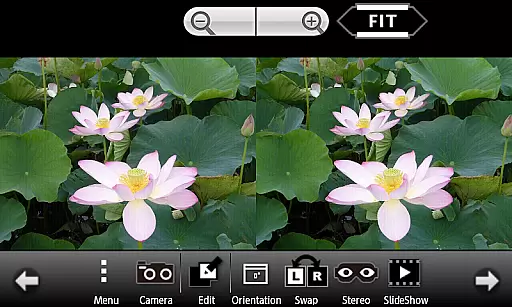
3DSteroid Pro is a premium stereoscopic application designed for Android devices, offering advanced 3D image editing and viewing capabilities. The app specializes in processing various 3D image formats including MPO, SBS (side-by-side), and L/R independent files. With recent updates, the app has modified its compatibility specifications for Android 11 and later versions, focusing on enhanced security and optimized file management.
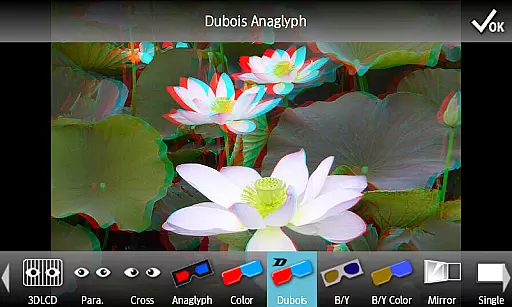
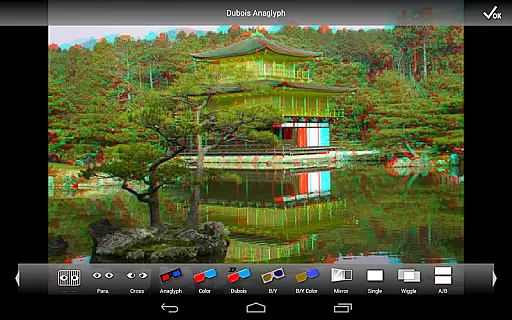
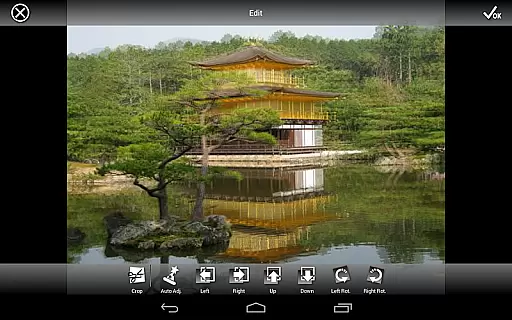
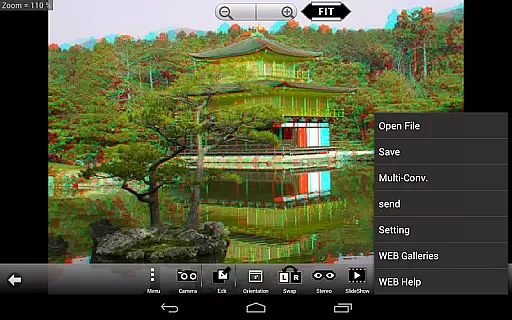
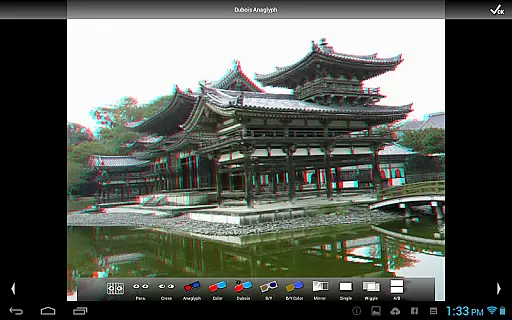
This powerful photography tool provides professional-grade features such as automatic alignment of left/right images, precise position adjustments, and multiple display methods including anaglyph, mirror, and wiggle effects. Its unique functionality allows users to create and save edited 3D images while maintaining high-quality output. The application particularly caters to photographers and 3D imaging enthusiasts who require specialized tools for their creative projects.
While the app no longer supports older 3D LCD models from Sharp, HTC, and LG, it remains compatible with modern Freevi and PPTV 3D displays. The destination folder for saved photos has been standardized to the Picture directory, streamlining file organization while maintaining essential functionality for contemporary Android devices.
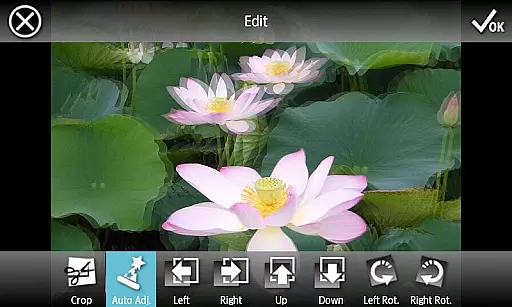
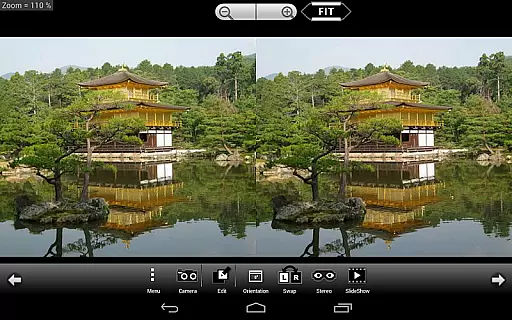
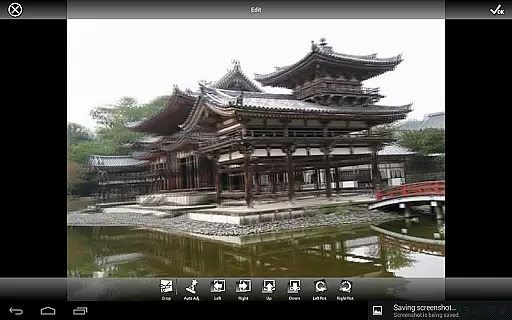
3DSteroid Pro distinguishes itself through its comprehensive set of professional features tailored for 3D image processing. The application's core strength lies in its ability to handle multiple 3D file formats, including MPO, SBS, and independent left/right images, making it versatile for various stereoscopic workflows. One of its standout capabilities is the automatic alignment function, which intelligently corrects position, rotation, and size discrepancies between left and right images.
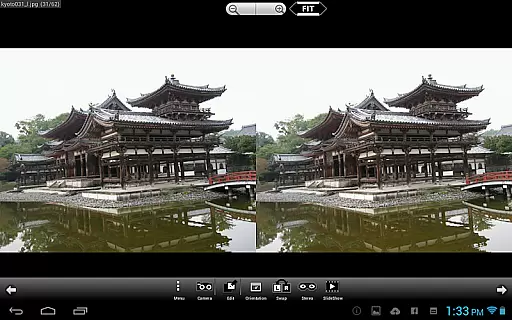
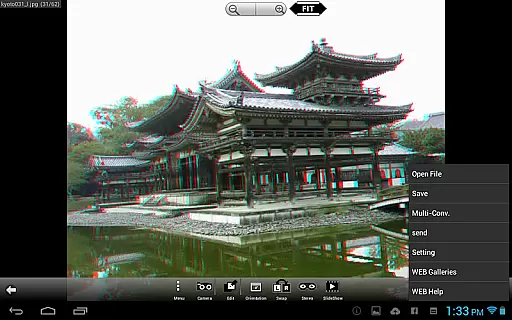
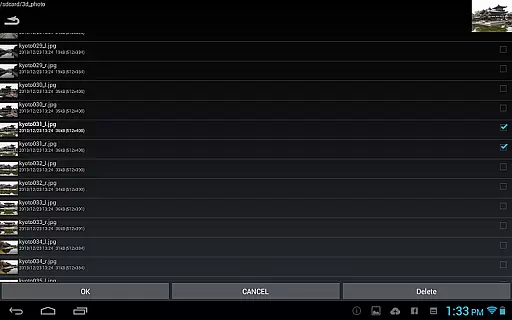
The Pro version offers exclusive features such as batch conversion and image saving options, enabling efficient processing of large image collections. Users can access over 1000 images through its integrated WEB Gallery while enjoying multiple display modes including side-by-side, anaglyph, and mirror views. The built-in camera functionality allows direct capture of stereoscopic images, complete with adjustable parameters for optimal results.
Additional practical features include slideshow functionality, precise error correction tools, and the ability to send processed files directly from the application. These capabilities make 3DSteroid Pro particularly valuable for professionals working in fields requiring accurate 3D image representation and manipulation.
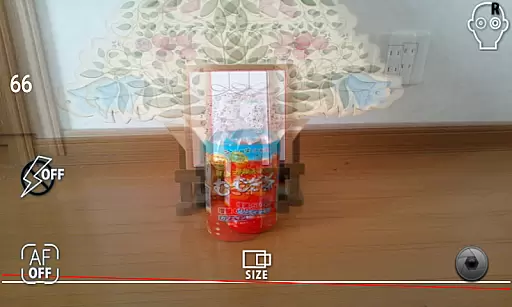
3DSteroid Pro offers a real-time capture feature that allows users to take left and right (L/R) pictures using the internal camera of their Android device. This functionality is essential for creating stereoscopic images, which provide a 3D effect when viewed correctly.
The application ensures that photographers can adjust L/R image positions, correct rotation and size errors, providing precision in capturing stereoscopic photographs. These adjustments are crucial for aligning the two images accurately, which is necessary for achieving the desired 3D effect.
With this app, users gain the ability to preview their work immediately after capture, ensuring that the 3D images meet their expectations without needing to switch between multiple applications or devices. This seamless experience streamlines the process of taking 3D photos, making it more accessible to enthusiasts and professionals alike.
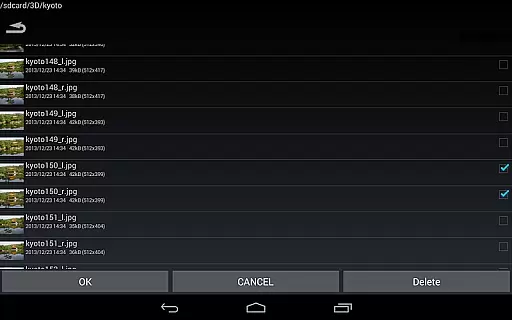
While 3DSteroid Pro does not focus on AI beauty enhancements typically found in portrait photography apps, it provides powerful tools for stereoscopic image enhancement that ensure natural-looking results. The application supports various input file formats such as L/R independent, SBS, and MPO, allowing users to work with their preferred stereo image files.
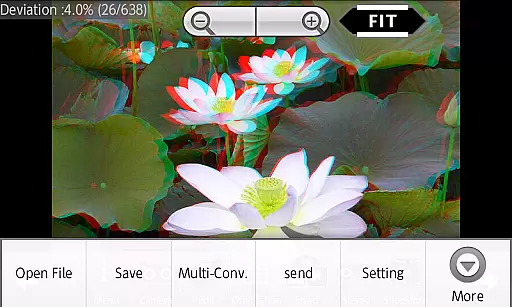
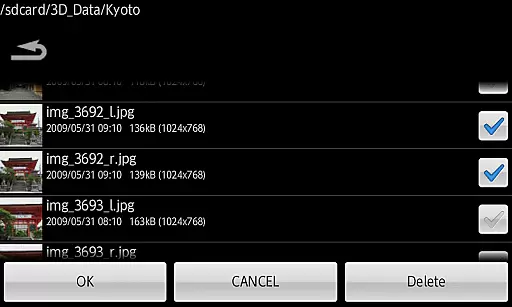
Users can save edited images and send the saved filesu2014a feature exclusive to the Pro versionu2014ensuring that enhancements maintain the original quality and natural appearance of the 3D content. This capability is vital for preserving the authenticity of stereoscopic photographs while still benefiting from advanced editing features.
In addition to saving images, the app offers batch conversion functionalities, enabling efficient processing of over 1000 images. This efficiency ensures that any enhancements applied retain a natural look across large galleries, maintaining consistency and high-quality output throughout the user's portfolio.
Advanced 3D editing
Batch conversion
Multiple display modes
Automatic alignment
WEB Gallery access
No MPO support
Limited device support
Complex interface
High system requirements
Paid version only

Shooting photos and records video easily and efficient with professional Camera
 4.30
4.30
Create collages easily! Nice pic collage maker & background eraser for Instagram
4.50
Transform photos into videos! Create realistic or anime-style images easily!
4.50
Photo Exif Editor allows to view, add and modify EXIF data of multiple photos
4.50
AI Photo Editor with 100+ Filters, Effects! Remove BG, Retouch & Photo Enhancer.
4.80
Smart, light, and fast photo and video gallery
4.30
Unblur, enhance & restore photos with powerful AI photo enhancer tools.
4.60
Discover How to Plan any Sun, Moon and Milky Way Photo You Imagine in Seconds
4.70
Try an anime version, cartoon yourself, and generate AI hug or aging videos!
3.70
Find time and duration of different sunlight phases at any location
4.90
A collection of tools and reference tables for DPs, ACs, DITs and Operators.
4.70
Cartoon and artistic effects for your photos and videos
4.70
Enhance, retouch & create your story - Share the moment with Photoshop Express.
4.60
Cut and paste photo editor & eraser to customize photos easy and swap faces fun
4.50
Create Business Headshots, Polaroid Filter, Retake Photos,Profile Pics,AI Photos
4.50
What celebrity do you look like? Celebs will find your celebrity match!
4.10
How would you look like with a differently shaped nose, chin or lips?
3.90
Astrophotography with your smartphone, photo live stacking and much more!
3.90
Pet Camera
3.70


User Reviews