
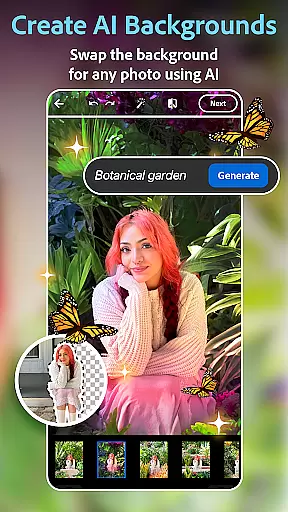
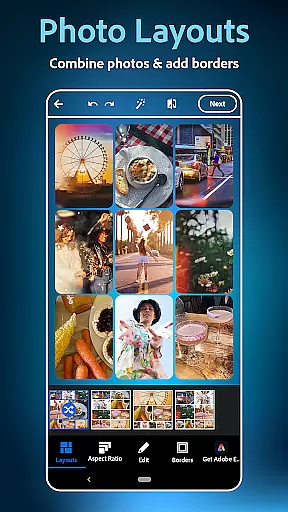
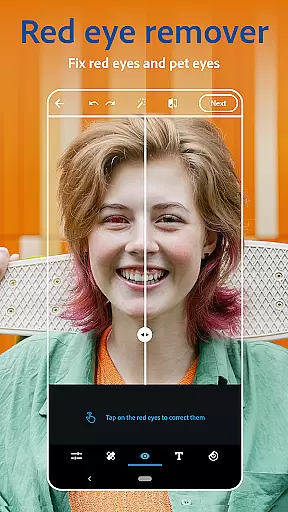
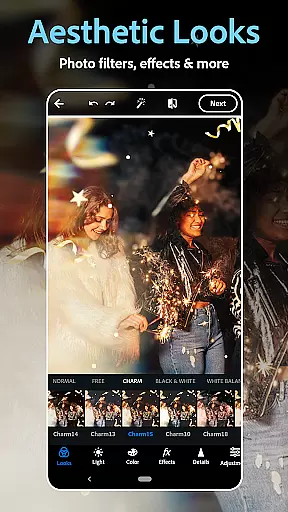
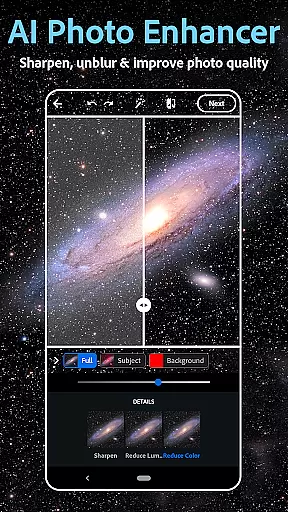
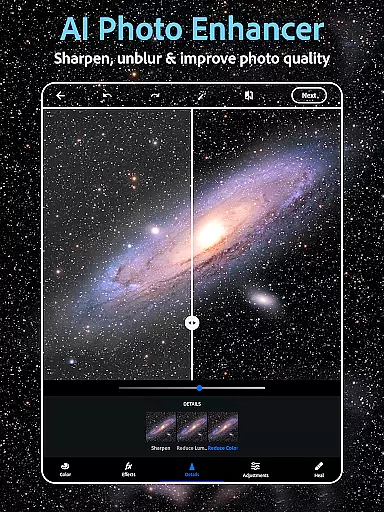
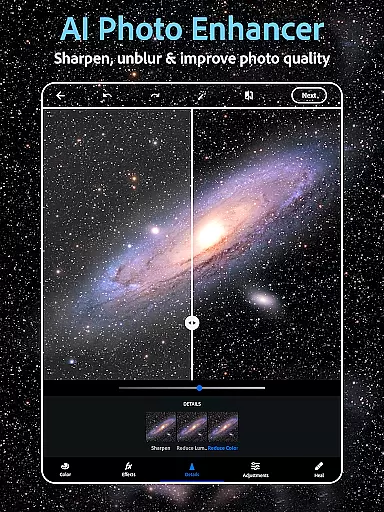
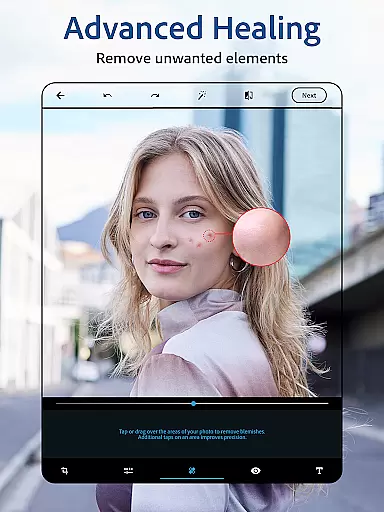
Photoshop Express is a versatile photo editing app that brings professional-level tools to your fingertips. Designed for both amateur and experienced photographers, this application offers an intuitive platform to enhance images with minimal effort. The app provides a comprehensive suite of features including AI-powered retouching, one-tap filters, and advanced editing options like background replacement and object removal.
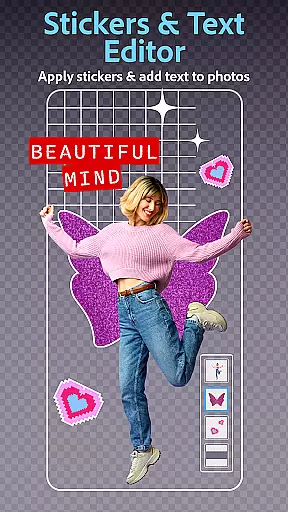
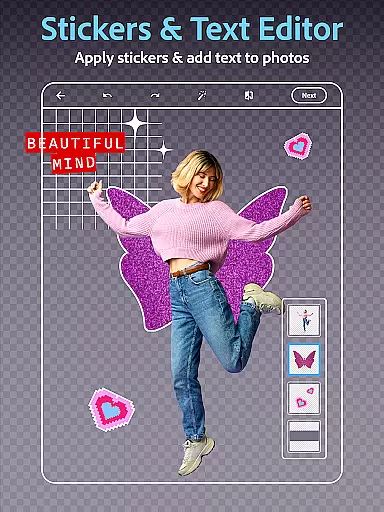
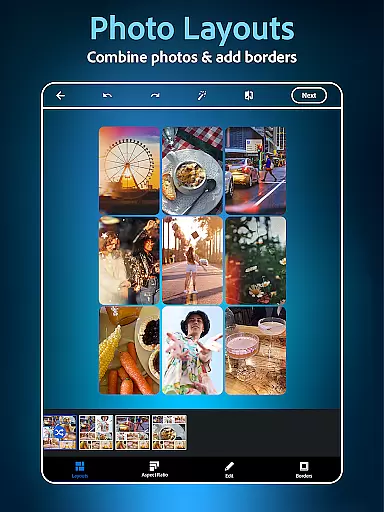
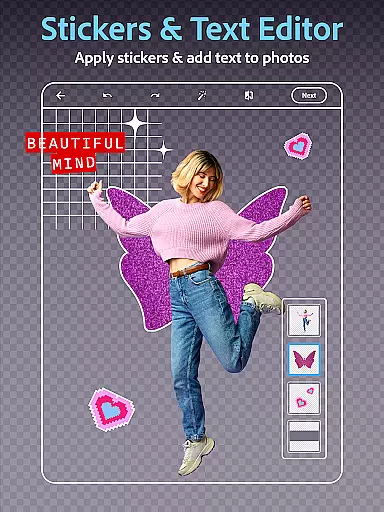
Beyond basic adjustments, Photoshop Express allows users to add creative text overlays, generate custom stickers, and design collages using pre-made templates. Its AI image generator opens up new avenues for creativity by enabling users to produce unique visual content through simple text prompts. Whether you're looking to touch up selfies, create engaging social media posts, or develop complex mood boards, this app delivers the tools needed to bring your vision to life.
The application's user-friendly interface makes it accessible across skill levels while maintaining the powerful capabilities Adobe is known for. With seamless integration across devices and direct sharing options to popular social platforms, Photoshop Express streamlines the entire photo editing workflow. From quick fixes to elaborate compositions, this app transforms how users interact with and enhance their digital imagery.
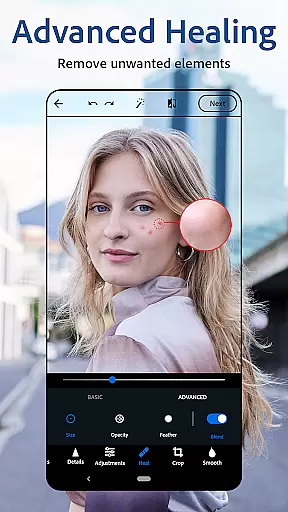
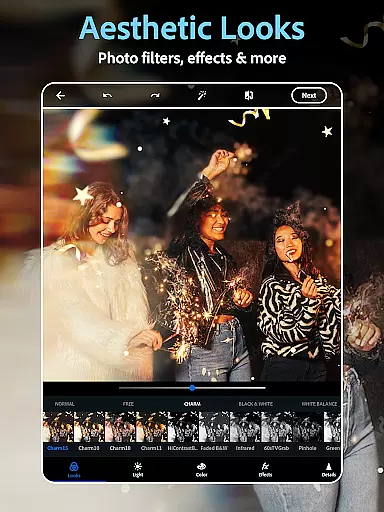
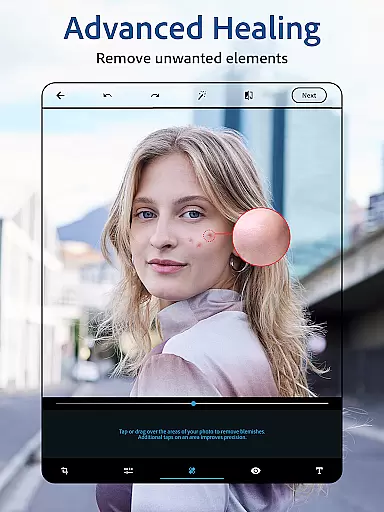
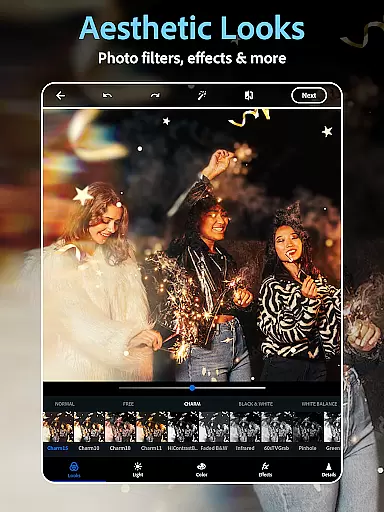
Photoshop Express distinguishes itself through its extensive feature set tailored for diverse editing needs. At its core, the app functions as a sophisticated AI photo editor, offering specialized tools for facial retouching, blemish removal, and spot healing. Users can leverage vintage camera filters to achieve retro aesthetics or apply modern presets for contemporary looks. The innovative background replacement tool enables creative freedom while maintaining professional-quality results.
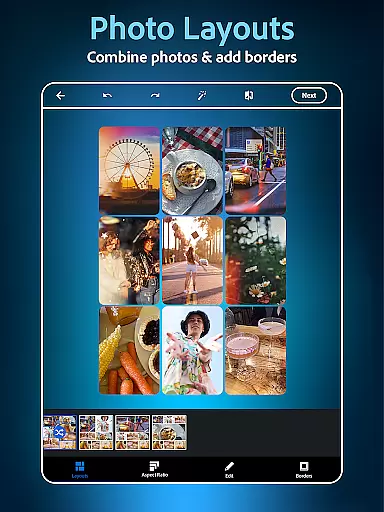
A standout feature is the integrated collage maker, which simplifies combining multiple images into cohesive compositions. The app provides various pre-designed grids and layout options, allowing users to create visually appealing arrangements effortlessly. Additionally, the text overlay functionality supports diverse fonts and styles, making it easy to incorporate typography into projects. These elements combine to form a robust platform for creating everything from social media content to marketing materials.
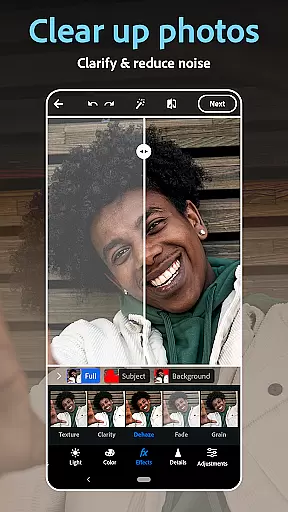
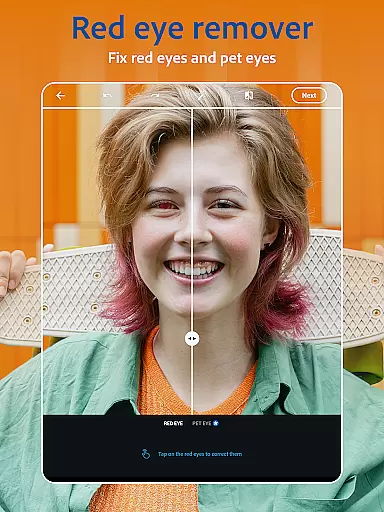
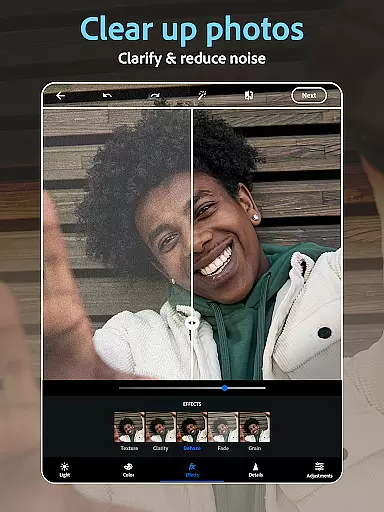
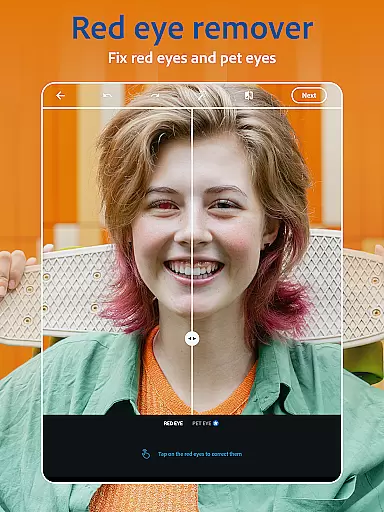
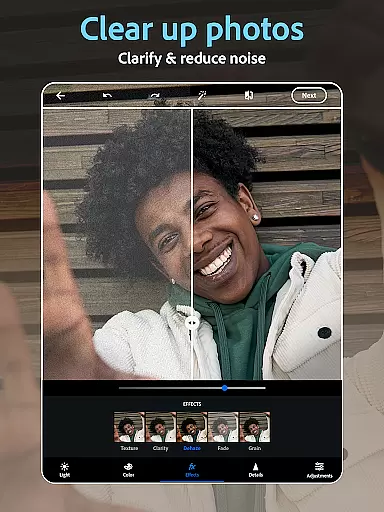
The application's AI capabilities extend beyond traditional editing through its text-to-image generation feature. This tool interprets user prompts to produce unique visual elements, expanding creative possibilities. Advanced features such as red-eye correction, clone stamping, and dehazing work alongside basic adjustments to provide comprehensive control over image enhancement. The app's ability to handle various file formats, including RAW and TIFF, ensures professional-grade results regardless of source material.
Real-time capture and preview functionality is essential for ensuring that every photo taken meets the user's expectations without delay. Photoshop Express Photo Editor excels in this area by providing instant feedback on images captured or uploaded.
The app leverages advanced processing capabilities to offer users a seamless experience when editing photos. This includes real-time adjustments of filters, effects, and other enhancements, allowing users to see changes instantly as they are applied.
For photography enthusiasts and professionals alike, this feature ensures that the final output aligns perfectly with their creative vision. The ability to preview edits immediately enhances workflow efficiency and boosts creativity.
By offering a responsive and intuitive interface, Photoshop Express empowers users to experiment with different styles and settings confidently. Whether adding text to photos or applying vintage camera filters, real-time previews ensure that the results match the desired outcome.
AI beauty and enhancement features have revolutionized the way we edit photos, focusing on delivering natural-looking results. Photoshop Express incorporates sophisticated AI algorithms to enhance facial features while maintaining authenticity.
This photo editor provides an array of tools such as blemish removal, spot healing, and red-eye correction, all powered by AI technology. These tools work harmoniously to produce enhancements that look genuine and unaltered.
Users can effortlessly airbrush selfies using the face editor app, which intelligently applies touch-ups that respect the original character of the subject. This approach avoids the over-processed appearance often associated with digital enhancements.
With its emphasis on naturalness, Photoshop Express stands out among photography apps. It allows users to elevate their images with subtle yet effective modifications, ensuring that each edited photo retains its unique charm and realism.
User-friendly interface
Extensive editing tools
AI-powered features
Versatile filter options
Cross-platform compatibility
Premium features locked
Advanced tools complex
Occasional performance lag
Limited free content
Subscription required

Safe & smart flight with Go Fly drone controller for 40+ drone camera, zone map
 4.50
4.50
Find time and duration of different sunlight phases at any location
4.90
All-in-One Editor & AI Photo Enhancer, Collage, Cartoonify, Funny Stickers & BGS
4.10
Photo prints, cards, & gifts at Walgreens. Easy ordering & fast local pickup !
4.80
HD Camera Pro with HD Video shooting, Panorama, Photo editor , Beauty Camera.
4.50
Create AI photos & videos with Enhancer; restore, fix, beautify, enhance photos
4.50
GCamera allows all GCam features on all phone models! Better photos with GCamera
3.30
Hair color changer, AI haircut app, fun hair editor and buzz cut filter for all!
3.80
RAW video capture with advanced controls
4.40
Effortlessly organize, view and share your photos & videos with Gallery app!
4.40
AI portrait generator and polaroid AI selfie, fun AI generated AI photo creator!
4.30
Natural Beauty, Selfie Retouch
4.30
Create & Edit with AI: AI Remove, Enhance, Retouch, Filter
4.10
Transform Photos: Edit, Beautify and Craft Memories & Make Collages!
4.10
Professional quality photo edits with the new Snapseed.
4.00
live datamoshing
4.00
How would you look like with a differently shaped nose, chin or lips?
3.90
Be your best in every shot! Fix, edit and retouch your face in selfies & photos.
3.70
Remote control the phone camera shutter from your smartwatch and take a picture
1.60


User Reviews